.png)
.svg)


14 Best User Research Tools for UX Teams (Compared)
Explore and compare 14 essential UX research tools to enhance design decisions and improve user experiences.



Historically, researchers uncovered insights about tools that people need. However, not many thought of the tools that researchers need.
Until now.
UX research tools are here to help!
Applications that significantly improve the efficiency and effectiveness of research. Gone are the days when researchers labored through every aspect of a study.
Use our essential guide to understand the different types of UX research platforms. Examine how tools benefit a company during each stage of the research process.

14 Best user research tools
In this guide, we examine the top tools for UX research. Whether you’re beginning to explore the universe of research tools or have a specific function in mind, we’ve got you covered.
Here are the best-in-class research tools for every step of the way. Each tool augments a different aspect of the research process:
First, we’ll dive into the benefits of using a UX research application.

Benefits of using tools for user research
How does implementing UX tools make a researcher’s life easier?
We’ll cut to the chase. Here are some benefits of integrating UX research tools into your workflow:
- Identify User Pain Points: Research tools deliver comprehensive insights about your users. Pinpoint the exact problems users face. Prioritize tasks depending on the severity of the issue. Carry out design updates accordingly.
- Develop User Empathy: The secret sauce for delivering great products. Insights put researchers in users’ shoes, helping them develop empathy. Discover how users feel as they navigate through tasks within a product or service. What do they need?
- Informed Decision-Making: Act on insights grounded in real customer data. Eliminate guesswork or acting on gut feelings while problem solving. UX research tools promote data-driven decision making (first & last time we use that expression!).
- Save Resources: Initial spend is high, but research tools save time, money and manpower in the long run. Processing voluminous data with a fast turnaround time promotes insight discovery. Designers course correct to deliver products that meet user expectations. Reducing time-to-market makes design teams more agile and responsive.
- Promote Collaboration: Effective tools facilitate widespread insight sharing across an organization. Elevating the voice of the user ensures everyone is kept informed of customer feedback and preferences.
UX research tools assist during the whole gamut of the research process. From planning product development to user testing, they help produce deeper insights. Customer insights result in better products.

Key features to look for in a user research tool
When picking your UX research tool, focus on finding the few capabilities you absolutely can't work without.
Many user research tools boast impressive interfaces and extensive feature lists. But those alone won’t necessarily make your work easier. Here’s what will do it:
Flexible data collection
A solid user research tool lets you collect data in multiple ways. You should easily handle surveys, interviews, usability testing, and feedback forms.
Look for flexibility here. Good tools let you adjust methods as your research needs change.
Smooth team collaboration
From customer support to marketing, everyone can benefit from access to research findings. Your tool should make sharing insights and working together simple.
Easy commenting, sharing, and real-time updates keep everyone aligned. Ideally, a good tool will help you skip the never-ending email threads or endless Slack updates.
Powerful analytics and reporting
You need clear, helpful reports that highlight key insights fast.
Look for dashboards that visualize user behaviors and frustrations clearly.
Solid analytics also help you to quickly identify patterns, making it easier to pinpoint what truly matters.
Seamless integrations
Finally, your research tool needs to connect smoothly with design and dev tools such as Figma, Jira, or Slack.
Strong integrations let you include research insights directly into your workflow. They make your job easier, which is precisely the point of using a user research tool.

Types of UX research tools
A UX toolkit is a lot like a Swiss Army knife. A tool that carries out various functions. A knife, scissors, screwdriver and a corkscrew — each has its own purpose.
Similarly, UX research tools perform a host of functions.
Below, we differentiate between the types of analysis that UX research tools perform. The last column offers a glimpse into the kind of methods or techniques you’d expect to use:
<figure class="wp-block-table"><table><tbody><tr><td class="has-text-align-center" data-align="center"><strong>Tool Type</strong></td><td class="has-text-align-center" data-align="center"><strong>Description</strong></td><td class="has-text-align-center" data-align="center"><strong>Examples</strong></td></tr><tr><td class="has-text-align-center" data-align="center"><strong>Qualitative Research Tools</strong></td><td class="has-text-align-center" data-align="center">Capture rich and subjective insights. Users reflect on how they think & feel about their experience with a product. Reveals the ‘why’ — the underlying motivations behind user behavior.</td><td class="has-text-align-center" data-align="center">User Interviews, Focus Groups, Field Studies, Open-ended Surveys, Card Sorting, Usability Testing</td></tr><tr><td class="has-text-align-center" data-align="center"><strong>Quantitative Research Tools</strong></td><td class="has-text-align-center" data-align="center">Analyzes measurable numerical data to identify patterns. Results in objective insights that answer the ‘what, where, and when’?</td><td class="has-text-align-center" data-align="center">Surveys, Product Analytics, Tree Testing, A/B Testing</td></tr><tr><td class="has-text-align-center" data-align="center"><strong>Mixed-Methods Tools</strong></td><td class="has-text-align-center" data-align="center">Combine rigorous quantitative and qualitative research methods. Draws on strengths and addresses the limitations of each. Enables a comprehensive understanding of phenomenon.</td><td class="has-text-align-center" data-align="center">All of the above</td></tr></tbody></table></figure>
Want to learn more? Check out our recommendations for the best qualitative data analysis software.
14 Best user research tools
Research is a behemoth — a multi-stage, complicated process. Companies must collect qualitative and quantitative data to uncover meaningful customer insights. This requires a variety of specialized tools performing different functions.
So, we created five categories and listed our top picks in each:
UX research repository tools
Once you’ve collected all this data, what do you do with it?
Your data needs a home. Somewhere where it can be stored, ready to be accessed for further analysis. Somewhere secure, where sensitive customer data stays protected.
Here’s our pick of the UX research repository tools:
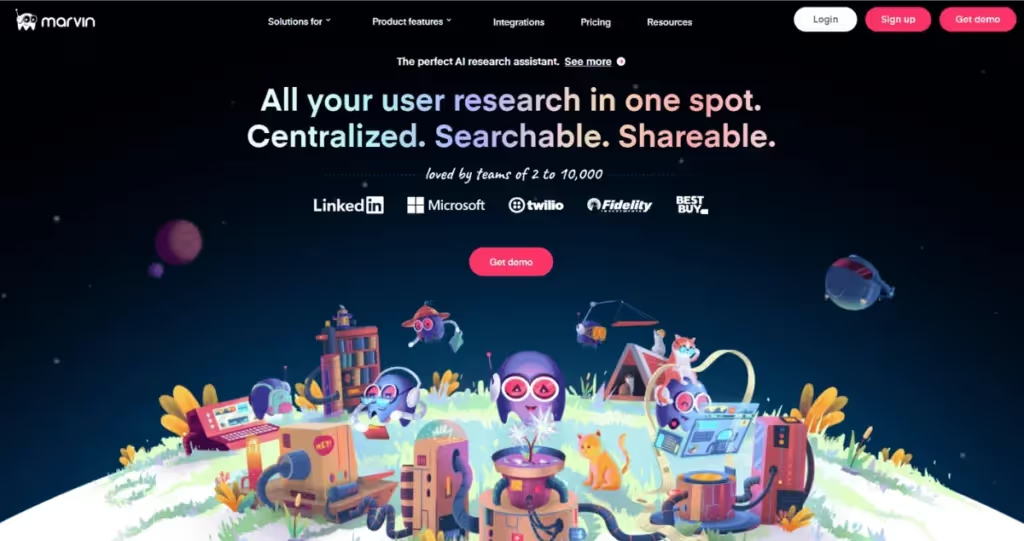
HeyMarvin is an AI-powered research repository of all your user data. Teams of two to 10,000 use HeyMarvin to store, organize and analyze their research.
HeyMarvin’s powerful AI features help you automate data analysis. You can transcribe video and audio in over 40 languages and summarize lengthy transcripts or highlight key insights in minutes. Then, with AskAI, surface answers to any question using your entire repository's data.
With HeyMarvin, your confidential user data is always secured — we’re compliant in all major international data standards.
HeyMarvin integrates with Miro, Figma and other applications designers love! Collaborate with your peers using live note taking. Stitch highlights together to illustrate themes. Share insights across your company.
Elevate the user's voice and build winning customer experiences with HeyMarvin. Set up your demo today!
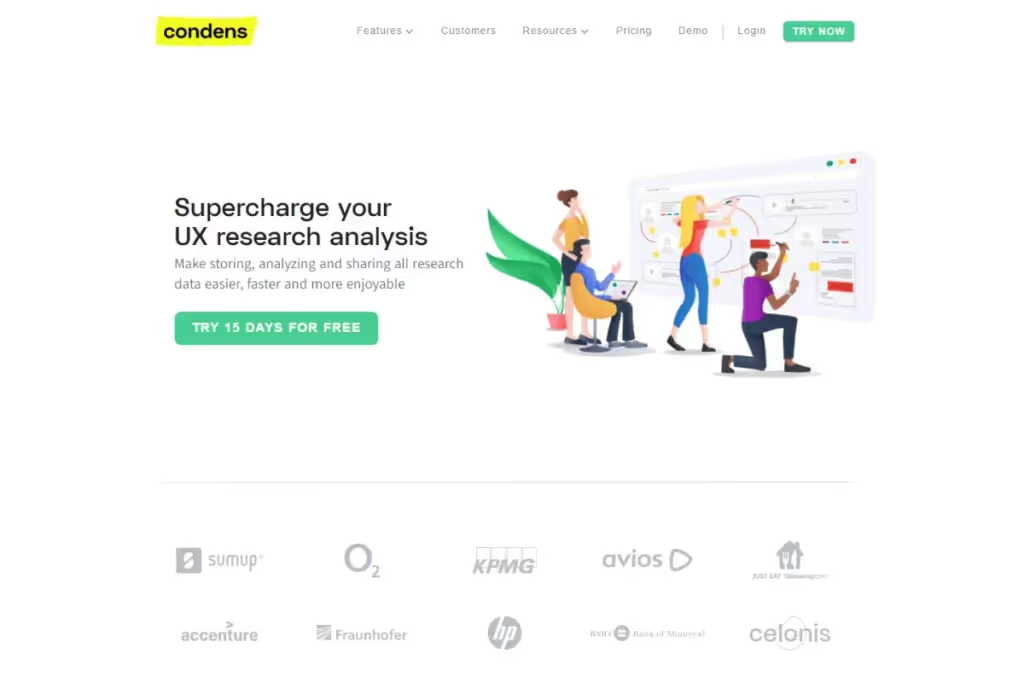
As a UX research repository tool, Condens helps you structure raw data before diving into analysis.
Its affinity clustering surfaces patterns, making it easier to tag files and turn insights into structured artifacts. From there, features like the digital whiteboard help you map user journeys and visualize findings in context.
You can also upload files for automated transcription and create highlight reels from videos, speeding up your research. Condens lets you collaborate in real time and share files easily, so you can bring multiple teams into the analysis without breaking your workflow.
Usability Testing
How do users navigate through your product? Usability testing reveals how easily and effectively users move through a website or application. Here are some of our top picks for usability testing tools:
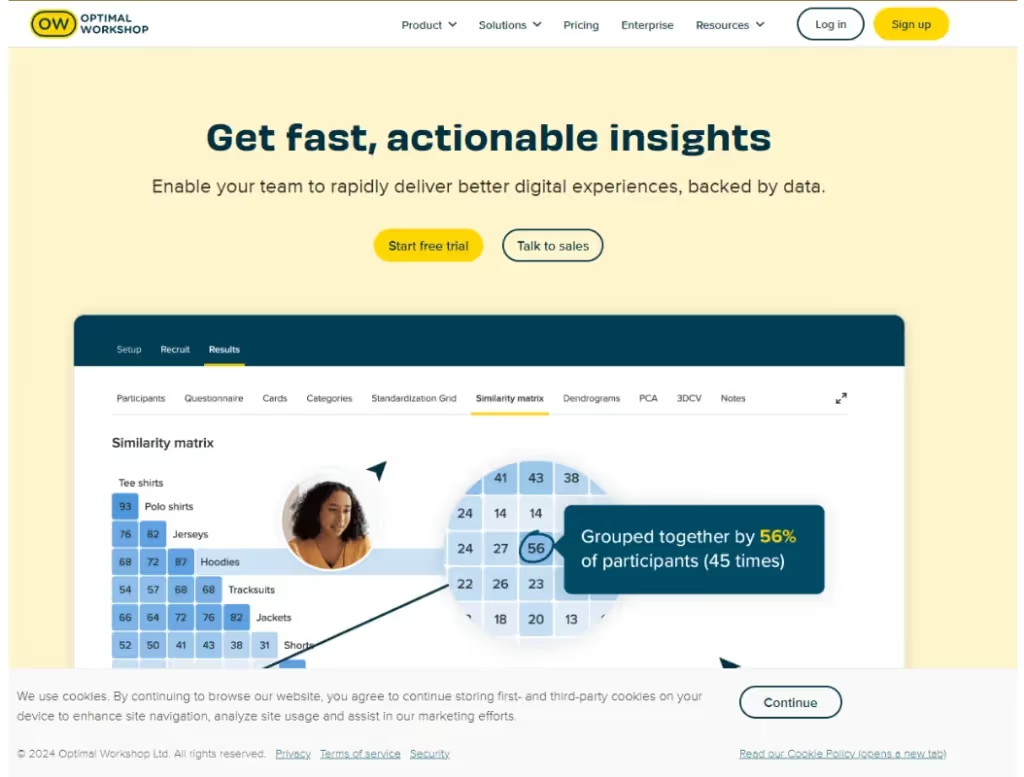
Optimal Workshop is a usability research platform that can improve information architecture and navigation. It brings together a set of focused tools, each covering a key part of the process:
- Chalkmark for first-click testing.
- OptimalSort for card sorting.
- Treejack for tree testing.
- Questions for survey creation.
- Reframer for note-taking.
Beyond testing, Optimal Workshop also helps you recruit participants in over 70 languages, making it easier to gather diverse feedback at scale. Thanks to its simple, intuitive interface, it’s a strong choice for both new and experienced researchers.

Whether you need moderated or unmoderated usability testing, UserTesting helps you gather insights from participants worldwide. With built-in recruitment, you reach diverse audiences without the usual logistical overhead.
The platform integrates with Zoom for video-based feedback, so you can conduct interviews or record how people use your product. You can then transcribe sessions and turn key moments into easy-to-share highlight reels. Additional integrations with tools like Adobe and Slack help you bring insights into your existing workflow.
UserTesting captures rich qualitative data. If you need to identify patterns across multiple sessions or even from different studies, you can bring that data into a synthesis platform like HeyMarvin.
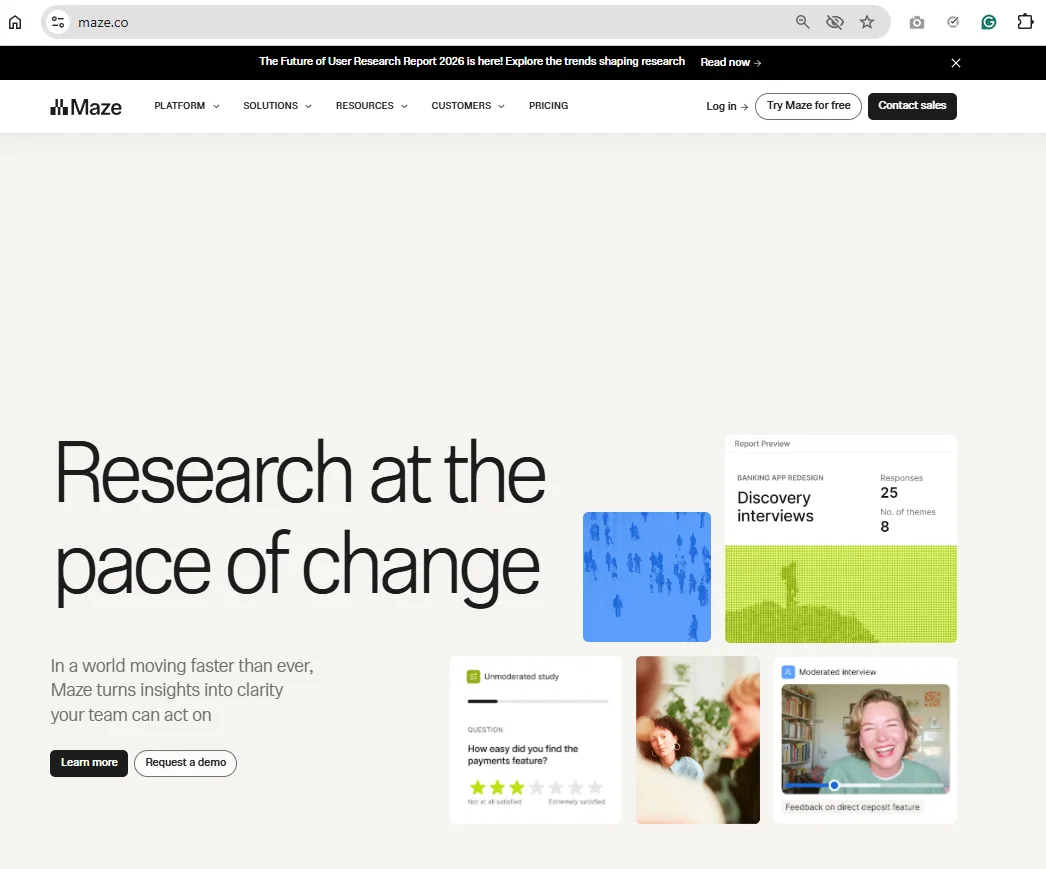
Maze is a usability testing platform that helps you validate ideas and flows. It supports a wide range of studies, from prototype and live website testing to surveys, card sorting, and tree testing. Leverage its built-in templates and automated reports to structure your tests and get clear results fast.
Maze also simplifies recruitment and logistics. You can access a large participant pool or bring your own users, then manage screening and scheduling in one place. This makes it easier to move from idea to test and gather feedback at scale.
If Maze is part of your research stack, as your work scales, you can export its data into HeyMarvin to better organize and connect your findings.
Product Analytics
These tools reveal how users behave and quantify how they use a product. How many people hit “Purchase,” for instance? Track how people interact with a product and make data-informed decisions to improve the user experience.
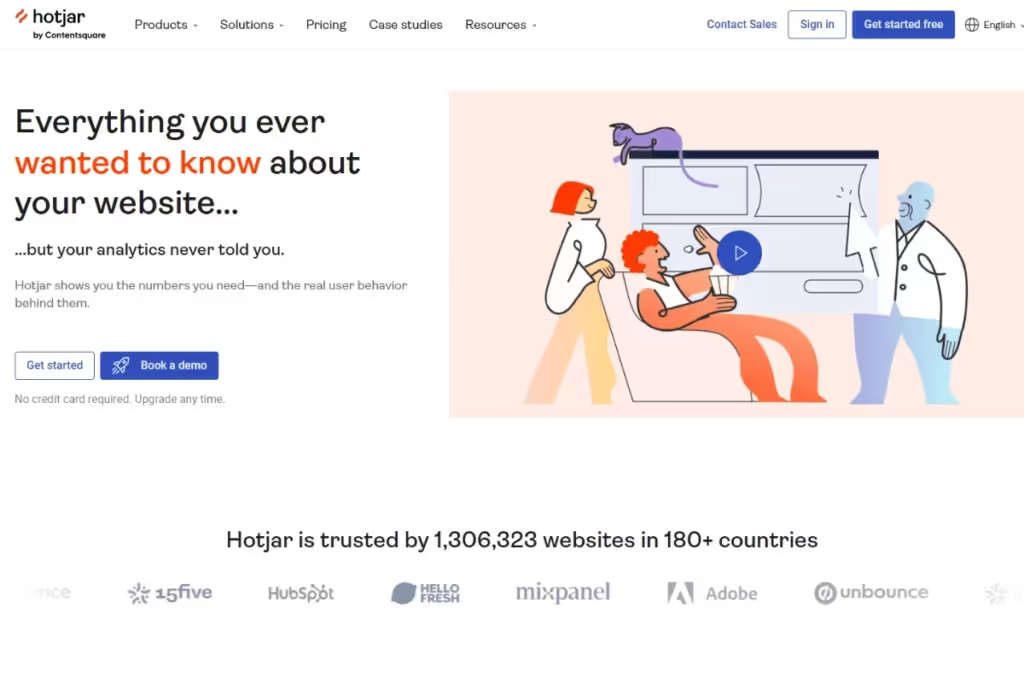
Try Hotjar by Contentsquare for analytics that reveal how users interact with your products.
Session recordings let you follow the full user journey, while heatmaps reveal where users click, move, and scroll. You can also collect feedback in real time and organize visual data with filters, tags, and sharing options across your team.
This makes it easier to spot what users ignore, what grabs their attention, and where they run into friction. All so you can optimize conversions and improve your sales funnel.
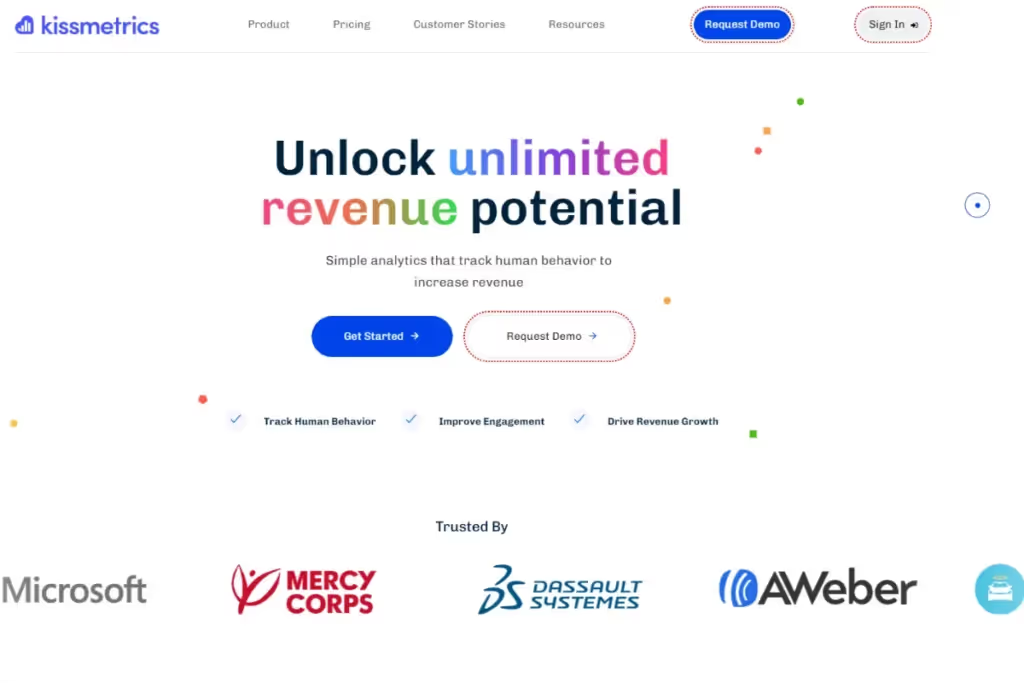
This event analytics tool helps you map the user journey with precision. It tracks individual user behavior across devices and sessions using person-based analytics. And it gives you a unified view of customer data.
Kissmetrics easily surfaces friction points and identifies areas for improvement. By analyzing your sales funnel with it, you can see how to better convert prospects into trials and trials into customers (while reducing churn).
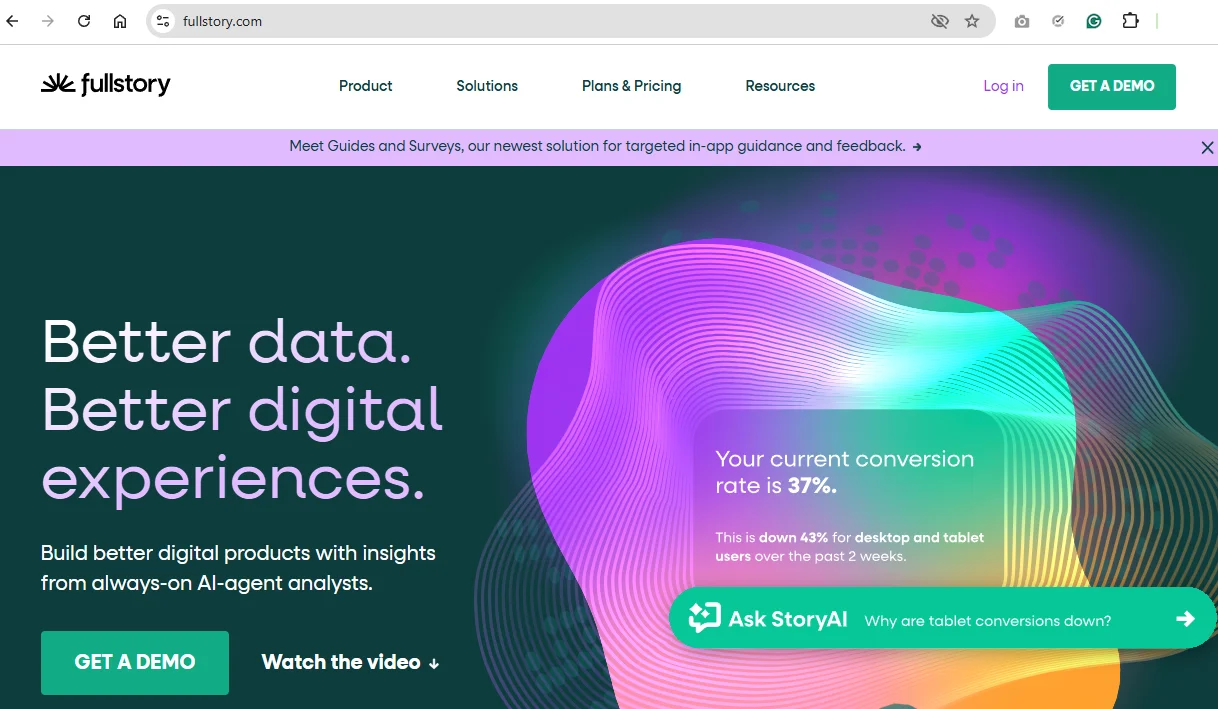
FullStory boasts powerful analytics that show exactly what users are doing inside your product. But instead of focusing solely on key action tracking, it also examines user behavior across journeys and funnels.
The best part? It doesn’t require any complex setup. Its strength lies in how easily you move from metrics to context. For example, when you spot a drop in conversions, you can click on that metric to jump straight into the session replays behind it.
Features like journey mapping, retention charts, and sentiment signals help you spot friction early and prioritize what to fix.
Survey Platform
Conducting surveys is a simple and inexpensive way to gather insights en masse. It helps you reach your target demographic and understand customers' preferences and emotions as they use your product or service. Create and distribute surveys in minutes using these popular UX survey tools:
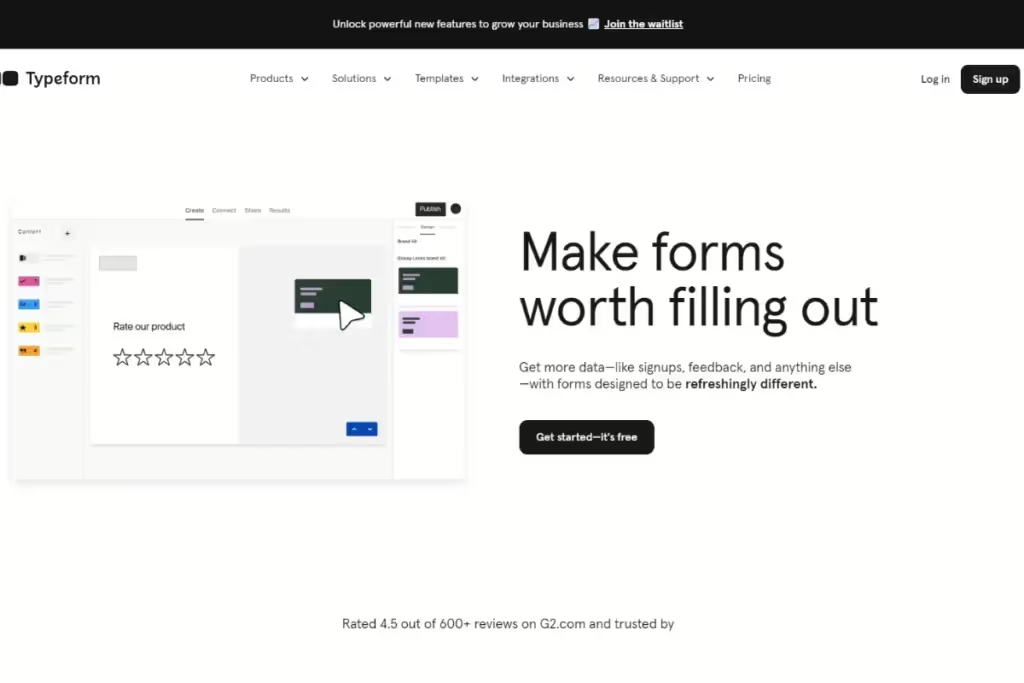
UX professionals appreciate this online survey-building platform for its easy-to-use UI.
Creating long-form surveys with Typeform is easy, whether you do it from scratch or pick a template from the library. Use multimedia to make it more engaging and interactive. Or add branches that will trigger new questions depending on previous responses.
Typeform will generate some basic, shareable reports from the surveys it collects. But if you need deeper analysis outside the platform, it integrates with Airtable, Google Sheets, and Slack.
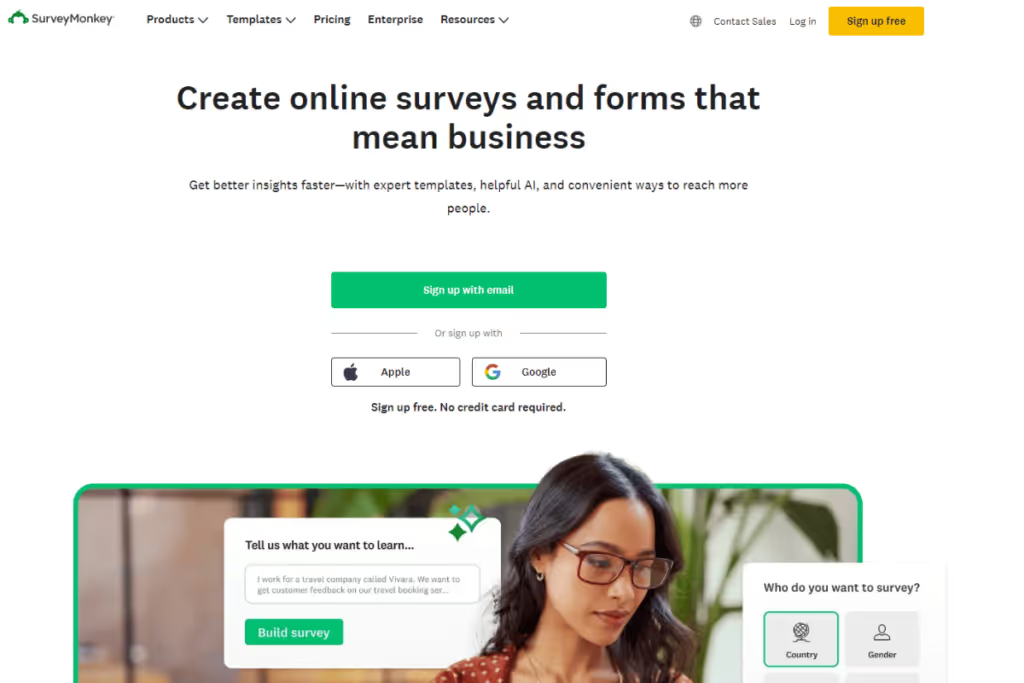
If you have a smaller team, SurveyMonkey is a practical survey builder that helps you get started quickly. It offers customizable templates with various question types, along with skip and branching logic to guide responses. You can distribute surveys via email, social media, or embedded forms.
It also lets you capture feedback directly from websites or chatbots, then analyze responses using built-in tools. Drag-and-drop elements help you create clear reports, while NLP sentiment analysis uncovers insights from open-ended answers. Logic and data filters further support deeper analysis.
When you're done, export results to Excel, Power BI, Salesforce, or HeyMarvin to visualize and act on your data.
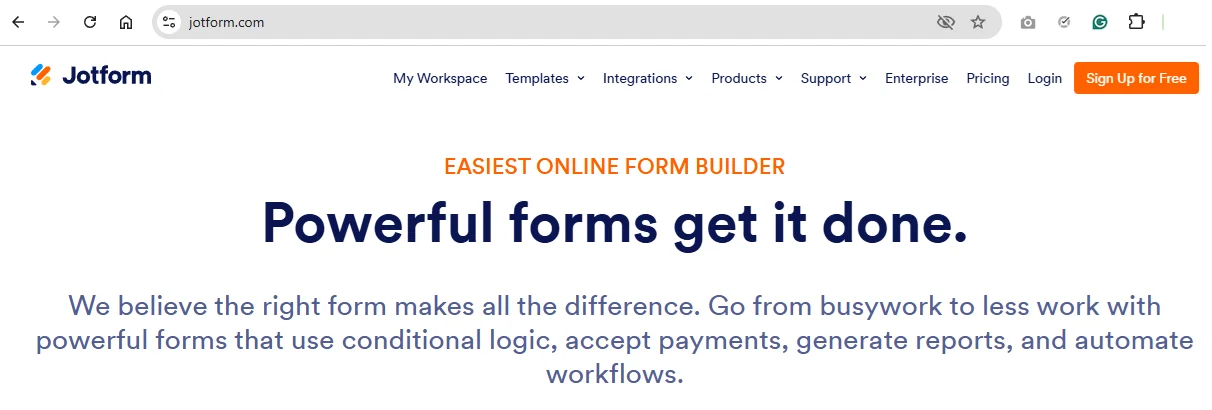
Need a flexible survey and form builder to collect structured feedback at scale? Jotform creates forms quickly, from templates or from scratch, and you can customize them to match your product or brand.
Use conditional logic to guide responses, connect forms to other tools, and automate post-submission actions. That makes it useful not just for collecting data, but for organizing and routing it across your workflow.
Jotform is particularly helpful if you need more control or you are running complex operational research setups.
Qualitative Data Analysis
Analyzing qualitative data has never been easy. You need a tool that can handle the nuances and complexity of textual and non-numerical data. Use these tools to automate aspects of your qualitative data analysis:
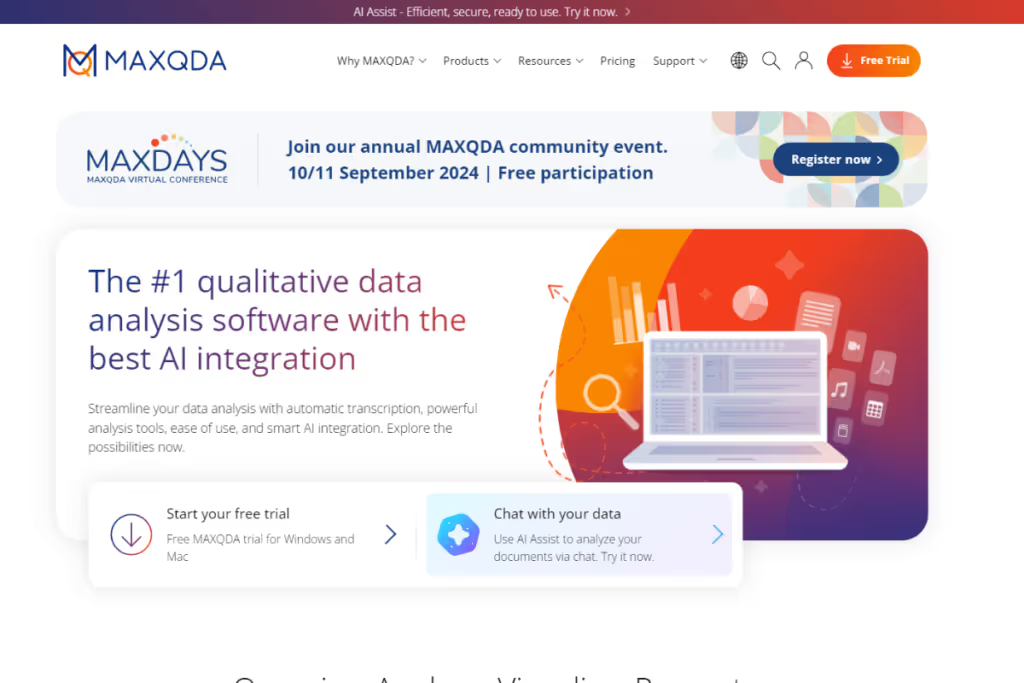
Since 1989, mixed-method researchers who need a comprehensive view of the user experience have trusted MAXQDA.
This software can analyze both quantitative and qualitative data, and also create surveys or import files for analysis. Transcription accurately captures user interviews, while word clouds support visualization and analysis of unstructured data.
Easy to use and affordable, MAXQDA supports multiple file formats and languages.
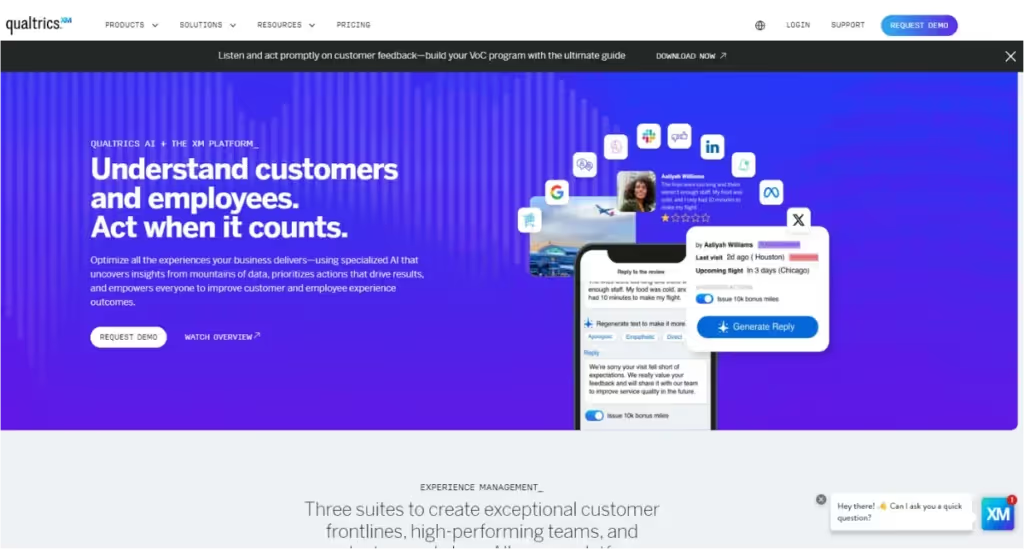
Qualtrics is a customer experience management platform that helps you collect and analyze data across multiple customer touchpoints in real time.
You can design survey flows, run studies, and analyze results in one place. Its predictive analytics help anticipate user behavior, while sentiment analysis reveals how customers feel from their feedback and interactions.
Together, these capabilities help you put users at the center of decision-making and deliver better experiences. To support your decisions at scale, Qualtrics integrates with HeyMarvin, allowing you to layer this data alongside other research and see the bigger picture.

This qualitative data analysis tool supports structured, rigorous research. It helps you organize large datasets, code themes, and compare insights across user groups.
NVivo is a solid choice when you need a clear, methodical approach with detailed documentation and traceability. It can create cases and attributes to compare segments, such as new vs. returning users or different customer types. Plus, its advanced query features help you explore patterns and relationships across studies.
While it gives you full control over the analysis, it comes with a steeper learning curve and more manual work.
How to choose the right tool for UX research
“You’re spoiled for choice, I feel bad for you son,
You got 99 UX research tools, so how do you choose one?”
Luckily, we’ve sorted it out.
What functions do users need from a research tool? Our laundry list of features helps ensure you select a research tool best suited to your needs. Distinguish between the essentials and ‘nice-to-haves.’
And excuse our horrendous hip-hop references.
Features & functionality
We love a good acronym at Marvin. Here’s one to help you prioritize the multitude of features in a UX research tool:
SAAS ASPIRE
This handy memorization tool first appeared in our guide to UX research repositories. Features listed here apply to all UX research tools - prioritize them based on your team’s needs:
- Searchability: The ability to search and filter by keywords across your research data enables discovery.
- Accessibility: Various stakeholders across an organization must be able to retrieve data for use easily.
- Analyzability: Processing qualitative and quantitative data involves complex analytics. Tools must have the capability to perform deep analysis for gathering insights.
- Shareability: Elevate the customer voice (Marvin’s ethos). Sharing insights with various stakeholders to help everyone develop user empathy.
- Artificial Intelligence (AI): Future-proof your choice with AI features. Transcribe recordings and automate data analysis. AI is the perfect research assistant. Explore the best AI tools for UX.
- Security: Protect confidential and sensitive customer information. Tools must have robust protection and comply with local standards. Look for GDPS, SOC2, and HIPAA.
- Path Traceability: Connect insights to raw customer data. Tracing insights to exactly what customers say validates a conclusion. People examine and make their own inferences.
- Integrations: Connect the research tool with your existing tool stack. Ensure it’s able to handle data from apps you use everyday.
- Real-Time Efficiency: Processing data in real-time makes companies agile in their decision making. Automated workflows free up a researcher's time for analysis.
- Ease-of-Use: User-friendliness is a must, especially non-researchers (accessibility, above). When you get stuck, a helpful and responsive customer support team is a godsend.
SAAS ASPIRE covers all the bases when choosing a research tool. Consider how you will scale operations with your tool of choice. Remember, read real customer reviews and ‘try before you buy’. Use free trial periods to test tools before throwing your hat over the fence (and your money at the wrong tool).
An all-in-one research platform
Aspiring for an SAAS research tool that does it all? (See what we did there?)
Look no further than Marvin.
As the one-stop shop for all your user research, Marvin is home to all your precious customer data. Import from apps you know and love — Marvin handles any data you throw at it.
Set up your free demo today.

How to use AI for user research tools
Using AI in user research tools usually helps you:
- Automate repetitive tasks
- Speed up analysis
- Make insights easier to discover
But not all AI is created equal. Some tools include built-in AI features, such as automatic transcription, summarization, or sentiment analysis. Others rely on simpler automation like tagging or organizing data.
If your tool lacks deep AI, you can still extract value. Export transcripts, survey responses, or notes, then run them through external AI tools like ChatGPT, Claude, or Whisper. These can help you summarize findings, spot repeated themes, or even draft insights.
The challenge is keeping your insights connected to the raw data and sharing them across teams.
That’s where built-in AI, especially when paired with good integrations, becomes a game-changer. This is also why Marvin is so effective. Instead of jumping between tools, Marvin keeps everything in one flow: from raw input to team-ready insight.
If you're comparing tools, look for AI that’s not just flashy, but truly useful in your day-to-day research. The best tools don’t just add AI but rather focus on making it work for you.

Common challenges when using user research platforms
Although user research platforms can speed up workflows, challenges occur often in practice. Below, we discuss what you can expect from these tools for UX research and how they may impact your daily work.
Steep learning curve
Some platforms are powerful but complex. It takes time to figure out how things work. You might spend hours trying to set up your first project before you get comfortable.
Integration issues
Not all tools fit smoothly into your existing setup. You might find it tough to connect with apps you use every day. This leads to scattered data or extra manual steps.
Data overload
User research tools often collect vast amounts of data. While this might seem great, you can quickly drown in notes and feedback. And without clear organization, it's hard to spot meaningful insights fast.
Limited flexibility
Some platforms restrict how you can collect or analyze data. You might feel boxed in and realize you can’t easily switch to another tool. Plus, this limits creativity, especially if your research goals change often.
Collaboration hurdles
Research collaboration software is essential. If a platform doesn’t handle team collaboration well, you’ll run into communication gaps. Teammates might struggle to access or interpret findings, which will slow everyone down.

Best practices for using user research tools
If bad carpenters blame their tools, good carpenters extract the most out of the tools available to them.
The same applies to UX researchers. Employ these practices to get the best out of your UX research platform:
- Define Goals: Examine business needs and establish strategic goals from the outset. Are you creating a new product or completely redesigning an existing one? What do you want to know about customers? What questions will UX research answer?
- Choose Methodology: Identify methods and tools you’ll use to carry out research. How will the tool assist research projects? Will it recruit participants, test usability, or gather feedback? Will it handle qualitative or quantitative data (or both)?
- Establish Ownership: What resources will you allocate to research efforts? Who will have access to the tool? Assign responsibilities to individuals or teams handling a tool. Create documentation to guide proper use.
- Create Artifacts: Turn findings into actionable insights. Use your tool to break large swathes of data into smaller, digestible chunks. Granular information is far more palatable for decision-makers and management. Know your audience.
- Share: Disseminating insights across the organization keeps stakeholders in the loop. Elevate the user's voice. Hearing from the customer aligns everyone towards helping them. Become more customer-centric.
- Iterate: UX research is always in a state of flux. Routinely update research to keep refining the process. Don’t rest on your laurels. Continual improvement helps you delve deeper into the customer experience.
Frequently asked questions (FAQs)
Want to learn more about UX research tools? Let’s address some frequently asked questions to clarify any doubts you might have:
What is the difference between user testing and user research?
User research helps you learn what to build. It comes first and identifies user problems/needs, shaping product direction.
User testing checks if what you built (based on research) works. It tests if the concept, prototype, or live feature you developed meets expectations.
Are free user research tools reliable for professional use?
Free user research tools can be helpful if you're just starting or running a small test. They offer basic features like surveys or interview storage, but often lack advanced analysis, collaboration, or security. Free, in this case, may come with a significant cost for professional use.
Do these tools support multilingual research?
Some tools support multilingual research, but capabilities vary. Many allow you to collect input in different languages and offer automatic translation for surveys or transcripts. Since accuracy is so important, especially when analyzing feedback for nuanced insights, you need the best UX research tools.
What is the cost range for UX research tools?
UX research tools pricing depends on the capabilities you’re looking for. List your organization’s requirements and evaluate each tool against those criteria. Also, consider these factors:
- Functionality: Essential vs nice-to-have features.
- Scale of operations: Ongoing or project-to-project basis? Large organization or small startup? Number of heavy vs. light users?
- Payment terms: Annual fee upfront or pay-as-you-go?
From our list above, pricing starts at $0 per month and goes up to $170 per month. Use unpaid plans to test a tool’s functionality. Remember to have your research team and other stakeholders test out prospective UX research platforms. Regular users opinions’ should carry the most weight.
How do I ensure data accuracy when using UX research tools?
Accuracy refers to whether data represents reality - is it free from error, inconsistencies, or bias? Here are some guidelines to ensure high data quality and accuracy:
- Create a Data Quality Strategy: Establish data governance policies, tying data to organizational goals.
- Data Standardization & Cleaning: Data validation and sanitization techniques help clean data before use.
- Assign Ownership: Appointing people to oversee data quality adds accountability.
- Conduct Training: Specialized workshops bring everyone up to speed.
- Monitor Data Quality: Define KPIs that measure data quality and create initiatives to minimize it.
- Iterate: It's a continuous process. Regularly update policies and processes to stay relevant.
Increase stakeholder awareness and create a data quality-driven culture.
How can I evaluate the roi of UX research tools?
Assessing ROI (return on investment) for UX research tools can be tricky. But far from impossible.
To prove the value of UX research tools, tie UX’s output to overall organizational goals. Follow these steps:
- Track a UX metric over time: Demonstrates how user experience changed - for better or worse. Choose metrics with a large impact.
- Convert metric into a KPI: Translate the metric into a number that the organization cares about. These include revenue, profit gains, or cost savings.
- Outline assumptions: Calculating ROI is an abstract, strategic exercise. Estimates depend on several factors, such as timeline, costs, benefits, and objectives. Be clear and transparent while reporting ROI.
Conclusion
When it comes down to choosing a UX research tool, you need to know exactly what you’re looking for.
Evaluate your organization’s needs by talking to different stakeholders. Identify tools that will aid the research process. Remember to pick one that complements your existing tool stack. And future-proof your choice with AI features to automate mundane research tasks.
“Man is a tool-using animal. Without tools, he is nothing. With tools, he is all.”
Scottish philosopher Thomas Carlyle said this in the 19th century. It couldn’t be more true today.
Good ol’ Tommy C was likely speaking universally, but we think it applies especially to researchers.
So what are you waiting for?
Choose the right research tool. Get started with Marvin today.

See Marvin AI in action
Want to spend less time on logistics and more on strategy? Book a free, personalized demo now!