.png)
.svg)


Research Collaboration Software: Best Tools and Features
Choose the right research collaboration software with key insights, features, and factors to consider before buying.



In product development, the best results come from teams sharing data and refining ideas.
But without the right tools, teamwork won’t work. You’ll find yourself hustling through endless email chains and scattered research. And you’ll hardly keep teams in the loop.
This guide will introduce you to the best research collaboration software. Read on to discover how to keep your data structured, teams aligned, and insights flowing.

TL;DR: Research collaboration software and tools
Good research depends on great collaboration and deserves to be shared. If you’re looking to organize your insights and make them more accessible, consider the following software:
- HeyMarvin: AI-powered research repository and collaboration hub
- Miro: Visual collaboration for brainstorming and research synthesis
- Figshare: Open-access research sharing with DOI assignment
- ClickUp: AI-powered task and project management for research teams
- Open Science Framework (OSF): Open-access research and version control
- Zotero: Reference management and citation collaboration
- Protocols.io: Collaborative protocol management for standardized research methods
Below, we’ll detail the most important collaborative features of all these tools. But for a robust option that facilitates real-time collaboration, AI-powered data organization, and visualization, start with HeyMarvin.
Our platform centralizes all your research and makes it searchable and shareable. Create a free account today and let HeyMarvin be the collaborative research hub you need.

What is research collaboration software?
Research collaboration software includes any tool or platform that enables teams to work together (even remotely) from a centralized research repository. These tools specifically support research workflows, knowledge management, and the sharing of insights across teams.
Such software allows you to organize data, share insights, and track progress without unnecessary back-and-forth. It makes teamwork more manageable, even when people are in different locations.
For product designers and developers, this means a smoother process to gather user feedback, analyze trends, and refine ideas.
The right tool provides a structured space to store insights, build on them, and take action.
Research collaboration software vs. general project management tools
If you’re already using some general project management tool (Notion, Asana, etc.), it’s easy to assume you can use it for research too.
However, dedicated research platforms have features that can successfully manage research data and preserve institutional knowledge. More importantly, they help teams find and reuse insights long after a project ends.
That’s why you should choose a platform that was built for your actual research needs.
Why research teams need dedicated collaboration software
Researchers have always collaborated, but without the right tools, it can get frustrating. Often, files get lost in emails or lengthy threads. And teams struggle to find the latest data when they need it the most.
The biggest benefit of research collaboration software compared to general data collaboration tools? It eliminates these headaches. It keeps research organized, accessible, and easy to share with the right people.
When someone asks how you reached a conclusion, you can show them the direct links to the underlying evidence. Stakeholders will perceive your research process as consistent, reliable, and trustworthy. And they’ll increasingly apply the insights.
But that’s just the start. Here’s how the right software makes teamwork even smoother:
- All teams can see and connect your research findings directly to decisions and next steps, which makes them more actionable.
- Decision-making becomes faster as you no longer need to search through email chains or shared drives.
- Researchers, designers, developers, and stakeholders can collaborate from a single source of truth, thereby improving teamwork.
- Teams avoid duplicate work because existing studies, findings, and evidence are easier to discover and reuse.
- Knowledge handoffs become smoother when new team members can quickly understand past research rather than starting from scratch.

Key features research collaboration software should include
The best research collaboration tools should offer, at a minimum, the following key features:
- Centralized research hub: A single UX research repository for storing and organizing studies, notes, and findings.
- Real-time collaboration: Allow teams to edit, comment, and tag each other to keep the work moving.
- Automated workflows: Save time by structuring tasks like participant recruitment or follow-ups.
- Data analysis: Turn raw research into meaningful insights with built-in tagging and visualization.
- Integration with other tools: Work smoothly with design, development, and feedback platforms.
- Searchable archives: Make past research easy to find so you don’t waste time redoing work.
- Access control: Ensure the right people see sensitive data while keeping security tight.

7 Best platforms for team research collaboration
Now that you know what to look for in research collaboration software, let’s review some options. Below are seven top tools, each excelling in a different area of research collaboration.
Discover the strongest options available today for organizing, sharing, and acting on research.
1. HeyMarvin
Best for: AI-driven research repository, analysis, and collaboration
Purpose: Centralize, organize, and analyze research data
Use case: Automate workflows, structure insights, and integrate with key tools in UX design, academia, and corporate research
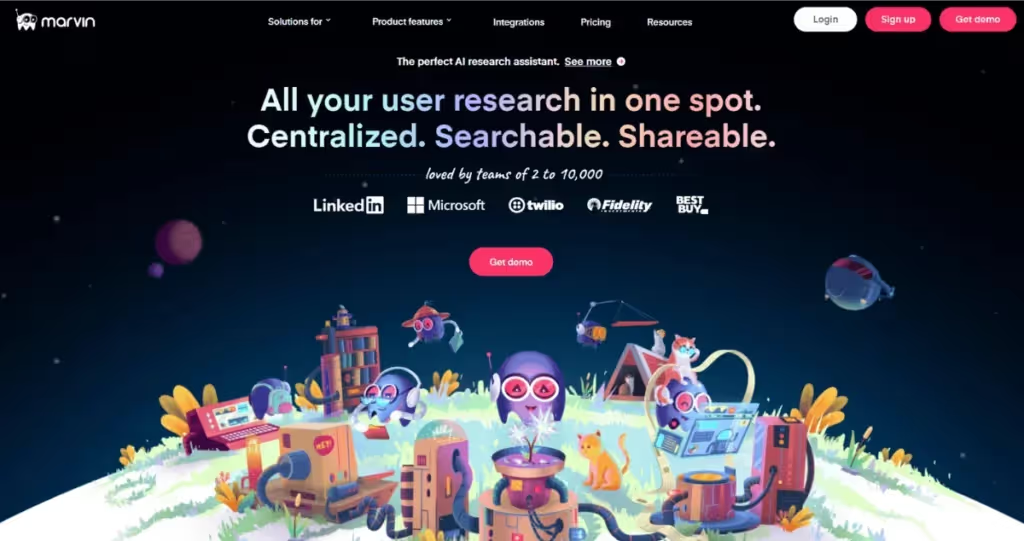
HeyMarvin is more than a research repository. It’s an AI research assistant that simplifies collaboration among researchers, designers, and product teams.
Are you tired of juggling many different files and losing actionable feedback? HeyMarvin’s built-in features will make your research work easier:
- All-in-one research hub: Store and manage interviews, transcripts, surveys, and insights in one shared platform.
- Real-time collaboration: Teams can attend interviews, edit notes, and comment on findings instantly, keeping discussions organized.
- AI-assisted analysis: Automatically tag, synthesize, and highlight patterns across projects for faster decision-making.
- Multi-format data handling: Supports video, audio, surveys, reports, and qualitative data across research workflows.
- Seamless integrations: Connects with tools such as Notion, Figma, Jira, Confluence, Zoom, and Slack for smoother research collaboration.
- Enterprise-grade security: Compliance with SOC 2, ISO 27001, GDPR, and HIPAA, ensuring data privacy.
- Scalability for large teams: Supports distributed teams with granular access controls, shared workspaces, and automated notifications.
Designed for fast-growing teams who need structured, AI-powered collaboration, HeyMarvin bridges the gap between research and action. Book a free demo today and see how you can use HeyMarvin for smoother research analysis and collaboration.
2. Miro
Best for: Collaborative whiteboarding and visual research
Purpose: Visually organize, synthesize, and brainstorm research insights in a shared workspace
Use case: Affinity mapping, journey mapping, research synthesis, and team brainstorming sessions
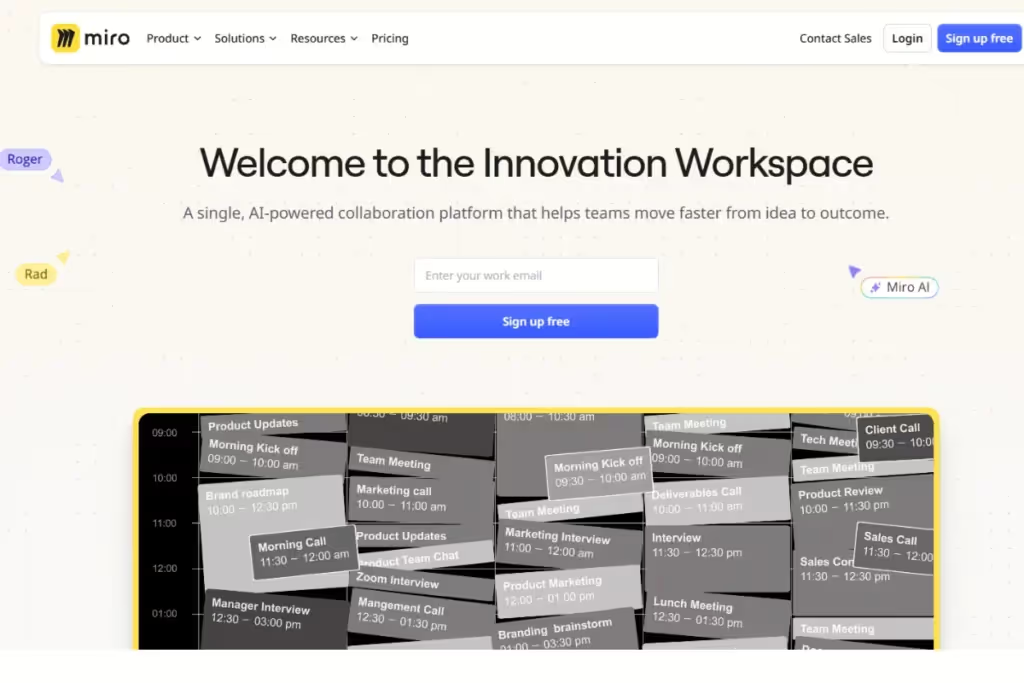
Miro’s whiteboarding tools help you organize, map, and synthesize research into powerful visuals. Some of its most useful collaborative features include:
- Intelligent Canvas™: Teams can brainstorm, organize, and develop ideas in a shared, infinite workspace.
- Real-time collaboration: Work together with teammates through live editing, commenting, and tagging.
- Embedded communication tools: Start video calls, leave audio walkthroughs, and record talktracks directly in Miro.
- Interactive team engagement: Use dot voting, polls, and estimation tools to gather input and align teams.
3. Figshare
Best for: Research data sharing
Purpose: Provide an open-access repository for research datasets, papers, and figures
Use case: DOI-assignable storage for publications and supplementary materials
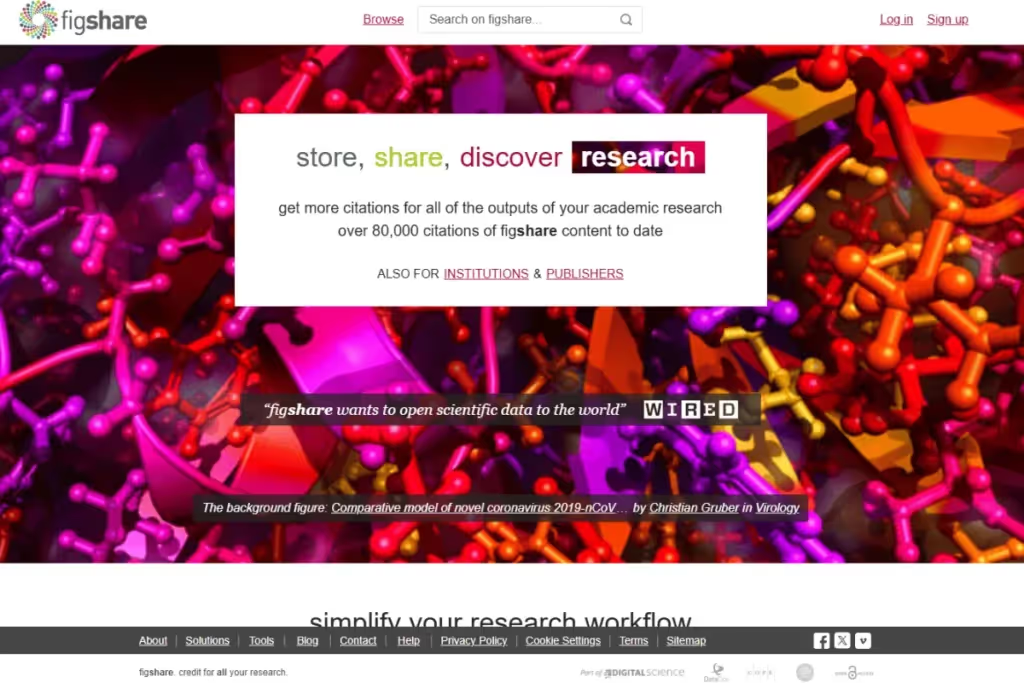
If you want other researchers to find, reference, and cite your work properly, Figshare can help. It offers open-access storage with DOI assignment, which makes it particularly handy in academic and professional research.
Here are some of the features that allow Figshare to support open research collaboration:
- Cross-institution collaboration: Universities, research institutions, and publishers share and manage research openly.
- Multi-format file support: Upload and preview a wide range of research materials, including large datasets up to TBs in size.
- Metadata enrichment: Ensure discoverability with robust metadata tagging and persistent linking between related research outputs.
- Custom institutional and publisher portals: Provide branded repositories for universities, funders, and organizations to store and showcase research.
4. ClickUp
Best for: AI-powered project and task management
Purpose: Provide a comprehensive workspace for task management, document collaboration, and workflow automation
Use case: Structured task delegation, deadline tracking, and AI-powered assistance for document summarization
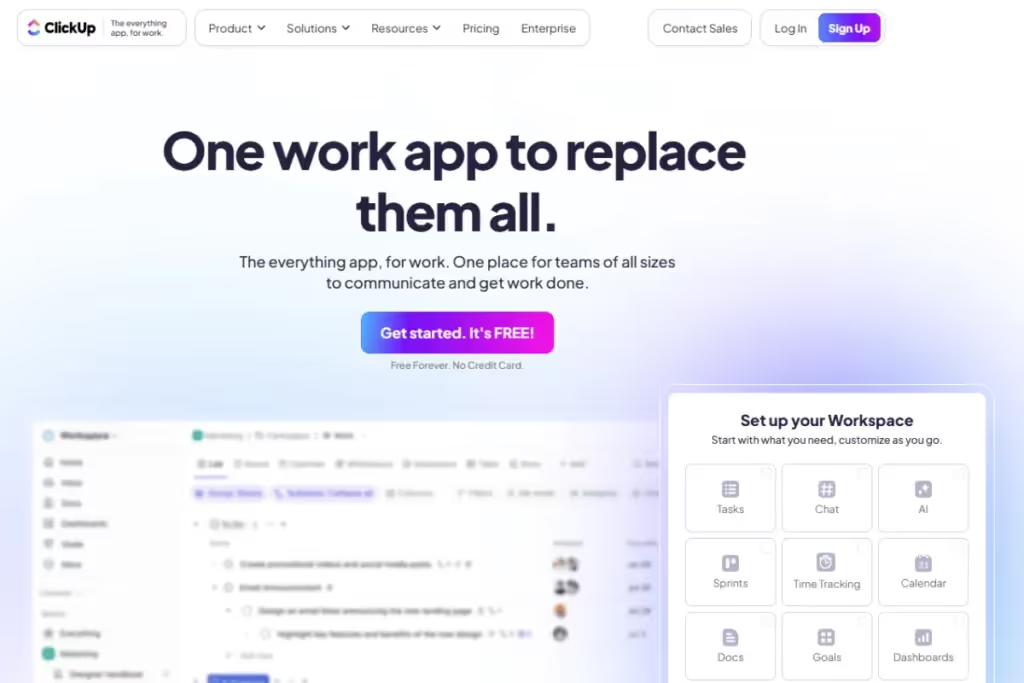
As a dedicated project-management platform, ClickUp is great for complex research teams juggling multiple projects and deadlines. Robust and highly customizable, it supports collaboration on research projects with the following features:
- All-in-one workspace: Manage projects, tasks, docs, and conversations in a single, connected platform.
- Task and project management: Organize research initiatives with Kanban boards, timelines, and dependencies.
- Advanced permissions and access control: Manage visibility and collaboration settings for different teams.
- Real-time collaboration: Teams can co-edit documents, leave comments, and assign action items instantly.
- AI-powered productivity: Automate workflows, summarize conversations, and generate action items from discussions.
5. Open Science Framework (OSF)
Best for: Open-access research and version control
Purpose: Support open science by providing a platform to share, collaborate, and track research projects
Use case: Teams needing version control, data storage, and transparency in research
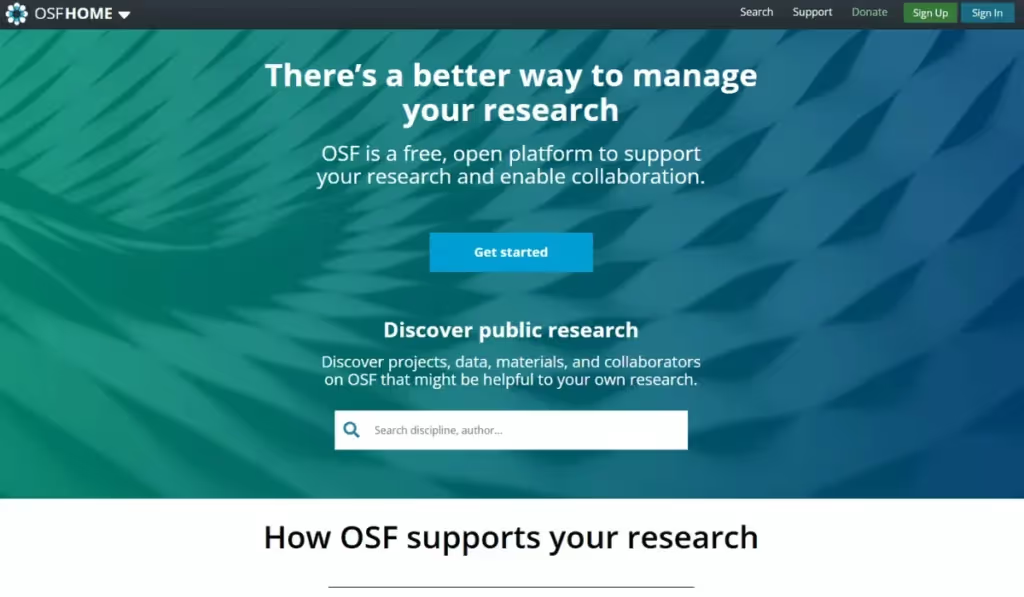
You can use OSF to design your study, add collaborators, and track changes with built-in version control. On top of that, it includes the following collaborative features:
- Search and discover: Find public projects, papers, and datasets to build on existing research and connect with collaborators.
- Collect and analyze data: Store research files securely or connect external storage like Dropbox and Google Drive.
- Publish your reports: Share research through OSF Preprints and track impact with downloads and view counts.
- Benefit from seamless integrations: Connect with tools like Google Scholar, ORCID, Mendeley, and Zotero for a streamlined workflow.
6. Zotero
Best for: Research reference and citation management
Purpose: Collect, organize, and cite research sources
Use case: Researchers and students who need a centralized tool to manage references, PDFs, and annotations
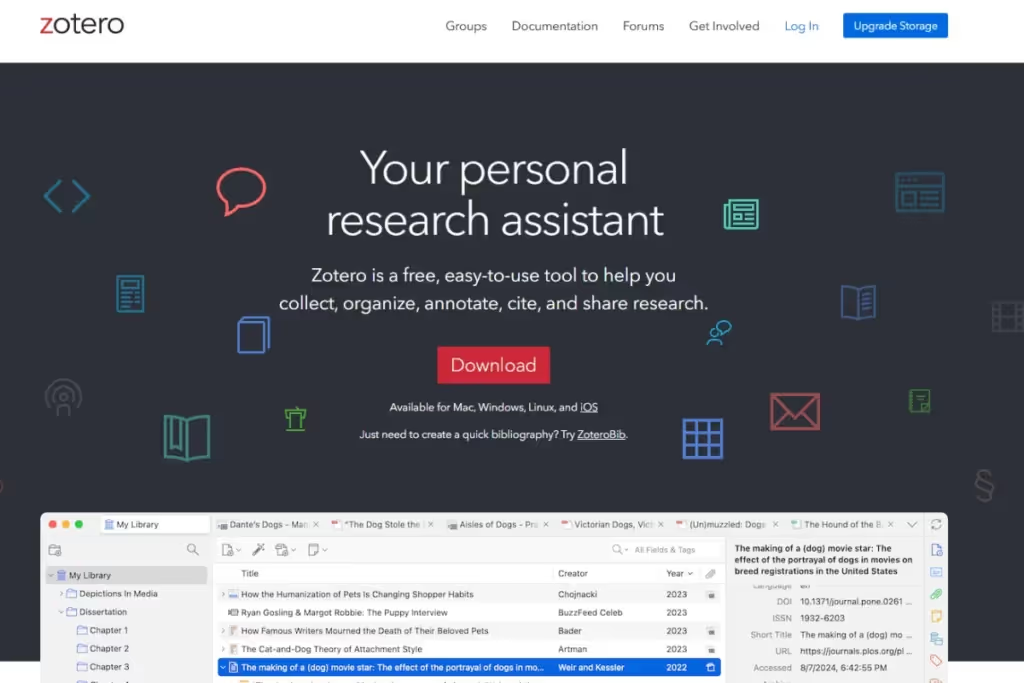
Zotero is another free, open-source tool for research collaboration, focusing on data organization and proper citations. One of its strongest features is the ability to integrate with word processors and instantly generate bibliographies. Moreover, it supports:
- Shared research libraries: Create and share research collections with collaborators, students, or colleagues.
- Real-time collaboration: Co-write papers, build bibliographies, and share course materials with unlimited users.
- Tagging and organization: Use collections, tags, and saved searches to structure research collaboratively.
- Group discovery and networking: Find and connect with researchers citing similar sources.
7. Protocols.io
Best for: Collaborative protocol management
Purpose: Allow researchers to share, update, and discuss experimental protocols
Use case: Scientists who need standardized, editable, and citable research protocols
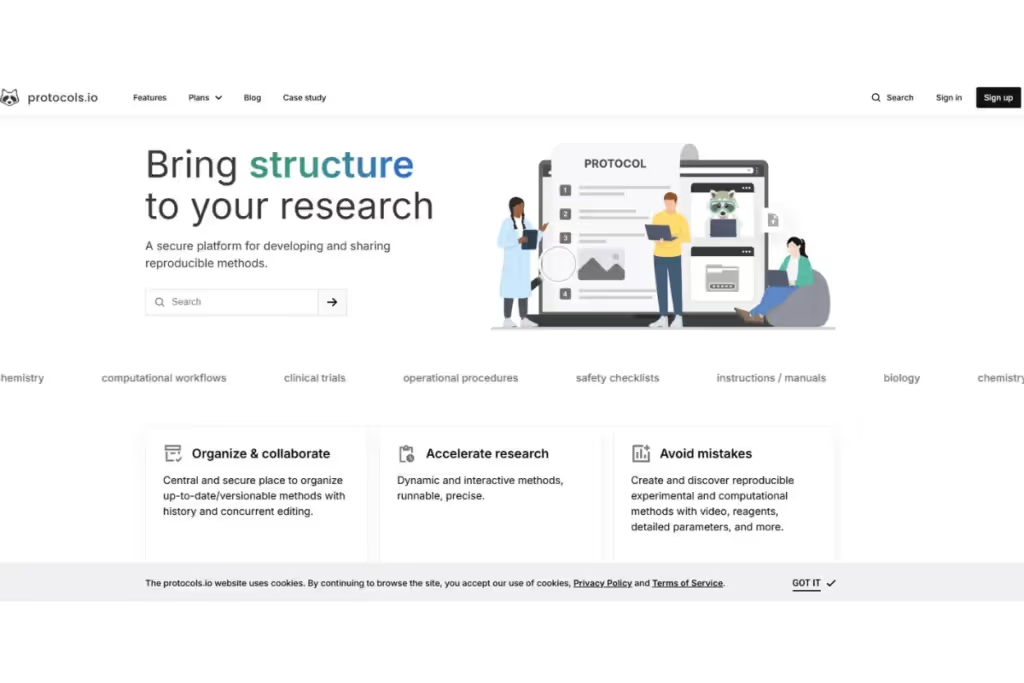
If you’re managing research protocols that require frequent updates, Protocols.io is worth a try. This platform ensures consistency and collaboration on research methods. Some of its most powerful collaborative features include:
- Real-time concurrent editing: Multiple users can update protocols simultaneously, ensuring accuracy and version control.
- Version history and rollback: Track protocol changes over time and restore previous versions when needed.
- Granular permissions and secure sharing: Control access levels for individuals, teams, and external collaborators.
- DOI-assigned protocols: Publish reproducible methods with a persistent identifier for proper citation and long-term accessibility.
How to choose the right research collaboration software
A good research collaboration software should provide the features you need the most and adapt to your workflow. Follow these steps to determine what tool you should work with:
1. Map out your research process
Review how your team carries out research and analysis.
This clear map of the process will help you determine whether a tool will support your existing workflow.
2. Identify bottlenecks
Use the map you’ve created to identify where work currently slows down.
Then, evaluate if the research collaboration software you’re considering can actually help you in those specific areas.
3. Consider team size and roles
If the tool is suitable for your current team size, can it still grow with you?
As you scale, can you use it to grant different permissions, access to different workspaces, and collaboration levels?
4. Evaluate the learning curve
Can you actually picture your teams using this new tool? If the software is user-friendly and easy to learn, your people will be more likely to use it consistently.
5. Test flexibility
Account for new research methods you might adopt in the future.
Choose software that can support a wide range of methods, from usability testing to long-form qualitative interviews.
6. Check must-have features
Whether it’s live collaboration, a specific integration, or advanced search, you have to decide what is non-negotiable for you.
If a tool is missing something important, it could become a costly problem later on.
7. Look at long-term value
Consider if you will see this UX research tool as useful after you close this current project.
The right platform should support your research practice in the long term and resist multiple workflow changes.
8. Try it with real data
A product demo can only reveal so much.
Testing the tool while working on a real project will make it clear whether the software fits naturally into your team's workflow.

How to roll out new research collaboration software
The first impression influences how your team will use the new tool. Consider the following best practices for implementing new research collaboration software.
Get team buy-in before the rollout
Resistance often comes from uncertainty rather than opposition. If people don't understand why you’re introducing a new tool, they are more likely to keep using existing processes.
To prevent or reduce resistance, explain the specific problems the software solves, such as lost research, duplicated work, or poor visibility into findings.
Show how the platform will make everyday tasks easier, rather than presenting it as another system people must learn.
Set clear guidelines for how research is stored and tagged
Before you add any data to the platform, define your naming conventions, tagging standards, and folder structures. Implement clear rules around permissions and access levels so teams know where information belongs and who can view it.
The whole purpose of having clear guidelines is to make research easier to find, understand, and reuse. Consistent standards can help, but they need to be visible and accessible to everyone. Document and put them in a shared location where new team members can read them from day one.
Monitor adoption and adjust as needed
The training you provide should focus on the actual research tasks that your team will perform. Start with a pilot project to identify process issues before expanding usage across the organization.
After rollout, keep gathering feedback about pain points, adoption barriers, and workflow improvements. Use those insights to refine training and improve long-term adoption.

Frequently asked questions (FAQs)
The questions below cover software selection, integrations, security, AI, and how research collaboration platforms differ from related tools.
Is research collaboration software suitable for both academic and corporate research?
Yes, research collaboration software can work for academic and corporate research, depending on its features. For academic use, the software should facilitate long-term studies, citations, and ethical compliance. For corporate use, it should prioritize speed, collaboration, and actionable insights.
HeyMarvin, for instance, provides research collaboration solutions for academia. Researchers at Harvard University, the University of Washington, and other institutions are using it.
At the same time, it also caters to enterprise needs, having served big names like Microsoft and LinkedIn. In corporate research, our UX research repository helps product teams gather, analyze, and share user insights efficiently.
Can research collaboration software integrate with other research tools?
Yes, and integration is, in fact, essential for a seamless workflow. API access and native integrations improve efficiency. Look for tools that connect with survey platforms, usability testing software, and analytics tools.
When using HeyMarvin for research collaboration, you can benefit from integrations with key tools such as:
- Miro and FigJam: Export notes for collaborative affinity mapping.
- Notion and Confluence: Surface insights where teams work.
- Asana and Jira: Turn findings into tasks instantly.
- Google Meet, Zoom, and Microsoft Teams: Sync calls with notes and transcripts.
- Qualtrics, Pendo, and Google Forms: Import survey data for deeper analysis.
What security measures should research collaboration software have?
Data security is critical in research. SOC 2 and ISO 27001 certifications are the minimum a tool should provide for data security, availability, and privacy compliance. Also, NIST AI RMF alignment will ensure responsible AI risk management. And if you’re working with medical and health-related research data, HIPAA certification is another must-have.
HeyMarvin meets all these major international security standards and undergoes regular audits to keep your data safe.
How does AI help with research collaboration software?
AI can help your team summarize interviews and transcripts and identify recurring themes. Then, it organizes large volumes of research data, searches across past studies, and generates source-backed answers to research questions.
These capabilities save you a lot of time, while also allowing you to cover more research and go deeper with data analysis. However, you should always review AI-generated findings against the original evidence before using them to make important decisions.
Is research collaboration software the same as a UX research repository?
No. A UX research repository is just one component that research collaboration software may include.
Typically, research collaboration platforms offer broader functionality, including real-time collaboration, workflow management, and permissions. Communication features and insight sharing may also be available in addition to repository capabilities.
What is the difference between research collaboration tools and qualitative research software?
Research collaboration tools support teams to work together during research. Their features span project management, knowledge sharing, and stakeholder coordination.
Qualitative research software focuses on collecting, coding, tagging, and analyzing non-numeric data.
While the two categories often overlap, they are not the same thing.
Conclusion
Research collaboration software helps teams organize research, share findings, preserve knowledge, and turn insights into action. The right platform depends on your workflow, team size, collaboration needs, and research goals.
With AI-powered workflows, seamless team access, and built-in analysis, our qualitative research platform brings it all together.
Create a free account today and see how HeyMarvin keeps your research structured and actionable.

See Marvin AI in action
Want to spend less time on logistics and more on strategy? Book a free, personalized demo now!