.png)
.svg)


8 Best User Testing Tools: Features & Pricing Compared
A side by side look at the top user testing tools, what each does best, what it costs, and who it suits, so you can shortlist faster.



The best way to understand your users? Walk a mile in their shoes and “experience” the user journey. Try user testing tools to see how people use your product before small issues become bigger problems.
Whether you're evaluating a prototype or a live product, the right usability testing tools should help you:
- Observe user behavior
- Collect feedback
- Improve the UX
Modern user testing software can recruit participants, run studies, collect qualitative and quantitative feedback, and analyze results in one place.
Below, we'll cover different types of user testing, essential features, and the best tools for different research needs.

TL;DR - What are the top user testing tools available?
In this article, we’ll explore how to extract the most out of your testing tool. First, we’ll address why companies need user testing at all. Then, we’ll introduce the different types of tests you can conduct. Finally, some best practices for conducting effective user testing.
We didn’t forget about the best tools for market research. (Isn’t that the whole point anyway?). Here they are:
- HeyMarvin
- User Interviews
- UXTweak
- Contentsquare
- UserTesting
- Lyssna
- Maze
- Optimal Workshop
HeyMarvin handles almost any data you throw at it. Organize and dissect mountains of unstructured testing data.
Book a demo with our team to see how HeyMarvin collates all your user testing data and helps you analyze it too.

What is user testing?
User testing is a process that uses various research methods to uncover insights that improve the user experience. Teams use it throughout the product lifecycle to understand how people use a product, what they expect, and where they struggle.
Some professionals use the terms user testing and usability testing interchangeably, but they’re not the same. To choose the right platform, you first need to understand the difference. Otherwise, you will end up with a tool that doesn’t cover the functions or research methods you need.
In short, both support user experience testing, but here’s how they differ:
- Usability testing mostly focuses on usability, measuring how easily people complete tasks
- User testing explores broader questions through task-based studies, interviews, surveys, and other research methods.

What are the different types of usability testing?
As a researcher, you have a host of options when deciding what studies to run and what to test. It all comes down to what you want to understand about the customer experience.
Your project’s scale, timeline, and budget will also influence the choice, but you can choose from the following types of usability testing:
Remote vs. In-person testing
You can conduct user testing studies from almost anywhere in the world, either remotely or in person. The right setup depends on your budget, participants, and research goals.
Moderated vs. Unmoderated user testing
The amount of researcher involvement will impact the depth of insights and the speed of your study.
Comparative vs. Exploratory testing
The choice between these two types of testing depends on whether you’re comparing solutions or you’re still looking to discover opportunities.
Qualitative vs. Quantitative testing
Most teams don’t need much guidance regarding when to use qualitative and quantitative research. They combine the approaches to understand both user behavior and the reasons behind it.
What features should you look for in a user testing tool?
Look inward to find the answers.
First, it’s vital to understand how you’ll use the user experience testing software. What kind of tool does your team need? What kind of testing will you conduct?
Also, the product life cycle phase — discovery, pre or post-launch — determines the type of testing you’ll likely conduct.
Use the following (lengthy) checklist to zero in on your requirements:
- User Testing Methods. What testing methods will you use? Do you need remote or in-person testing? Moderated or unmoderated? The tool you choose should layer on top of the methods you already use (or want to add) and make them more efficient. Consider whether it can accommodate:
- Survey & Feedback. Gather a rich mix of quantitative and qualitative data in the form of product feedback. Record interactions for analysis. Reach a large number of users.
- A/B testing. Present users with two design elements and measure engagement to determine which one works best.
- First-click testing. Track clicks as users complete tasks. Tests effectiveness of navigation.
- Card sorting. Determine how users categorize information on a website or application.
- Tree testing. Test the information architecture of a website. Optimize hierarchy and navigation of an application.
- Prototyping. Test wireframes and evaluate ensign concepts and workflows before development.
- Heatmaps, eye tracking & session recordings. Analyze user attention to understand how they navigate. Make tweaks to broken / buggy UI elements.
- Participants. Can you recruit and screen participants for studies on the application?
- Accessibility. Assess whether people with disabilities can use your product. Does it comply with WCAG standards?
- Data Organization. Where will user testing data live? Does the application make it easy to store and retrieve data? How does it handle various file formats?
- Analysis & Reporting. Is the user testing tool capable of handling large and complex UX analytics? What are its visualization features?
- Integrations. Does the testing tool connect with your existing tool stack? How easy is it to share data with other stakeholders?
- Ease-of-Use. Is the application simple and user-friendly? A steep learning curve means more time spent learning the tool than using it.
- Helpful Support. Scour customer reviews to identify products with responsive customer support. Look for additional resources such as FAQ’s and product guides.
- Scalability. Can the tool support the increasing needs of the research team?

8 Best user testing tools
Choosing the right user testing software depends on your research goals, team size, and budget.
Some user testing tools advertise large and diverse participant recruitment pools, while others have smaller panels but just as diverse testing functions.
We've reviewed eight of the most popular UX testing tools that support everything from early prototype validation to enterprise UX research.
The table below compares them at a glance before we look at each one in more detail:
1. HeyMarvin

HeyMarvin is a powerhouse for collecting, organizing, and understanding all your user testing data.
Leverage it throughout the testing process. HeyMarvin does everything from transcribing interviews to generating insights. Automate the cumbersome work, and arrive at insights faster. HeyMarvin is the perfect UX research assistant for handling vast amounts of user testing data.
Here’s why:
- Interview Transcription. Upload recordings or invite HeyMarvin to your Zoom, Google Meet, or Teams calls. Sit back and watch it work its magic, producing an accurate and editable transcript in minutes. In over 40 languages and dialects too!
- Surveys. Design and distribute surveys with ease. Manage participants within the application. Collect qualitative insights for deeper analysis. HeyMarvin produces automated survey analysis in minutes.
- AI moderator: Conduct testing at scale with an AI moderator that steps in for you around the clock. Participants can join and give feedback across geographies, time zones, and in over 30 languages.
- Research Repository. Think of HeyMarvin as a well-organized filing cabinet for all your user data. Throw virtually any file format at it, and it’s stored in the library. The best part? It’s entirely searchable by keyword.
- AI Analysis. HeyMarvin’s AI conducts a preliminary analysis of transcripts. Enjoy time-stamped insights before you begin your work. Ask AI allows you to interrogate your entire repository. HeyMarvin does the heavy lifting so you can focus on the user experience.
- Powerful Integrations. Connect to the apps designers love. Seamlessly share data between HeyMarvin and Figma, Jira, or Miro. Import qualitative or quantitative data for a comprehensive view of the user experience. View all our integrations.
- Robust security. Protecting a user’s personal information is imperative. HeyMarvin is GDPR, HIPAA, and SOC2 compliant. We take user privacy and data security very seriously.
- Collaboration Station. Share your insights across the organization. Stitch videos of user testing sessions together and distribute highlights en masse. HeyMarvin connects to communication apps like Slack and Teams to help you elevate the user's voice.
Sign up for a free account to see how HeyMarvin augments your user testing process. What have you got to lose?
G2 Rating: 4.8 out of 5
Price: Free plan with core features / Custom paid tiers
Best for: All UI and UX professionals
2. User interviews
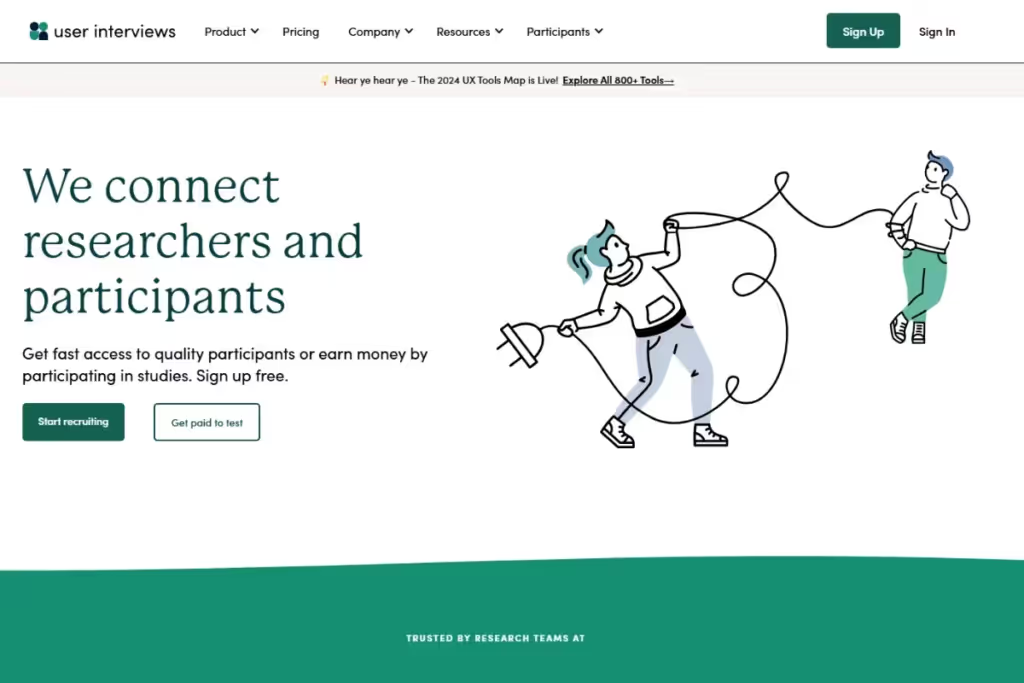
Our friends at User Interviews help you recruit participants for user testing and research. Gain access to a participant pool boasting over 7.5 million people.
Use Research Hub, their proprietary tool, to manage participants. Advanced features help you source participants, screen them, and distribute incentives.
<figure class="wp-block-table"><table><tbody><tr><td class="has-text-align-center" data-align="center"><strong>Benefits</strong></td><td class="has-text-align-center" data-align="center"><strong>Drawbacks</strong></td></tr><tr><td class="has-text-align-center" data-align="center">Surveys for screening participants</td><td class="has-text-align-center" data-align="center">Separate pricing plan from their Hub </td></tr><tr><td class="has-text-align-center" data-align="center">Self-serve participant marketplace</td><td class="has-text-align-center" data-align="center">Survey builder has basic functionality</td></tr><tr><td class="has-text-align-center" data-align="center">Bulk upload self-recruited participants</td><td class="has-text-align-center" data-align="center"></td></tr><tr><td class="has-text-align-center" data-align="center">Easy incentive distribution</td><td class="has-text-align-center" data-align="center"></td></tr><tr><td class="has-text-align-center" data-align="center">Integrations with UX & productivity tools</td><td class="has-text-align-center" data-align="center"></td></tr></tbody></table></figure>
G2 Rating: 4.7 out of 5
Price: $49 / session
Best for: Recruiting and managing participants
Hear from User Interviews’ Paolo Appleby on continuous discovery research and the importance of speaking regularly with your users.
3. UXTweak
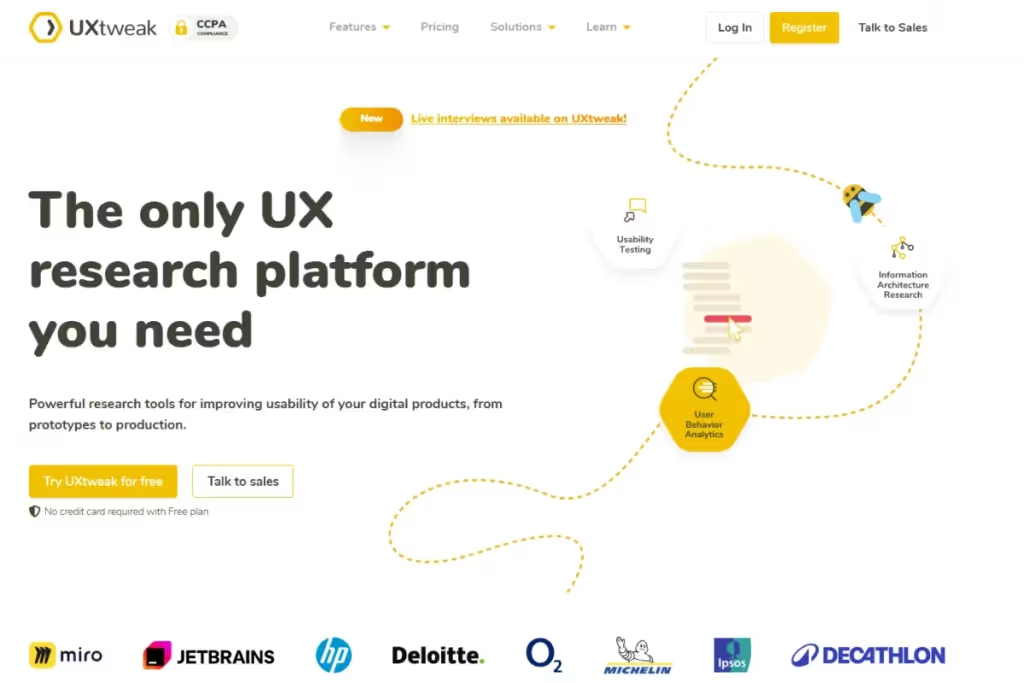
Conduct unmoderated remote user testing on websites and prototypes with UXTweak. Evaluate information architecture with card sorting, tree and first click testing, and heatmaps.
Design tests and target the right demographic with integrated participant recruitment. Choose from a global participant panel spanning 100+ countries.
UXTweak performs detailed analytics at a modest price.
<figure class="wp-block-table"><table><tbody><tr><td class="has-text-align-center" data-align="center"><strong>Benefits</strong></td><td class="has-text-align-center" data-align="center"><strong>Drawbacks</strong></td></tr><tr><td class="has-text-align-center" data-align="center">Test live websites, prototypes, and apps</td><td class="has-text-align-center" data-align="center">Dated UI</td></tr><tr><td class="has-text-align-center" data-align="center">A wide array of user tests for all stages</td><td class="has-text-align-center" data-align="center">Steep learning curve</td></tr><tr><td class="has-text-align-center" data-align="center">Large, global participant panel</td><td class="has-text-align-center" data-align="center">Limited integrations</td></tr><tr><td class="has-text-align-center" data-align="center">In-depth analytics</td><td class="has-text-align-center" data-align="center"></td></tr><tr><td class="has-text-align-center" data-align="center">Super affordable</td><td class="has-text-align-center" data-align="center"></td></tr></tbody></table></figure>
G2 Rating: 4.7 out of 5
Price: $92 / month
Best for: A great pocket-friendly option for smaller UX teams and startups
4. Contentsquare
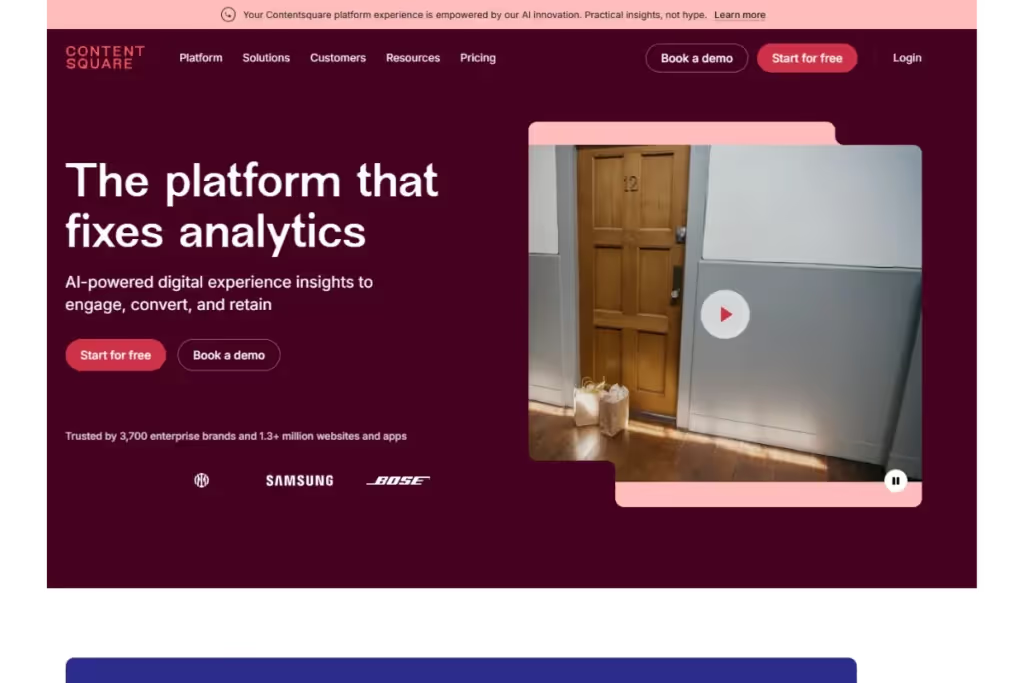
Conduct in-depth user experience analysis with Contentsquare. Carry out user testing and monitor user behavior using visual analysis. Scrutinize every user interaction with heatmaps and session replays. Contentsquare offers detailed analytics of user interactions.
Recruit your own participants or use Contentsquare's built-in participant panel. Upload interview videos and receive accurate transcripts in return. Highlight important moments and share them with your team.
<figure class="wp-block-table"><table><tbody><tr><td class="has-text-align-center" data-align="center"><strong>Benefits</strong></td><td class="has-text-align-center" data-align="center"><strong>Drawbacks</strong></td></tr><tr><td class="has-text-align-center" data-align="center">Powerful analytics</td><td class="has-text-align-center" data-align="center">Difficult to integrate with other tools</td></tr><tr><td class="has-text-align-center" data-align="center">Share insights easily</td><td class="has-text-align-center" data-align="center">Steep learning curve</td></tr><tr><td class="has-text-align-center" data-align="center">Helpful customer support</td><td class="has-text-align-center" data-align="center">Buggy UI with tricky navigation</td></tr><tr><td class="has-text-align-center" data-align="center">Easy-to-use</td><td class="has-text-align-center" data-align="center"></td></tr></tbody></table></figure>
G2 Rating: 4 out of 5
Price: $39 / month
Best for: Obtaining UX analytics and insights
5. UserTesting
A customer experience research platform with numerous testing options for mobile and web. UserTesting’s extensive template library saves time while creating tests.
Interact with research participants as they navigate through a product. Collect video feedback to capture user reactions and emotions.
Their AI uses machine learning to enhance reporting capabilities. Visualize user data with their in-house insights hub.
<figure class="wp-block-table"><table><tbody><tr><td class="has-text-align-center" data-align="center"><strong>Benefits</strong></td><td class="has-text-align-center" data-align="center"><strong>Drawbacks</strong></td></tr><tr><td class="has-text-align-center" data-align="center">Interact with participants in real-time</td><td class="has-text-align-center" data-align="center">Not easy to learn</td></tr><tr><td class="has-text-align-center" data-align="center">Range of user tests</td><td class="has-text-align-center" data-align="center">Pricing unclear (<em>and expensive)</em></td></tr><tr><td class="has-text-align-center" data-align="center">Flexible video features</td><td class="has-text-align-center" data-align="center">Packages have limited features</td></tr><tr><td class="has-text-align-center" data-align="center">Diverse participant pool</td><td class="has-text-align-center" data-align="center">Some users flag its clunky UI</td></tr><tr><td class="has-text-align-center" data-align="center">Time-saving</td><td class="has-text-align-center" data-align="center"></td></tr></tbody></table></figure>
G2 Rating: 4 out of 5
Price: Custom pricing
Best for: Large businesses conducting regular testing
6. Lyssna
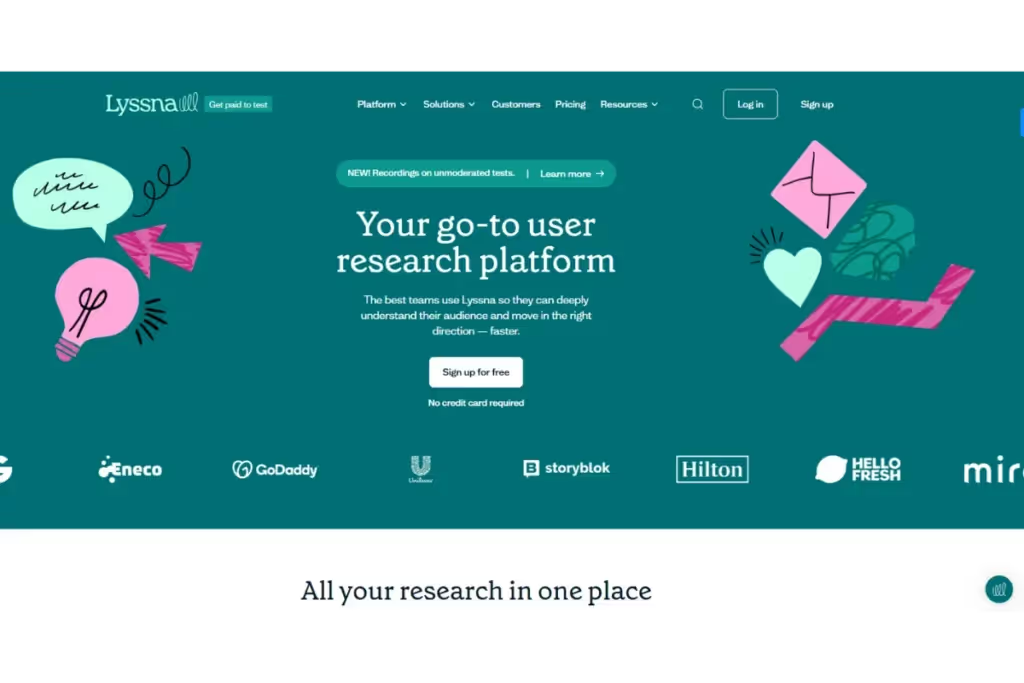
Formerly known as UsabilityHub, Lyssna helps you discover usability issues. A remote usability platform that lets you run a host of moderated and unmoderated tests. Conduct preference and first-click tests in addition to card sorting and tree testing.
Uncover user preferences with Lyssna. Create surveys and validate design decisions with real users. Recruit your own participants or use their participant pool — albeit at an extra cost.
<figure class="wp-block-table"><table><tbody><tr><td class="has-text-align-center" data-align="center"><strong>Benefits</strong></td><td class="has-text-align-center" data-align="center"><strong>Drawbacks</strong></td></tr><tr><td class="has-text-align-center" data-align="center">Easy-to-understand UI</td><td class="has-text-align-center" data-align="center">Basic analytics functions</td></tr><tr><td class="has-text-align-center" data-align="center">Figma prototype testing</td><td class="has-text-align-center" data-align="center">Limited participant screening</td></tr><tr><td class="has-text-align-center" data-align="center">Generous free starter plan</td><td class="has-text-align-center" data-align="center">No customization for reporting</td></tr></tbody></table></figure>
G2 Rating: 4.5 out of 5
Price: $165 / month
Best for: Understanding user preferences
7. Maze
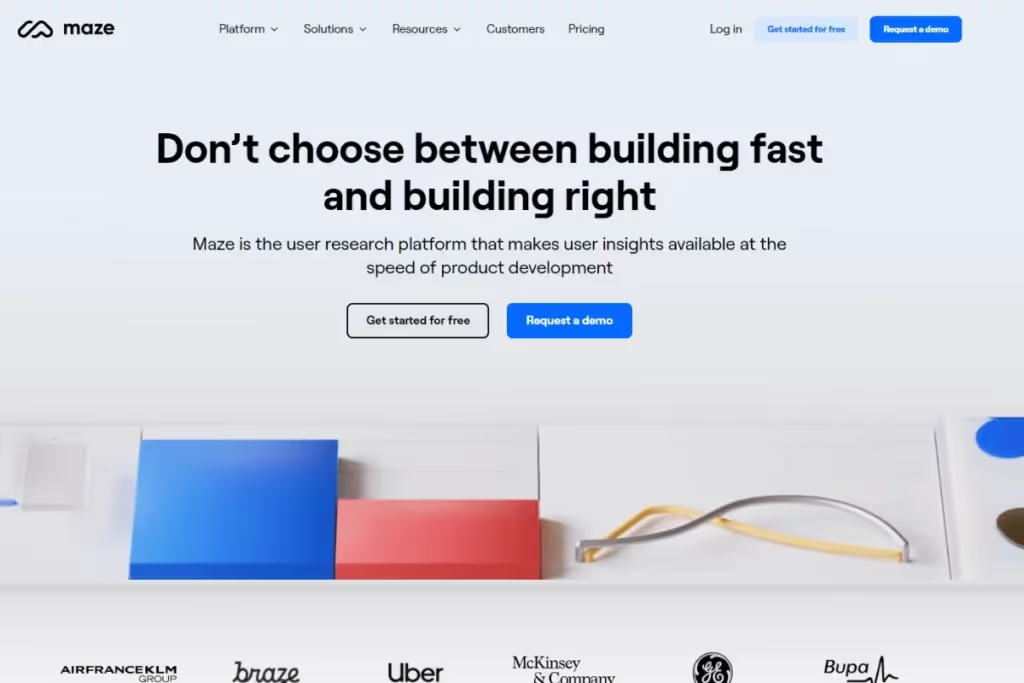
Designed for product teams, Maze helps you test websites at different stages of development. Use card sorting, tree testing, and video recordings to test navigation. Connect Maze to design apps like Figma and Adobe for prototype testing.
Create surveys or tests using their templates and distribute them instantly. Set up automated unmoderated tests to swiftly gather data. Visualizations and reports help you analyze user data.
<figure class="wp-block-table"><table><tbody><tr><td class="has-text-align-center" data-align="center"><strong>Benefits</strong></td><td class="has-text-align-center" data-align="center"><strong>Drawbacks</strong></td></tr><tr><td class="has-text-align-center" data-align="center">A wide range of tests</td><td class="has-text-align-center" data-align="center">Small participant panel</td></tr><tr><td class="has-text-align-center" data-align="center">Live website testing</td><td class="has-text-align-center" data-align="center">Limited analysis functionality </td></tr><tr><td class="has-text-align-center" data-align="center">Rapid test creation and analysis</td><td class="has-text-align-center" data-align="center"></td></tr><tr><td class="has-text-align-center" data-align="center">Native integrations with design tools</td><td class="has-text-align-center" data-align="center"></td></tr></tbody></table></figure>
G2 Rating: 4.5 out of 5
Price: Custom
Best for: Prototype and content testing
8. Optimal Workshop
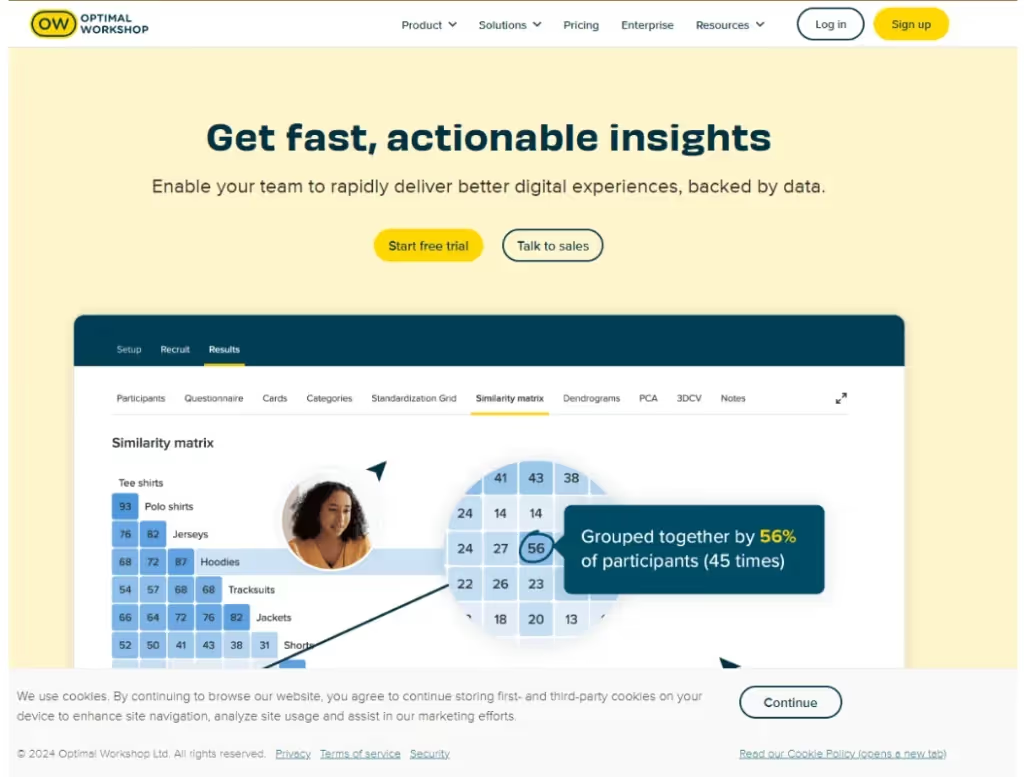
A remote testing platform for pre-design stages. Optimal offers five tools to test a website’s information architecture. Conduct card sorting, tree testing, first-click testing, note-taking, and surveys.
Run moderated tests and observe how users complete tasks. Add qualitative data by distributing surveys. Optimal automates analysis of quantitative and qualitative data to provide user insights.
Bring your own research participants or recruit them from the 20 million strong pool.
<figure class="wp-block-table"><table><tbody><tr><td class="has-text-align-center" data-align="center"><strong>Benefits</strong></td><td class="has-text-align-center" data-align="center"><strong>Drawbacks</strong></td></tr><tr><td class="has-text-align-center" data-align="center">Comprehensive testing options</td><td class="has-text-align-center" data-align="center">Tricky navigation</td></tr><tr><td class="has-text-align-center" data-align="center">Optimal Sort helps organize content</td><td class="has-text-align-center" data-align="center">Limited integrations</td></tr><tr><td class="has-text-align-center" data-align="center">Reframer helps with interview note-taking</td><td class="has-text-align-center" data-align="center">Extra costs for recruitment</td></tr><tr><td class="has-text-align-center" data-align="center">Advanced observation tagging</td><td class="has-text-align-center" data-align="center"></td></tr></tbody></table></figure>
G2 Rating: 3 out of 5
Price: $199 / month
Best for: Conducting early stage user testing
Why use a user testing platform?
Here are seven concrete reasons why a user testing platform is an essential part of the UX toolkit:
- Validate assumptions. Usability testing software enables you to examine design decisions and assumptions made during the build. Gather feedback to determine whether decisions align with user expectations. Test the success of product updates by evaluating their ROI.
- Minimize risk & resource spend. User testing helps identify issues early on in the build. Intervening after a product’s release is costly and cumbersome. It’s far less expensive to make changes before launch.
- Optimize the user experience. Usability issues can deter people from using a product twice. User testing software helps reveal user pain points and complaints. Designers use this feedback to improve the customer journey, but also to discover other opportunities for improvement.
- Gain user empathy. Testing helps develop user empathy. Capture user sentiment to understand their motivations and frustrations. Learn more about user behavior and preferences. Tailor products to specific users or user groups.
- Boost customer satisfaction. Involving customers in the development process increases engagement. A user-centric approach makes them feel valued and heard. This leads to increased loyalty.
- Increase conversions. Testing identifies any obstacles or roadblocks that prevent a customer from taking action. Create a smoother flow down the funnel to ensure higher sales. Helps support overarching business goals.
- Establish a competitive advantage. Differentiate your product from the competition. Testing regularly with users keeps the feedback loop going. A constantly evolving product helps set you apart from the pack.
Best practices for user testing
Follow these steps to get the most out of your user tests (and usability testing tool):
- Define Goals & Metrics. Establish clear objectives of a study. What will the test help you understand? Are you evaluating user behavior or validating design assumptions? Determine metrics that you’ll evaluate, such as task completing rate and error rate. What criteria constitute failure or success?
- Create a Structured Test Strategy. Select methods for collecting and analyzing data. Outline various scenarios and anticipated interactions. This will be your user research roadmap, providing direction for all testing initiatives.
- Recruit Representative Users. Cast a wide net to recruit a diverse and representative panel. Test with real members of your target audience. Utilize online user testing tools equipped with participant recruitment functionality.
- Prepare the Testing Environment. Whether it's remote or in-person, ensure participants feel comfortable. Moderators must guide participants without influencing their answers or behavior. Create testing scripts with clearly articulated instructions. Test on real devices in real-life scenarios.
- Collect quantitative & qualitative data. Establish a well-rounded understanding of the UX. Quantitative informs you what users are up to. Qualitative delves into why users performed an action and how they feel about it. Observe user emotions and non-verbal cues for richer qualitative insights.
- Analyze Data. Review results and collaborate with team members. Pinpoint usability issues and user complaints. Sort data into categories or themes. Learn how to use HeyMarvin for effective UX research data analysis. Visualize data and metrics to observe trends and patterns.
- Iterate. Conduct user testing periodically to benchmark a product against itself or the competition. Test multiple scenarios and prototypes over time, incorporating feedback into each new version. Constantly refine the product, process, and user experience.
Go from beginner to expert in no time. Here’s our guide on how to master UX software.

Frequently asked questions (FAQs)
Still curious? Let’s answer any lingering questions you may have about user testing:
What is the difference between user testing and A/B testing?
User testing is an umbrella term. It encompasses numerous methods to assess and evaluate the user experience. User testing collects various types of data to understand a user’s journey through a product.
Like the usability testing example from above, A/B testing is a form of user testing. It belongs to a subset of user testing — comparative user testing.
A/B or split testing puts two versions of a product or application against each other. Users test each wireframe, performing tasks and providing feedback along the way. The end game is to determine which prototype works better.
How often should you conduct user testing?
The frequency of user testing depends on factors both internal and external. Internal considerations include product complexity, stage of development, and resource availability. External factors, like prevailing market forces in the industrial environment, also dictate whether testing is necessary.
Companies may conduct testing in line with the following:
- Events such as drop-offs or spikes in user activity trigger user testing.
- Use product milestones as intervals to collect user feedback.
- Establishing periodical (monthly, quarterly, or bi-annually) testing helps regularize the practice.
- Companies use continuous discovery to test products weekly or fortnightly.
More testing equals more agility. Teams become responsive to evolving user and market trends.
What metrics should you track in user testing?
User testing metrics help quantify and calculate user experience. A helpful yardstick to measure a product's usability and track improvements over time.
- Use effectiveness metrics such as task completion rate and error rate to track the ease-of-use. How do customers navigate through a product?
- Efficiency metrics measure how quickly and effortlessly people complete tasks. Think time on task.
- Track user satisfaction with CSAT scores or single-ease questions. Users use a Likert scale to rate their overall happiness and the ease of completing a task.
Bear in mind, this is just a primer on user testing metrics.
How do you combine qualitative and quantitative data in user testing?
Marry quantitative and qualitative data for a comprehensive view of the user experience. Below is a small example:
Numerical, quantitative data calls attention to user actions and behavior. How many visitors make a purchase?
Non-numerical qualitative data provides the context. However, it’s difficult to dissect - researchers pore over recordings and transcripts to create themes. It reveals the ‘why’ behind user actions. Why did users drop off before buying something? Perhaps the call-to-action button wasn’t visible.
Combine quantitative and qualitative methods to triangulate research findings.
HeyMarvin is a centralized research repository. House and analyze all your quantitative and qualitative data under one roof.
Are there free user testing tools?
Yes, many online usability testing tools offer free plans or free trials. HeyMarvin, UXtweak, Contentsquare, Lyssna, Maze, and Optimal Workshop offer free plans. And UserTesting provides demos or sales-led access instead of a self-service free tier. Many of these UX experiment tools let you test prototypes, websites, or surveys before upgrading. Use these options to compare features before committing to a paid plan.
Which user testing tool is right for you?
The best user testing platform depends on where your team is in the research process.
Early-stage teams often benefit from tools that support interviews, exploratory studies, and participant recruitment. As products mature, features such as usability testing, analytics, and reporting become more important. Larger teams may also need repositories, collaboration features, and integrations to manage research at scale.
Once you've identified your priorities, compare user testing tools by taking into account testing methods, workflows, integrations, etc.
If your team needs one place for interviews, usability tests, surveys, and feedback, HeyMarvin can help. Book a free demo to see how this research repository and its AI features fit into your user testing workflow.

See Marvin AI in action
Want to spend less time on logistics and more on strategy? Book a free, personalized demo now!