.png)
.svg)


Best 15 Customer Feedback Management Software Compared
Streamline feedback collection and improve customer satisfaction with powerful, user-friendly management tools.



Companies don't struggle to collect customer feedback as much as they struggle to turn it into useful insights. And that’s what makes customer feedback management software so important in modern workflows.
Every day, you hear from your customers through support tickets, reviews, surveys, interviews, and many other channels. Without the right tools, you may fail to organize that information, thus prioritizing the wrong product decisions.
Customer feedback management software solves this problem. It brings feedback into one place where you can collect, organize, analyze, and act on customer insights with clarity.
In this guide, we'll compare the best CFM software, outline its must-have features, and discuss use cases for different teams.

TL;DR — Best customer feedback management tools
In this article, we’ll focus on why companies need CFM software. Learn about the benefits it brings across the organization and the features to look out for. Finally, we’ll explore the best tools on the market for customer feedback management. These include:
- HeyMarvin
- Canny
- Survicate
- Google Forms
- Typeform
- UseResponse
- Uservoice
- Pendo
- SurveyMonkey
- Qualtrics
- Hotjar
- Qualaroo
- Medallia
- Ask Nicely
- Podium
If you’re on the lookout for CFM software suited to your organization’s needs, Marvin’s here to help.

What is customer feedback management software?
Customer feedback management software (CFM) facilitates the collection and analysis of user feedback. Unlike standalone customer feedback tools that focus primarily on collecting data, feedback management software also analyzes it. This extended functionality enables a better understanding of the user experience. CFM software turns raw data into strategic and actionable insights. Eventually, companies use feedback to enhance products and services.
Customers share their thoughts and (hopefully) honest opinions of the user journey. Monitoring their motivations, behaviors, and needs helps companies pinpoint areas of product improvement. Capturing people’s sentiments and suggestions aids product development.
Paying attention to this feedback, companies make informed decisions about product direction. Incorporating user suggestions brings better support and strengthened customer satisfaction. CFM software helps companies build products that users love.
What does customer feedback management software do?
Who uses customer feedback management software?
Customer feedback management software supports teams across the entire organization. While each department uses customer feedback differently, they all rely on the same insights to make better decisions.
Customers benefit as well. Their feedback shapes future updates, fixes, and product improvements. As teams continue collecting feedback, they can confirm whether those changes solve real customer problems and keep improving the user experience.
Top customer feedback management software
Confused about where to begin your search?
We’ve got you covered.
Here are some CFM software examples. We’ve included some nifty features and uses for each tool:
1. HeyMarvin

HeyMarvin is a centralized research repository that stores all your user data under one roof. It houses both qualitative and quantitative customer feedback. And it integrates seamlessly with apps that designers love. Import and export user data effortlessly using its native integrations.
With industry-leading AI, supercharge your data analysis with HeyMarvin. Let AI conduct thematic and sentiment analysis on your qualitative data. This is a great starting point to begin your analysis. It even picks up trends and patterns you might’ve missed.
HeyMarvin also works well for enterprise feedback management and product feedback. Learn more about HeyMarvin’s top research products that assist during feedback analysis.
Pros:
- Manage surveys by importing them into the tool and letting HeyMarvin distill insights from numerous responses.
- Ask AI lets you search through your entire repository. Interrogate your data and connect the dots across projects.
- Collect in-the-moment product feedback by interviewing users with AI while they're using your website or product.
- Robust data security with HIPAA, GDPR, and SOC2 compliance. It also supports ISO 27001 and ISO 42001 compliance.
- Facilitates easy insight sharing across an organization. Trace insights to user recordings.
- File compatibility and support. Throw any file format at it, and HeyMarvin will keep it safe and sound.
Cons:
- The freemium plan has limited features.
Price: Free plan available. Standard and Enterprise plans use custom pricing.
G2 Rating: 4.8 / 5.0
Best for: All-round customer feedback management and analysis.
Your one-stop feedback shop. Speed up the feedback loop for your organization with HeyMarvin. Set up a free demo to learn how!
2. Canny
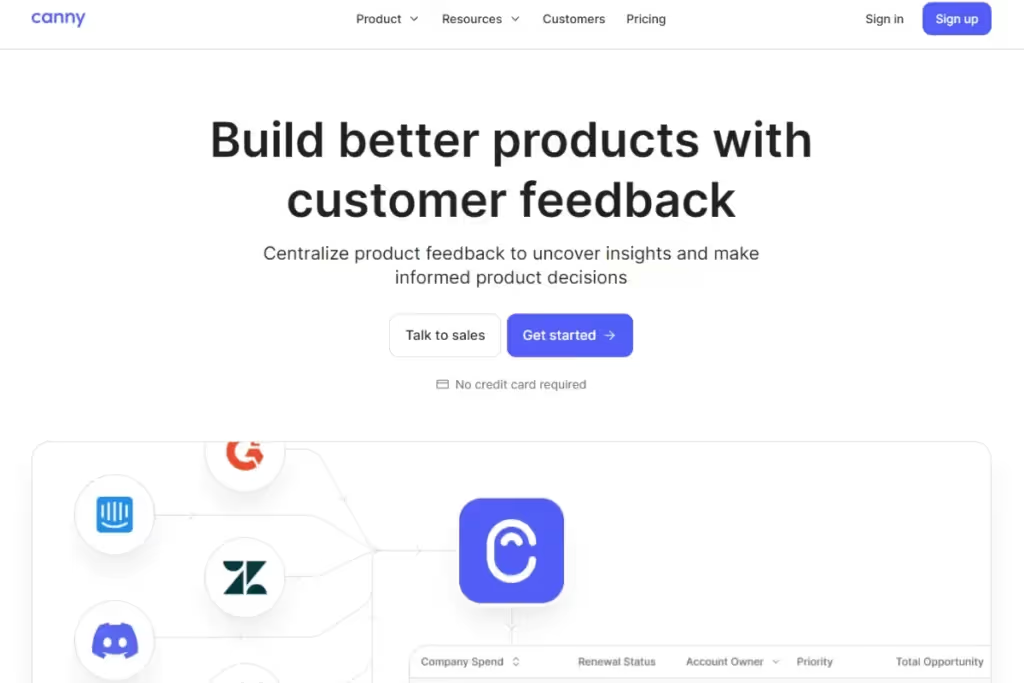
Canny is a feedback management software built for SaaS companies. Store and organize customer and employee feedback on a centralized platform. Track feedback to influence future product development.
Pros:
- Track customer feedback and feature requests with the Prioritize tool.
- Strong user community. Users post solutions and suggestions on an open discussion forum. Upvote helpful comments.
- Transparent. Make UX roadmaps available to the public to create engagement and build user trust.
- Integrates with several popular platforms.
Cons:
- Canny has limited customization and reporting capabilities.
- The UI can be a bit tricky for beginners.
Price: $79 / month
G2 Rating: 4.5 / 5.0
Best for: Tracking user feedback and requests.
3. Survicate
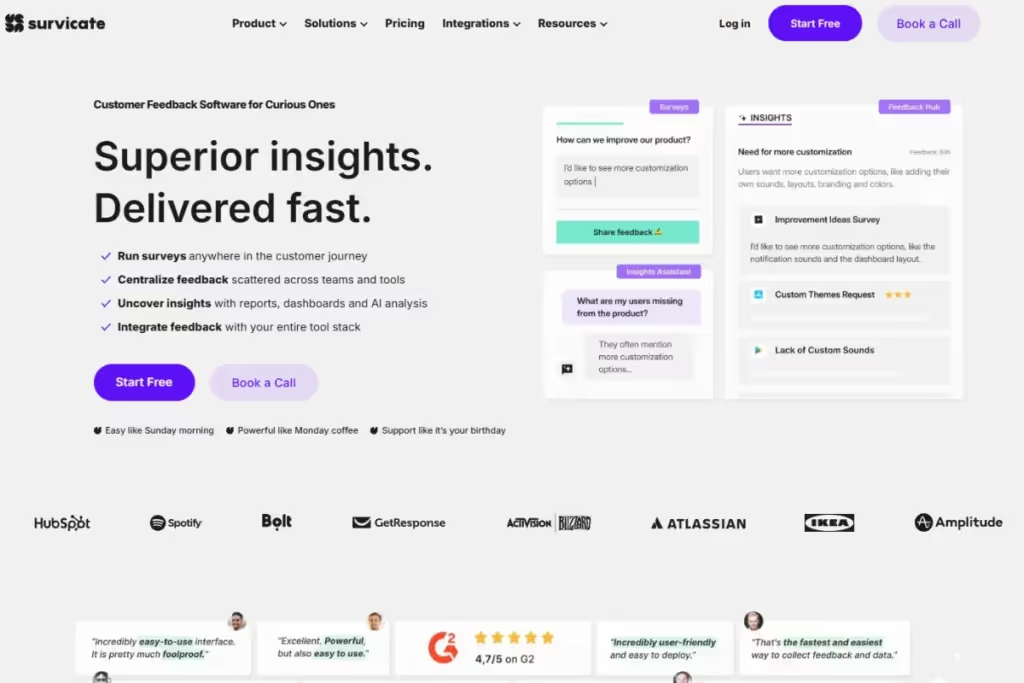
Use Survicate to run surveys at any point along the user journey. Track metrics such as NPS, CSAT, and CES using email or in-product surveys. Create targeted surveys and automate feedback collection from various channels in Survicate.
Pros:
- Easy to create and distribute surveys using multiple delivery methods.
- Offers a variety of native integrations.
- Helpful (and human) customer support.
- Choose from a comprehensive library of over 400 templates designed by experts.
Cons:
- The freemium plan is restrictive — it’s limited to 25 responses per month
- Data security features are available only on enterprise plans
Price: Starting from $79/month
G2 Rating: 4.6 / 5.0
Best for: Collecting feedback from multiple channels.
4. Google Forms
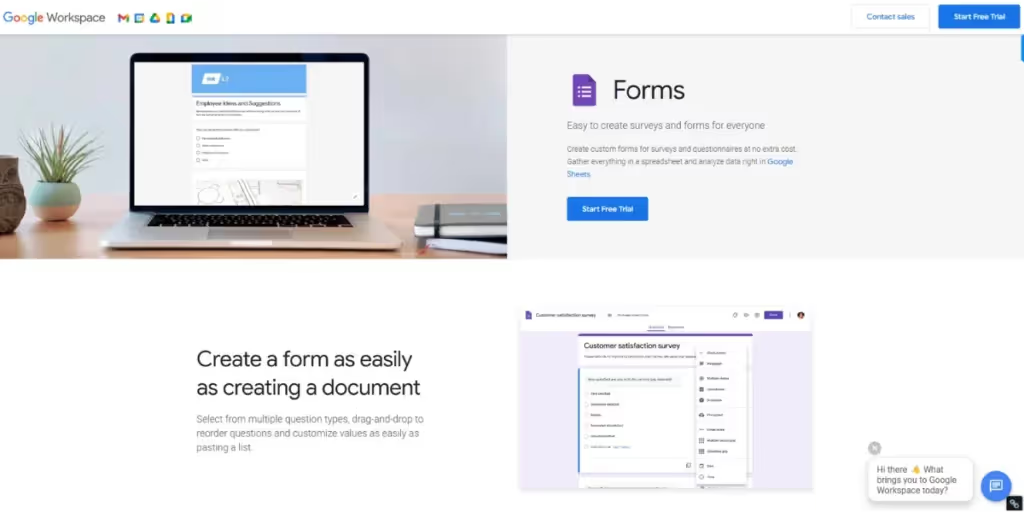
An interface that almost everyone’s familiar with. Widely used by students and professionals, Google Forms is a great starting point for collecting user feedback. It’s not tailor-made for gathering feedback, so use tricks and workarounds to make it work for you.
Pros:
- Free (provided you use a personal Google account).
- Easy to use in a familiar interface.
- Create skip logic and control survey flow.
- Integrates seamlessly with other Google Workspace applications.
Cons:
- Limited customization options for forms.
- No data analysis capabilities other than response statistics.
Price: Free
G2 Rating: 4.6 / 5.0
Best for: Small teams beginning their feedback loop journey.
5. Typeform
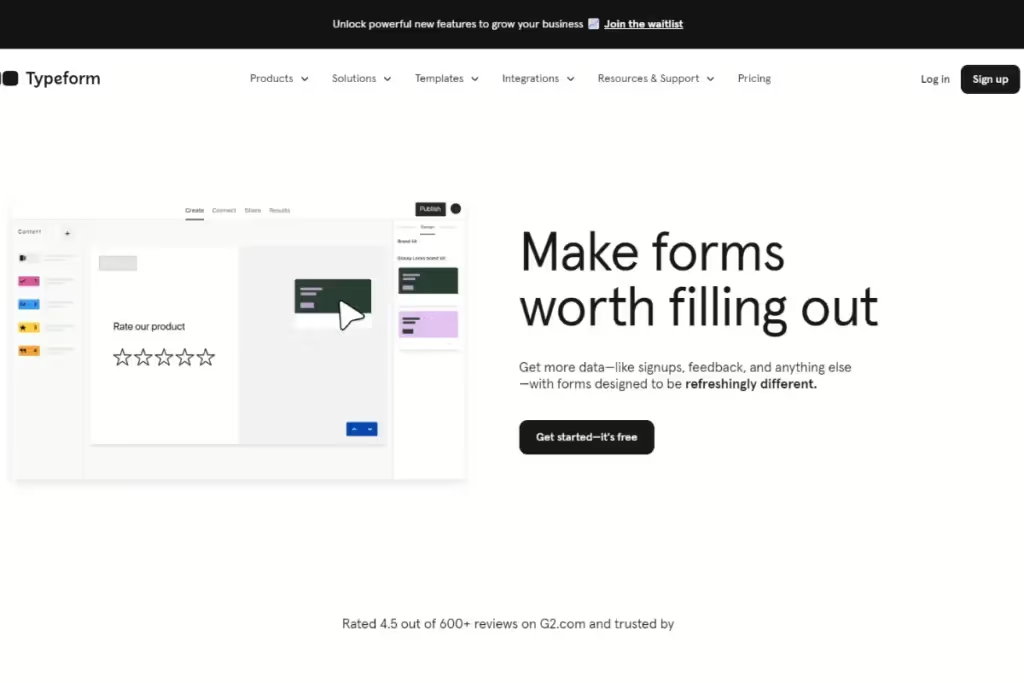
Create surveys, quizzes, polls, and questionnaires with Typeform. Leverage its 3000+ template library to begin building and customizing forms. Gather various data types using editable question types. Analyze collected responses in detail.
Pros:
- Design forms with the interactive form builder. Conditional logic and one question at a time increase user engagement.
- Easy-to-use user interface. Embed forms on websites or distribute via email.
- Build chatbots to interact with users. No coding is necessary.
- Integrates with 100+ essential business tools.
Cons:
- Costly. Basic plan includes only 100 responses/month
Price: $25 / month
G2 Rating: 4.5 / 5.0
Best for: Creating and distributing forms quickly and effortlessly.
6. UseResponse
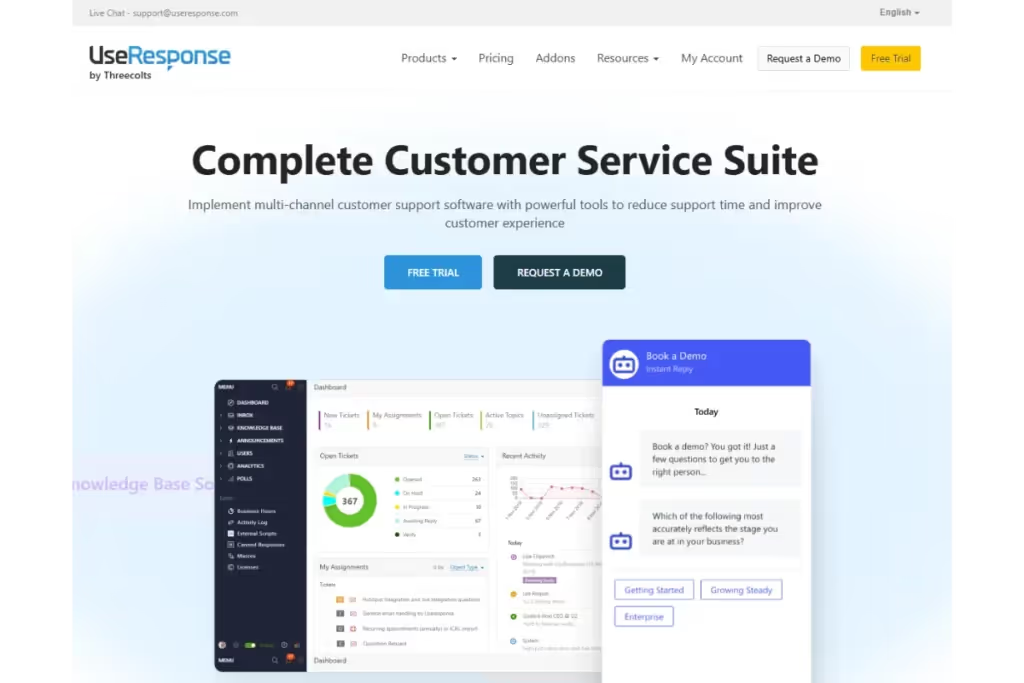
Offers a suite of tools to manage all types of customer interactions. UseResponse helps large businesses consolidate their customer support. Handles support across a variety of channels such as email, social media and live chat. A highly collaborative tool for internal communication.
Pros:
- Intuitive feedback management
- Workflow customization creates rules for support tickets. Uses open-source code.
- Feedback collection powered by AI chatbots
- Responsive customer support
Cons:
- Prohibitively expensive for small teams or businesses
- Complex - some features can be tricky for non-tech savvy users
Price: $59/month/agent
G2 Rating: 4.5 / 5.0
Best for: Omni-channel customer feedback for large businesses.
7. Uservoice
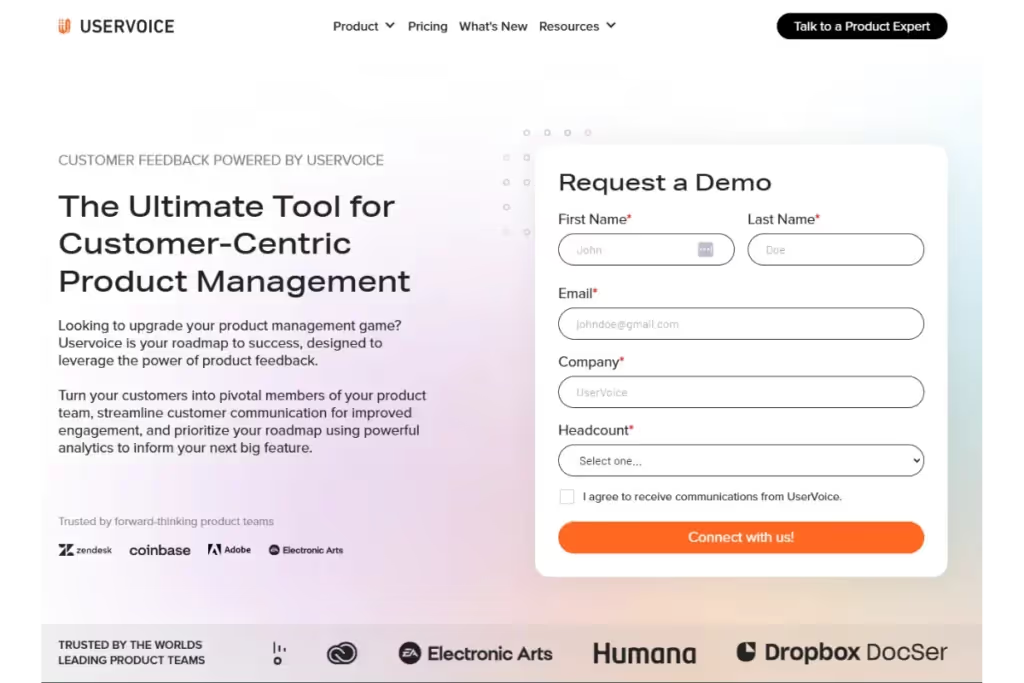
A platform that streamlines the process of capturing and managing user feedback. Customized notifications alert you when users encounter bugs or issues. Centralize all customer feedback with UserVoice and connect to other applications effortlessly.
Pros:
- Customize notifications so you’re alerted when customers raise a ticket, submit a request, or react to updates.
- Use status updates to ensure transparency and keep users in the loop.
- Detailed segmentation and reporting capabilities.
- Powerful integrations and APIs provide feedback visibility across a company.
Cons:
- Limited functionality for dashboards and analytics.
- Complex tool to understand for first-time users.
- Expensive for smaller teams.
Price: Custom, starting at $16,000/year with organization-wide access
G2 Rating: 4.5 / 5.0
Best for: Comprehensive feedback management.
8. Pendo

Aimed at SaaS businesses, Pendo is a product experience platform. Track usage analytics and create in-app guidance for users. Aggregate feedback data and analyze all your data under one roof with Pendo.
Pros:
- Powerful segmentation differentiates users based on activity. Tailor communication to different user groups.
- Integrate user feedback with your product roadmap. Track progress on planned updates.
- Create in-app guides to increase user awareness of little-known product features.
- Collect feedback directly from mobile applications.
Cons:
- A complex tool with a steep learning curve for new users
- Limited data analysis capabilities
Price: Custom pricing
G2 Rating: 4.6 / 5.0
Best for: Creating in-app guides and documentation for users.
9. SurveyMonkey
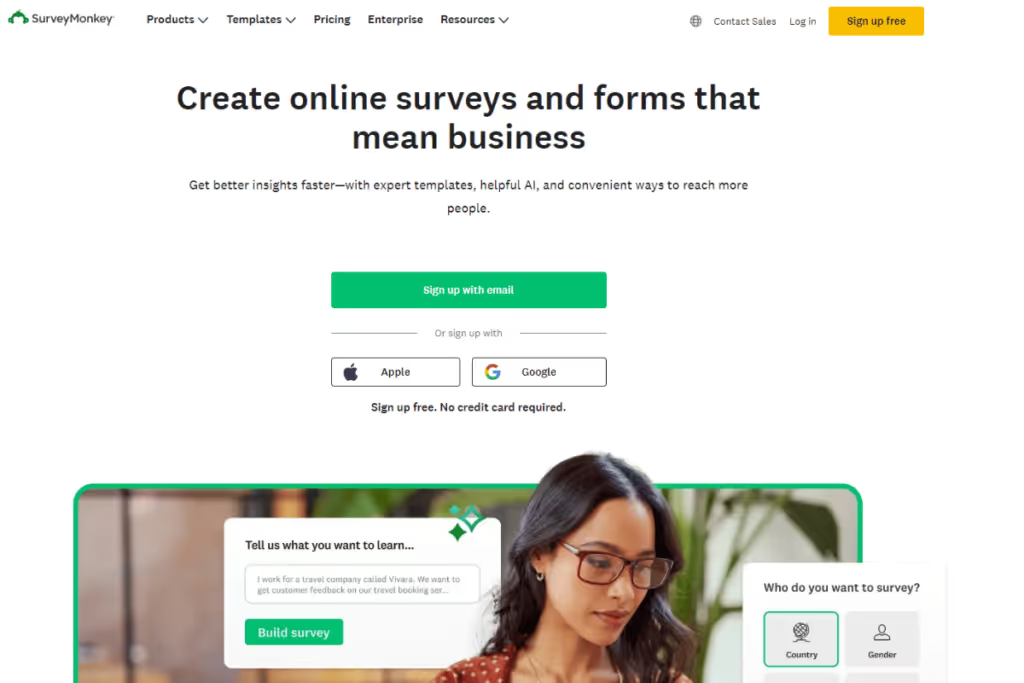
You’ve undoubtedly filled out a survey using this software. A popular survey platform, SurveyMonkey makes it easy to create and send out surveys. Choose from a host of different templates to create polls, quizzes, and questionnaires.
Pros:
- Capture feedback from websites and chatbots.
- Create customized and dynamic surveys with skip logic and branching.
- Use AI analysis to build out the perfect targeted survey.
- A host of helpful integrations.
- Easy-to-use and intuitive UI.
Cons:
- The freemium version offers limited responses.
- Using advanced features incurs a higher cost.
- Limited data analysis capabilities.
Price: Starting at $30/user/month
G2 Rating: 4.4 / 5.0
Best for: Quickly creating and distributing customized surveys.
10. Qualtrics
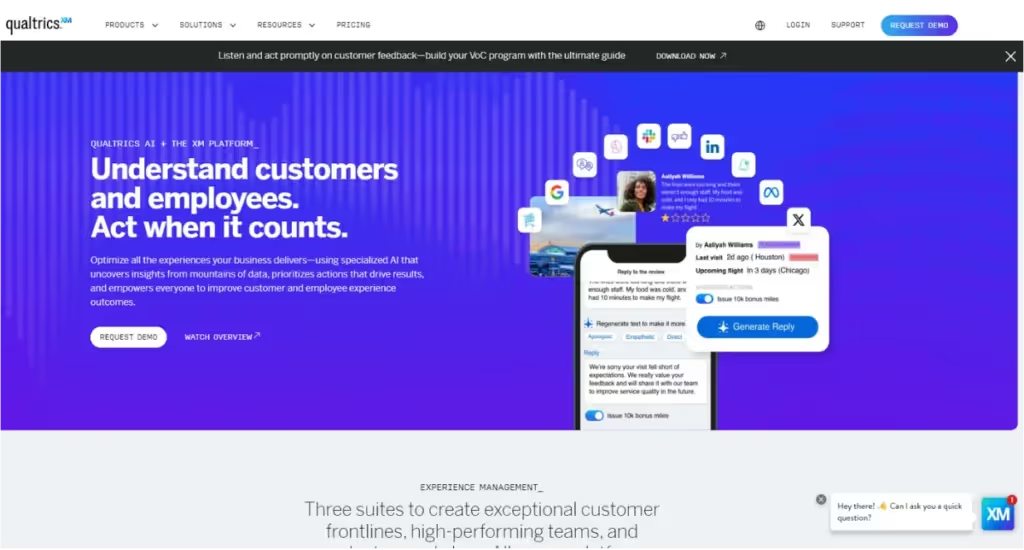
A comprehensive customer experience management platform. Build surveys and conduct large-scale research studies on Qualtrics. Combine all your quantitative and qualitative data and analyze the data within the app itself. Analyze visual data with session recordings.
Pros:
- Powerful data analysis such as predictive analytics, sentiment analysis and theme detection.
- Facilitates real-time data collection and analysis
- Highly scalable — grow according to business requirements.
- Plenty of integrations with popular UX applications. Including Marvin!
Cons:
- Complex UI for new users.
- Expensive for small businesses and teams
Price: Custom pricing
G2 Rating: 4.4 / 5.0
Best for: Large enterprises (with large budgets) collecting vast amounts of data.
11. Hotjar
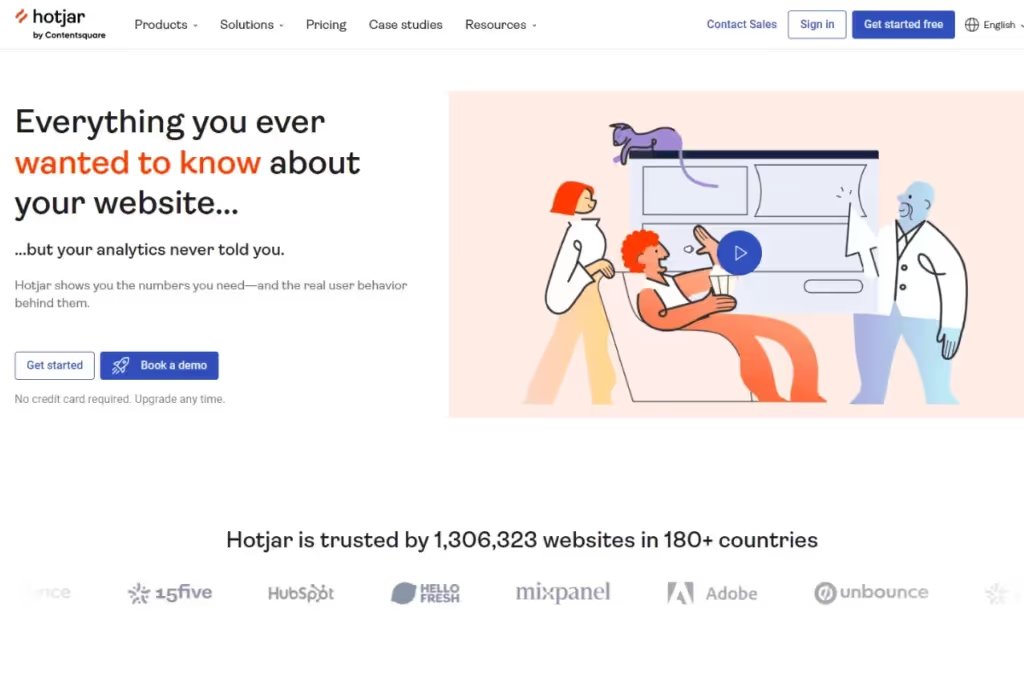
Hotjar is a feedback platform that’s used to visualize user behavior. Its many tools help monitor and record user behavior while immersed in a product. Track the user journey with real-time insights on Hotjar. Improve the user experience and engagement.
Pros:
- Session recordings. Capture user navigation through a website or app. Identify glitches and bugs.
- Heatmaps — identify areas within an app that occupy a user’s attention.
- Create surveys and forms and analyze responses.
- Use the feedback widget to capture real-time data. Upload screenshots of errors.
Cons:
- Users cite a lack of actionable insights and decision-making.
- Some experience data management issues.
Price: Free plan available. Paid starting from $39/month
G2 Rating: 4.3 / 5.0
Best for: Analyzing user behavior through visualization.
12. Qualaroo
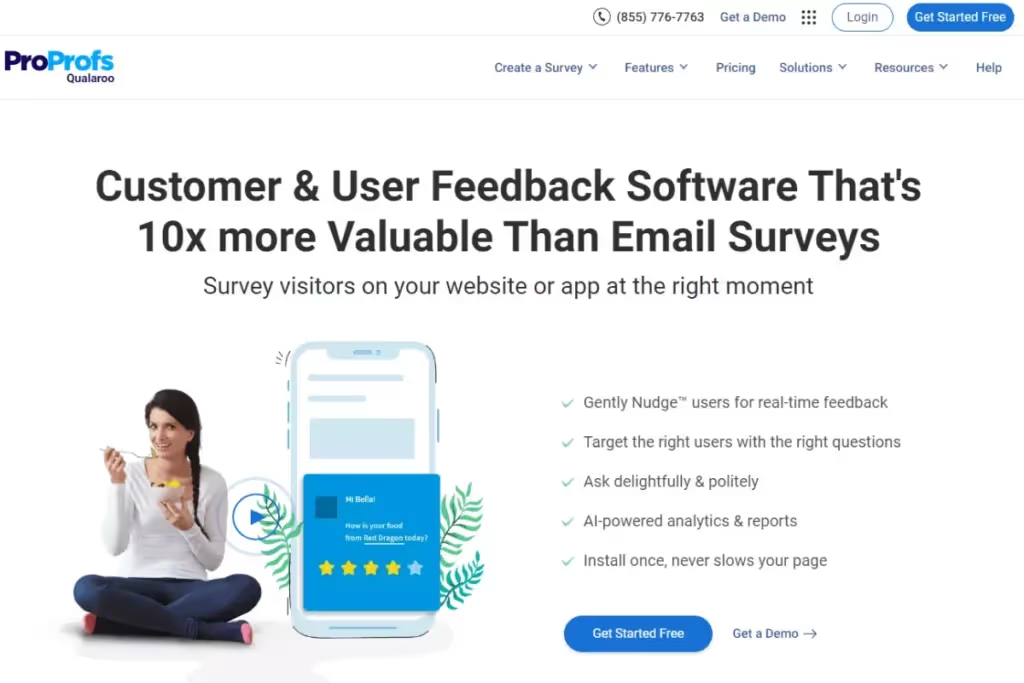
A product feedback platform tailored to UX surveys. Collect user feedback from prototype testing using Qualaroo. Create in-product surveys and attach them to design templates while testing. This provides contextual insights into the user experience.
Pros:
- In-product surveys accurately gather user impressions while immersed in a product.
- The nudge feature helps distribute surveys based on user actions.
- Personalize surveys with skip and branching logic.
- Gauge user sentiment with AI-powered analysis.
Cons:
- Limited starter plan - only includes 100 responses per month.
- Some users complain of unhelpful customer support.
Price: $20 / month
G2 Rating: 4.3 / 5.0
Best for: Collecting feedback from product testing.
13. Medallia
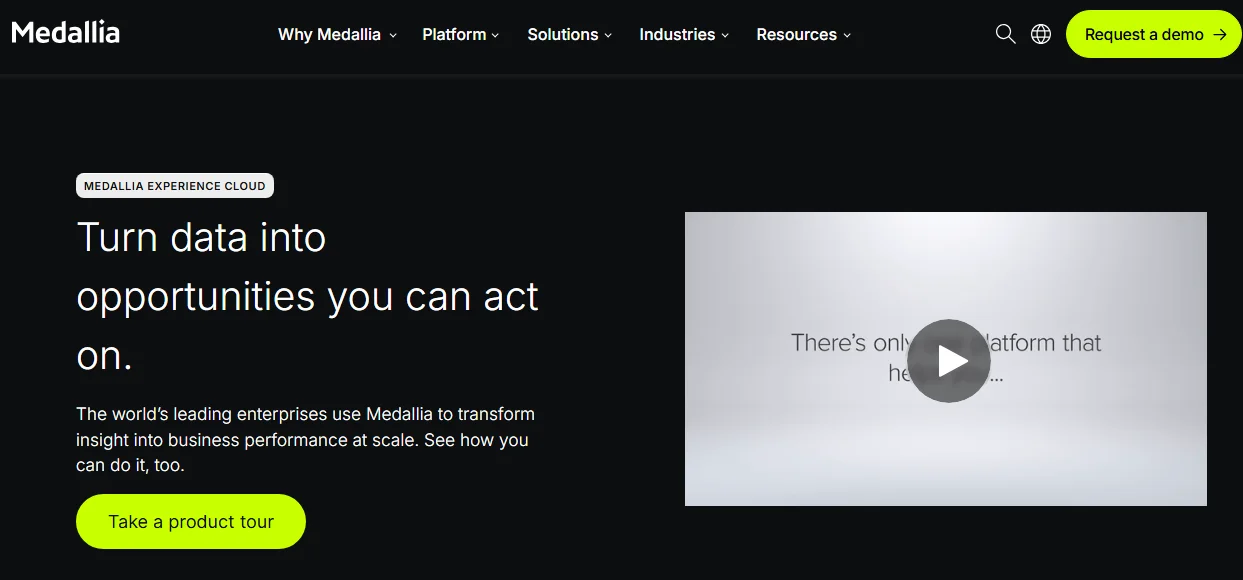
Medallia is an experience management platform for large enterprises. It helps organizations run enterprise feedback management programs by collecting feedback across every stage of the customer journey. AI uncovers trends and insights, while role-based reporting helps teams take action quickly.
Pros:
- Collects feedback via email, mobile, web, messaging, voice, and video.
- AI identifies themes and summarizes feedback, helping you uncover root causes.
- Role-based dashboards help teams share insights and take action faster.
- Supports large enterprise feedback programs across multiple teams and regions.
Cons:
- Too complex for many small businesses.
- Custom pricing makes costs difficult to estimate.
Price: Custom
G2 rating: 4.5/5.0
Best for: Enterprise customer experience management
14. Ask Nicely
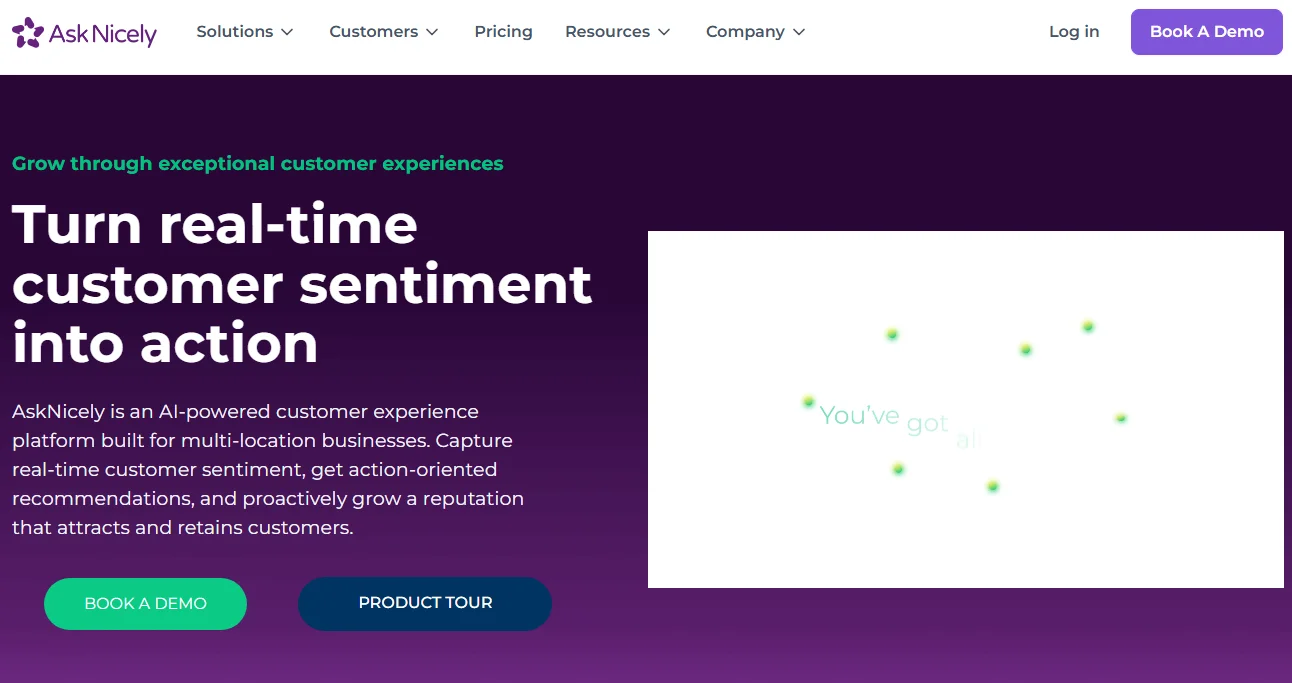
AskNicely is a customer experience platform that supports multi-location service businesses. It collects customer feedback, tracks NPS and CSAT, and uses AI to highlight where teams should focus next. Real-time dashboards help managers improve customer experiences across every location.
Pros:
- Track NPS, CSAT, and customer sentiment from one dashboard.
- AI highlights trends and recommends areas for improvement.
- Performance dashboards compare locations, teams, and employees.
- Integrates with popular CRM and business tools.
Cons:
- Best for service businesses rather than product-led companies.
Price: Custom
G2 rating: 4.7/5.0
Best for: NPS and customer loyalty programs
15. Podium
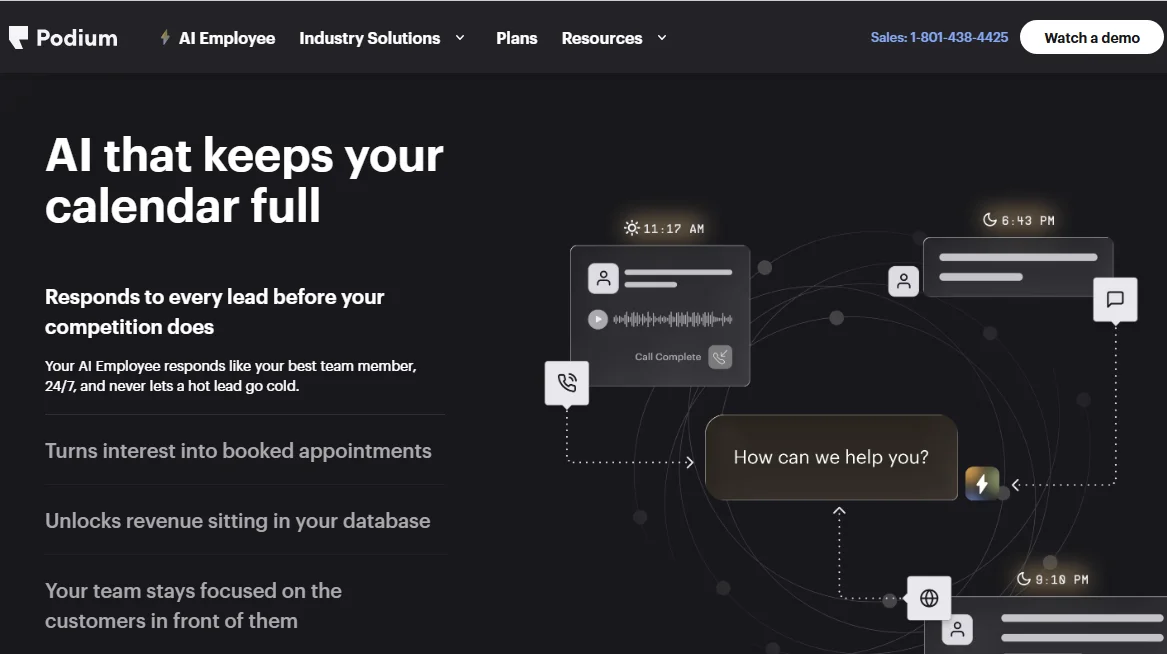
Podium helps local businesses manage conversations, reviews, and feedback from one platform. Its AI Employee responds to customer inquiries, books appointments, and follows up automatically. The platform also helps businesses collect more reviews and strengthen their online reputation.
Pros:
- Collect customer reviews and manage online reputation.
- AI Employee responds to leads and books appointments around the clock.
- Integrates with popular CRM and business management tools.
- Supports text messaging to keep customer conversations in one place.
Cons:
- Less suitable for enterprise organizations or product-led businesses.
- Limited advanced reporting and customization options
Price: Custom
G2 rating: 4.5/5.0
Best for: Customer communication and review management
Benefits of customer feedback management software
CFM tools assist in the distribution and assimilation of feedback. They expedite data analysis — helping you gauge customer sentiment to produce actionable insights. Here are some of the benefits of using a CFM tool in your feedback collection process:
Improves user experience
Nothing’s better than catching a problem before it snowballs. That’s the whole point of collecting user feedback.
- Customers can discover roadblocks or bugs in a product. CFM tools help identify customer pain points before they become an expensive problem
- While testing prototypes, teams gather instant user impressions of their product. Catch glitches at the source and minimize risks.
- Feedback helps teams understand the strengths and weaknesses of a product. It enables a deep understanding of what customers really want.
- Customers even share product recommendations, which help develop the product over time. Product and development teams prioritize product updates based on several factors.
- These include the severity of the issue, the frequency of requests, and the resources available.
In this way, CFM platforms help create a smoother user journey.

Expedites and informs decision-making
Eradicate decisions based on hunches and gut feelings.
- Customer feedback management tools gather large swathes of data using various collection methods.
- It automates cumbersome, mundane tasks and highlights trends and patterns across data. Use feedback to validate business ideas before launching a product or updates.
- Customer feedback helps paint a comprehensive picture of the user experience. Decision makers leverage abundant information to make key strategic business decisions. To stay up-to-date, they keep track of the evolving market landscape.
- Acting on feedback, they prioritize and allocate resources to projects. This enables them to choose initiatives with the highest (positive) impact on the user and the highest expected ROI.
Strengthens competitive advantage
Collecting feedback is the hallmark of a great product.
Continuous research of user needs helps companies become agile. Firms that regularly collect feedback have their pulse on market trends. Feedback onboard, they react to changing customer tastes and preferences. It becomes easier to pivot projects and alter their direction.
- Feedback insights help teams identify how a product measures up to its competition.
- The act of collecting feedback differentiates one company from another. It shows the customer that a company is user-focused.
- This results in a superior product offering over competitors who don’t regularize feedback collection.
Companies use feedback to identify new market opportunities and discover underserved customer requirements. It fuels innovation.

Enhances customer satisfaction (& Loyalty)
Engaging in constant dialogue builds strong customer relationships. Incorporating their feedback in product development makes users feel involved in the product. They contribute helpful suggestions that contribute to a product’s success. With their voices heard, customers feel valued.
- It’s far less expensive to retain existing customers than to acquire new ones.
- Measure customer satisfaction to see if your product meets user needs. Happier customers become loyal ones.
- Correlate this with the financial performance of the company. Repeat customers have a higher lifetime value (LTV), and contribute to increased revenue.
- CFM tools drive improvements in customer retention and reduce churn.
Interact with users throughout their journey to keep them engaged and satisfied.
Promotes a user-centric culture
Great products solve a genuine customer problem. Examine any product that you use regularly. It’s probably built on constructive customer feedback. Companies conduct continuous discovery. They engage in constant dialogue with customers to make improvements over time.
Some product teams fall prey to becoming feature-focused. With little regard for user outcomes, they load products with the latest and greatest features. They lose sight of solving customer problems.
Use CFM tools to create a regular inflow of user feedback. Sharing customer insights across an organization helps everyone develop user empathy. With every decision, they mull over how any updates affect the end user.
CFM tools promote user-centricity. This aligns with everyone’s focus on solving user problems. Resulting in happy campers (customers).
How to choose the right customer feedback management software
Choosing the right customer feedback management solution is a big decision. You’ll likely stick with the same application for a few years (provided it isn’t rubbish). Look out for these features to identify the ones most important to your team:
What features matter most in a feedback management tool?
- Data Collection & Aggregation: CFM tools must collate data from various channels and customer touch points. Including recordings, surveys, emails, customer support tickets, in-app feedback forms, productanalytics, and social media.
- Survey Creation & Distribution: Most tools give you the capability to create and disseminate forms or surveys. Tailor your surveys according to business and target audience needs. Some tools offer in-app widgets for feedback collection.
- Product feedback collection: Look for product feedback tools that capture feedback while users interact with your product. In-app widgets, feature request portals, and contextual surveys help teams gather feedback at the right moment.
- Powerful Analysis: Tools offer sentiment analysis and text mining to supercharge your analysis. Look for CFM software that allows intuitive data tagging. Categorizing user feedback by various attributes making analysis faster and more consistent.
- Searchability: Storing data is half the battle. The ability to search through your research repository is essential. This allows you to leverage past research, avoiding duplicated efforts and consolidate ideas and insights across projects.
- Integrations: Does the platform integrate with your company’s existing tool stack? Choose a tool that shares data effortlessly between applications. It must talk to CRMs, project management software, as well as collaborative support, and design tools.
- Shareability: Ideally, CFM tools should make it easy to share feedback insights across the organization. They must also have the ability to send out feedback forms or surveys efficiently.
- Security: Treat confidential user data with utmost care. Protect their personal identifiable information(PII). Ensure your CFM software has robust security features such as data encryption and secure storage. Choose a tool that complies with data security guidelines.
- User-friendly Interface: Make sure the tool is easy-to-learn and navigate through. A complex tool wastes people’s time and energy. The simpler, the better.
- Customer Support: What happens when you get stuck? Does the platform offer resources and actual human help? Look through user reviews to gauge the responsiveness and helpfulness of customer support.
Which customer feedback management software checks every box?
All tools aren’t built equal.
When choosing CFM software, it’s important to prioritize functions based on your team's needs. You have to make concessions on some features to get other ones. However, you might ask:
Is there an application that does ALL of the above?
One platform stands out.
HeyMarvin checks all the boxes. Set up your free demo to discover how it can help you derive insights from customer feedback.

Frequently asked questions (FAQs)
Find quick answers to common questions about customer feedback management software, tools, and costs.
What metrics should be tracked in customer feedback management?
Use longitudinal studies to track improvements over time. Here’s our starter pack:
Quantitative
- In-App Ratings. Capture real-time data without redirecting users.
- Customer Effort Score (CES). Measures difficulty of performing a task. Use it after support interactions or key workflows to identify points of friction.
- Customer Satisfaction (CSAT). Track customer sentiment. How happy are users with a product? Measure CSAT after specific interactions, such as a purchase or support request, to understand satisfaction at that moment.
- Net Promoter Score (NPS). Measure customer loyalty. Track NPS over time to understand long-term customer loyalty and whether changes improve overall sentiment.
Qualitative
- Reviews / Testimonials. Solicited or unsolicited feedback. Complementary or complaints.
- Feature Requests. Help companies prioritize product feature updates.
- Bug Reports. Identify when and where users encounter technical difficulties.
This list isn’t exhaustive. Here’s a more comprehensive breakdown of AI in UX analytics.
Are there any free customer feedback management software options?
You don’t need to break the bank to start collecting feedback. Just get started.
Consider these free tools when you’re starting to build out your feedback cycle.
- SurveyMonkey: Free plan with limits on available features and the number of responses you can view.
- Google Forms: Free plan without built-in analysis and feedback management features.
- HeyMarvin: Free trial/freemium customer insights analysis. Some advanced AI features and collaboration capabilities require a paid subscription.
What are the typical costs of customer feedback management software?
Basic survey and feedback tools offer free plans or start at around $20 per month. Mid-tier customer feedback management platforms typically range from $50 to $200 per month. And enterprise platforms usually provide custom pricing based on your organization's needs.
Use our checklist (above) to decide the most important features for you and your team. Just like organizing feedback, prioritize features by discerning between the essentials and nice-to-haves. Then, head over to the list of the top 12 customer feedback management platforms. Shortlist a few options and use the free plans freemium versions to ‘try before you buy.’
What is the difference between customer feedback management software and a survey tool?
Survey tools focus on collecting responses through forms and questionnaires. They have more limited functionality and typically cost less.
Customer feedback management software provides teams with a searchable repository to organize and analyze feedback from multiple sources. Many platforms also support reporting and workflows that make it easier to share insights across teams.
How does customer feedback management software integrate with other business tools?
Most customer feedback management platforms integrate with the tools your team already uses. Common integrations include CRMs, project management platforms, customer support software, and design tools. These connections keep customer feedback flowing between teams instead of leaving it in separate systems.
Bottom Line: The best CFM software
Customer feedback management software helps you collect, organize, and act on customer insights from one place.
As you compare platforms, focus on the features that support your team's workflow and research process. Then choose the tool that gives you the right balance of functionality, integrations, and price.
If you're looking for a platform that combines feedback collection, AI-powered analysis, a searchable repository, and enterprise-grade security, consider HeyMarvin.
Sign up for a free account to see how HeyMarvin helps you turn customer feedback into actionable insights.

See Marvin AI in action
Want to spend less time on logistics and more on strategy? Book a free, personalized demo now!