.png)
.svg)


Qualitative Usability Testing: Methods, Tools, and Benefits
Learn key methods, tools, and benefits of qualitative usability testing to improve user experience.



Nothing makes users run away faster than poor usability. Confusing workflows, hidden menus, or frustrating features are deal breakers.
The problem with users who run? They don’t usually take the time to tell you why. And that’s what makes qualitative usability testing so valuable. It can give you clues on how to improve your product and make people stick around for it.
Let’s explore how you can:
- Make qualitative usability testing work for your product
- Turn insights into smarter design decisions with our AI-powered research assistant
HeyMarvin helps you uncover the “why” behind user actions. Need to turn messy qualitative data into clear, actionable insights? Use HeyMarvin for anything from automated interview transcriptions to AI-powered tagging and advanced thematic analysis. Create a free account to start using these time-saving features today.

What is qualitative usability testing?
Qualitative usability testing is a method for evaluating how users interact with your product. It uses open-ended questions to:
- Unpack the story behind each interaction
- Understand why users behave, think, and feel the way they do
- Spot hidden frustrations, motivations, and unmet needs that numbers just can’t explain
Quantitative research might tell you that 60 percent of users can’t find the save button. Qualitative testing will reveal why they missed it. Maybe the icon’s confusing, or the button’s in an unexpected spot.
Qualitative vs. quantitative usability testing
Quantitative testing shows what is happening on a larger scale, while qualitative testing explains why it happens. The best workflows use both types of usability testing to:
- Uncover pain points (qualitative)
- Assess how widespread and severe they are (quantitative)
- Explore specific problems in depth before a redesign (qualitative)
How you collect and review your research can help you find both qualitative and quantitative insights, even from the same method or dataset.
For example, interviews reveal user opinions, expectations, frustrations, and mental models, which are all qualitative data. But you can also track issue rates and sentiment trends through interviews.
Similarly, think-aloud protocols collect qualitative data in the form of real-time thoughts, confusion, and assumptions. Afterward, you can measure error counts, hesitation time, and task completion as quantitative data.
Therefore, it is not really about choosing between qualitative and quantitative usability testing. These methods examine the same behavior from different perspectives.
Benefits of qualitative usability testing
The insights you get from qualitative usability testing can lead to real improvements. When you stop guessing what users need and hear it directly from them, you’ll benefit from:
- Deeper insights: Understand the "why" behind user actions, not just the "what."
- Pinpoint pain points: Spot hidden frustrations users might not share in a survey.
- Improved design decisions: Create features that match how users think and act.
- Enhanced CX and UX: Build smoother, more enjoyable user experiences.
- Faster iteration: Fix issues early before they turn into bigger problems.

Qualitative usability testing methods
There are so many ways to watch people interact with your product. This is fortunate because you can choose the right testing method for your:
- Context and goals
- Product’s development stage
- Desired or achievable level of implication
Below, we’ll dive into the core methods that serve up different kinds of insights. First, let’s clear up the main approaches and settings.
The Moderated vs. Unmoderated Approach
Usability testing research is meant to produce deep insights. But that doesn’t mean you can’t do it without human moderation. Here’s what the two options involve:
<figure class="wp-block-table"><table><tbody><tr><td class="has-text-align-center" data-align="center"><strong>Aspect</strong></td><td class="has-text-align-center" data-align="center"><strong>Moderated testing</strong></td><td class="has-text-align-center" data-align="center"><strong>Unmoderated testing</strong></td></tr><tr><td class="has-text-align-center" data-align="center"><strong>Interaction</strong></td><td class="has-text-align-center" data-align="center">You guide the session in real-time, either in person or remotely.</td><td class="has-text-align-center" data-align="center">Users work independently without live guidance.</td></tr><tr><td class="has-text-align-center" data-align="center"><strong>Engagement</strong></td><td class="has-text-align-center" data-align="center">You can interact with users, ask follow-up questions, and adapt based on their responses.</td><td class="has-text-align-center" data-align="center">You use tools to record the screens, clicks, and feedback for later analysis.</td></tr><tr><td class="has-text-align-center" data-align="center"><strong>Benefits</strong></td><td class="has-text-align-center" data-align="center">It provides richer, more nuanced feedback.</td><td class="has-text-align-center" data-align="center">It’s faster and less resource-intensive.</td></tr><tr><td class="has-text-align-center" data-align="center"><strong>Downsides</strong></td><td class="has-text-align-center" data-align="center">It’s time-intensive due to scheduling and live moderation. Observer bias may influence user behavior.</td><td class="has-text-align-center" data-align="center">You can’t ask follow-up questions, and they can’t ask for clarification. The insights may be limited, and confusing tasks can lead to unusable data.</td></tr><tr><td class="has-text-align-center" data-align="center"><strong>Best use cases</strong></td><td class="has-text-align-center" data-align="center">Complex tasks or when real-time observation is key</td><td class="has-text-align-center" data-align="center">Simple tasks or when large-scale testing is needed</td></tr></tbody></table></figure>
The In-Person vs. Remote Setting
Sometimes, you want to conversate with users from a thousand miles away. The beauty of research is you can do it even in remote settings. Here are the differences:
<figure class="wp-block-table"><table><tbody><tr><td class="has-text-align-center" data-align="center"><strong>Aspect</strong></td><td class="has-text-align-center" data-align="center"><strong>In-person testing</strong></td><td class="has-text-align-center" data-align="center"><strong>Remote testing</strong></td></tr><tr><td class="has-text-align-center" data-align="center"><strong>Context</strong></td><td class="has-text-align-center" data-align="center">Face-to-face in a controlled environment</td><td class="has-text-align-center" data-align="center">Virtually, using online tools</td></tr><tr><td class="has-text-align-center" data-align="center"><strong>Insights</strong></td><td class="has-text-align-center" data-align="center">Rich, immediate insights from body language, expressions, and interactions</td><td class="has-text-align-center" data-align="center">Relies on screen, voice, and camera recordings for analysis</td></tr><tr><td class="has-text-align-center" data-align="center"><strong>Accessibility</strong></td><td class="has-text-align-center" data-align="center">Limited to participants who can visit the testing site</td><td class="has-text-align-center" data-align="center">Accessible to users anywhere, expanding your reach</td></tr><tr><td class="has-text-align-center" data-align="center"><strong>Logistics</strong></td><td class="has-text-align-center" data-align="center">Requires setup for a physical space, equipment, and travel</td><td class="has-text-align-center" data-align="center">Requires reliable tools and internet connections</td></tr><tr><td class="has-text-align-center" data-align="center"><strong>Best for</strong></td><td class="has-text-align-center" data-align="center">Complex products, physical devices, or tools requiring hands-on interaction</td><td class="has-text-align-center" data-align="center">Web or mobile apps and projects needing diverse or geographically spread participants</td></tr></tbody></table></figure>
The Core Methods in Qualitative Usability Testing
So far, you’ve figured out how hands-on you want to be and what’s the best setting. Time to pick the most suitable method:
1. Interviews
Talking to users can be incredibly effective. Interviews allow you to ask them about their goals, preferences, and frustrations.
You can use them on their own or pair them with usability tasks for extra context.
For example, you could ask users about their past experience with similar apps. This will help uncover their expectations before testing your app.
2. Think-Aloud Protocol
This method involves having the user narrate their thoughts while performing tasks. You’ll hear things you might have missed by watching them — “I expected this dropdown to show categories.”
The beauty of this protocol is that you learn what they notice, misunderstand, or assume in real-time. That’s powerful, especially when you can’t moderate the testing yourself.
3. Contextual Inquiry
Here, you observe users in their natural environment, like their office or home. The goal is to see how your product fits into their real-life workflows.
You might watch a developer struggle with a code editor in their busy workspace. This can reveal some overlooked distractions or design gaps.
4. Diary Studies
Users log their experiences with your product over days or weeks. Reading these notes will help you look at their long-term behaviors and notice recurring issues.
5. Usability Testing Tasks
When running a qualitative test, you ask users to perform specific actions and assign them goals. One task could be “Schedule a meeting using the calendar app.”
Then, you observe and analyze the testing to understand where users succeed or fail and why.

Qualitative usability testing questions
Good qualitative usability testing questions help you focus your research on what matters most to you. However, how you phrase these questions shouldn’t influence the answers. That’s often the hardest part of asking useful questions.
You don’t want to be too blunt, since that can introduce bias and affect the answers. But if you’re too vague, you’ll just get polite, unhelpful responses.
Sincere curiosity can help you find the right balance. Aim to make your questions feel more like a conversation and less like a checklist.
It also helps to think about the types of questions you’ll need to ask during a session:
- Expectation questions to spot differences between your design and users’ mental models.
- “What would you expect to happen if you click here?”
- Observation-based follow-up questions to further explore a specific behavior you notice.
- “I notice you paused here. What were you thinking?”
- Clarification questions to make unclear feedback (such as “This is weird”) more relevant.
- “What feels weird about it?”
- Emotion-oriented questions to help users explain behavior using more than plain logic.
- “How did that step feel to you?”
- Task-reflection questions to capture impressions while still fresh, before users forget or start to rationalize what just happened.
- “What would you change here if you could?”
- Comparison questions to make the user think about prior experiences with other tools and give you an understanding you can’t get from your product alone.
- “How does this compare to what you’ve used before?”
- Decision-making questions to understand how users choose between options, especially for navigation, menus, and CTAs.
- “What made you pick this over the other option?”
- Open exploration questions to make users step back and reflect more broadly, especially when you’re about to wrap up a section or transition to a new task.
- “What stood out to you the most?”

How to conduct qualitative usability testing
You need to set up an environment and create an inviting experience. Comfy chairs, friendly vibes, and zero judgment help a ton. You want to make users feel so at ease that they’ll talk freely about their product experience.
Here's a step-by-step process to help you get actionable insights.
1. Define Your Goals
Useful feedback may come to you, but you have to recognize it.
Start by determining what you need to learn. Are you testing navigation, a new feature, or overall usability? Clarifying this will make everything else go more smoothly.
For example, you might test a new dashboard for a project management tool. You aim to determine if users can quickly locate key features (task assignments, progress tracking, etc.).
This goal will guide you to pick:
- The best method: Moderated testing works well here. It lets you observe users’ navigation and ask follow-up questions if they struggle.
- “Why didn’t you click that tab?”
- The right questions: Focus on task-based questions that mimic real-world scenarios and make feedback more relevant.
- “Can you assign a task to a team member?”
- “How would you check the status of a project?”
2. Choose the Right Method
The most suitable method will help you effectively answer the why behind user behavior.
Moderated testing supports in-depth insights, while unmoderated testing saves time for simpler tasks.
Every method has a best use case. A think-aloud session might reflect why users misunderstand a button’s function or a menu’s label. And diary studies show long-term use patterns.
3. Recruit Participants
Would you test a design tool with non-designers? Of course not, because they wouldn’t reflect the real-world users of your product.
You need participants who align with your target audience to get meaningful insights. It’s also important to include a mix of skill levels and roles.
This way, you’ll capture a wider range of perspectives and catch different challenges. You might notice beginners struggling with navigation or advanced users wanting more powerful features.
4. Create Tasks and Scenarios
Tasks give structure to your sessions and mimic real-world use cases. Without clear scenarios, users may wander off-task. You’ll find it harder to analyze their behavior and risk having less useful data.
Write clear, goal-oriented tasks that are realistic and relevant to the user’s daily life. Avoid giving away hints in the instructions:
❌“Organize three tasks into priority levels using the app’s drag-and-drop feature.”
✅“Your manager needs you to organize these tasks by priority. Arrange them in the order you think makes sense.”
5. Set Up Your Tools and Environment
A seamless setup should:
- Keep the focus on the user experience, not the testing process.
- Help you fully capture insights without interruptions.
Decide if the test is in-person or remote. For in-person, have a quiet, distraction-free room. For remote, test your research tools ahead of time (screen recording software, video conferencing, etc.) Ensure you and the participants have a reliable connection to avoid delays and frustrating users.
6. Run the Session
This is where you see your product in action. By observing users as they work, you uncover real frustrations or gaps. All the things that even the detailed design reviews might miss can surface at this point.
Start by explaining the test’s purpose and encourage participants to speak their thoughts aloud.
Let them work through tasks while you observe. Ask open-ended questions such as, “What were you expecting here?”
7. Take Notes and Record Observations
Relying on memory isn’t enough. This step ensures you:
- Avoid letting important details slip through the cracks
- Can analyze patterns later to create evidence-backed recommendations
While observing, focus on moments of confusion, hesitation, or frustration. Capture quotes and behaviors that stand out. Observations like “The user paused for 15 seconds before clicking ‘Save,’” show potential design confusion.

How to analyze qualitative usability testing data
When you have all your data in front of you, it’s easy to feel overwhelmed and think you need to analyze every word. But you really just need to figure out two things: what keeps coming up, and what you need to fix first. And below, we’ll show you how to do just that.
Step 1: Put your notes, recordings, and observations in one place so you can notice the patterns more easily.
Step 2: Go through your data and mark the moments that indicate confusion, hesitation, frustration, or anything unexpected. If something catches your attention, it probably matters. Don’t overthink it.
Step 3: As you notice the same problems repeating in different forms, start grouping them under simple tags such as “navigation confusion” or “unclear labels.”
Step 4: Focus on issues that prevent users from completing tasks and look at what shows up across multiple users.
Step 5: For each relevant issue, after you write down what happened (“Users didn’t click the button”), try to also explain why it happened (“because they didn’t recognize it was clickable.”)
Step 6: Prioritize what to fix from that long list of problems you’ve identified. Start with issues that break core tasks, occur frequently, or affect key flows.
Step 7: In your final report, when you share findings, include short quotes or specific observations to make your insights clearer and easier to trust.
Using AI for qualitative usability testing
Qualitative usability testing gives you rich insights, but it also comes with a lot of work: planning sessions, writing questions, running tests, taking notes, and then making sense of everything after.
AI can support you to quickly:
- Draft and refine interview questions or tasks
- Take notes during live sessions
- Transcribe existing recordings
- Identify patterns and recurring issues
- Extract quotes and examples to support your analysis
Using AI to handle these tasks will save you time without compromising rigor. You’ll be able to go deeper into your research with less bias and fewer errors. But most importantly, you’ll feel less overwhelmed. You’ll still have to validate your findings, and this is the part where you’ll spend the most time, but AI makes it all significantly more manageable.
That said, not every AI tool is designed for usability testing. Some only handle one step, while others help you connect everything, from raw data to insights you can actually use.
Before picking a tool, it’s worth asking yourself if that tool is only giving you speed or if it also helps you stay close to the actual user evidence.
In the next section, we’ll look at a few tools that support different parts of this workflow and what each one is best at.

Tools for qualitative usability testing
From automating transcription to uncovering patterns in qualitative data, the right tools can:
- Simplify complex tasks
- Free you to focus on actionable insights
But what are these tools for qualitative usability testing, to begin with?
Let’s show you five options that complement your testing workflow no matter how you do it.
1. HeyMarvin

HeyMarvin was made for qualitative research. It’s an excellent choice for analyzing your usability testing data.
It centralizes research files, automates transcription and note-taking, and uses AI for qualitative usability testing analysis. Plus, it easily integrates with everyday tools such as Zoom, Figma, and Miro.
Once you create your research repository, you can:
- Identify patterns, trends, and themes with thematic analysis and AI-powered tagging
- Use advanced search and automated reporting to access insights
- Visualize data through charts and Kanban boards
Book a free demo today. See how HeyMarvin can transform your qualitative usability testing data into actionable results.
2. Lyssna
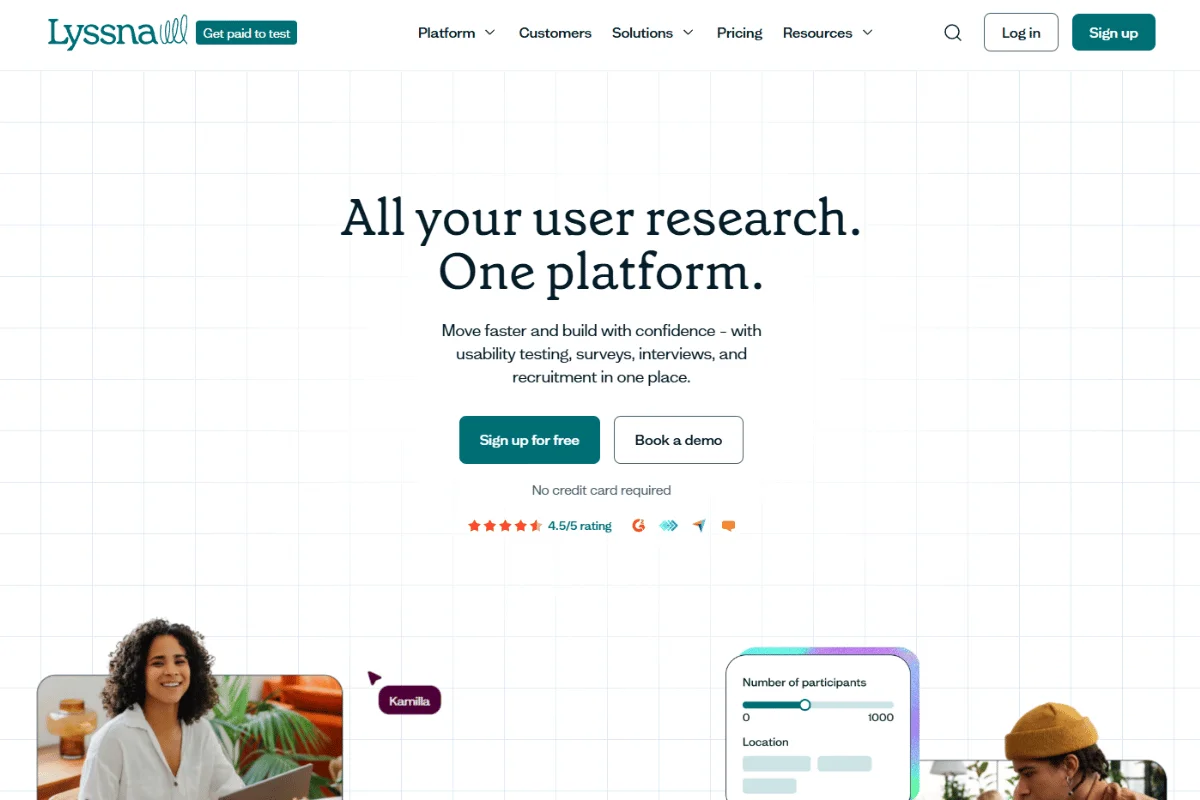
Previously known as UsabilityHub, this tool focuses on remote-first testing. It’s a lightweight but powerful addition to your qualitative user testing toolkit.
Lyssna offers preference tests, first-click tests, and design surveys to gather quick, actionable feedback. Use it to run remote tests and really listen to your users.
(By the way, the new name, Lyssna, is the Swedish for “to listen”).
3. Miro
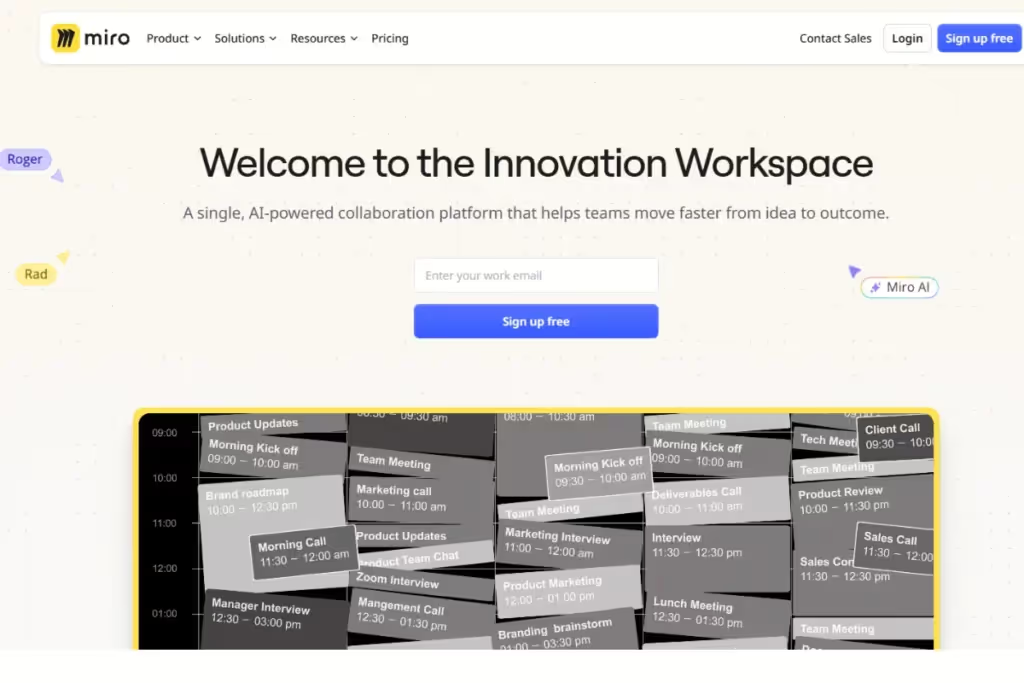
As a visual collaboration tool, Miro features some valuable features for synthesizing research.
Consider it for affinity mapping, journey mapping, or visually organizing insights. And pair it with HeyMarvin to directly integrate qualitative data into your team's visual workflows.
Challenges in qualitative usability testing
Done right, qualitative usability tests can unearth gold insights. Still, plenty of challenges can slow you down or mislead you. Five of the most common are:
- Recruiting participants: Testing the wrong users can waste resources. You’ll get irrelevant insights that derail your product from serving its ideal audience.
- Interpreting subjective feedback: Qualitative data is rich but messy. Users’ emotions, biases, and unique experiences can make patterns hard to spot.
- Time-consuming analysis: Sifting through interview recordings, notes, and observations takes time. Doing it manually will slow you down even more.
- Observer bias: Your presence, tone, or phrasing can influence user behavior. Sometimes, just by being there, you can make them act differently than they would on their own.
- Scalability: Success requires a solid strategy and the right tools. Without these, scaling testing across larger user groups or various features is difficult.
RESOURCE: Want to discover the ROI of modernizing your research process? Register to watch our on-demand event, “What You Need to Know About the Modern Research Tech Stack.” You’ll also learn how top research teams use cutting-edge tools to:
- Tackle scalability and data analysis
- Streamline workflows
- Maximize efficiency

Frequently asked questions (FAQs)
Ready to dive into qualitative usability testing? Not before you check out these FAQs:
Is usability testing qualitative or quantitative?
Usability testing is a broad research method. It includes sub-methods or techniques that can be either qualitative (think-aloud sessions, interviews, contextual inquiries, diary studies, etc. ) or quantitative (task-based tests where you measure time on task, success rates, etc.).
You can use both qualitative and quantitative approaches to capture and interpret what happens. Or you can opt for a qualitative method (such as interviews), then quantify your qualitative data to derive measurable insights.
Can qualitative usability testing be conducted remotely?
Yes, you can conduct qualitative usability testing remotely. Tools like Zoom or Lookback let you observe users in real-time or through recorded sessions. To get it right:
- Use reliable tools
- Provide clear instructions
- Always have a backup (in case a specific tool won’t work as intended)
How long does a qualitative usability testing session typically last?
The length depends on the number and complexity of tasks, but it’s usually 30-60 minutes. Give users enough time to complete and share thoughts without feeling rushed or fatigued:
- Focused goals? Try a shorter session.
- Need in-depth exploration? Plan longer sessions, but set your users’ expectations in advance.
What skills are needed to conduct qualitative usability testing?
Qualitative usability testing is an exploratory process. You aim to gather a lot of relevant, open-ended feedback, which is why you’ll need:
- Observation to notice subtle user behaviors
- Empathy to understand user frustrations and needs
- Good communication to guide users effectively without leading them
- Analytical skills to interpret feedback and identify patterns
Conclusion
Numbers alone can’t fix usability issues. You need to uncover the why behind user analytics stats. Qualitative usability testing helps you do that. How? By diving into the messy, human details from which the real design solutions stem.
However, examining your users’ behavior will give you even more data to analyze and interpret. Our AI research assistant can help you:
- Avoid overwhelm
- Identify all the valuable insights from your qualitative testing
With HeyMarvin in your UX tech stack, you’ll stop feeling like you're drowning in notes. Instead, you’ll capture, organize, and analyze all your rich qualitative data in one place. And do it in hours instead of days. Want to go from “Whyyy?!” to “Oh, I see. Here’s how we’re going to fix this.”? Create your free HeyMarvin account today. Usability testing will take you less effort and give you more satisfaction for your valuable work.

See Marvin AI in action
Want to spend less time on logistics and more on strategy? Book a free, personalized demo now!