.png)
.svg)


8 Best Qualitative Data Analysis Software Tools Compared
Explore top qualitative data analysis tools to enhance your research with powerful features and user-friendly interfaces.



Corporations, large and small, amass a great deal of qualitative data. Customer feedback, interviews, support tickets - how do they analyze it all?
For a long time, qualitative researchers used to perform their work manually. But conducting research today without qualitative data analysis software is the equivalent of bringing a knife to a sword fight.
Technology enhances the UX workflow. Qualitative data analysis tools expedite cumbersome manual processes, allowing researchers and designers to focus more on analysis.
Want to learn more? HeyMarvin’s here to help on your journey!
Here’s our guide to qualitative data analysis software.

TL;DR - Best qualitative data analysis software
There’s no shortage of programs for qualitative data analysis on the market. Companies spoiled for choice have a tough time whittling their options down. So how do they decide?
Let’s understand more about how to choose the right tools and what to look out for.
Highlighting their pros and cons, we’ll examine the following tools closely:
- Marvin
- ATLAS.ti
- Cauliflower
- Deedose
- Delve
- MAXQDA
- NVivo
- Qualtrics
Our recommendation? Glad you asked!
HeyMarvin is fast gaining popularity in the UX community. With a simple and eye-catching UI, it's easy to navigate through the application.
We’re constantly rolling out new features that delight users. We believe listening to our customers eventually enhances their user experience.
Read on to learn why researchers and designers call HeyMarvin a ‘game changer.’

What is qualitative data analysis software?
Qualitative data analysis software facilitates the gathering, structuring, and interpreting of qualitative data.
We won’t cover in detail why Qualitative Research matters. Suffice to say that non-numerical, qualitative data is the lifeblood of good research and design.
Researchers identify trends or patterns in contextual data from various formats. They seek to understand users’ thought processes - the “why” behind their actions.
This software allows researchers to automate aspects of the research process, such as:
- Transcription. Tools capture user interactions from audio and video, automatically producing a verbatim transcript with multi-language support.
- Coding and Annotations. Tag your qualitative data and cluster textual data into themes. Query data and connect pieces of evidence across projects.
- Analysis. AI now plays a role in analysis. It can handle data far beyond what a human can. Use AI to conduct preliminary analysis - the output still needs human review. It has many applications across the analysis process, including (but not limited to):
- Statistical. Uncover trends, patterns, and correlations between variables.
- Sentiment. Interprets and classifies data to understand people’s attitudes.
- Textual. Text mining extracts high-quality information from your research.
- Media analytics. Analyze data from various media types or sources such as images, text, audio, and video. Link meaningful insights back to source data.
- Data reporting and visualization. Summarize and present findings. Spot trends and patterns and discover links across projects. Map and track the customer journey.
Use qualitative research data analysis software to unearth insights from unstructured data. Insights inform decision-making, allowing UX professionals to create experiences that delight users. Isn’t that the whole point, anyway?
What determines the best qualitative data analysis software
The apparently small differences in how a tool supports your workflow can have a big impact on the quality and speed of your analysis.
When prospecting the market for the best qualitative data analysis software, see if they check the following essential boxes:
- Allow you to link every conclusion to its source, increasing trust, validation, and ease of sharing.
- Reduce manual work and give you more control over the workflow, so you can save time without sacrificing review.
- Make large datasets easier to explore, simplifying navigation and feature use.
- Support research beyond that initial report, helping your teams build on previous work.
- Make insights easy to share and act on by clearly communicating results.
- Match your workflow by supporting processes you already have in place, instead of significantly changing the way you work.
- Scale with your team and data.
These factors set the baseline. Below, we look at some of the most competitive options and show you how the best QDA software implements these features.
8 Best qualitative data analysis software
Choosing the right software for your qualitative data analysis can be tough. There are a lot of options, and while many sound similar, it’s clear they don’t all deliver equally.
To help you out, we looked at the market and picked the eight best qualitative data analysis tools. Below, you’ll find their main features, pros and cons, and the best ways to use them:
1. HeyMarvin
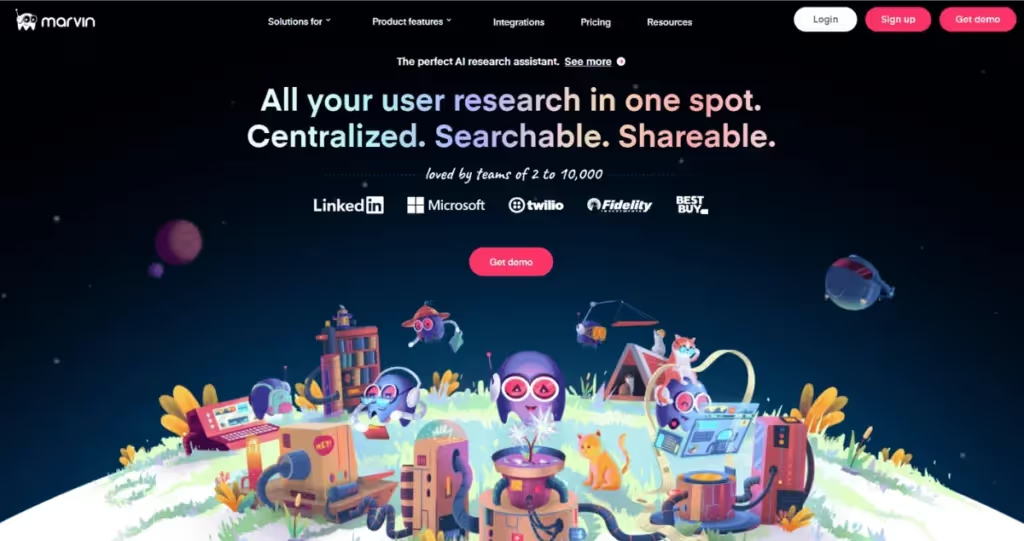
As an AI-native customer insights platform, HeyMarvin can successfully handle both qualitative and quantitative data analysis.
If you already have a lot of data, upload it to your centralized UX research repository. HeyMarvin integrates with Zendesk, Qualtrics, Asana, Miro, Notion, and many other tools that designers and UX researchers use.
And if you’re planning to collect more data, our platform integrates with many popular video conferencing tools. It offers transcription in over 40 languages and will easily collect your open-ended feedback in real-time.
AskAI is a search engine within HeyMarvin that allows you to ask questions about your data across the entire repository. Search for key insights effortlessly and supercharge your analysis. HeyMarvin automatically surfaces key trends from data. It summarizes lengthy interviews and highlights key takeaways, so you don’t have to pore over transcripts. And you can examine your data within the powerful Analyze section with a global view of all tags.
With HeyMarvin, you automate manual tasks while still being in charge of the decisions that matter. Think of it as your assistant, not a final decision-maker.
To make the most of your research, our tool will create stunning visualizations and reports. You can stitch together highlight reels from audio and video files and share them in various formats with stakeholders who’d benefit from insights.
All your research in one place, ready to synthesize, analyze, validate, and share across teams in minutes. That’s Marvin.
Pros
- Industry-leading AI features
- Multiple language support
- Wide-ranging integrations
- Highly intuitive UI
- User-friendly
- Collaborative - share insights with cross-functional teams & stakeholders
- Highly responsive customer support
Cons
- Limited quantitative statistical analysis
Best for: One-size-fits-all. Teams of 2 to 20,000 use Marvin! Set up your free demo with HeyMarvin today.
2. ATLAS.ti
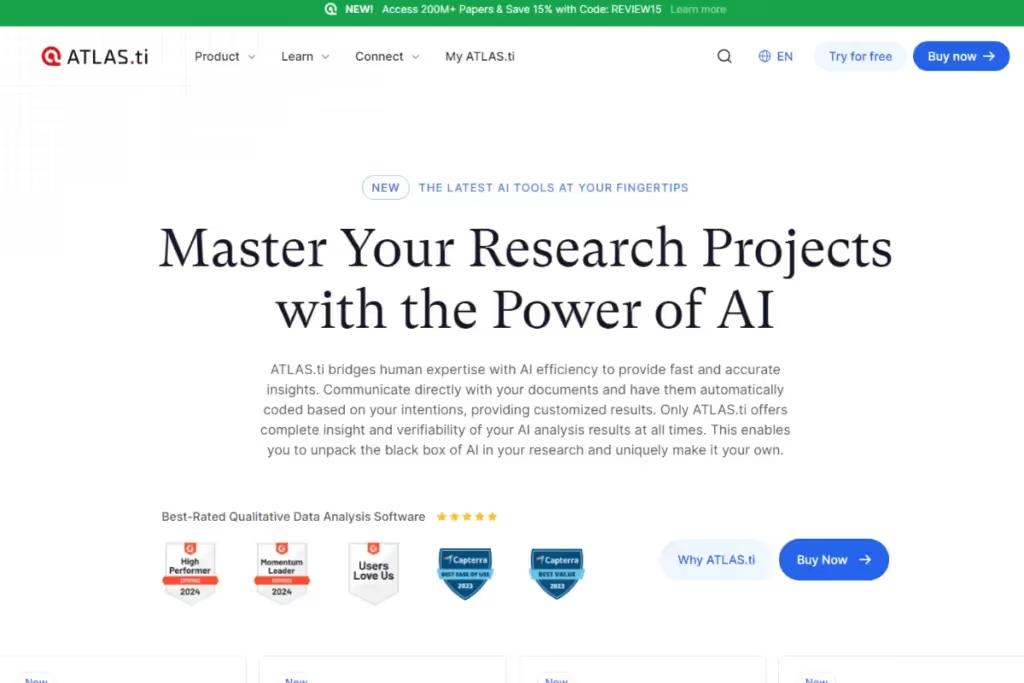
This powerful tool assimilates customer and product data under one roof and was built with collaboration in mind.
You can collect, structure, and evaluate customer feedback within the platform. Feedback includes user surveys, interviews, digital content (such as data from Twitter), or even field notes from popular apps like Evernote.
Atlas can also perform prototype testing and refine wireframes. It also comes with AI features, including autocoding. When you’re done, it can represent your findings with clear charts and visualizations.
Pros
- AI features - auto coding, summarization, and chatbots
- Clean UI
- Strong integrations
- Real-time collaboration features
Cons
- Expensive for small teams
- Coding features may take time to master
Best for: Large Research teams and Academic Institutions
3. Cauliflower
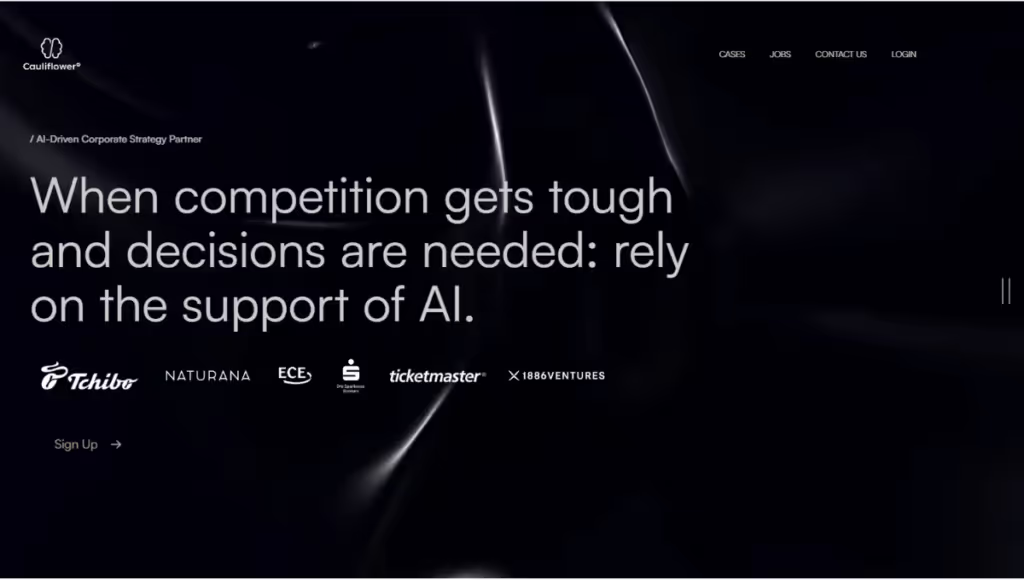
Cauliflower is a no-code qualitative data analysis tool specifically designed to help teams handle large volumes of open-ended data. Use it to analyze survey responses, customer feedback, and social media content in a common repository.
The built-in AI-powered analytics quickly identify common themes and general sentiment, so you can spot the most relevant patterns. Simply upload your data, even from multiple sources, and run the analysis.
You can review the results on an interactive dashboard. And if the answers aren’t clear enough, use the built-in conversational survey module to follow up with questions. The AI will dive deeper into the data to find you answers and improve the quality of your insights.
Pros
- AI-powered chatbots
- Automates data and lead collection
- High level of customization
Cons
- Primarily focused on survey and text-based data
- Quality of AI results vary widely
- Complex tool to learn
Best for: Companies that need to automate the analysis of customer conversations
4. Deedose

Although it comes with certain limitations, this software can process both quantitative and qualitative research. Import data from various file formats — including audio, visual, text, and spreadsheets — and count on its robust features for data coding, charting, and visualization.
Deedose doesn’t include built-in transcription, but it makes it easy to integrate with a transcription app of your choice. As a team-oriented, cloud-based platform, it supports real-time collaboration across distributed teams. Remote access is easy, and you can choose whether to focus on qualitative or quantitative research.
Pros
- Easy collaboration through the cloud
- Affordable
- Mobile compatible
- 100% Web-based
Cons
- Limited multimedia analysis
- Limited AI functionality
- No transcription
- Basic multimedia analysis features
Best for: Students, Academic Researchers (UCLA academics created Deedose)
5. Delve
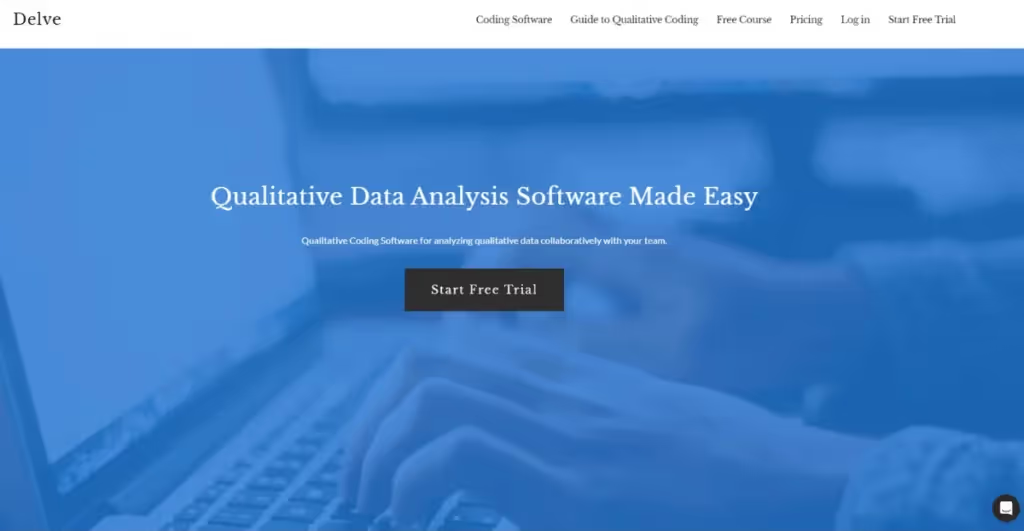
Delve is a no-nonsense qualitative data analysis tool that focuses on coding qualitative data and building themes. It’s especially beneficial for analyzing long-form customer interviews. Create and group data into themes and use its AI Assistant to suggest new subcodes.
Slice and view data from different dimensions - such as demographics or codes. Delve specializes in thematic analysis but is helpful for all kinds of qualitative analysis. The company curates helpful material (and even an online course!) to get you started with qualitative coding.
Pros
- Easy-to-learn and use
- Flexible pricing
Cons
- Limited AI features, mostly for coding support
- Basic collaboration features
- More focused features overall, compared to other qualitative data analysis platforms
Best for: Students or Researchers beginning their journey
6. MAXQDA
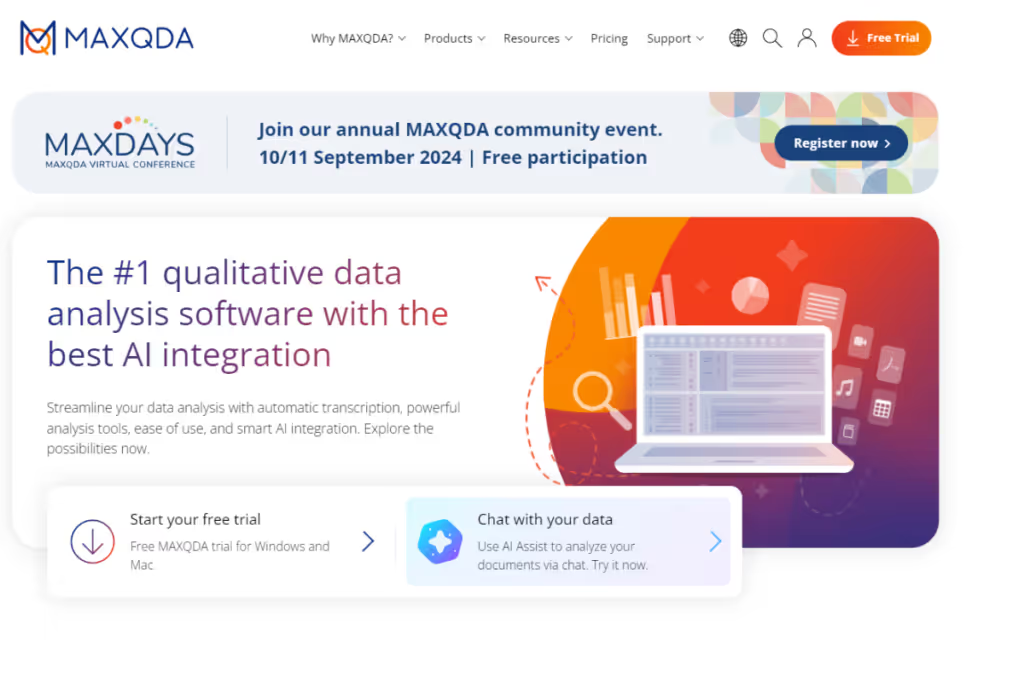
A versatile mixed methods data analysis tool, MAXQDA has been around since 1989. Use it to export and analyze a wide range of data sources: interviews, reports, tables, surveys, focus groups, and handwritten text or tweets. Get deeper insights using both quantitative and qualitative data.
This tool allows you to easily search and retrieve information. You can structure both open- and closed-ended surveys and organize and categorize unstructured data. Visualize data with word clouds, create lit reviews, and work with bibliographical information.
More recently, MAXQDA has developed AI-powered features, including automated coding, summaries, and transcription.
Pros
- Easy-to-use
- Multimedia functionality
- Advanced Visualization
- Inexpensive
- Supports multiple file formats and languages
- Strong AI integration
Cons
- You’ll have to use TeamCloud to unlock collaboration features
- Some advanced features come with a learning curve
- No real-time syncing
- Limited free version
Best for: Education, Nonprofits and Small Organizations
7. NVivo
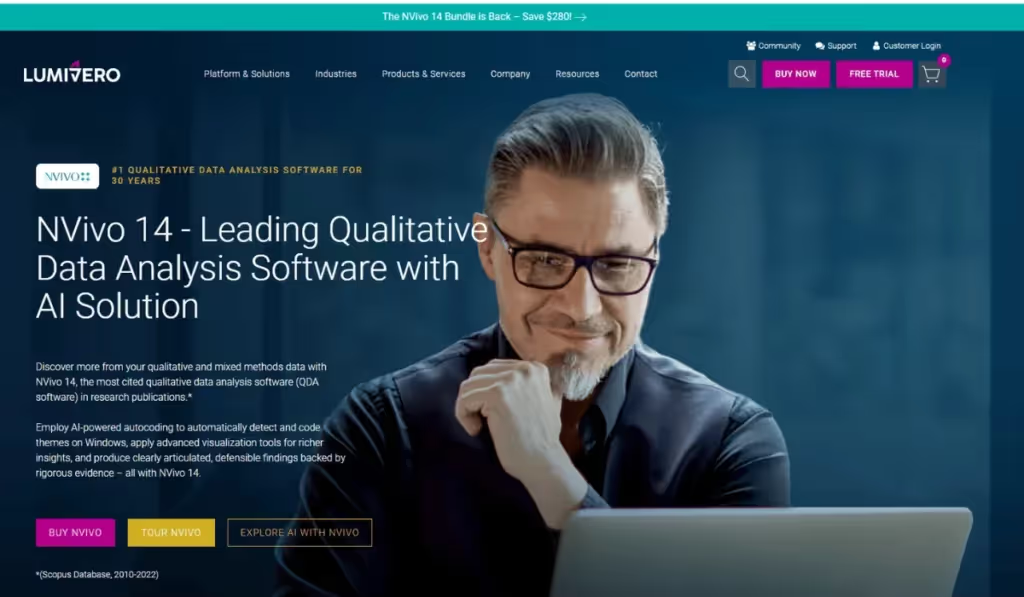
NVivo, now part of Lumivero, is a popular tool for qualitative and mixed-method research.
Before the analysis, you can use it to organize and structure your data: sales calls, customer interviews, product demos, social media content, etc. Import audio and video files, and let NVivo transcribe them automatically. And if you’re not satisfied with the results, it can also connect to a separate transcription service for higher accuracy.
Then, analyze these files in-house to find recurring themes. NVivo offers AI features for early-stage analysis, summarization, and autocoding, as well as powerful visualizations such as word clouds and concept trees. Keep in mind, though, that you must run the autocoding before the actual analysis.
Pros
- Relationship coding
- Query data feature
- Clean UI
Cons
- Expensive
- Difficult for beginners
- Collaboration requires additional setup through their dedicated Collaboration Cloud
- The complex interface can feel overwhelming for new users
Best for: Tech-savvy Researchers or Academics, Product teams at mid to large companies.
8. Qualtrics
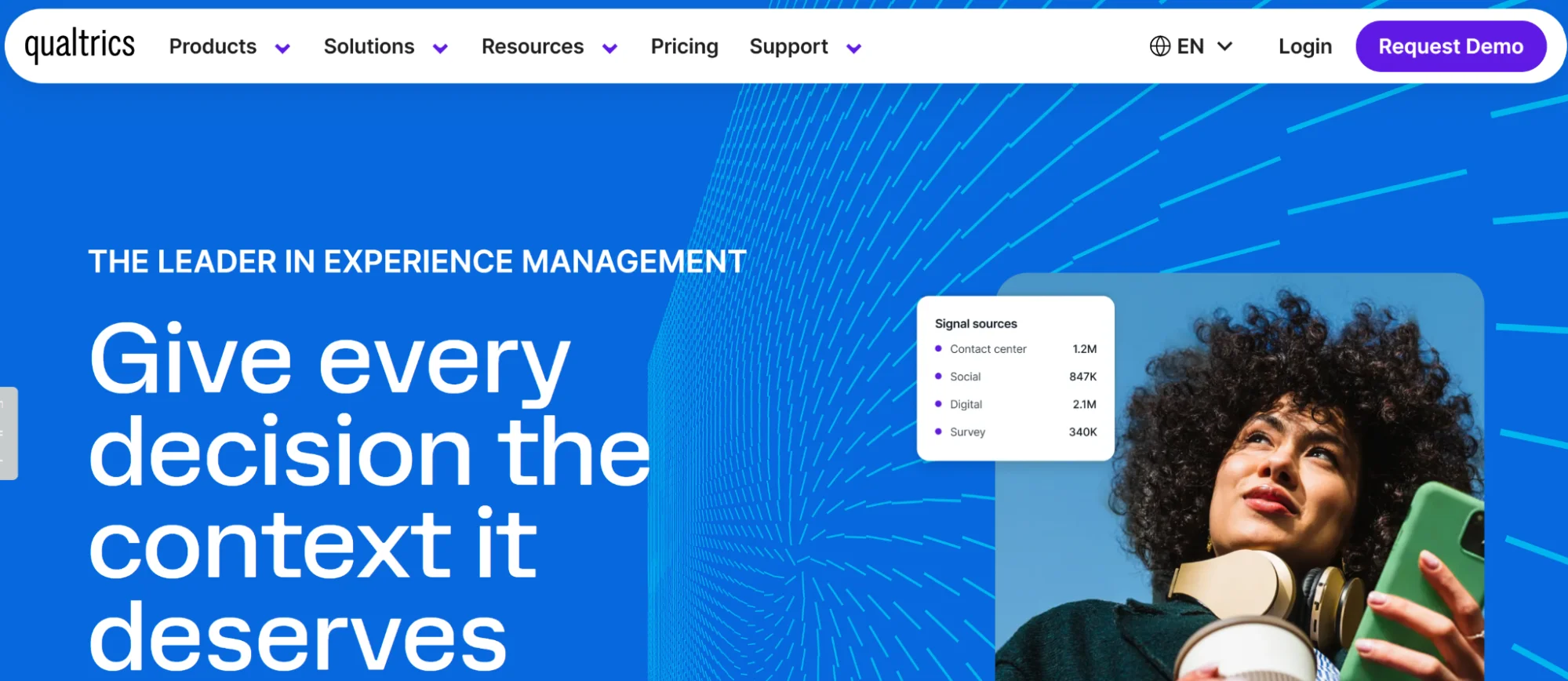
Here’s an all-in-one customer experience management platform that can help remove uncertainty from product development. Qualtrics is well known in the research space, and it integrates seamlessly with HeyMarvin if you’re looking to combine the two.
Its ecosystem offers a great variety of analytics. You can upload feedback from surveys, interactions, and behavioral data to get a comprehensive view of the user experience and gauge sentiment from textual data. The powerful predictive analytics will help ensure your customers’ opinions are at the heart of decision-making.
Consider using this platform to identify market opportunities, validate product ideas, and fix broken customer journeys. Its real-time data collection and analysis can make your teams more agile.
Pros
- Real-time data
- Predictive analytics
- One-stop shop for UX
- Numerous integrations
Cons
- Complexity
- Limited data coding capabilities
Best for: Large Enterprises and Research teams dealing with multiple data sources
How to choose the best qualitative data analysis software
Every company is different. Each has different resources, capabilities, and needs when choosing qualitative data analysis software. Be mindful of these as you evaluate tools and how they fit into your organization.
Follow these steps:
- Understand Requirements. What problem are you trying to solve? How will the application fit into the company’s workflow? What does a successful implementation look like? If you can’t measure it, you can’t improve it…
- Establish Criteria. What features are you looking for? What functionality is essential, and what’s ‘nice-to-have’? How helpful is their customer support when you get stuck?
- Identify Users. Which teams or employees will use the application? What are their needs? Are there different types of users - power or view-only?
- Explore Integrations. Does the application fit in with your existing tool stack? What applications must integrate with the new software? Is this process easy or cumbersome?
- Test with Free Trials. After evaluating tools capabilities and business needs, it’s testing time. Pilot a small project and ask users to evaluate the software in action. What did they find easy or difficult?
- Review and Decide. Involve primary users and stakeholders in the decision process. What did users like about each software? Which one would they vote for? Come to a consensus.
Keep these questions in mind to pick the tool that suits your business needs best.
The AI shift in QDA software
In addition to introducing new features to qualitative data analysis tools, AI has transformed daily research practices.
Below are the most significant changes AI has brought to how QDA software operates:
- Analysis now begins earlier in the research process: Previously, analysis would begin after data collection. AI removes the waiting and allows you to analyze data as soon as it comes in. Not just in isolation, but also in combination with existing studies.
- You can spot patterns faster, in shorter feedback cycles: Even though it still requires human interpretation and validation, AI can group responses, detect themes, and highlight signals in large datasets. The feedback cycles become shorter, allowing teams to respond more quickly and improve products and experiences faster.
- Research becomes easier to access, revisit, and reuse: With all the collaboration features, research is available to anyone (with permission) from anywhere, at any time. Conclusions no longer sit in reports that only researchers control and share. AI-powered search and summaries enable product managers, designers, and other stakeholders to explore data independently. They can search across past work, ask new questions, and build on existing findings instead of always starting from scratch.

Frequently asked questions (FAQs)
Here, we tackle some frequently asked questions about qualitative data analysis software:
Is HeyMarvin suitable for large research projects?
HeyMarvin gobbles up research data from any source and helps churn out rich insights, no matter the data volume.
Don’t take it from us. We’ll let HeyMarvin users demonstrate how it handles large datasets:
At Microsoft, Mickey and team (from above) created a Responsible AI Maturity Model. They interviewed 47 AI practitioners and amassed over 80 hours of interview and focus group footage.
To dissect the data, they used HeyMarvin to create a constantly changing codebook. Aether synthesized over 2000 notes to create the framework.
"If you can do this kind of complex project and this kind of complex data analysis with Marvin, you could probably do it with a lot easier projects, things that are not quite as hairy," Mihaela said.
Entertainment Partners handles all things finance in the entertainment industry. Head of Research Beth Seaman handles terabytes of data every day.
“What HeyMarvin does for me is it allows me to very quickly see patterns in large amounts of data and then communicate those out,” she said.
In the pre-HeyMarvin era, she had to sift through individual surveys manually.
“I don’t think I ever knew how bad it was until I figured out what HeyMarvin can do for me,” she said. “It has changed my existence.”
What is the best data analysis method for qualitative research?
We’ll go with a researcher’s favorite answer — it depends.
Qualitative research involves several methods of analyzing data. The most common methods are listed below:
- Content. Transforms verbal and behavioral data into quantitative output. Helps classify data to give reliable conclusions about users and their opinions.
- Thematic. Identifies, interprets, analyzes, and categorizes patterns in qualitative data.
- Narrative. Examines different user stories and reformulates them based on the context of each case. The revision of primary qualitative data by a researcher.
- Discourse. Studies relationships between information and the social context.
- Grounded theory. Formulates a theory from a single case. Further examination of real-world case studies is needed to see if they contribute.
Each has its own applications and merits. To determine the method, identify what questions you want answers to. Qualitative data analysis software doesn’t favor one particular data analysis method. Due to the overlapping nature of qualitative data, software will work for most research methodologies.
What AI apps are best for large qualitative data sets?
AI brings efficiency and scale to qualitative research. It frees up a researcher’s time to dive deeper into analysis. Learn how AI makes qualitative research powerful.
Some AI applications handle large volumes of qualitative data better than others.
To deal with large qualitative datasets, we recommend using the following:
- Marvin
- ATLAS.ti
- MAXQDA
- NVivo
- Qualtrics
Let AI handle the drudgery of research and spend more time on analysis with these apps.
Is qualitative data analysis software only for researchers?
Researchers are the primary users of qualitative data analysis software because they typically lead the process. But the development of tools and the implementation of AI made research a shared source of truth across teams.
That’s why analysis software is now useful to product managers, designers, executives, and any team that works directly with user feedback.
Do qualitative analysis tools support collaboration?
Yes, collaboration is one of the most important aspects of modern research workflows. Most qualitative analysis tools include collaboration features to some extent:
- Shared workspaces to keep everyone aligned and reduce version confusion
- Centralized research and insights to remove the need to pass files back and forth
- Collaborative coding and tagging, so that multiple researchers can tag the data, but also review each other’s work and align on themes
- Role-based access, for users to do their job without overstepping their attributions
- Easy sharing, so that any piece of information (clips, highlights, reports, etc.) can get to the PMs' inboxes, designers’ workflows, leaders’ reports, etc.
Can qualitative data analysis software replace manual coding?
While it helps speed up the process, qualitative data analysis software cannot replace manual coding because it doesn’t fully grasp context and nuance. However, it can replace a significant portion of this process by providing a starting point from a first round of tags, themes, and sentiments.
Whether these tools use automation or AI-powered features to get you the first series of codes, you’ll still have to manually review them and suggest changes as you see fit.
Conclusion
Qualitative data analysis software helps you turn mountains of raw, unstructured data into actionable insights.
But before settling on a tool, it’s essential to consider your business needs. Test each one and ask researchers which tool they think works best. Since AI is the talk of the town, you should also future-proof your choice by opting for a tool with AI features, such as HeyMarvin.
As an AI-native platform, HeyMarvin adds automation to your workflow and helps you centralize all your research. It makes insights easier to find, validate, and reuse across teams.
Sign up for a free demo today to see how our AI-powered research platform can enhance your qualitative data analysis and free up hours of your time.

See Marvin AI in action
Want to spend less time on logistics and more on strategy? Book a free, personalized demo now!