.png)
.svg)


11 best customer feedback tools reviewed and ranked
Explore and compare 11 top customer feedback tools to enhance insights and improve user satisfaction.



While buying something off Amazon, ever scroll straight down to the user reviews?
Us too.
Before clicking “Buy,” we want to understand people’s real-life experiences with a product. Companies rely on this information. They want to find out how people perceive their product and brand. What are users’ grievances?
So, how do they take millions of customer reviews and extract meaning from them?
By using customer feedback tools.
These applications streamline the process of feedback collection, management, and analysis. They free up designers' and researchers’ valuable time and divert their focus to generating insights that drive decision-making.
Let’s explore the reasons why customer feedback management software is fast becoming vital to the UX toolkit.

11 best customer feedback tools
To support the feedback process from collection to action, you’ll need a mix of tools. Our top recommendations include:
- HeyMarvin
- Survicate
- Typeform
- SurveyMonkey
- Qualaroo
- Hotjar
- UserTesting
- Pendo
- Canny
- UserVoice
- Qualtrics XM
Before we dive into details, we will quickly review the benefits of using such tools and the main categories they fall into.

Benefits of using a customer feedback platform
Here are a few reasons why companies must consider adding a customer feedback management platform to their tool stack:
Enhances the user experience
Customer feedback reveals the strengths and weaknesses of a product.
Users uncover usability issues and roadblocks while interacting with the UI. When you collect their feedback and act on it, you can nip problems in the bud — before they become expensive and cumbersome. Also, you can minimize risk by attacking user pain points at the source.
Don’t sleep on customer recommendations, either. You never know where the next best product feature comes from. All feedback can contribute to a memorable user journey, although you’ll have to use your best judgment to prioritize updates.
Promotes user-centricity
By chasing features and functionality, developers can lose sight of customer needs. Collecting feedback through a continuous discovery process helps them improve a product over time.
With feedback, designers, developers, marketers, and product teams develop user empathy. Every time they make a decision, they assess how it impacts the end user. This approach aligns teams across an organization, focusing their efforts on solving customer problems, and making the culture more customer-centric.
Improves customer satisfaction
Customers want to know that their feedback doesn’t fall on deaf ears. Acting on their suggestions and grievances shows you’re listening.
Leverage feedback to increase customer retention. If users interact with an app that’s optimized for them, they’re likely to remain loyal to a company. In time, they become brand advocates, providing you with free word-of-mouth marketing.
Adds efficiency & scale
Amass terabytes of user data using a customer feedback platform. Integrations with popular UX tools help to gather all your data in one place. That’s data collection at scale.
Automation helps streamline data analysis. Use advanced AI features to run a preliminary analysis before beginning your work. Validate ideas quickly and evaluate the ROI of various research initiatives.
Learn more about your customers and the marketplace.
Establishes acompetitive advantage
Collecting feedback periodically does two things:
- Sets you apart: Differentiate your company from competitors by collecting user input. It shows you’re taking user suggestions on board as you develop and update a product.
- Keeps you agile: Use feedback to constantly tap into evolving customer trends. Identify prevailing market conditions and pivot to stay relevant with the times.
Additionally, feedback reveals underserved markets or opportunities. Discover the next big thing.

Types of customer feedback tools
Depending on what they were mainly built to do, customer feedback tools fall into a few broad categories:
- Feedback collection
- Behavior and experience analytics
- User research and testing
- Feedback management
- Feedback analysis and insights
Let’s review some actual tools to give you a clearer sense of what different solutions are good at and where they may fit in your workflow.
11 best customer feedback tools
The tools below will help you create a complete feedback ecosystem. Consider which one will complete your tech stack and help your team better understand, prioritize, and act on user/product feedback.
1. HeyMarvin
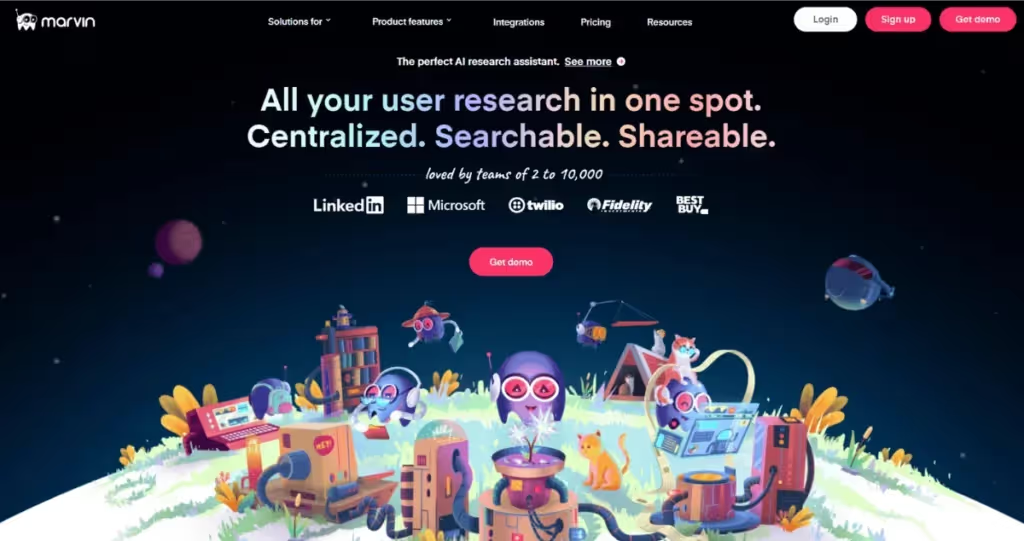
HeyMarvin is a customer insights platform with AI features that support your entire workflow, from feedback collection and storage, to analysis and reporting. The built-in AI layer automates manual work and generates a first round of insights for you to review and build on.
Key features:
- Collect and connect interviews, surveys, support tickets, and other feedback into a centralized, searchable repository.
- Transcribe conversations in 40+ languages with structured, time-stamped notes.
- Share your insights in FigJam, Miro, Notion, Slack, Confluence, Asana, Salesforce, etc.
- Discover common themes, sentiments, and trends with AI.
- Ask questions and receive answers from your entire database, linked to sources.
- Generate reports and share insights with different team members as you see fit.
Best use case: AI-powered feedback synthesis and analysis for teams with large volumes of qualitative and quantitative feedback.
Book a free demo to see how HeyMarvin turns your customer feedback into actionable insights. Upload your data and find answers in minutes, not days.
2. Survicate
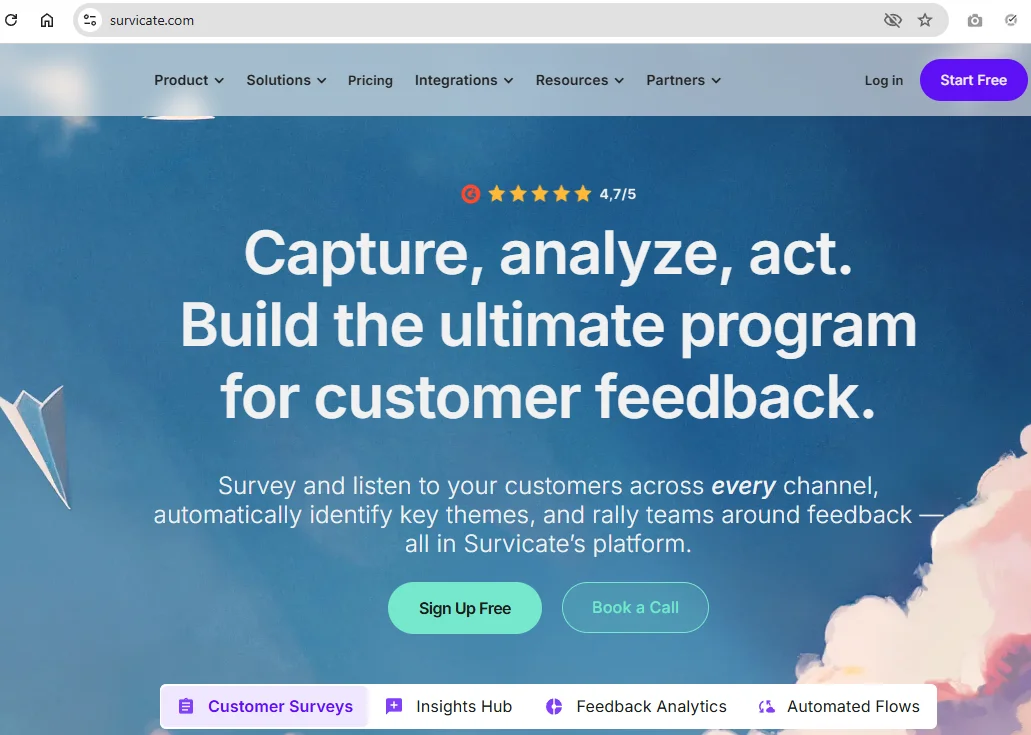
Survicate gives you the tools to build a feedback program. It tracks a variety of metrics (NPS, CSAT, CES) across multiple channels (website, web or mobile apps, in-product, email, Intercom messenger), helping you reduce churn and generate more leads.
Key features:
- Flexible survey builder with templates and AI customization
- Contextual targeting and segmentation
- NPS, CSAT, and product feedback tracking
- Integrations with CRM, analytics, and support platforms
Best use case: Continuous, multi-channel feedback collection
3. Typeform

This SaaS platform can create “people-friendly” forms and surveys with interactive elements that increase completion rates. Easy to use for both survey creators and customers, Typeform makes feedback collection feel more natural.
Key features:
- Customizable templates and formats for surveys, NPS forms, quizzes, applications, etc.
- Distribution via website embeds or shareable links in different touchpoints
- Built-in contact hub with automation features that capture, store, segment, and engage customers and leads
Best use case: Gather feedback at scale with high completion rates
4. SurveyMonkey
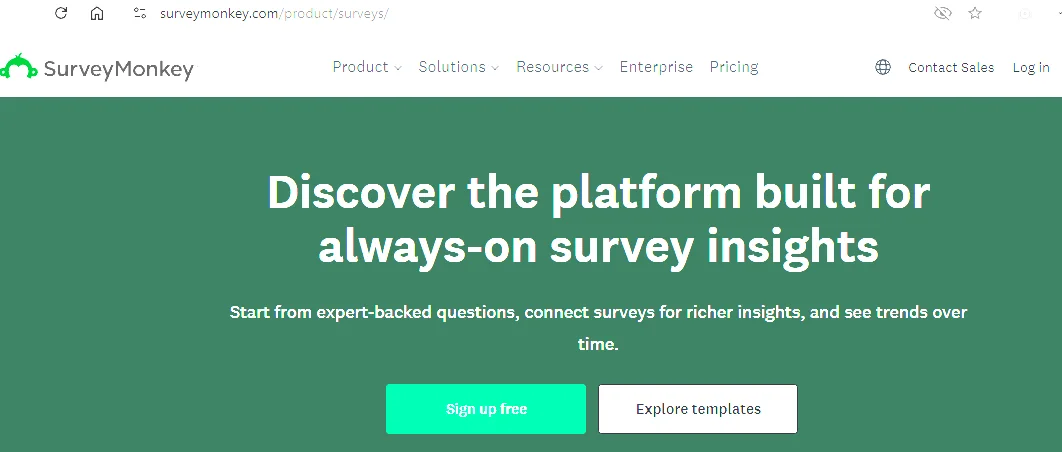
SurveyMonkey supports reliable, structured feedback collection at scale. It’s one of the most popular platforms, with over 260,000 companies worldwide using it, and a top choice for teams needing feedback from large audiences.
Key features:
- AI-survey builder with a generous library of templates
- Advanced survey logic (skip logic, branching, randomization, etc.)
- Global audience panel you can recruit from
- Survey distribution via email, web links, SMS, or QR codes
- Option to export survey data for deeper analysis in external tools (such as HeyMarvin)
Best use case: Creating a standardized, scalable survey engine
5. Qualaroo

Qualaroo positions itself as an alternative to email surveys, providing in-app and on-site surveys and polls. Because it collects customer feedback in the moment, it’s more likely to give you higher-value responses.
Key features:
- Surveys for anything from on-page targeting to exit-intent
- User journey and funnel feedback, with advanced user testing and A/B testing
- Proprietary technology (NudgeTM) that triggers surveys in response to user actions (what pages they visited, how long they’ve been on the website, etc.)
Best use case: Capturing contextual, in-the-moment feedback
6. Hotjar
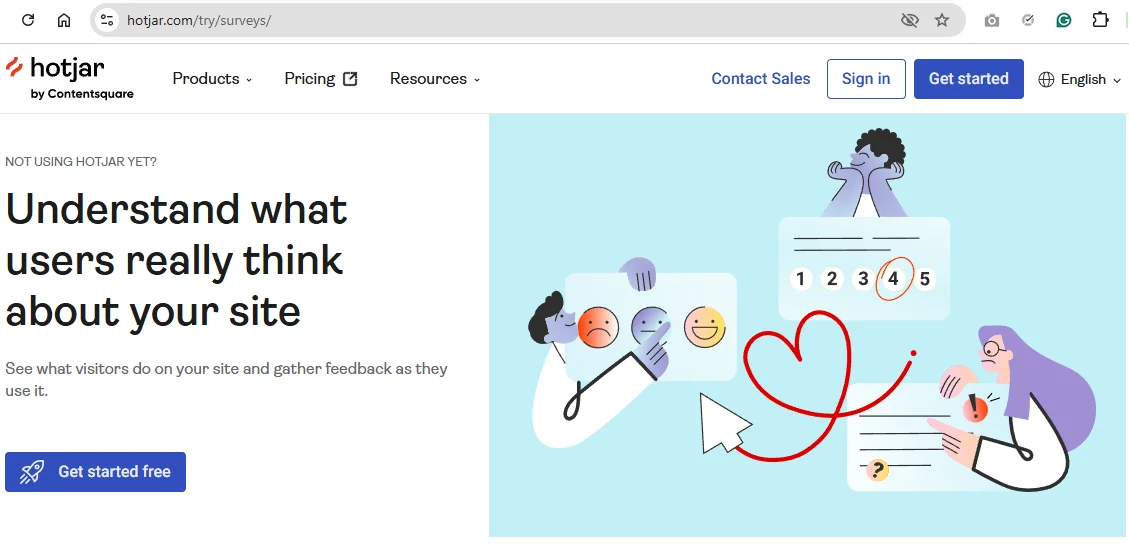
Hotjar’s core strengths are heatmaps, session recordings, and on-site surveys and feedback. But it’s also getting smarter with AI features. This tool will help you better understand what users are doing, where they are struggling, and why.
Key features:
- Heatmaps of where customers click and scroll
- Session recordings that reflect friction, confusion, or drop-offs
- Collect feedback directly on your site with widgets and surveys
- Connect with other tools in the Contentsquare ecosystem
Best use case: UX-focused feedback loops for behavior and friction discovery
7. UserTesting
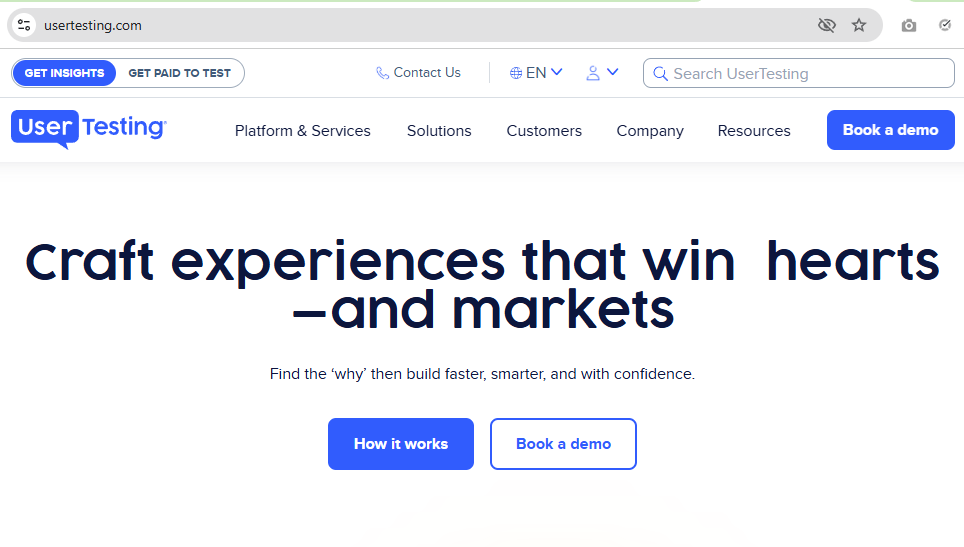
UserTesting is a deep qualitative research platform. You bring participants (or recruit from their panel) and give them tasks. You can watch and listen as they complete those tasks to analyze reactions, behavior, and feedback.
Key features:
- Live and asynchronous user testing methods with scenario- or task-based tests
- Option to test websites, apps, or Figma prototypes before/after a launch
- AI summaries with clips, notes, and highlight reels
Best use case: Exploratory and evaluative research with video-based interviews and tests
8. Pendo
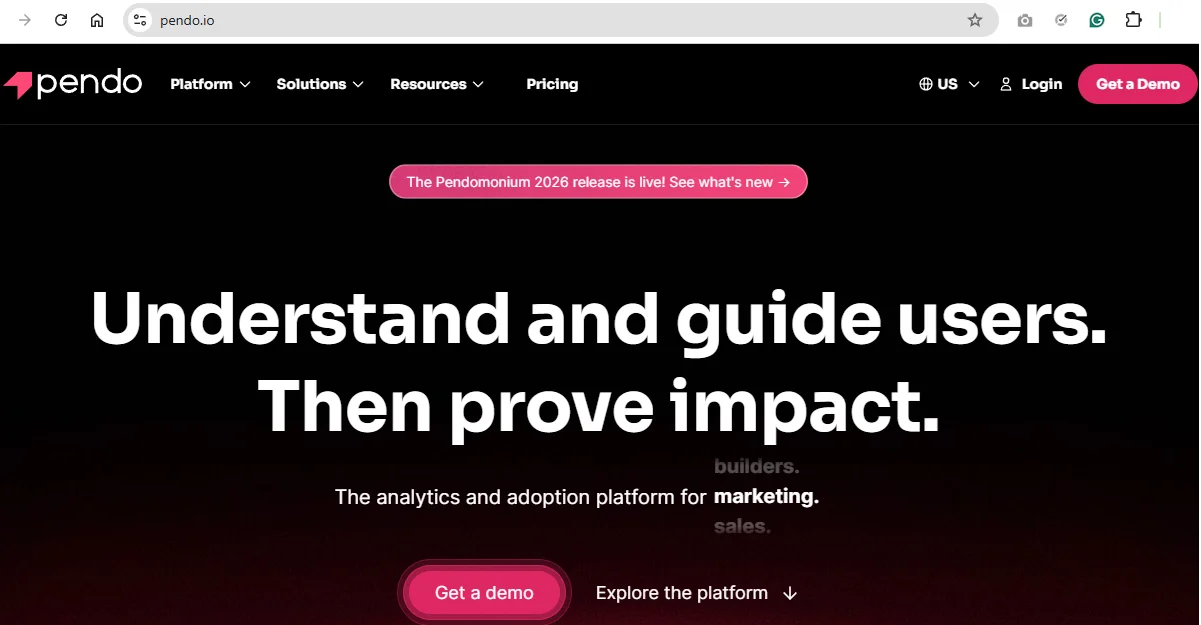
Most feedback tools help you identify problems, report them, and deal with them later. But Pendo lets you guide users and improve their experience as soon as you’ve detected the problem, in real time.
Key features:
- Deliver the right guidance for each user segment based on attributes, behavior, or usage patterns
- Create in-app guides and walkthroughs (tooltips, onboarding flows, feature announcements, etc.)
- Conduct in-app surveys and polls for NPS or general feedback
Best use case: Product analytics and feedback collection for product-led teams
9. Canny
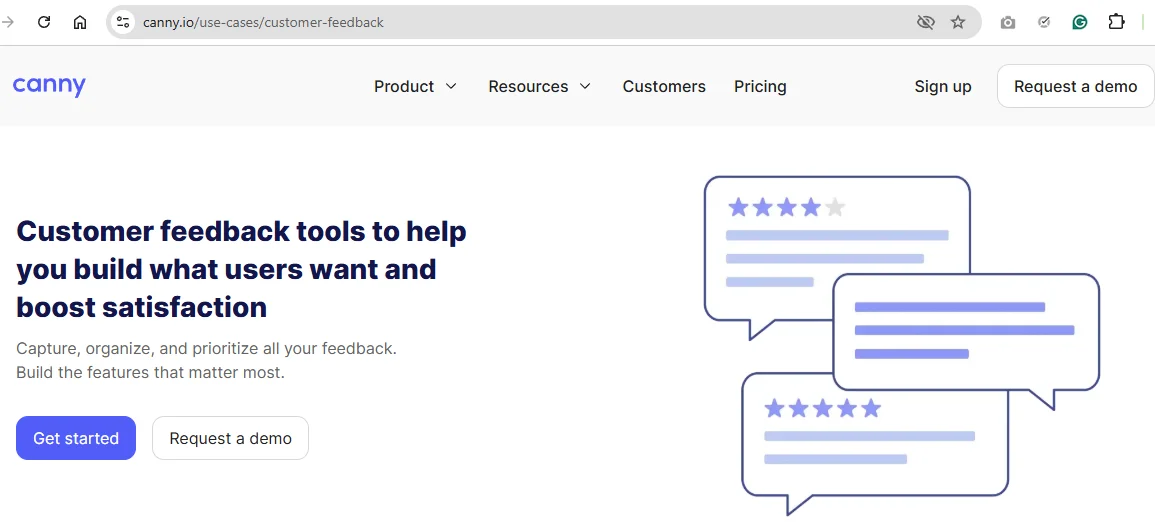
Canny is a lightweight, tactical tool for feedback management. It allows you to collect feature requests, organize them into dashboards, prioritize what to build, and clearly communicate the updates back to your users.
Key features:
- Public/private boards to collect feature requests, feedback, and product ideas
- User upvote requests to signal demand and help you decide what to prioritize next
- Automatic feedback consolidation and deduplication
- Roadmap and changelog functions
Best use case: Turn feedback into clear roadmaps for prioritized action
10. UserVoice
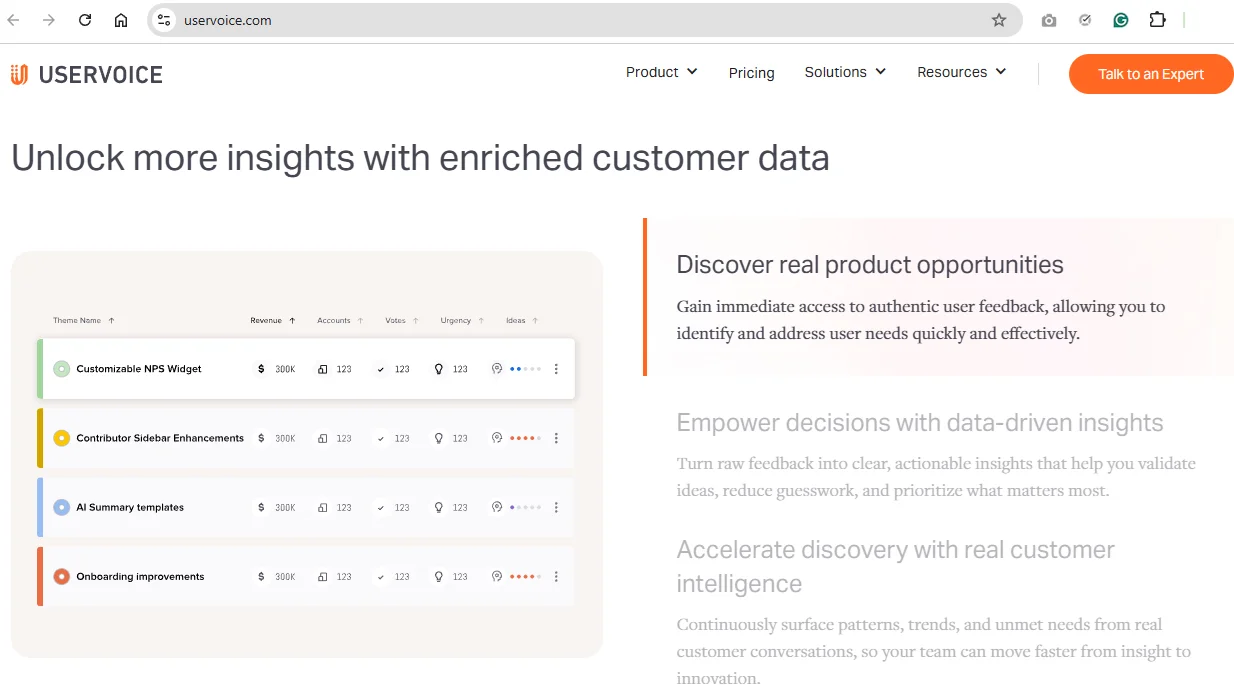
Rather than relying on votes, UserVoice looks at signals across multiple channels and enriches them with business data. Consequently, it helps you prioritize decisions based on business impact.
Key features:
- AI-powered pattern, theme, and trend detection
- Ideas ranking based on customer segments, revenue, urgency, and business impact
- Option to add customer, account, and revenue data to the feedback it collects, for a deeper analysis
- Segmentation and demand analysis
Best use case: Data-driven, impact-based product decisions
11. Qualtrics XM
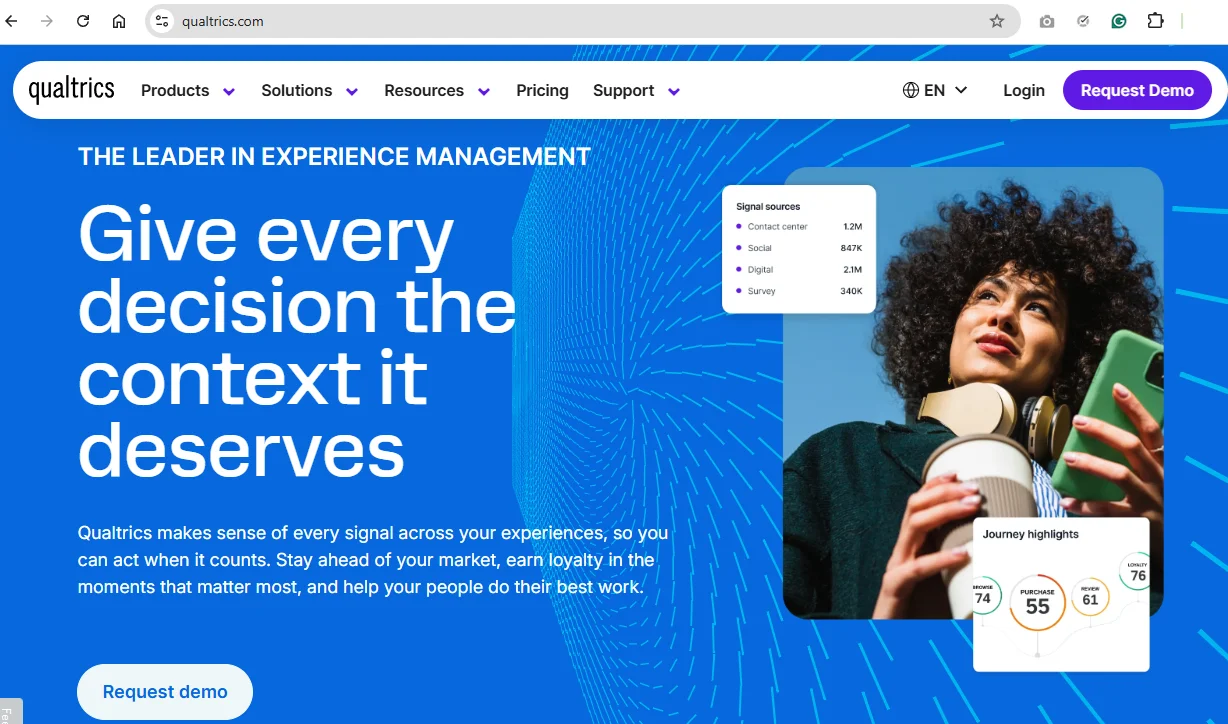
With this enterprise experience management platform, you can connect data across your entire organization. Qualtrics gives you the tools to combine research, customer feedback, and operational data to continually understand and optimize CX.
Key features:
- Omnichannel feedback collection with real-time insights and alerts
- AI agents that recommend/execute actions to improve customer experience
- AI-powered text and sentiment analysis
- Enterprise integrations and governance
Best use case: Run enterprise customer experience programs and act on feedback at scale
How to select the right customer feedback tool for your business
Now that you’re acquainted with the various tools for customer feedback, it’s time to make a choice. Run through this helpful list to compare functionality across tools:
- Data aggregation & storage: Customer feedback platforms must facilitate data collection from multiple customer touch points. Software must store files in an insights repository. Look for compatibility with various formats, including documents, images, audio & video recordings.
- Integrations: Tools must facilitate data exchange between apps you love to use. Choose a platform that integrates seamlessly with your existing tool stack. Link it to CRM, project management, marketing suites, and design software.
- Automation: Collect user feedback automatically and conduct a preliminary analysis of your data. Create, customize, and distribute surveys for customers. Analyze thousands of responses in minutes. Operationalize tedious tasks from your workflow.
- Data analytics: Leverage customer feedback analytics software for quantitative and qualitative data. Look for tools with advanced capabilities, such as sentiment analysis. Look for easy data tagging features coupled with in-depth reporting functionality.
- Security: Protecting sensitive user data is a big concern. Make sure your tool complies with local data security guidelines.
Pro tip: If a tool’s website doesn’t mention anything about its compliances, they probably don’t have any. - User-friendliness: Ensure the application’s UI is easy-to-navigate. How easy is it to share data across the company? A shallow learning curve helps expedite team member onboarding. That’s less time learning the ropes and more spent on analysis.
- Support: Does the platform have helpful resources for when you run into a problem? How responsive is their customer service team? Read user reviews on G2 or Capterra for #unfiltered user interactions with an app.
Want a tool that does it all? Give HeyMarvin a spin today to see how it simplifies every stage of the feedback loop. Book your free demo now.
Challenges in implementing customer feedback solutions
Despite the numerous benefits of customer feedback management solutions, they have some downsides. Watch out for these challenges you’ll inevitably run into at some point:
- Lack of feedback: Sometimes, people don’t share their feedback. This can be due to poor choice of feedback channel or low response rates. Make it convenient and easy for users to share feedback. Don’t overwhelm them with a barrage of questions.
- Feedback overload: Companies inundated with feedback have more data than they can handle. Categorizing data is an insurmountable task, and poor inferences and decisions follow. Not to mention wasting precious resources in the process.
- No processes in place: Feedback collected from multiple channels can be tough to consolidate and analyze. Without a feedback strategy and management system, deriving actionable insights becomes increasingly difficult. Use a research roadmap.
- Low-quality data: Asking the wrong questions or using the wrong format results in poor output. Users often provide answers that aren’t the truth. Unstructured feedback without context is tough to analyze. Sift through garbage to get actionable insights.
- Feedback handling competency: Who’s handling the feedback synthesis and analysis? Are they skilled at collecting, analyzing, and acting on feedback? This involves a combination of technical and soft skills. Use training to educate peers.
- Communication barriers: Businesses cater to a diverse global customer base. Cultural and language barriers result in ineffective communication and misunderstandings. Become sensitive to different cultures and backgrounds.
- (Lack of) digitization: Manual, archaic feedback collection involves digitizing data to make sense of it. Data entry consumes lots of resources and isn’t error-free. Further, a lack of integrations with other applications prevents data consolidation.

Frequently asked questions (FAQs)
Let’s address common questions about software for customer feedback:
How do I measure the success of my customer feedback tool?
When you evaluate whether a feedback tool delivers value, check if it helps you track and analyze any of the following metrics:
<figure class="wp-block-table"><table><tbody><tr><td class="has-text-align-center" data-align="center"><strong>Metric</strong></td><td class="has-text-align-center" data-align="center"><strong>Description</strong></td></tr><tr><td class="has-text-align-center" data-align="center"><strong>CSAT (customer satisfaction) score</strong></td><td class="has-text-align-center" data-align="center">How happy are users with a product? </td></tr><tr><td class="has-text-align-center" data-align="center"><strong>CES (customer effort score)</strong></td><td class="has-text-align-center" data-align="center">Evaluate the difficulty of carrying out a task.</td></tr><tr><td class="has-text-align-center" data-align="center"><strong>NPS (net promoter score)</strong></td><td class="has-text-align-center" data-align="center">Customer loyalty. Will they recommend the product to others? </td></tr><tr><td class="has-text-align-center" data-align="center"><strong>In-app ratings</strong></td><td class="has-text-align-center" data-align="center">Capture data in real time without redirecting users. </td></tr><tr><td class="has-text-align-center" data-align="center"><strong>Customer reviews</strong></td><td class="has-text-align-center" data-align="center">Unsolicited reviews and solicited customer testimonials.</td></tr><tr><td class="has-text-align-center" data-align="center"><strong>Bug reports</strong></td><td class="has-text-align-center" data-align="center">Where do users encounter roadblocks or usability issues?</td></tr><tr><td class="has-text-align-center" data-align="center"><strong>Feature requests</strong></td><td class="has-text-align-center" data-align="center">What features do people most want to see in a product?</td></tr></tbody></table></figure>
Discover more metrics in our exploration of AI in UX analytics.
Can customer feedback tools help improve employee satisfaction?
Companies can use feedback tools to look inward and solicit feedback from employees. They can gather data from any internal stakeholders.
Actively involving them in the feedback loop helps drive employee engagement. This creates a culture of open communication and continuous improvement. All leading to improved employee satisfaction.
What are the costs associated with implementing customer feedback tools?
From our list above, tools range from free ($0) to hundreds of dollars for a monthly subscription.
It all depends on the functionality you’re looking for. Prioritize features from our checklist above and evaluate tools based on your requirements. Remember to take advantage of freemium versions and free trials. Try before you buy.
Factor in additional one-time expenses. These include implementation costs, operational costs, and project-related costs.
How often should I collect customer feedback?
As often as possible!
Collecting feedback regularly helps teams identify new trends and alerts them to pressing issues. It shows customers you’re paying attention to what they say.
Your frequency of the feedback loop depends on the research objectives and the organization’s strategic goals. A short usability test may require only feedback before and after making product changes. Testing customer satisfaction is a longitudinal study without an end.
Remember to balance quantity with quality, though.
Are free customer feedback tools reliable?
Free tools can be very reliable, within limits. In many cases, developers build them on the same infrastructure as the paid versions and continually improve them as part of a product’s growth strategy. However, they come with limited functionality.
Conclusion
Customer feedback helps designers create products that improve users’ lives.
Teams capture user behaviors and attitudes towards their products. Are they deriving value from a product? What are their grievances? Without feedback, you run the risk of customers switching over to competitors.
Companies that act on user feedback are already on the right track. They just need the right tools to:
- Collect and connect feedback from all data sources
- House quantitative and qualitative data in any file format
- Facilitate seamless, rapid data analysis
As an AI-native customer insights platform, HeyMarvin can help you achieve all that. Companies such as Xcel Energy and Tech Enterprises have been using our platform to make sense of large datasets, speed up analysis, and gain deeper insights.
Create a free HeyMarvin account today and add a powerful synthesis and analysis layer to your tech stack. Act on all the raw customer feedback to take confident product decisions, faster.

See Marvin AI in action
Want to spend less time on logistics and more on strategy? Book a free, personalized demo now!