.png)
.svg)


The Best AI Tools for UX Research & Design
The team at HeyMarvin scoured the web to find the best AI tools for you to integrate into your UX research and design workflows.



“AI is a brilliant tool for people to be more productive.”
Don’t take it from us. That’s Bill Gates speaking at Davos 2024.
As AI pervades industries across the globe, it’s already making headway in UX. Several new tools are popping up out of nowhere. Existing ones are adding AI capabilities to their product offerings. Recently, we examined the transformative impact of AI in user research.
However, some researchers and designers are still skeptical of AI use.
We understand their reservations. We’re here to convert the non-believers. AI will never replace human researchers and designers. Of that we’re convinced. It is also capable of augmenting our work so we can focus on deeper, more meaningful analysis.
We’ve scoured the web for the best UX AI tools for you to integrate into your workflow. Here’s what we’ll cover:
- Benefits & Limitations of AI in UX
- Where to Use AI in the UX Design Process
- Choosing the Right UX Tool with AI
- Top AI Tools to Augment UX Workflows
- Best Practices for Integrating AI into UX
Get ready for helpful tips, tricks and tools to elevate your research and design.

TL;DR – List of top 12 UX AI tools to consider
AI for UX design promises to revolutionize the way that designers and researchers work. It generates greater efficiency and frees up a UX professional’s time for deeper analysis. In this article, we present twelve of the best UX AI tools for different stages of the design process. We’ll dive into how each of the following tools leverage AI to improve the UX workflow from beginning to end:
- HeyMarvin
- Qualtrics
- Hotjar
- QoQo
- TheyDo
- Uizard
- Google Stitch
- Adobe Sensei
- UserTesting
- Maze
- Attention Insight
- Optimizely
ATTENTION: All designers and researchers. Use these AI tools to supercharge your toolkits.
What are UX AI tools?
UX AI tools are digital platforms that use artificial intelligence to support different stages of product research and design. This broad term covers any tool that applies AI to tasks across the UX workflow, such as:
- Generate new content and ideas at the start of a project.
- Create wireframes or prototypes for user testing.
- Collect, process, and analyze large volumes of research data.
- Provide suggestions to improve the product experience after testing prototypes with users.

The pros and cons of AI in UX
AI reshapes how UX teams work by improving their speed, reducing costs, and expanding the creative output.
Designers and researchers automate repetitive tasks to move faster, while teams offload certain activities to reduce manual effort and costs. AI also makes it easier to generate and test multiple design directions, breaking through bottlenecks.
But speed and scale don’t guarantee better decisions. Let’s look at both the benefits and the limitations of using AI in the UX process.
Benefits of using AI in the UX process
Traditionally, research methods involve manual, tedious work. It’s a slow process and takes up a significant amount of time. AI changes all that through:
- Workflow optimization: Researchers and designers focus on strategic work, leaving more repetitive tasks to AI.
- Automated data collection: Collate data from multiple sources, such as social media websites, website analytics, surveys, focus groups, and usability tests.
- Real-time data analysis and insights: Analyze large datasets with pattern recognition and anomaly detection. Uncover trends and insights faster, for a deeper understanding of user habits, preferences, and needs.
- Less room for bias and error: Mitigate the risks of error with a more systematic and objective process to uncover insights.
- Personalization: Analyze user preferences and deliver customized recommendations that make interfaces feel tailored to each individual.
- Predictions: Anticipate user behavior and preferences with high accuracy, enabling more intuitive interfaces and seamless experiences.
- Content generation: Quickly create design prototypes, wireframes, and written content with generative AI tools.
Limitations of AI design and research tools
Leveraging the full potential of AI requires a deep understanding of its inner workings. How does it use data and impact users’ lives? As with any technology, it’s important to understand AI’s constraints:
- Works with the context you provide. Since it relies on the data you upload, AI may generate weaker outputs if it misses certain information, such as prior research, your business goals, or product constraints.
- Can only mimic human responses: AI may sound like a human, but it cannot actually experience or interpret meaning the way humans do. That’s why it sometimes generates outputs that look persuasive while missing nuance, intent, or emotional context.
- Introduces ethical considerations: Data privacy, consent, and fairness can raise concerns, especially when working with sensitive information.
- Some outputs are harder to validate: AI tools that don’t give you visibility into how they generate outputs or which sources they drew from make the insights harder to validate.
AI and the UX design process
AI can lend UX professionals a helping hand during different phases of the design process. Identify pain points or areas that need improvement in your existing workflow. Use these questions understand more about where you can integrate AI:
- What are my current roadblocks?
- What tasks need optimization?
- What’s the expected outcome?
Check out our guide on how to use AI every stage of the UX process.
Designer Francois Bouniq-Mercier created this stunning visualization of the design process.
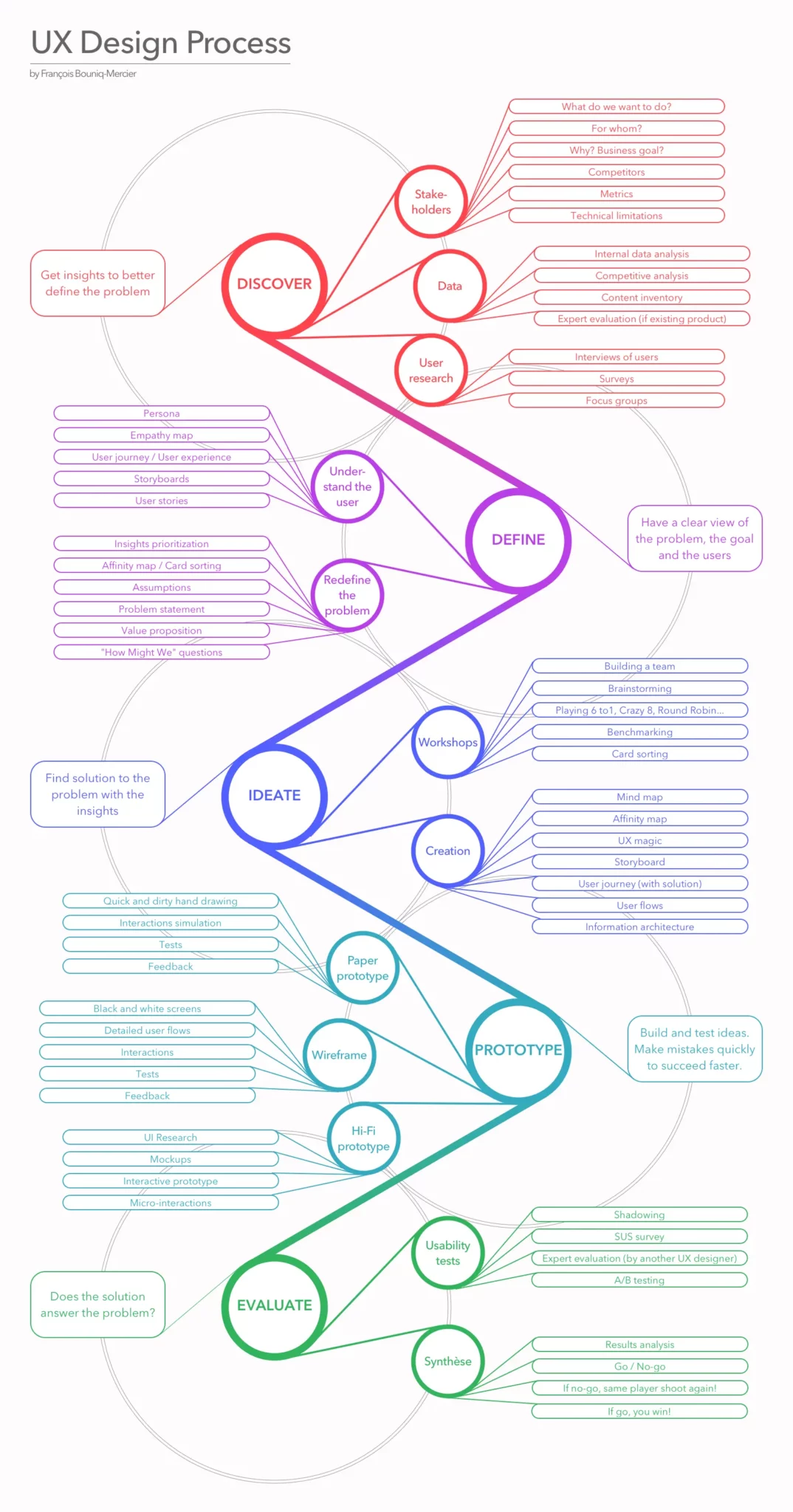
This gorgeous graphic showcases a classic UX design process based on design thinking principles. (As we continue, you’ll notice we’ve used it to identify the stages ripe for AI use.)
Researchers at Linköping University in Sweden investigated how to augment UX research and design with AI. They interviewed several UX professionals to find out how they were incorporating AI into their workflow.
Participants used generative AI tools like Midjourney, ChatGPT and Dall-E.
Some queried the tools, looking for inspiration as they began the creative process. Others used it for benchmarking, editing color palettes and changing UI elements.
A general consensus among interviewees was AI will increasingly become part of their workflow. Output they received was of high quality and required very minor manual changes. Tools like Midjourney allow designers who aren’t experts in 3-D modeling to quickly iterate on designs. AI may even start to make design recommendations after reviewing final prototypes and user behavior.
It’s all about finding an AI tool that complements your existing processes.
Top UX AI tools across the UX design workflow
We scoured the web to bring you 12 AI-powered UX tools that support research and design. From understanding user behavior to testing and refining experiences, each tool can help you move faster and make better-informed decisions.
1. HeyMarvin
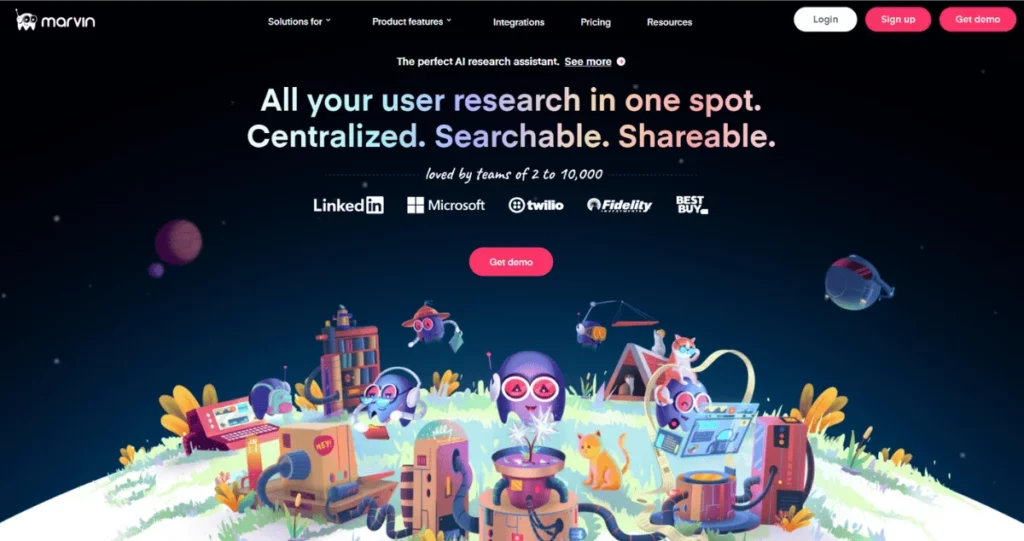
An AI-native customer insights platform that centralizes research and turns it into actionable insights.
HeyMarvin brings companies’ disparate data into one centralized repository. This makes it easier than ever to collect, organize, analyze, and share insights. AI-powered smart workflows let people search across data and find answers in minutes.
Designers can go as deep or as high-level as they want, while making connections across data sources they would’ve otherwise missed.
HeyMarvin’s AI note taker is the first of its kind, and it automatically generates notes from lengthy interviews.
The AI interviewer makes it simple for teams to collect user feedback on prototypes and public websites. These insights help you run usability tests, do competitive research, and test your messaging more easily.
Moreover, every insight the AI finds comes with a citation, so you can always check the source and trust the results. This provides a foundation for researchers to build on as they delve deeper into analysis.
The best part? HeyMarvin integrates seamlessly with applications designers already know and love. Don’t uproot your workflow to accommodate new AI UX Tools — find a product that layers on top of your process and makes it easier to do your job.
All your research in one place. That’s HeyMarvin.
Create a free account today (no credit card required) and turn your interviews, surveys, and other forms of feedback into actionable UX insights. Find answers across your research in minutes instead of days.
2. Qualtrics
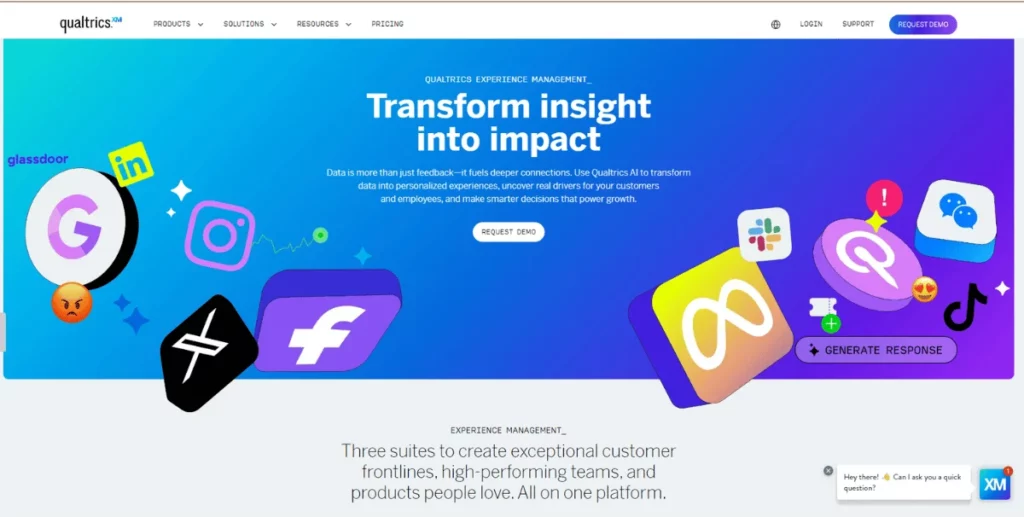
Experience management platform that focuses on customer and employee experience and strategic research.
Qualtrics is an online tool that enables designers to build, distribute and analyze surveys. This software has powerful AI capabilities besides collecting and processing quantitative data. Algorithms analyze vast amounts of data from chat logs, social media feeds, feedback surveys. They use all this data to generate insights. The AI engine recommends actionable next steps in order to drive tangible business outcomes.
3. Hotjar
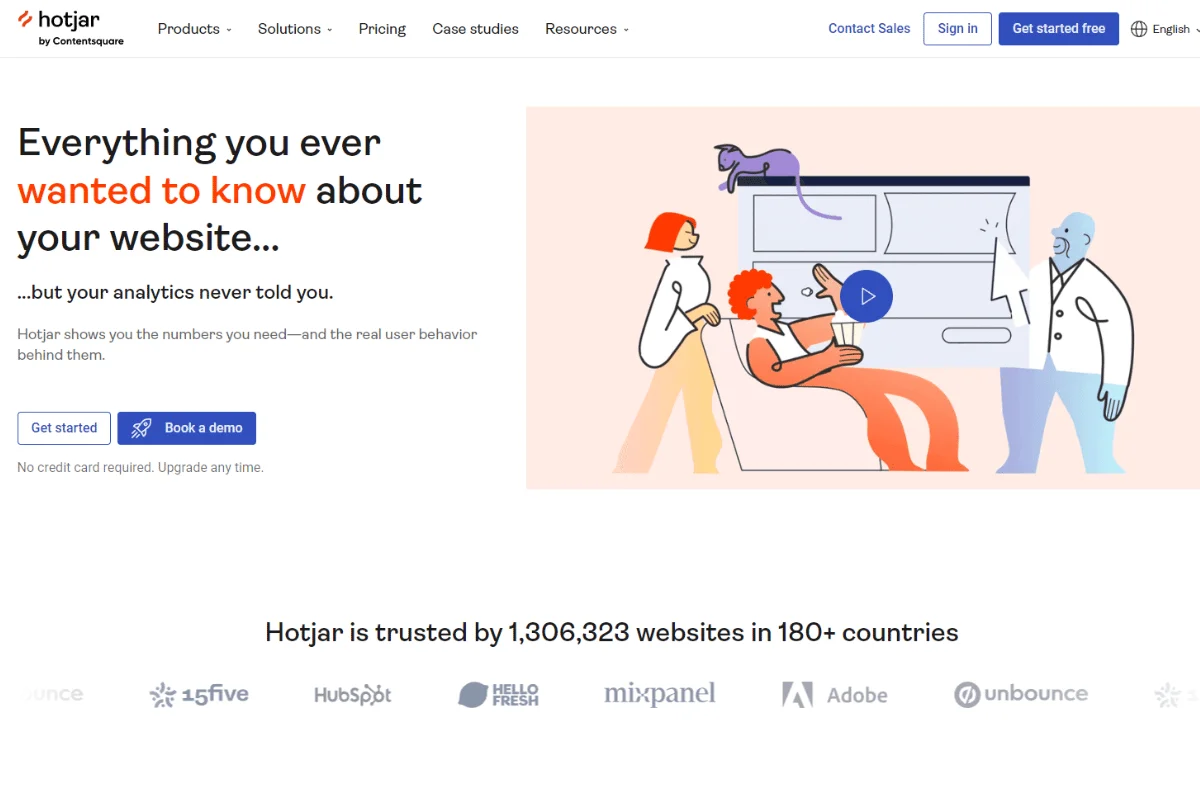
A website behavior analytics tool that combines heatmaps, session recordings, and user feedback to reveal how people interact with your product.
Hotjar takes you beyond what users say, so you can understand what they actually do. With heatmaps and session recordings, you’ll easily surface friction points, but you also have surveys and feedback tools to gather more context.
Spotting patterns in navigation, engagement, or drop-offs is now possible without relying solely on interviews or assumptions. Hotjar gives you a valuable input layer, helping you identify what to investigate next or what to prioritize as you dive into deeper analysis.
4. QoQo
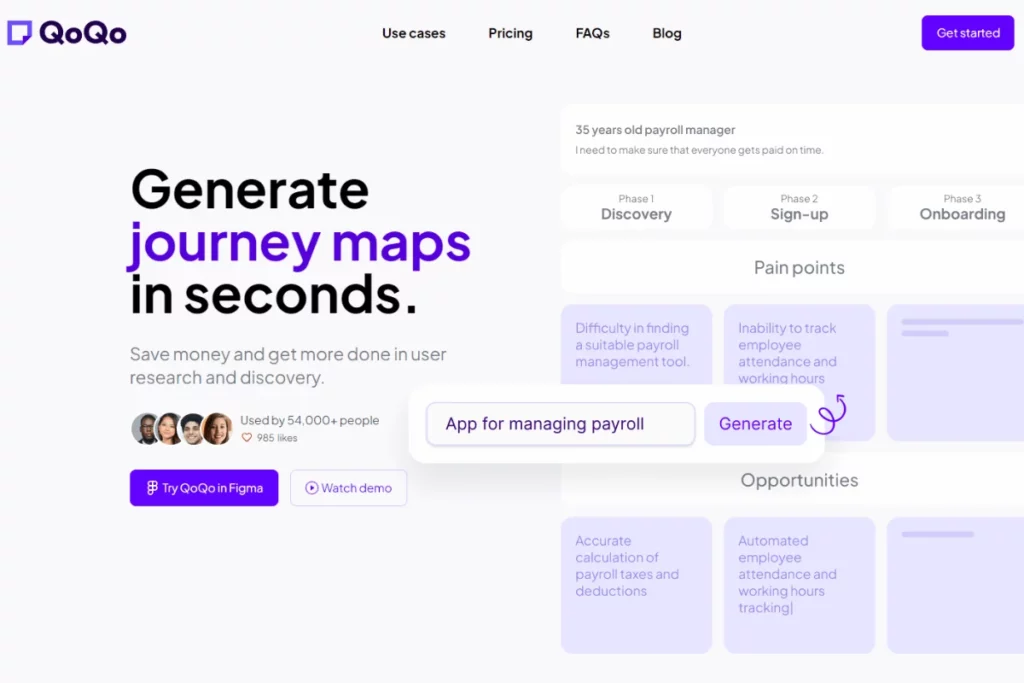
A UX design assistant that helps you generate personas, user journeys, and early UX frameworks.
QoQo helps you generate well-rounded user personas from scratch. It builds cards representing each user’s goals, needs, motivations, frustrations and tasks. Map the user journey or get assistance with design briefs and information architecture. QoQo has a Figma plugin, so you can leverage its AI while designing.
QoQo works best as a starting point. It helps you explore ideas quickly, but you’ll still need to validate those outputs with real user research.
Notable Mentions: NotionAI. Helpful for organizing design ideas and creating documentation for when you begin a project.
5. TheyDo
A journey management platform for teams that need to organize research into structured customer journeys.
TheyDo helps you connect research insights to the bigger picture of the customer experience. Map insights to specific journey stages, identify gaps, and align teams around shared priorities. Its AI capabilities surface opportunities and suggest improvements based on existing data.
This tool is especially useful when you have multiple teams that need to contribute, as it provides a common framework. It allows everyone involved to structure insights and track decisions over time, from UX research to product or service design.
6. Uizard
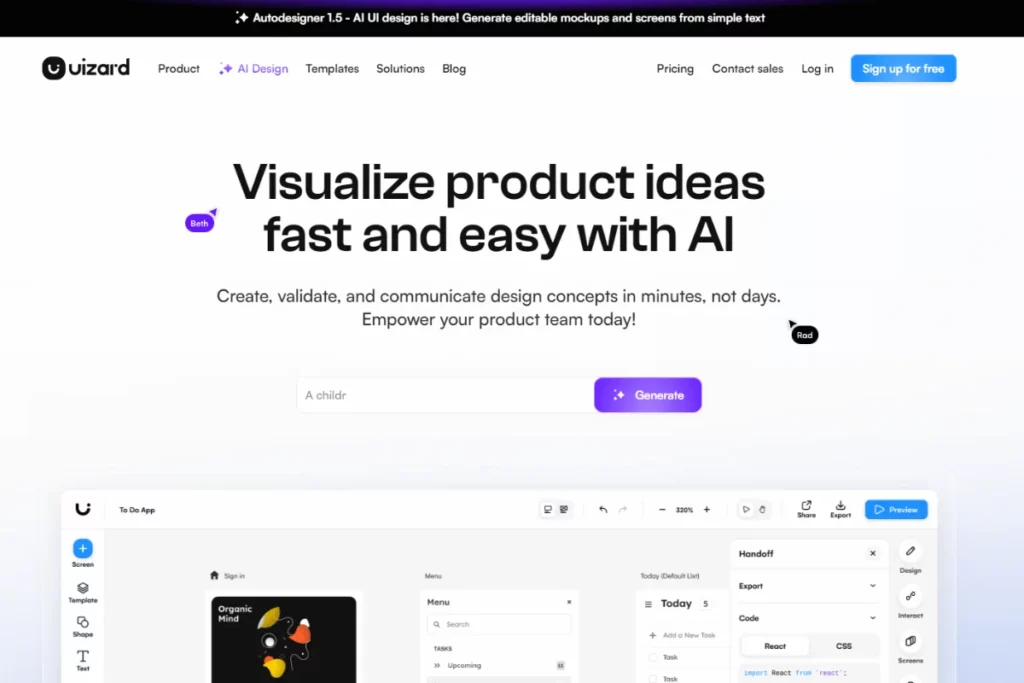
A UI design tool that turns text prompts, sketches, or screenshots into editable wireframes and prototypes.
A top choice amongst prototyping apps, Uizard uses AI to generate wireframes from written prompts. Create prototypes by dragging and dropping UI elements into a design. You can even hand draw a sketch, and Uizard will convert your design into an editable mockup. It even generates code from the sketch to boot.
Use Uizard to quickly turn ideas into workable prototypes and iterate on them with ease. It automatically applies design best practices, so you can focus on refining flows and interactions instead of starting from scratch.
7. Google Stitch
A UI design tool to move from concept to code-ready interfaces faster.
Google Stitch takes your ideas beyond early prototypes and turns them into structured layouts that are closer to implementation. It generates responsive UI designs from simple inputs and allows you to export them into Figma or as front-end code, making collaboration with developers much smoother. Why limit yourself to mockups when you can work with layouts that already reflect how the product could look?
Stitch is most useful after initial exploration, when you’re ready to refine a direction and begin development. It generates more realistic prototypes you can use to validate ideas, taking you faster from design to build. And even so, it leaves enough room for designers to tweak flows, usability, and edge cases as they see fit.
8. Adobe Sensei
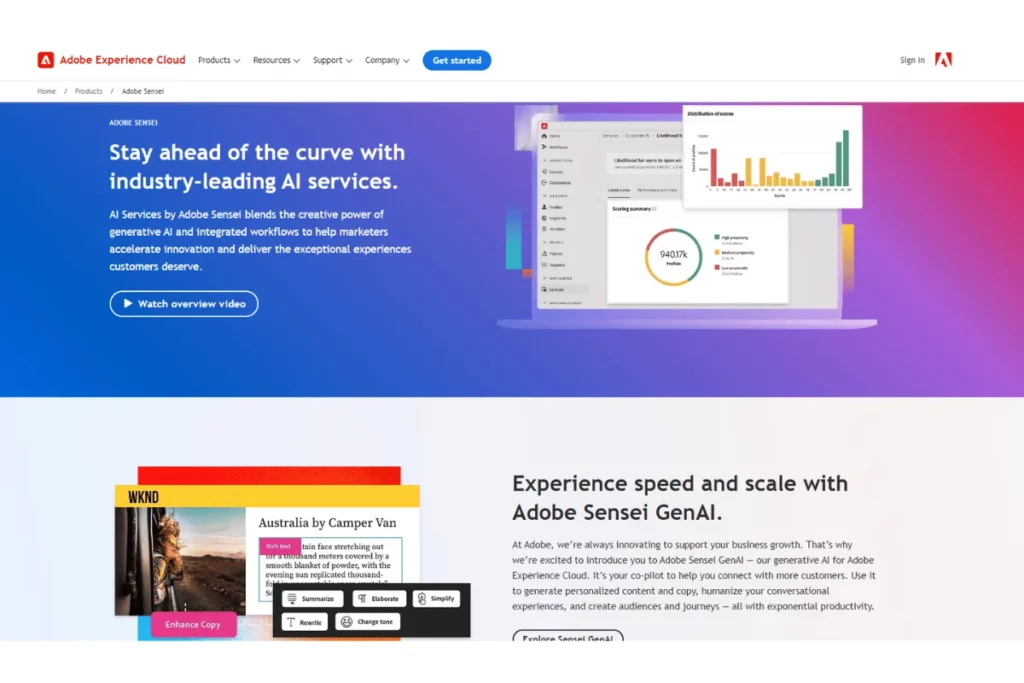
An AI-powered design assistant that automates repetitive tasks and helps refine visual and UI design decisions.
Adobe’s suite of applications including Photoshop, Illustrator and InDesign all house Sensei. It has numerous AI features and functionality that help automates non-creative tasks. Content-aware fill allows you to quickly replace unwanted objects from an image. Smart object selection enables users to make complex selections with a simple click and drag.
Sensei even acts as a design collaborator. Use it to generate alternate layouts or suggest font and color pairings for any design.
9. UserTesting
A one-stop customer experience platform that helps researchers understand their target users.
Recruit and onboard your study participants directly in UserTesting, and use AI to analyze the data they provide. Whether it’s audio, video, or other sources, you can run sentiment analysis and keyword mapping. Quickly group feedback into meaningful patterns and identify friction points across interactions.
UserTesting brings together data from multiple sessions. You can visualize the user journey and surface recurring themes, getting a solid starting point for further analysis.
10. Maze
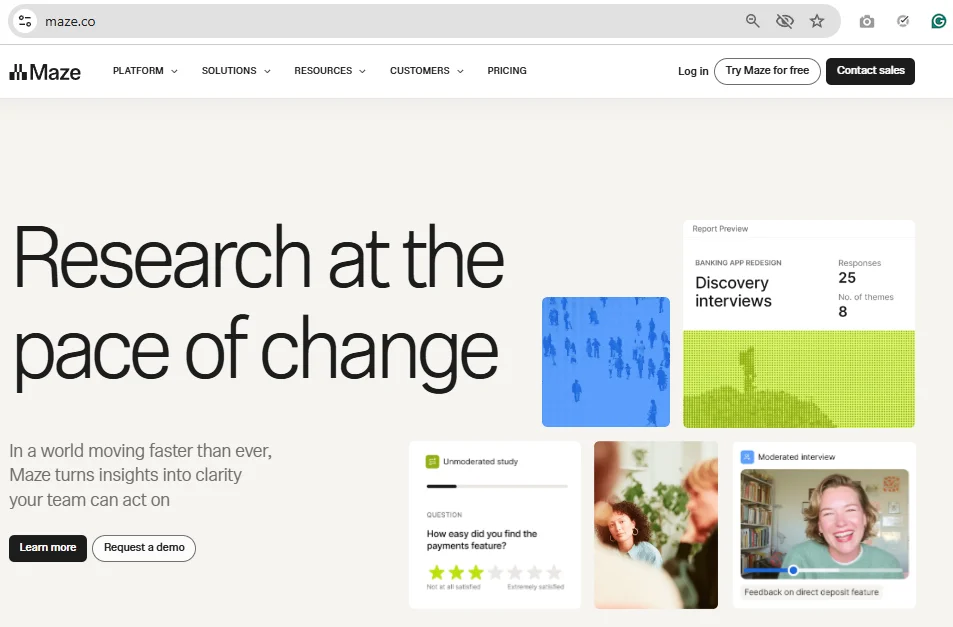
A testing platform that helps teams validate designs and gather feedback at scale.
With Maze, you can test prototypes, live websites, and product concepts without running fully moderated sessions. Recruit participants, run usability tests, and collect feedback using methods such as surveys, card sorting, and tree testing. And use its AI features to summarize results, surface themes, or highlight the key findings.
In UX research, Maze is great for rapid validation because it lets you test ideas early and often. Use it to gather structured feedback and iterate based on your users' behavior before investing heavily in deeper analysis or development.
11. Attention Insight
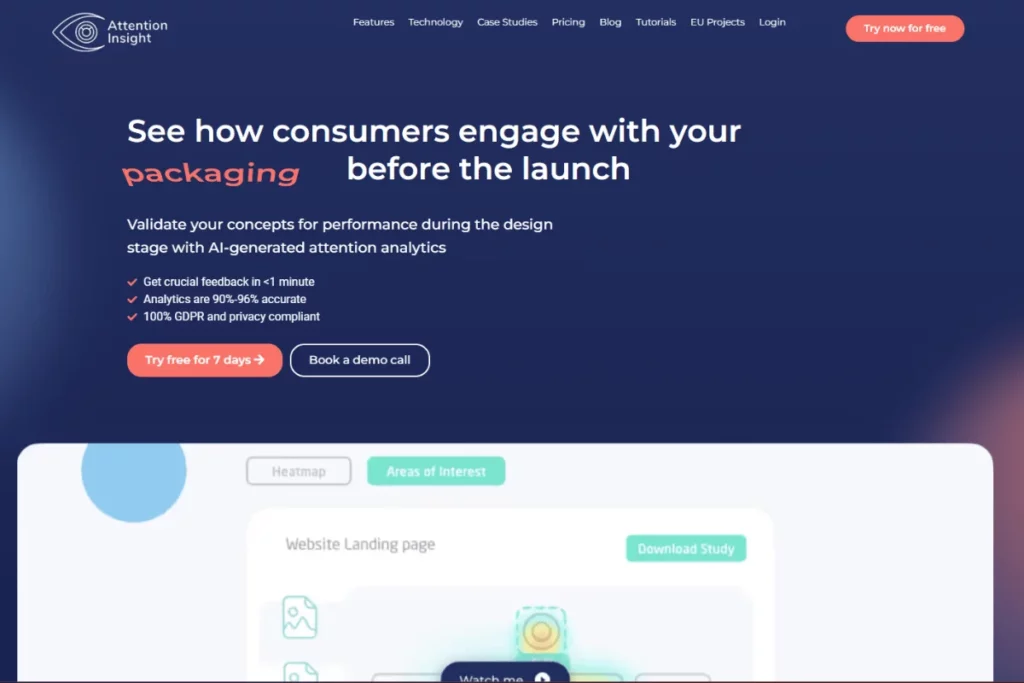
A design analytics tool that uses simulated eye-tracking to show where users focus.
Attention Insight simulates eye-tracking studies and preference tests. Heatmaps and focus maps help identify elements that grab the user’s attention as they navigate through a website or application.
These insights help uncover usability issues or potential roadblocks in the user interface. Equipped with this information, you can make more informed design decisions. Improve usability, optimize product performance and create more user-centric designs. Track and monitor how product updates enhance conversion rates.
Notable Mentions: VisualEyes. Powered by AI, this application performs similar tasks to Attention Insight.
12. Optimizely
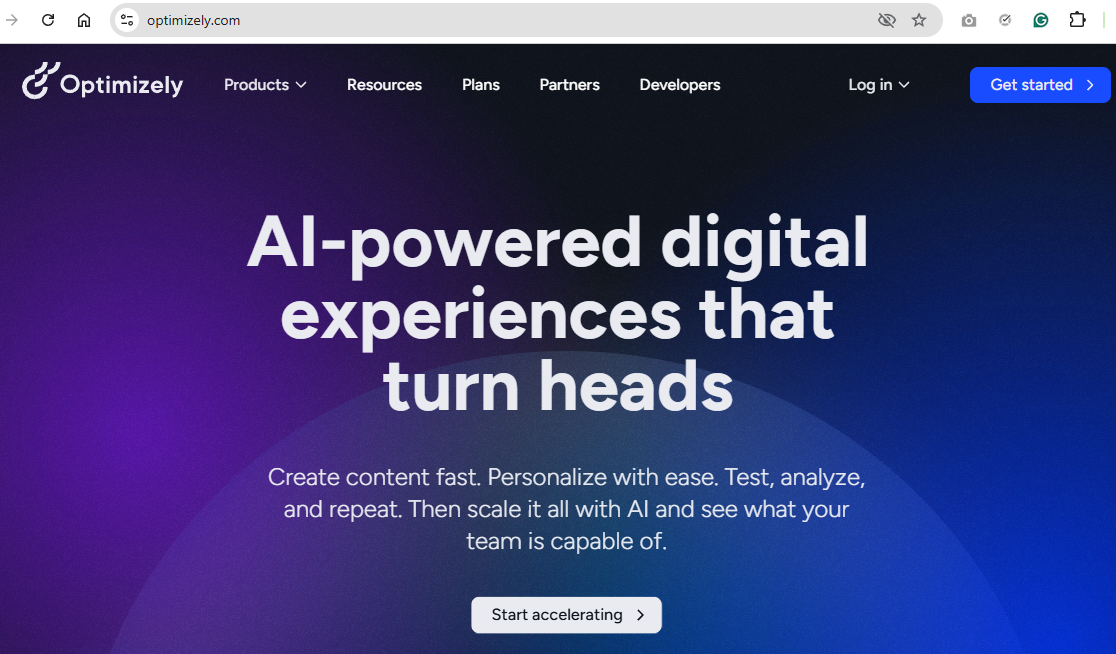
An experimentation platform for teams that need to test, personalize, and optimize digital experiences.
Optimizely shifts UX decisions from discussion to evidence. Instead of choosing a single direction, you can test multiple variations of a page, feature, or flow and see how users actually respond. Its experimentation and personalization capabilities make it easier to understand what drives engagement and where changes have the most impact.
It’s especially useful once your product is live, as you need to continuously test and improve the experience in real conditions. This way, you turn small iterations into measurable gains over time.
Choosing the right AI tools for UX
Since all the hype surrounding AI from ChatGPT’s release, companies are racing to roll out new AI functionality. Be wary of tools slapping on “AI” in their marketing just for kicks (and clicks).
Features and functionality aside, consider these important factors when comparing AI tools:
- Costs
- Scalability
- User Friendliness
- Integrations
Don’t forget to pay heed to these important considerations before diving into a comparative analysis of the tools out there:
- Business Goals. What business objectives does the project help satisfy?
- Project Needs. Whether it’s a survey, user testing or data analysis – what does the project (and regular projects) require?
- Features and Compatibility. What features do you need for this and future projects? (More in the section below)
- Training & Support. What training resources and support does the company provide to ensure effective adoption and use of the tool?
- Scalability & Flexibility. Will the tool be able to satisfy not only current needs, but future ones as well? UX Tools must adapt to evolving project needs and growing needs of the UX research process.
- Secondary Benefits. Look out for versatile AI tools with features that support other areas of the UX process. For example, HeyMarvin acts as an AI research assistant, facilitating data collection and analysis in one place. It also seamlessly integrates with all your existing tools. Two birds with one stone. That’s Marvin.
- Data Privacy Compliance. What regional and international regulations must be adhered to?
Privacy concerns
Companies constantly recruit participants and users for interviews, focus groups and surveys. It’s their duty to protect user data at all costs. Concealing people’s personally identifiable information (PII) is of utmost importance.
Choose a tool that incorporates these data security measures:
- Data Anonymization – remove PII from any collected or stored data
- Data Encryption – prevent unauthorized access to sensitive information
- Compliance – ensure tools abide by regulations. These include local data protection laws, industry norms and ethical guidelines.
- Limited Data Collection – minimize unnecessary data collection. Focus on collecting what matters.
- User Consent – choose tools that are transparent with their data usage and security.
HeyMarvin uses advanced privacy filters to blur faces and scrub out any PII from interviews recordings. It’s HIPAA, GDPR and SOC2 compliant, so your user data is always protected.

Best practices for integrating AI into UX workflows
Below are some steps on how to best to incorporate AI into your work:
- Soft Launch – Start Small. Run tests on a smaller, manageable project to test AI’s handling of data. This allows you to identify and iron out any kinks or inefficiencies. Before releasing it across the entire organization, roll out AI tools on a limited scale. This enables an understanding of whether people are receptive to, and will likely adopt the technology.
- Data Quality Assurance – Remember, your output is only as good as your input. (We know you’ve heard it before: Bad data in, bad data out.) Focus on good data quality to ensure you’re using datasets that are accurate, complete and consistent. Unbiased and reliable data generates helpful and actionable insights. Set explicit data validation guidelines for data collection to avoid errors and anomalies in the future. Address the quality of your data, don’t neglect it.
- Ensure Human Oversight – Keep user experience in mind throughout the process. Sounds simple enough, but it’s easy to become enamored by the capacity of AI. Researchers and designers can lose sight of who they’re designing for. Don’t fall into the trap. Ensure a varied group of individuals review and test the system before launch.
- Validate Regularly – Don’t rely solely on AI’s output. Cross-check AI’s findings with human analysis to corroborate insights accurately.
- Consider Ethical Implications – FACT: AI is trained on biased data. It’s a designer’s duty to ensure that any inherent biases don’t exist in design output. Clearly define the scope of AI used in any project and use it responsibly. Google’s Rida Qadri weighs in on the ethical dilemma facing researchers today.
- Familiarization – Companies are rolling out new AI capabilities at a rate of knots. Stay up-to-date with the latest trends and future developments in the field. Prioritize continuous learning. We share our thoughts on how to master UX research software.
- Training – Establish best practices for employees at the company to follow. Learning the tool’s functionalities is important, but don’t forget to teach users how to interpret and use AI generated outputs. Educate them on how AI could fit into their workflow. Once they learn the ropes, they can offer feedback for improvements. (HeyMarvin customers do this all the time, and we LOVE them for it!)
- Iterative Methodology – Iterate your work using AI to meet functional and aesthetic needs. Don’t merely accept the first round of AI generated assets. Keep refining the process until it meets your requirements. Create a feedback loop – test wireframes to get quick user feedback and observe where they fall short. If you don’t like something about a certain wireframe, change it. This creates well balanced and effective designs.
- Collaborate – Constantly communicate with stakeholders, developers and end users. Involve them early in the process. Establish a shared understanding of business goals, the potential benefits and constraints of AI tools. Marrying diverse perspectives and user needs with project objectives leads to a more impactful user experience. Don’t believe us? Learn why industry expert Lou Rosenfeld thinks research can eliminate organizational silos.
AI and UX: Better together
AI’s impact on the user experience can’t be understated. We’re only at the beginning of the story. The rate at which AI tools are being rolled out is staggering. AI will only become larger in terms of its significance and reach.
Design’s mandate doesn’t waiver — let’s create experiences that delight users.
AI will increasingly help us on this path.
Using AI, experiences can be customized to individual needs and abilities. UX professionals can extract meaningful customer insights from feedback at scale. This improves functionality and aesthetics of the final product or service. It forms intuitive and engaging customer journeys.
AI unlocks greater productivity and empowers designers to create engaging products that meet user needs. If you’re curious to see how this looks in practice, book a free demo with HeyMarvin.
Blog hero image by Pete Wright on Unsplash
Frequently asked questions (FAQs)
Now, let’s look at the top FAQs about UX AI tools.
How do AI tools improve user testing and data collection?
AI tools process large volumes of data quickly and identify user behavior and sentiment patterns. They automate parts of testing, thus surfacing usability issues, bottlenecks, and opportunities for improvement. In short, they make it easier to iterate faster and design more intuitive, accessible experiences.
Can AI tools predict user behavior in UX research?
Yes. AI tools can predict future interactions just by looking at users’ past behavior and feedback. This helps designers anticipate friction points, refine user flows, and create more personalized and user-centered experiences.
How do AI tools handle qualitative data in UX research?
UX researchers conduct user interviews to obtain qualitative data. They gather user testing feedback and ask open-ended questions to do so. Participant responses are often lengthy and complex.
UX AI Tools like HeyMarvin can automatically generate transcripts from interview clips (both audio and video). They store this data in a research repository.
Once stored, this data must be analyzed. AI tools aggregate thousands of hours of user interviews, to identify common themes. To gauge user delight or frustration, they scan interview transcripts to conduct a sentiment analysis. This serves as a foundational, preliminary analysis before any human intervention.
AI tools can process large amounts of qualitative data at inhuman speeds. They summarize multiple pages documents within minutes.
AI tools expedite the time consuming and tedious aspects of handling qualitative data.
Are AI UX tools suitable for small teams?
AI UX tools can help small teams move faster by automating time-consuming tasks like analysis, prototyping, and testing. This allows them to do more with limited resources without sacrificing research quality. The key is choosing tools that fit their workflow rather than adding unnecessary complexity.
Are there risks of using AI in UX design?
Aside from sometimes generating inaccurate outputs, AI can introduce bias. And if you’re not using it carefully, you may end up over-relying on automated insights. Therefore, you must always add a layer of human judgment to whatever outputs you get from it. Use AI to get closer to decisions, but don’t replace human validation with it.
What is the right number of UX AI tools for a team?
As with many aspects of research, the answer is: it depends. Most teams can work well with just a small, focused stack that covers the key stages of research, design, and testing. What matters more than the number of tools is how well they integrate with each other. It is better to opt for fewer, compatible tools than a large, disconnected set.

See Marvin AI in action
Want to spend less time on logistics and more on strategy? Book a free, personalized demo now!