


Customer Sentiment Analysis That Leads to Product Decisions
Customer sentiment analysis reveals what customers really think, helping teams turn product feedback into clearer, more informed decisions.



Unstructured customer feedback holds a lot of value. It comes in through support tickets, app reviews, survey comments, and sales calls. But how do you use it to guide product decisions?
Customer sentiment analysis is a practical place to start. It shows whether feedback about your product is positive, negative, or neutral. When you track sentiment by product area, you can see early which part of your product is frustrating customers.
Catching that early matters, because some unhappy customers stop giving feedback and simply leave. Sentiment analysis helps you act on the warning signs in the feedback you do get.
Below, you'll learn how to run customer sentiment analysis and check the results. You'll also see how to find which part of your product needs attention first.

TL;DR: What to know about customer sentiment analysis
- Customer sentiment analysis shows whether customer feedback about your product is positive, negative, or neutral.
- When you analyze sentiment for each product area separately, you can see which features customers are unhappy with.
- UX researchers analyze sentiment by coding comments by hand, using rule-based tools, or using the AI in a research tool. AI processes large volumes of feedback faster.
- Sarcasm and comments that mix praise with complaints are common sources of errors in customer sentiment analysis.
What customer sentiment analysis measures
Customer sentiment analysis is the process of identifying whether customers gave positive, negative, or neutral feedback about your product, service, or brand.
You can get one overall score, or a score for each product area. A product area is any part of your product that customers give feedback about, such as a feature like receipt scanning or a section like billing.
A full analysis can tell you four things about each comment:
- Polarity: Whether the comment is positive, negative, neutral, or mixed. A mixed comment might include both positive and negative sentiment, such as "The new dashboard is easy to read, but exporting reports takes forever."
- Intensity: How positive or negative the comment is, often on a scale from very negative to very positive. "It works" and "I love it" are both positive, but the second is far stronger.
- Emotion: Which emotion a comment shows, such as frustration or confusion. Knowing the emotion helps you choose the right fix. For example, a confused customer may need clearer instructions, while a frustrated one may need a slow or broken workflow fixed.
- Aspect: The product area or feature the comment is about, such as the dashboard, report exports, or billing.
When a comment mentions more than one product area, you can score each area separately. This is called aspect-based sentiment analysis. For example, the mixed comment above is positive about the dashboard and negative about report exports.

Where customer sentiment data comes from
Customer sentiment data comes from any place customers describe their experience with your product in their own words.
Most of it falls into three groups:
- Solicited feedback: Feedback you ask for, such as open-ended survey answers, Net Promoter Score (NPS) survey comments, and customer interviews. You choose the questions, so the answers focus on what you want to learn.
- Unsolicited feedback: Feedback customers share without being asked, such as support tickets, chat logs, app store reviews, and social media posts. It leans toward customers who have a problem or a strong opinion.
- Team notes: Notes that sales reps and account managers take during customer calls. They summarize what customers said in the team member's own words.
Net Promoter Score (NPS) is a survey question that asks customers how likely they are to recommend your product, on a scale from 0 to 10. NPS surveys usually add a follow-up question asking customers why they gave that score. You run sentiment analysis on those written answers.
These sources only reflect customers who choose to share feedback. Qualtrics XM Institute surveyed about 20,000 consumers in 14 countries and found that 30% of consumers don't tell anyone and simply switch brands. Behavior data, such as drops in product usage and downgrades, can help you spot these silent customers.
Three ways to run customer sentiment analysis
Once you've chosen your sources, decide how you'll sort each comment as positive, negative, or neutral. You can do it in three ways, or combine them:
1. Manual coding
Researchers read each comment and tag it using a qualitative research codebook. A codebook lists each tag with a short definition and example quotes, so everyone tags comments the same way.
Because a person reads every comment, they can also check the conversation around it. For example, a customer's reply of "Fine." looks neutral on its own. But earlier messages in the same support ticket may show the customer is frustrated after days of waiting for a fix.
Manual coding takes the most time, so it doesn't scale well to large volumes of feedback. Teams often use it for small, high-stakes studies and to spot-check the results of other methods.
2. Rule-based tools
Rule-based tools use a fixed list of words that count as positive or negative, such as "love" or "broken." The tool counts these words in each comment and gives the comment a score. For example, "I love the new layout" scores as positive because it contains "love."
These tools are fast, and you can see exactly which words led to each score. But they can't tell what a word means in context. "Long battery life" is praise and "long load times" is a complaint, but the tool treats "long" the same way in both.
3. AI-led analysis
In AI-led analysis, a research tool uses AI to decide whether each comment is positive, negative, or neutral. Unlike a rule-based tool, the AI takes the whole sentence into account, so it can tell that "long load times" is a complaint.
A researcher chooses the product areas to track and checks a sample of the AI's results. The process works much like AI tagging, which teams use to sort feedback into themes.
How reliable are AI sentiment tags? A 2025 study in Scientific Reports compared 33 human annotators with eight AI model setups. The models included versions of GPT-4, Gemini, Llama, and Mixtral.
On sentiment, the AI models agreed with each other as closely as the human annotators did. That means the AI's answers were consistent. But consistent answers can still be wrong.
The study also used 100 test sentences from research datasets. Real customer comments can be messier. So check any research tool's results on a sample of your own feedback first.
Here's how the three approaches compare:
In practice, many teams combine AI-led analysis with manual coding. The AI handles every comment, and researchers check a sample by hand.
This way, researchers can analyze far more feedback in the same amount of time. They can spend that time on work that needs human judgment, such as choosing which product areas to track and working out why customers feel the way they do.
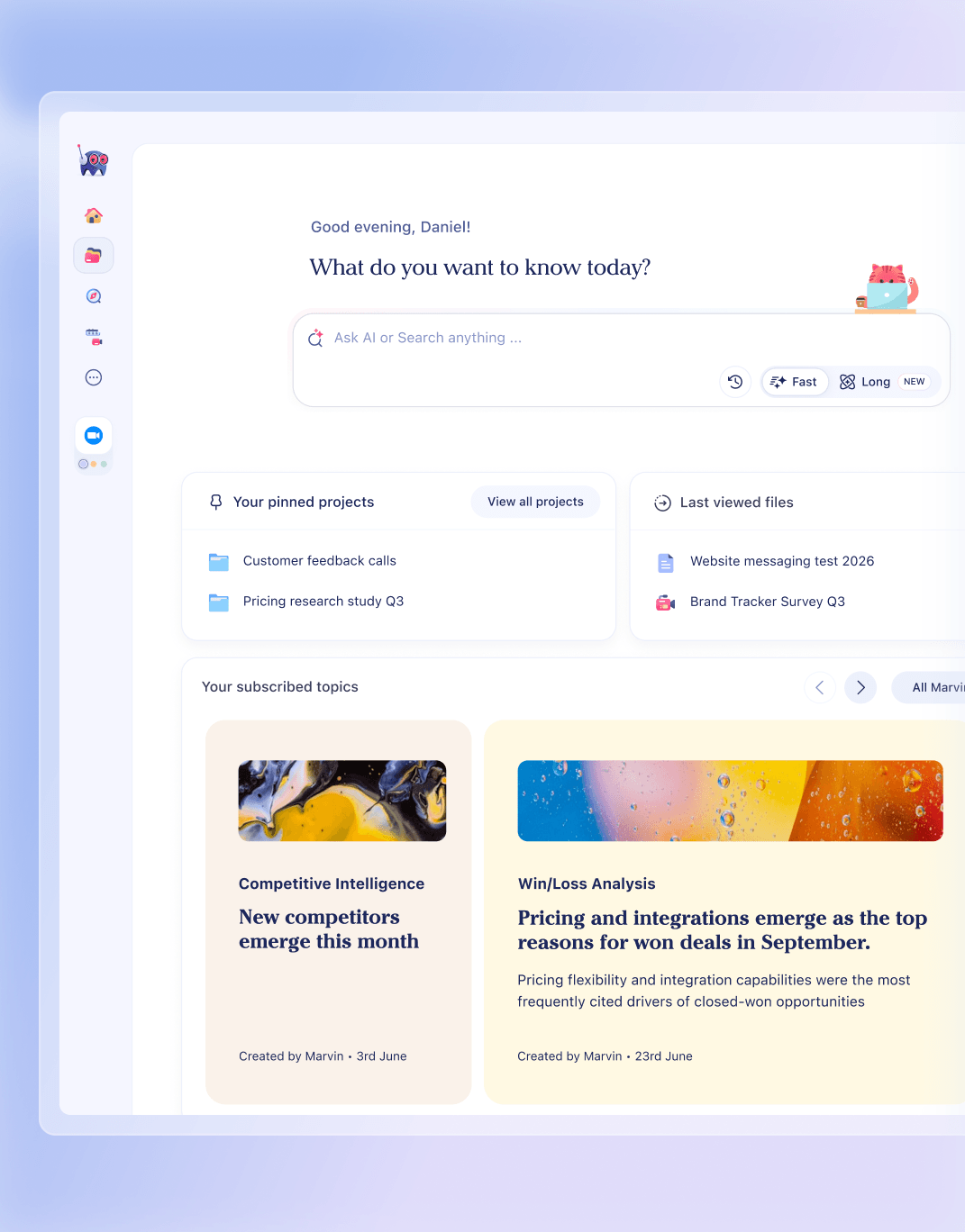
Marvin, an AI-native customer insights platform, supports this combined approach. Its AI analyzes sentiment and themes across interviews, surveys, and support tickets in one place. Each result links back to the original source, so researchers can quickly check the AI's work.
Book a demo and bring a recent set of survey comments or support tickets to try it out.

How to run customer sentiment analysis on product feedback
Whichever method you choose, follow these five steps in order:
1. Start with a clear question
Decide what you want to learn, such as "How do customers feel about our new onboarding flow since launch?" Your question tells you which feedback to collect and from which time period.
Without a question, it's easy to analyze everything and end up with results no one can act on.
2. Gather the feedback in one place
Next, collect the feedback your question points to, such as support tickets and survey comments from the last three months. Put it all in one place, so every comment goes through the same analysis.
A clear customer feedback analysis process starts with collecting and organizing feedback this way.
Record the source and date of each comment, such as "support ticket, March 3." Later, this shows you where a problem appears and when it started.
Scattered feedback is a common obstacle.
In April 2026, HeyMarvin surveyed 309 researchers, research consumers, and research leaders for its State of Modern Research 2026 report. Among leaders, 41% said knowledge fragmented across too many tools is a reason insights don't influence decisions.
3. Sort comments by product area
With your feedback in one place, decide which parts of your product you want to track, such as onboarding, search, or billing. Then sort each comment into the area it's about.
If a comment covers two areas, split it so each part sits under the right area. For example, "Search is fast, but billing is confusing" becomes one comment about search and one about billing.
4. Mark each comment as positive, negative, or neutral
Next, mark each comment as positive, negative, or neutral. If you split a comment in step 3, mark each part on its own. For example, "Search is fast" is positive, and "billing is confusing" is negative.
Because the comments are already sorted, these marks add up to a result for each product area.
Mark comments from every source the same way, whether they come from open-ended survey answers or support tickets. That way, you can compare the results.
If you need to decide which issues to handle first, also note the emotion behind each comment and how strong it is. An angry customer usually needs a response sooner than a mildly annoyed one.
5. Compare product areas and find the cause
Now compare the results across product areas. A simple way is to calculate each area's net sentiment. Take the percentage of positive comments and subtract the percentage of negative comments.
For example, say 200 comments mention billing. If 40 are positive (20%) and 120 are negative (60%), billing's net sentiment is 20 minus 60, or -40. If 150 comments mention search, with 105 positive (70%) and 15 negative (10%), search scores +60.
A score below zero means an area gets more complaints than praise. In this example, billing needs attention first.
Before you act, check how many comments are behind each score. A score of -40 based on 200 comments is a strong signal. The same score based on 10 comments could change a lot next month.
Sentiment tells you which area has a problem. To learn why, look at product usage data and compare the results with your voice of customer metrics, such as NPS. Then run a few qualitative interviews with customers who left negative comments.
Common sentiment analysis errors and how to catch them
Even with a clear process, sentiment results can be wrong. Watch for these common errors:
- Sarcasm: A comment such as "Love waiting 10 minutes for the dashboard to load" reads as positive word by word, even though the customer is complaining. In the Scientific Reports study, even human annotators often disagreed with each other on sarcasm, and so did the AI models.
- Product-specific words: Words such as "crash" or "error" can appear in praise, as in "Finally fixed the sync error." A tool may still mark this comment as negative because it contains "error."
- Feature requests: Customers often describe a request by saying what the product lacks, as in "The app is missing a dark mode." A tool may mark this comment as negative because it contains "missing," even though the customer is asking for a new feature. Enough of these can make a product area look worse than it is.
- Emotional intensity: In the same study, humans rated emotional intensity significantly higher than the AI models did. So AI tools may underrate how strongly customers feel, which matters if you use intensity to decide what to fix first.
You can't read every comment, so check a sample instead. Pick a random set of comments from each product area, read them, and note where you disagree with the tool's score.
If you find many mistakes in one area, adjust the tool's settings or instructions and run it again.
Before your team acts on a low score, such as billing's -40, read some of the comments behind it. Sarcasm, praise for a bug fix, and feature requests are easy to spot once you read the actual words.

Turn customer sentiment into product decisions with Marvin
Customer sentiment analysis helps you find the part of your product customers are least happy with. To decide what to change, you still need to read the comments, check usage data, and talk to customers.
Marvin, an AI-native customer insights platform, helps research teams do both in one place:
- Bring feedback together: Marvin collects interviews, surveys, and support tickets in one searchable hub.
- Analyze sentiment: Its AI finds sentiment and recurring themes across all your feedback, and every result links back to the original comment.
- Find out why: When a product area scores low, you can ask customers about it right inside your product. Marvin's AI interviewer runs the conversation with you.
- Share what you find: You can send findings to Slack or Jira, where your team plans the fix.
Book a Marvin demo to see which parts of your product customers are least happy with, and why.
Frequently asked questions
NPS measures how likely customers are to recommend you, using a 0 to 10 rating you ask for. Customer sentiment shows how positive or negative customers are in what they write or say, even when you didn't ask. For example, a customer can give you a 9 and still complain about pricing in the comment box.
Yes, but analyze only what the participant says, and leave out the interviewer's questions. Otherwise, a question like "Was anything confusing or difficult during setup?" can make the transcript look more negative than the participant's answers.
Also, compare interview results only with other interviews from the same study, since the questions you ask shape what people talk about.
No universal benchmark exists, because sentiment depends on your sources. For example, support tickets come mostly from customers with a problem, so they usually skew more negative than survey comments. Track your own score by product area and source over time, and look into any sustained drop.

See Marvin AI in action
Want to spend less time on logistics and more on strategy? Book a free, personalized demo now!