.png)
.svg)


Top 10 User Testing Software Compared: Features, Cost, and More
Compare top user testing tools on features, pricing, and usability to find the best fit for your needs.



You don’t get a second chance to make a first impression.
This is highly applicable to digital products. If your first experience is a trainwreck, you won’t likely use an application again. So, how do companies avoid this?
User testing software.
User testing helps companies collect valuable feedback about their experiences. Designers identify user pain points, using this information to improve the customer journey. Their design becomes more user-centric.
By identifying usability issues early on in the build, it saves on development costs. Optimizing user interfaces makes products easy-to-use and enhances user engagement. This leads to increased customer satisfaction and (hopefully) higher conversion rates.
Having people test a product before launch is a good idea. Widely used in the UX industry, user testing is a necessity for companies in the digital age.

TL;DR - Top user testing tools available
User testing enables smoother customer journeys and experiences.
In this article, we’ll explore the different testing options available to companies. We establish criteria to evaluate user testing tools. We’ll explore the most common mistakes when implementing a user testing platform.
Finally, we’ll give you a rundown of the best user testing platforms on the market:
- HeyMarvin
- UXTweak
- Optimal Workshop
- UserTesting
- Maze
- Userlytics
- Trymata
- Hotjar
- Qualaroo
- Lookback
What’s our pick?
A robust research repository, HeyMarvin is home to all your user testing data. Import data from apps you know and love. Search across projects to gain comprehensive insights about your customers. Build a customer-centric culture.
Sign up for a free demo with HeyMarvin today!

Types of usability tests
All usability tests aren’t created the same.
Usability testing helps test products at various stages of the development cycle. Given project resources and timelines, researchers must decide what testing procedure to use. Different test types allow companies to obtain specific insights about the customer experience. These include:
In-person vs. remote
Researchers conduct in-person usability testing with participants in a face-to-face environment. A traditional method of testing, it involves planning the setup and logistics, but has several benefits. Researchers observe users carry out product-related tasks, so communicating with them is easy. By studying user reactions, they pick up on non-verbal data.
Remote usability testing takes place with participants and researchers in different locations. Widespread use of online usability testing tools has increased the reach of remote user testing. Tools record participants as they complete tasks, and gather data automatically. Gathering a wide array of data from different demographics helps UX teams design with specific users in mind. Remote testing is also far less resource-intensive than in-person testing.
Moderated vs. unmoderated
A trained coordinator supervises moderated usability testing. Conducted either in-person or remotely, moderators actively communicate with participants during the study. Guiding participants through tasks and navigation, they’re on hand to answer any questions and assist along the way. Moderated user testing is especially useful in qualitative studies. Moderators gather additional information by picking up on facial expressions and body language.
Unmoderated usability testing does not involve (you guessed it!)... a moderator. Researchers create tests with a set of tasks beforehand, providing instructions to participants. A highly flexible way of collecting user data, as participants complete the study on their own time (and location). Researchers distribute unmoderated tests easily, capturing data that might not have been possible. It’s less resource intensive with less moving parts, making it easier to manage.
Quantitative vs. qualitative
Quantitative usability testing helps researchers gather numerical data about user experiences. Researchers track metrics such as time to complete tasks or user satisfaction scores. Periodically gathering quantitative data helps researchers benchmark usability and user satisfaction over time. Quantitative statistical analysis reveals what users are doing - e.g., users drop off after they put items in a cart.
Qualitative usability testing explores users' emotions and attitudes while immersed in a product. It focuses on capturing user needs, expectations, motivations, and frustrations. Qualitative data answers the why behind user actions and reasoning. Why are customers dropping off after adding items to their carts?
Extracting qualitative insights from open ended questions takes time. Analyzing unstructured qualitative data is more time consuming that its quantitative counterpart.
Learn when to use qualitative and quantitative research.
Explorative vs. comparative
Explorative usability testing is usually conducted at the beginning of product development. Researchers use task-based assessments and open-ended qualitative questions to gather user insights. With this, they identify early on the areas that work and areas that don’t. This helps alleviate some financial risk and save resources (the big three) in the long run.
Comparative usability testing puts two designs or design elements against each other. Using mixed methods, researchers examine the efficiency and effectiveness of each design. They also understand user preferences and satisfaction. Methods such as A/B testing test whether one concept is more successful and why. This helps inform decision making and product direction.
Challenges teams face with user testing software
Many teams run into practical challenges while adopting new user testing tools. It happens particularly when research processes, tools, and stakeholders aren’t fully aligned. Or when there are certain limitations in workflow, resources, or data management.
If you plan to add new user experience testing software to your tech stack, here’s what you can expect:
- Participant recruitment difficulties: Even when tools provide large panels of testers, filtering for the right demographics or behaviors takes time. Poor participant selection can lead to misleading results.
- Fragmented research data: User testing often generates a large volume of recordings, notes, survey responses, and behavioral data. Without a repository, teams struggle to organize data and revisit insights later.
- Time-consuming analysis: Researchers spend significant time reviewing session recordings and transcripts. Extracting meaningful insights from testing sessions is often slow and resource-intensive.
- Limited stakeholder visibility: When results stay restricted to the research team, product managers, designers, and developers may struggle to apply those insights in decision-making.
- Tool complexity and learning curves: Some platforms offer powerful features but require time to learn how to use them. For those unfamiliar with usability testing platforms, onboarding and setup can be challenging.
10 best user testing software
Enhance user navigation in digital products with user testing platforms. Here’s our top 10 user testing tools available on the market today:
1. HeyMarvin
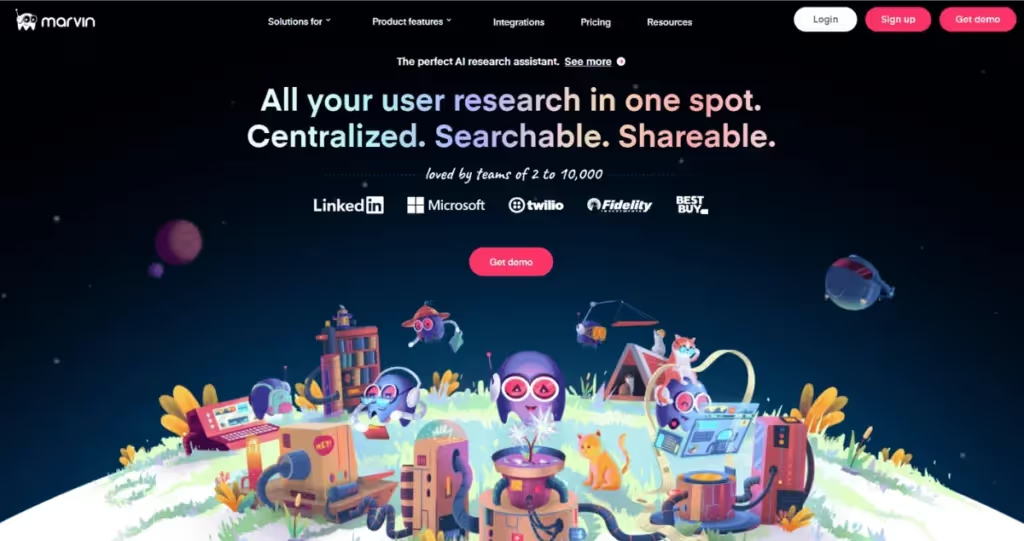
(Predictably) HeyMarvin is our tool of choice for storing and analyzing all your user experience data.
Invite Marvin AI to transcribe your interviews on Zoom, Teams, or Google Meet. Its AI engine auto-generates time-stamped insights in the transcript. HeyMarvin integrates seamlessly with your existing tool stack. Connect Figma, Pendo, Qualtrics, and others to collate all your user data in one place (qualitative or quantitative).
Store notes, survey analysis, and documents in one place. Reduce the document clutter in your processes. Use Ask AI to search through and find answers from your research repository. Connect the dots across projects.
HeyMarvin is the one-stop shop for all your user testing data. And we’re always looking to improve our integrations so you get the best possible experience.
Create a free HeyMarvin account and leverage AI to centralize your user testing research into organized insights your entire team can use.
G2 Rating: 4.8 out of 5
Price: Custom Pricing
2. UXTweak
Great for the early stages of product development, UXTweak has a range of testing options.
Conduct unmoderated tests with a quick turnaround time. Test prototypes, perform card sorting, tree testing and create surveys. Additionally, it tracks customer behavioral metrics including first clicks and heatmaps.
UXTweak is a budget-friendly option for smaller UX teams. Recruit users from a broad and diverse pool of participants. It boasts the largest participant panel of all — with over 155 million people!
G2 Rating: 4.7 out of 5
Price: €92/month
3. Optimal Workshop
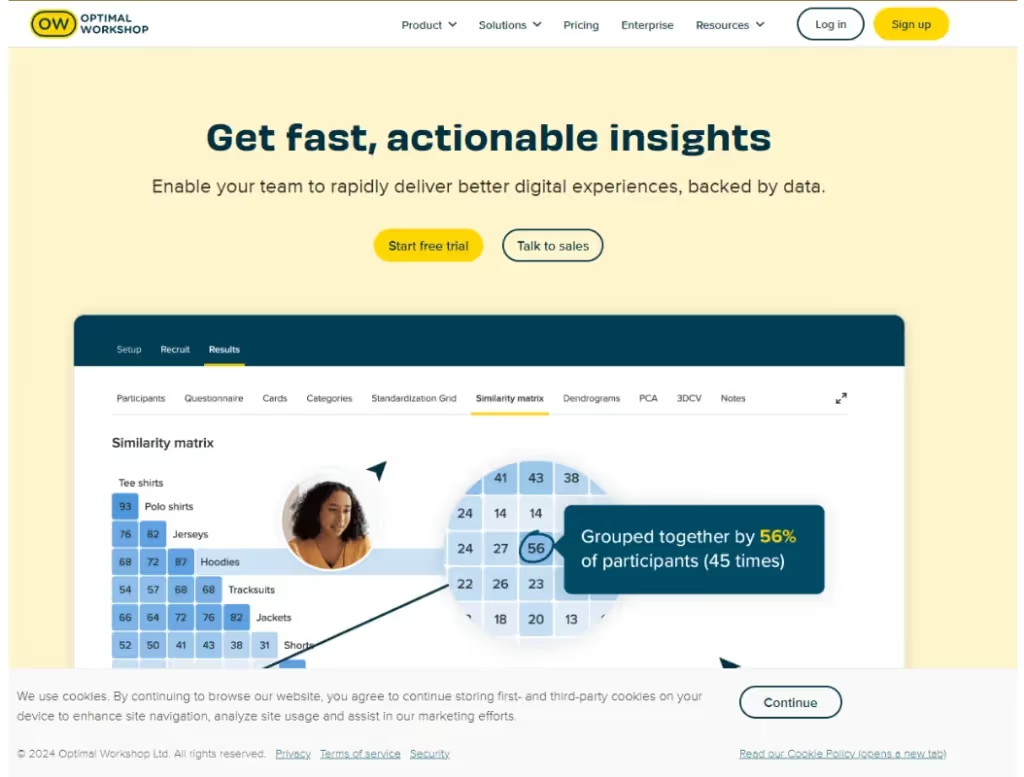
Optimal Workshop is a comprehensive testing toolkit. It’s aimed at research teams who are looking for a suite of testing. Optimal includes tools for card sorting, tree testing, first-click testing, prototype testing, and surveys.
Test information architecture and gather qualitative feedback under the same roof. Optimal automates data analysis once it collects survey and usability data.
Optimal Workshop is best used by teams that conduct ongoing usability testing. New users may find the app’s navigation a bit complex.
G2 Rating: 4.4 out of 5
Price: $199/month
4. UserTesting
A popular usability testing platform with a range of testing options. Gather video feedback from users as they interact with designs. Live conversation enables real-time interaction with participants.
Understand how different user groups interact with your product. UserTesting’s vast and diverse participant pool covers a wide range of demographics. Longitudinal studies help you track changes in user behavior over time.
The platform also offers AI-powered insight synthesis to help teams analyze feedback faster, with additional AI features available in the Enterprise plan.
Potential cons? Pricing is a bit unclear, and there’s a steep learning curve for new users.
G2 Rating: 4.4 out of 5
Price: $199/month
5. Maze
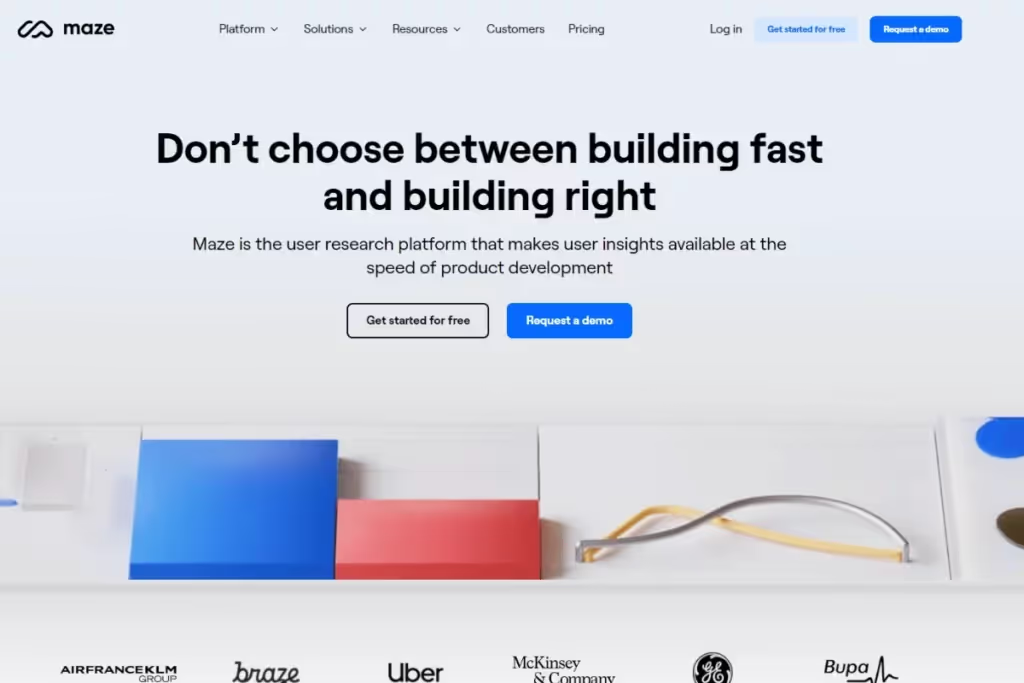
Maze is a continuous discovery platform. Test a product’s usability at various stages of product development.
Test automation helps you conduct rapid testing and distribution with Maze. The application boasts a variety of tests, such as card sorting, tree, and 5-second testing. It is ideal for unmoderated testing. Maze offers detailed analytics for data-driven decision-making.
Among its AI-powered analysis features, Maze includes automated reports, themes, and transcripts to help teams interpret research results.
It also has native integrations with design tools like Figma and Adobe.
G2 Rating: 4.5 out of 5
Price: Custom
6. Userlytics
Conduct various types of testing with Userlytics. Test prototypes and web and mobile applications via moderated or unmoderated testing. It also offers other usability tests, such as card sorting and tree testing.
Collect quantitative and qualitative data from a large panel. Recruit from their 2 million strong participant pool. Or bring your own testers.
Evaluate the information architecture of your application. Analyze results with a UX expert on the platform. And use AI-powered analysis features to interpret feedback and usability data more quickly.
G2 Rating: 4.4 out of 5
Price: Starting at $34/session or $699/month
7. Trymata
Formerly known as TryMyUI (catchy, eh?). Trymata is a great testing tool for understanding the raw user experience. It captures user emotion, identifying confusion points as users interact with an interface.
Trymata uses video footage combined with verbal feedback, giving you a well-rounded image of the user journey. It supports testing on computer and mobile devices. Thus accurately reflecting real-world environments.
The platform is easy to use and set up. Choose from screened participants to begin user testing. It does have limited integrations, though.
G2 Rating: 4.3 out of 5
Price: $399/month (2 total seats)
8. Hotjar
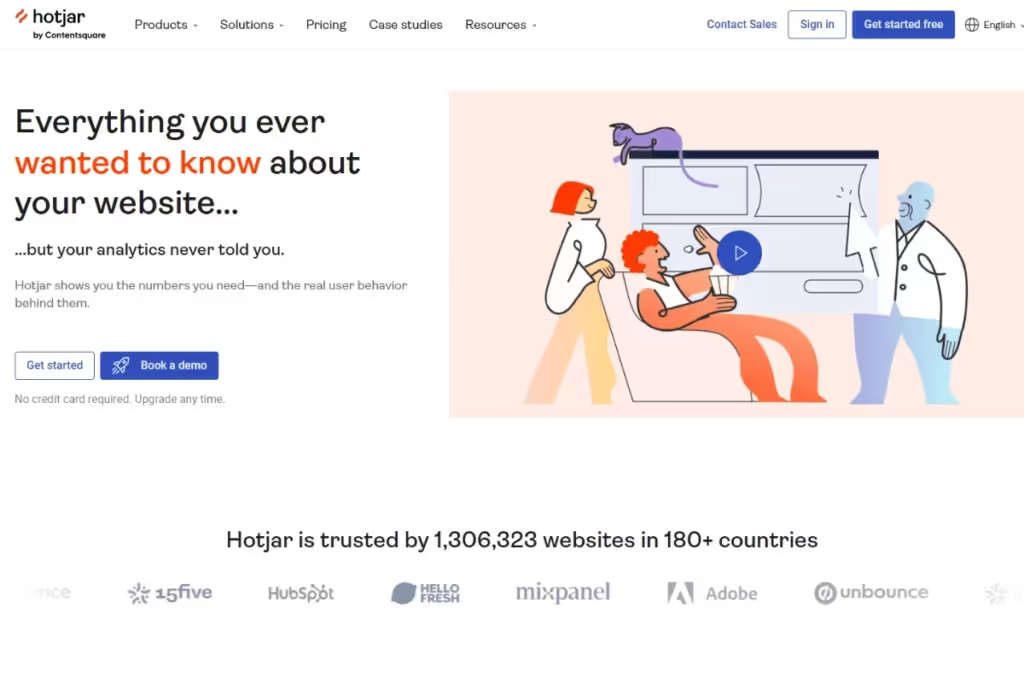
Capture user behavior across websites and mobile devices with this visual feedback tool. Hotjar is now part of the Contentsquare platform, adding deeper experience analytics on top of its heatmaps, recordings, and feedback tools.
Send users targeted surveys to gather feedback in real time and understand how visitors react to your product experience.
Heatmaps help identify areas of user attention on web pages. Review session recordings to see every click, scroll or screen tap. Send users targeted surveys to gather feedback in real-time. Capture their emotions as they interact with a product.
Hotjar is a great tool for mapping the customer journey. A small downside — some advanced features are tricky to understand.
G2 Rating: 4.3 out of 5
Price: $40 / month
9. Qualaroo
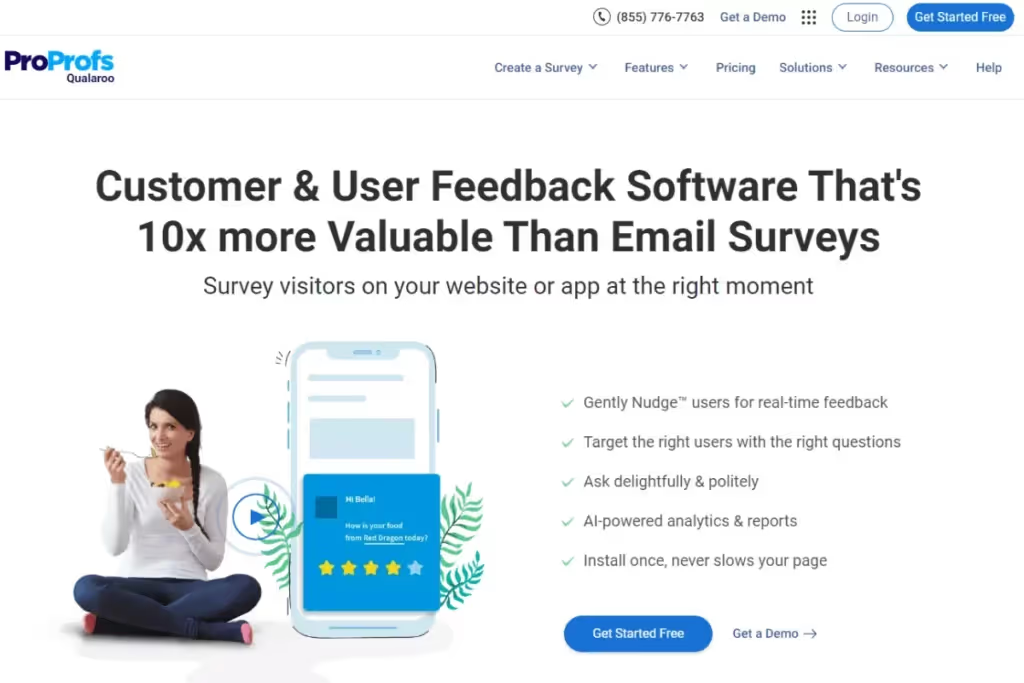
Use Qualaroo to collect contextual customer feedback directly on your website, app, or prototype.
Capture user feedback while they actively use a product. In-product surveys and Nudges™ gather real-time insights by responding to visitor behavior.
Personalize surveys by using customer segmentation and send the right questions to the right audience. Structure surveys with branching and skip logic. Distribute them based on customer actions. This includes the number pages they visit or how long they stay on a page.
Use its AI-based sentiment analysis to gauge user emotions from open-ended questions.
G2 Rating: 4.3 out of 5
Price: $20 / month
10. Lookback
Conduct remote or in-person testing and collect customer feedback in real-time. Improve your understanding of the user journey with Lookback.
The Remote LiveShare feature allows you to conduct interactive user interviews. Observe user interactions in real-time. SelfTest is a feature that allows users to take part in tests at their own time and convenience.
Lookback integrates with popular data analysis tools so you can collect and analyze user data further.
Plus, it now includes AI-assisted analysis through its Eureka research assistant, which helps surface insights from transcripts and session recordings.
Be warned, there’s a bit of a learning curve to fully understand its functionality.
G2 Rating: 4.3 out of 5
Price: Starts at $299/year (10 research sessions included)

How to choose user testing software for teams
It’s key to establish your team’s requirements from user testing software. What do you want out of your platform?
For first-time usability tool customers, defining this can be a challenge. Use the parameters below to determine the best tool suited to your organization’s needs:
- Intent: Are you testing existing or new products for UX issues? Or a redesigned one? Evaluating website or mobile usability? Or examining user behavior? This determines what data you’re after — and the type of testing you need.
- Method: What testing methods will you use for data collection? Tools that offer unmoderated and moderated testing provide flexibility in choosing a method. Identify the type of testing you’ll conduct regularly.
- Output: What data will you collect? Is it qualitative or quantitative? What data resonates most with stakeholders?
- Recruitment: How many participants do you require for testing? How will you recruit participants? Does the tool have a panel to enlist testers and simplify recruitment?
- Budget: Every tool has its own unique cost. Some charge monthly or annually per license, some according to use. Use demos, free trials and zero-cost plans to test the waters before making a decision.
- Features: Align features with your testing goals. Look for these features, bearing in mind that tools won’t check ALL the boxes:
<figure class="wp-block-table"><table><tbody><tr><td class="has-text-align-left" data-align="left"><strong>SPECIFIC FUNCTIONALITY</strong></td><td><strong>GENERAL FUNCTIONALITY</strong></td></tr><tr><td class="has-text-align-left" data-align="left"><strong>Attention Analysis:</strong> Visual representations such as heatmaps & eye tracking identify users’ focus on assets. Provides insights about UX & UI.</td><td><strong>Reporting:</strong> Does the user testing tool have reporting & visualization capabilities? How easy is it to share data with peers?</td></tr><tr><td class="has-text-align-left" data-align="left"><strong>Surveys & Interviews: </strong>Collect product feedback and transcribe it to analyze qualitative data. Some tools offer questionnaires as an additional function.</td><td><strong>User Friendly:</strong> Tools must be easy-to-use. An intuitive UI & shallow learning curve gets team members up to speed faster.</td></tr><tr><td class="has-text-align-left" data-align="left"><strong>Analytics:</strong> Choose a tool with the ability to unearth detailed insights about user behavior. </td><td><strong>Customer Support:</strong> Actual user reviews determine if customer support is helpful & responsive. Look for additional resources like documentation & user guides.</td></tr><tr><td class="has-text-align-left" data-align="left"><strong>Recording:</strong> Capturing interactions and sessions helps researchers identify problems in real-real timey can revisit data later.</td><td><strong>Scalability:</strong> Tools that address your needs today become redundant tomorrow. Pick a testing tool that’s capable of growing with operations.</td></tr><tr><td class="has-text-align-left" data-align="left"><strong>Integrations:</strong> Look for integrations with design & analytics tools. Testing tools must connect to your existing software stack.</td><td></td></tr></tbody></table></figure>
Check out our guide on how to master user research software.
The role of AI in modern user testing tools
Modern UX research tools increasingly use AI to support the entire user testing workflow. By automating repetitive work, AI features give researchers more time to plan better studies and uncover deeper insights from user sessions at scale.
1. Before the study: planning the research
AI helps you prepare usability studies faster and with more context. It can assist with drafting research questions, usability tasks, test scenarios, and participant instructions.
Instead of starting with a blank page, you can use AI to review existing product data and research. This may include past usability tests, customer feedback, support tickets, or product analytics. The system surfaces patterns, recurring usability issues, and other signals to help you define more precise goals.
2. During the study: capturing research data
Most user testing tools already automate the basic data capture during sessions. They record the screen, track clicks and scrolling behavior, map navigation paths, and measure task completion times.
AI builds on top of this data as the study progresses:
- Generates live transcripts of participants thinking out loud as they complete tasks
- Analyzes interaction data in real time
- Surfaces behavioral signals that indicate confusion or friction
- Highlights key moments and tags session segments for easier review later
Together, behavioral tracking and AI-assisted tagging create a clearer picture of what happens during the test. Instead of taking notes, you can focus on observing the participant and guiding the session when needed.
3. After the study: analyzing research findings
AI now accelerates the analysis process, which has traditionally been slow and manual.
Instead of you having to code every data recording, AI can do it for you and identify recurring usability problems across sessions. The system can also highlight key moments in recordings, such as when users abandon a checkout task or take significantly longer to complete a step.
As patterns surface faster, you can spend more time validating insights and connecting them to product decisions. Therefore, you’ll have a clearer understanding of where users struggle and which parts of the experience need improvement.
Common mistakes to avoid when using a user testing platform
User testing platforms collect various data types about how customers use your product. They help pinpoint exactly where to enhance the user experience.
UX professionals fall prey to mistakes when engaging with usability testing tools. Steer clear of these to get the most out of your usability testing software:
- Setting unclear objectives and tasks: Every study must have a hypothesis or answer a research question. Establish goals and plan studies to help reach them. Studies don't have an aim without goals. You’ll never understand if a product meets user needs.
- Recruiting the wrong audience: Failure to use the target demographic to test a product. If your product is for baby boomers but you test with Gen Z, it doesn’t accurately represent real users. This renders testing results meaningless.
- (Over)guiding users through the testing process: While moderators guide participants, they must curtail involvement to keep the study objective. The point of testing is to see how people react to and navigate through a product. Find your balance.
- Not testing real-world scenarios: Failure to do so leads to products that don’t meet user expectations. E.g., Neglecting to test the user experience on mobiles or other devices. By not testing for accessibility, it excludes user groups with disabilities. Not very inclusive, is it?
- Ignoring qualitative data: Ensure you gather real-time qualitative feedback. Interact with users while they test products to capture their experience. They likely won’t remember how they felt when asked to recount an experience. Use video recordings to revisit segments.
- Neglecting to address bias: Beware of introducing bias into the study. Confirmation bias occurs when researchers look to validate their ideas. They design tests around inherent preferences. Acknowledge bias in your documentation, stating how it can affect study results.
- Not testing enough: One round of user testing is never conclusive or error-free. Conduct several rounds of testing to understand how to improve a product. User testing is an iterative process. No one creates a magical product on day one.

Frequently asked questions (FAQs)
Below, we answer your most pressing questions about user testing:
How often should I conduct user testing?
It depends on the product’s complexity, development stage, and resources available. Also, the external business environment — what do regulatory and competitive forces dictate?
Here are varying frequencies of user testing and feedback collection:
- Continuous: Conduct testing weekly or fortnightly. Perfect for agile product development.
- Milestone: Product milestones are great opportunities to conduct testing. Test pre-launch and post-launch, and before rolling out new features.
- Monthly / Quarterly / Half Yearly: Periodically testing is a structured approach that prepares everyone for regular testing. Becomes ingrained in company culture.
- Event-driven: Events occurring triggers product testing, e.g. a drop in user engagement or an increase in abandoned shopping carts. Teams become adaptable and responsive.
What are the key metrics to track in user testing?
Metrics reveal and quantify usability issues. They aid in benchmarking a product against itself and its competitors. Without metrics, UX professionals wouldn’t be able to evaluate and track progress in their product.
- Effectiveness: Measures how well end users navigate through a product. Track metrics such as task success rate and number of errors.
- Efficiency: Tracks the effort and time it takes to complete certain tasks. Time on task is the measure you want.
- Satisfaction: Measures how happy users are with a product. Use CSAT score or single-ease questions here.
This list is by no means exhaustive. Learn about all the different ways to track UX analytics.
Can user testing software be integrated with other UX tools?
Yup! Integrate user testing with other UX tools to gain more insight into customer needs and pain points.
Analytics integrations (like Google or Pendo) help delve deeper into customer behavior. Create designs in apps like Figma and test prototypes immediately. Gather feedback and iterate on designs. Collect qualitative data with UX survey tools like SurveyMonkey or Qualtrics. Understand user motivations and frustrations with a product.
Plan user testing with tools like Notion or Trello. Manage insight collection and prioritize testing tasks. Integrations with Slack or Microsoft Teams facilitate insight sharing across a company.
Integrations help streamline UX workflows. Learn more about Marvin’s integrations.
Do user testing platforms provide participants?
Yes, many user testing platforms maintain pools of testers with different demographics, professions, and product usage profiles. However, some tools also allow companies to bring in their own users to test with existing customers or a specific audience. Ideally, you should have the option to combine the two: use platform panels for broader usability testing and supplement with existing customers for deeper, product-specific feedback.
What’s the best user testing platform for a small product team?
Small product teams benefit most from tools that are affordable, easy to set up, and don’t require dedicated research staff. HeyMarvin is a strong fit because it combines transcription and analysis in one place, helping teams get to deeper insights faster, without complex workflows.
Conclusion — Best user testing tools
User testing tools help bring rigor to product development. Testing applications with real humans gives companies valuable insights into the user experience.
Companies who conduct user testing save big on three resources - time, money and manpower. Testing allows development teams to get ahead of bugs and fix them before they get out of hand.
Implement user testing tools to learn more about customer preferences. Garner real-time insights, and speed up the design process. These insights inform decision making, altering the direction of the product if necessary.
Companies who test their products regularly differentiate themselves from those who don’t. Elevate the user experience and give customers exactly what they want.
Satisfied customers translate into increased sales. Win-win.
HeyMarvin is a research repository that stores all your user testing data. Schedule a demo to see how HeyMarvin can transform your UX practice.

See Marvin AI in action
Want to spend less time on logistics and more on strategy? Book a free, personalized demo now!