.png)
.svg)


9 Product Management Tools (and How to Build a Smarter Stack)
Discover the product management tools that help teams prioritize, collaborate, and deliver better products.


.webp)
Looking for the best product management tools can feel overwhelming because there are so many choices: roadmapping apps, feedback boards, analytics platforms, and research repositories.
When in doubt, turn to this guide. It’s product management 101 for building a tool stack. We'll walk you through the main categories, the best tool for each, and how to choose what your team needs.

TL;DR: Best product management tools
Here's our shortlist of the best tools for product managers:
- HeyMarvin
- Aha!
- Productboard
- Airfocus
- Jira
- Mixpanel
- Canny
- Notion
- ChatPRD
Below, we’ll get into individual reviews and a comparison table that breaks down use cases and pricing. But first, let’s cover some useful information for selecting product manager tools.

What makes the best product management tools?
Product work runs through a few distinct stages, and each one calls for different product management tools:
- Discovery tools: Gather user research for your product management strategy before you commit to building.
- Prioritization tools: Help you decide what's worth doing next.
- Execution tools: Turn those decisions into actual products.
- Feedback tools: Capture what users say after something ships.
The strongest tools own one of these jobs and do it well. Beyond that, a few features separate the good from the forgettable:
- They cut manual work. Look for automation that handles tedious tasks (syncing feedback, tagging insights, or updating roadmap status), without you having to touch it.
- They fit your stack. Integrations with the tools your team already uses matter more than any single flashy feature.
- They scale with you. What works for a single PM should still hold up when the team triples.
9 best product management tools compared
We’ve reviewed the top tools across the product lifecycle, from early discovery through delivery. This way, you can compare them by the job they do rather than by feature lists.
1. HeyMarvin

HeyMarvin is an AI-native customer insights platform that builds user research into your product roadmap. You can continually collect interviews, surveys, support tickets, and call recordings in a searchable research repository. And the AI features automate note-taking, transcription, tagging, and thematic analysis.
Are you tired of running study after study because you keep losing or forgetting old research? Ask AI a question, and it will give you answers grounded in cited evidence. It looks at individual historical data and even analyzes multiple studies simultaneously to give you relevant answers.
Thanks to the five-layer tagging hierarchy, HeyMarvin helps you organize years of studies. Its guardrails let you scale research across the organization without sacrificing quality. And the numerous integrations (Zoom, Notion, Miro, Google Drive, etc.) make it easily fit into your workflow.
Create your free HeyMarvin account and use this AI tool for product management as early as today. Extract actionable insights from all your customer research and inform product decisions.
2. Aha!
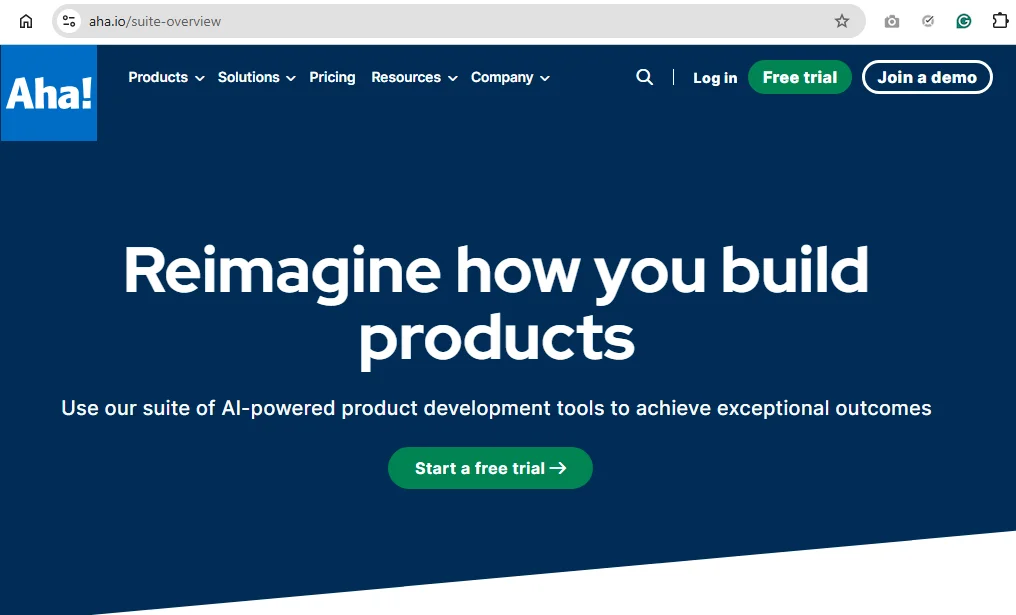
Aha! is a cloud-based product development suite with a layer of AI assistance. It's a strong product portfolio management tool for mid-to-large organizations that need executive-ready reporting and a clear line from strategy to features.
Product leaders use it to map initiatives across multiple products and tie roadmaps to company goals. However, these capabilities come with a learning curve. Aha! Roadmaps are the core plan, and teams often add modules (Discovery, Ideas, etc.) or pair it with a delivery tool such as Jira.
3. Productboard
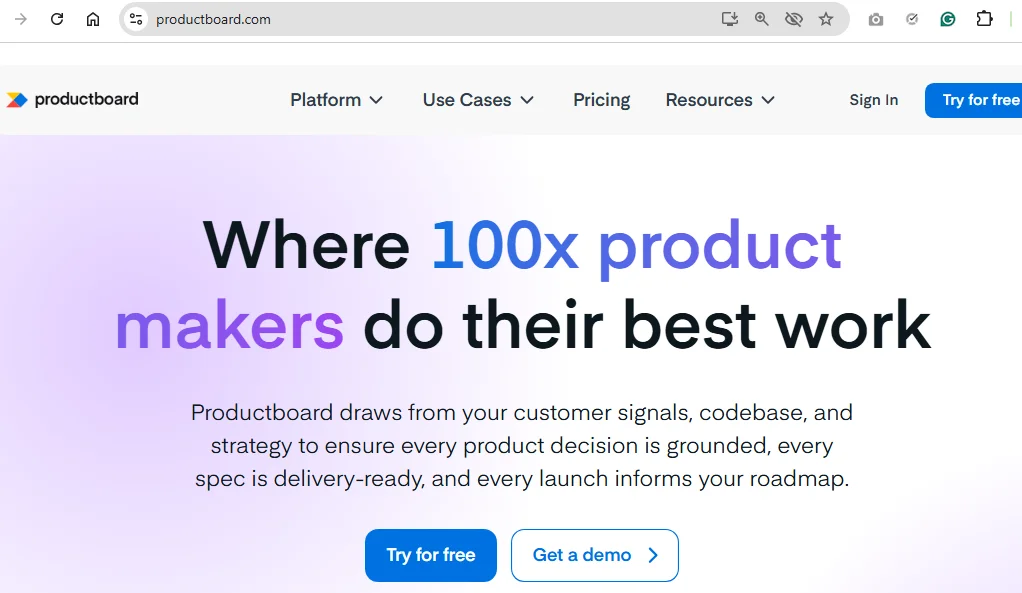
Productboard calls itself an agentic product management system, and roadmapping is one of its strongest use cases. Consider it for building interactive roadmaps that automatically update as your plans change. Or for tailoring different views for each audience (detailed for engineers, high-level for executives, etc.) in the same document.
Every item traces back to the insight or customer request that supports it. This way, you’ll always know why a feature made the cut. But you’ll also get strategy, feedback, and prioritization insights in a single connected view.
4. Airfocus
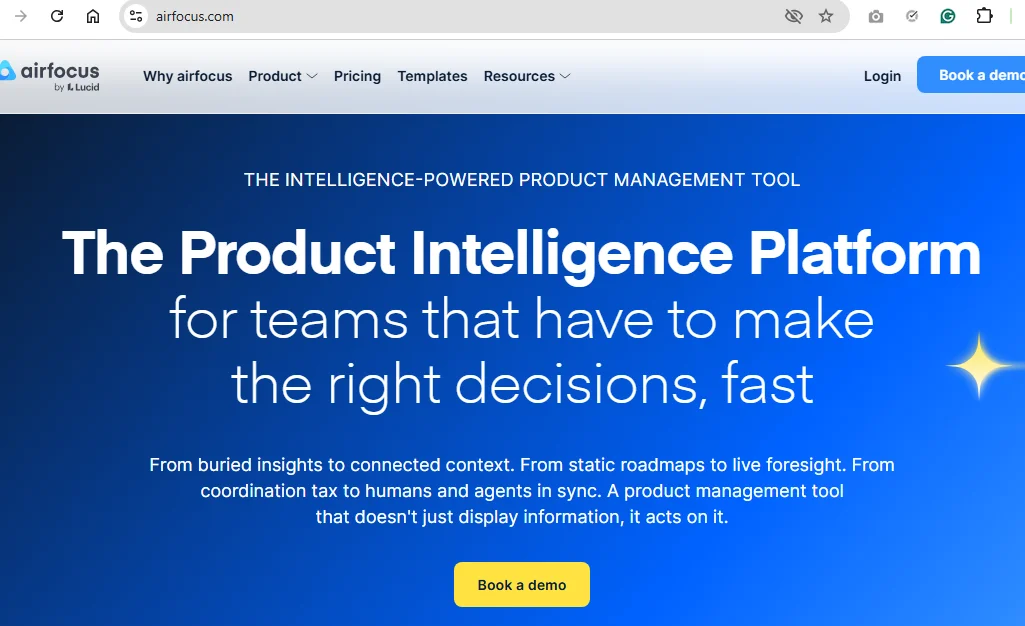
Airfocus helps your teams decide what to build next by taking customer evidence into account. It scores initiatives by impact, effort, and value, and compares them for you side by side.
Built-in scoring sessions let stakeholders rate work independently. And if your tech stack already includes an LLM, the platform can feed it your prioritization data for further use.
5. Jira
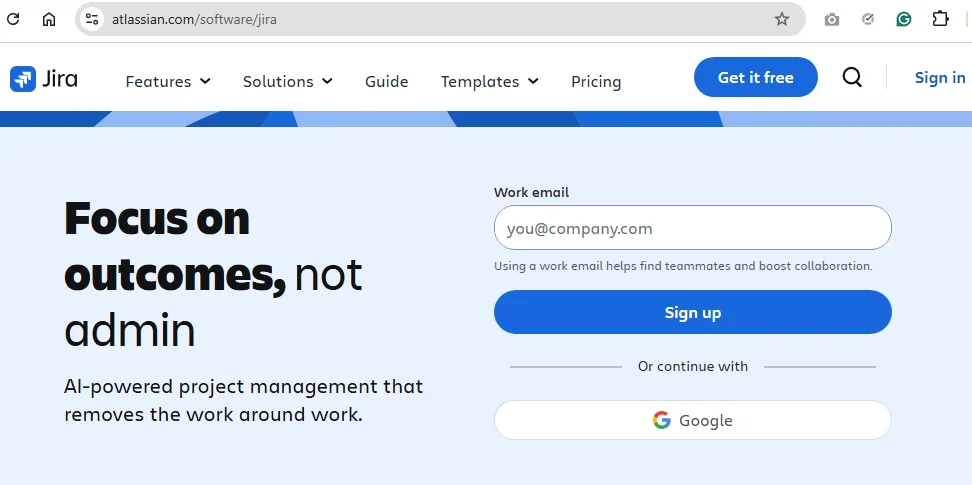
Jira is an execution engine for agile product management. Its most relevant features include backlogs, sprints, Kanban and Scrum boards, automation, and burndown reporting.
While the tool scales from one team to hundreds without breaking, it can add significant complexity to your tech stack.
Since Jira doesn’t support discovery, many teams keep their research in a separate tool and push the decisions into it for building. HeyMarvin, for instance, is a solid choice for research that easily exports notes to Jira.
6. Mixpanel
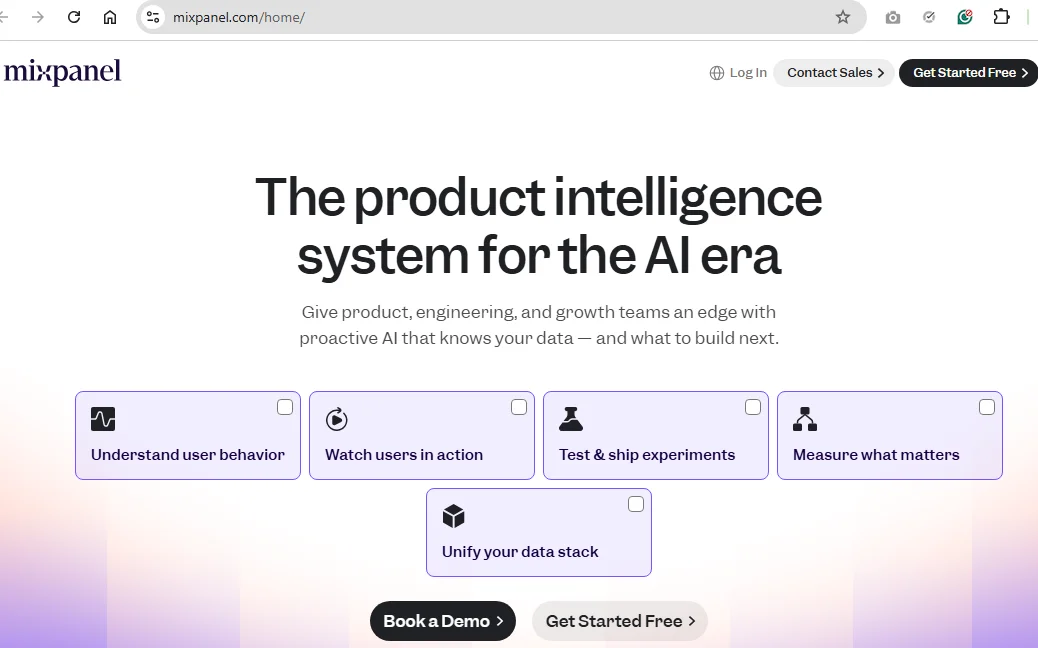
Want to know what your users do once they're inside your product? Mixpanel tracks it: funnels, retention, and how different groups of users behave over time.
When the numbers show people dropping off at step 3 of your checkout, you can pull up a session replay and watch it happen for yourself.
New analysts might find all the options a bit much at first. But the free plan handles up to 1M events a month, so there's room to learn before you pay.
7. Canny
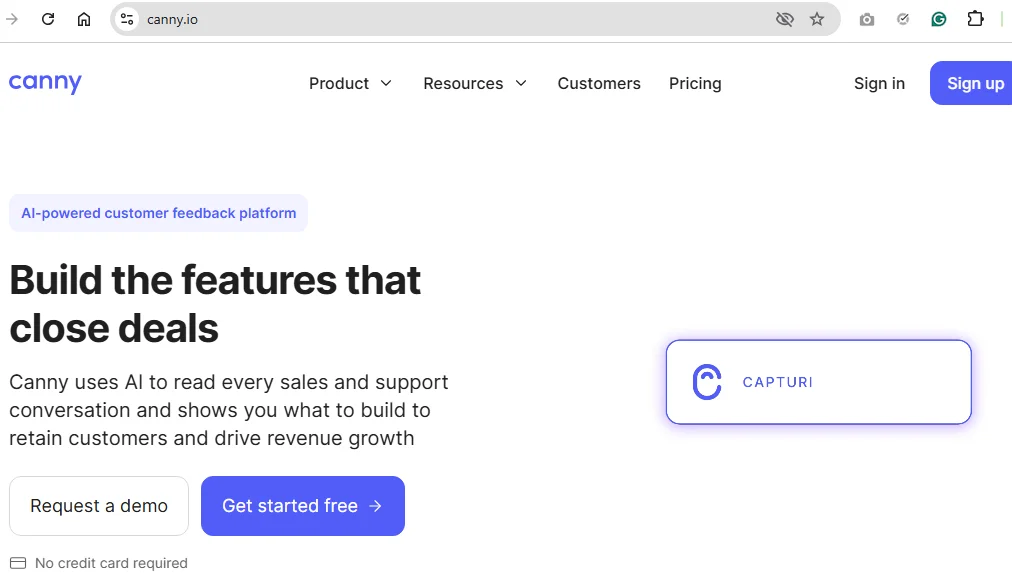
Canny is one of those product feedback tools that empower customers to tell you what to build next. It collects feature requests through a public board where people vote on the ones they want. And informs your audience about your roadmap and changelog so they can see what you shipped.
Its AI scans your sales and support conversations to automatically extract feature requests. And it also ties those requests to revenue. This way, you can clearly see when a feature worth $500K in the pipeline risks getting lost to a louder but smaller one.
8. Notion
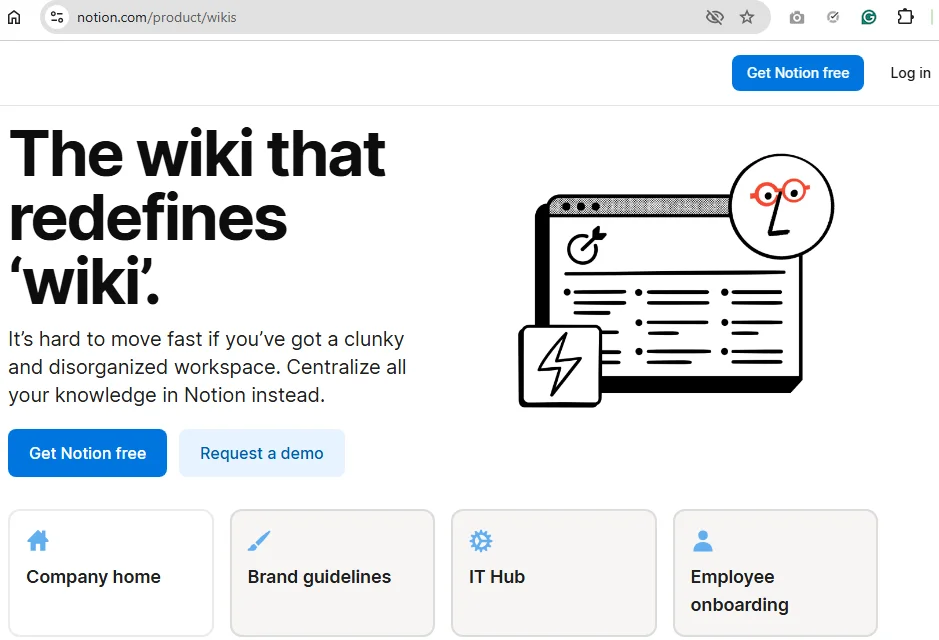
Notion is the blank page where teams can build whatever they need: specs, meeting notes, product wikis, lightweight trackers, etc.
Anyone can edit these pages in real time. Therefore, many small teams run their entire product lifecycle here before they outgrow it and add purpose-built tools.
You’ll have to assemble your own system from scratch. But among product management data collaboration tools, Notion wins on flexibility.
9. ChatPRD
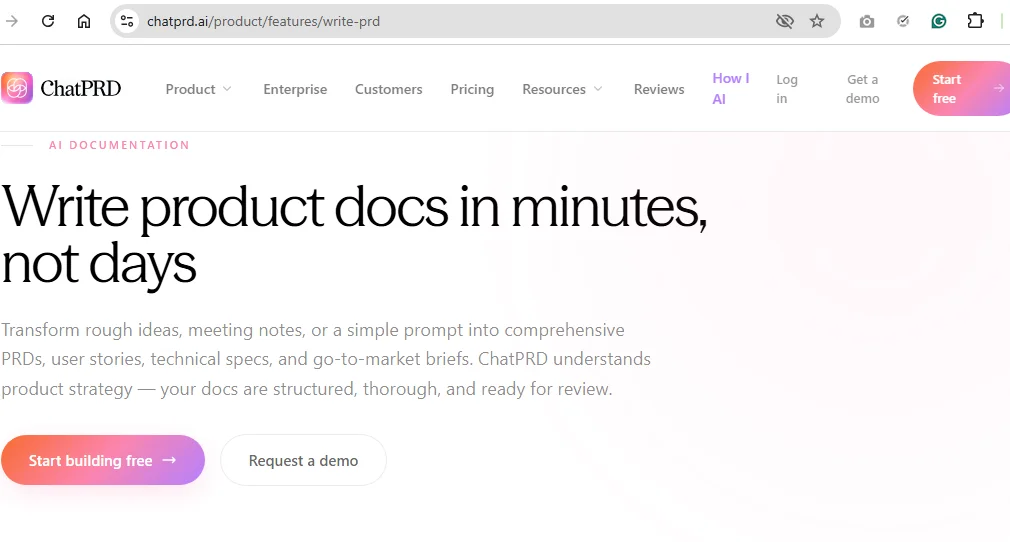
ChatPRD is one of the newer AI tools for product management, built to draft and refine PRDs, specs, and user stories.
It speeds up the documentation grind and doubles as an on-call coach for PMs early in their careers. While narrow by design, ChatPRD is sharp at the one job it sets out to do.
How to choose the right product management tools for your team
There's no universal best product management software. But you can certainly find the best tool for your team’s specific needs. Whether you're managing your first roadmap or your fifth product line, the approach is everything. Work through your choice in this order:
- Use the problem you’re trying to solve as a filter. If feedback keeps slipping through the cracks, you have a research problem. If priorities are a constant argument, that's a prioritization gap. No single tool fixes everything, so buy for the gap in front of you.
- Match the tool to your stage. Early teams are usually better off with one flexible tool that covers a few jobs. Bigger teams need real depth in each category plus a product management system to tie it all together.
- Watch for the discovery blind spot. Most teams stock up on execution and roadmapping tools, then make decisions on gut feel. If you can't point to your customer research repository, that's the gap to close first.
- Revise your tech stack often. Every time you adopt a new tool, you’re adding to your team’s plate. New logins, syncs, and maintenance tasks occur by default. Choose wisely and, when noticing tool overlaps, cut one to keep your stack lean. Each tool should earn its place by closing a gap that the others can't.
Why the right product management tools do more than organize work
When your PM tool keeps tasks, status, and handoffs in order, it frees up real mental space for your team. But the bigger payoff is the support these tools provide for making informed product decisions.
Put research, feedback, and customer conversations in one place, and you’ll notice the patterns more easily. You’ll stop guessing what users want and act more on what they've already told you.
AI has given product management tools a new set of capabilities here:
- Pull themes out of dozens of customer interviews in minutes, not days.
- Surface the insight you forgot you had buried in a call from three months ago.
- Connect a feature request to the conversation it came from, so you never lose context.
But the tools that compound in value tie your daily work back to customer evidence. A searchable research repository will be more useful than a tidy backlog you’ve built on assumptions.

Frequently asked questions (FAQs)
Practitioners frequently ask these questions about product management tools:
What is the difference between product management tools and project management tools?
Product management tools support product building at a strategic level: roadmaps, customer feedback, prioritization, etc.
Project management tools help you execute on strategy. Their features typically involve task assignment, timelines, and delivery.
Which AI tools are leading in product management?
Consider HeyMarvin (qualitative research and analysis), Aha! (roadmaps), Airfocus (prioritization) and Mixpanel (analytics). ChatPRD can also help draft and refine PRDs and specs during the documentation stage.
How many product management tools does a team need?
The most effective tech stacks cover core needs with a handful of product development management software. One tool for every stage of the workflow (discovery, roadmapping, and analytics) should be enough to begin with.
Are there free product management tools?
Almost all PM tools offer some free tiers or open-source options. If you work alone or manage a small team, tools such as HeyMarvin, Notion, and Mixpanel have free plans to help you get started.
Conclusion
When extending your product management tech stack, map it to the lifecycle. Go through discovery, prioritization, feedback, and execution. See where you’re struggling the most, and it will become obvious which tools you need to add.
Most teams realize they already have many tools for shipping, but almost none for discovery. If you want to close this gap and stop building on assumptions, create a free HeyMarvin account.
Our AI-native customer insights platform helps you back every product decision with solid customer evidence.

See Marvin AI in action
Want to spend less time on logistics and more on strategy? Book a free, personalized demo now!