.png)
.svg)


15 Must-Ask Product Feedback Questions for Better Insights
Unlock actionable customer insights with these essential product feedback questions.



Guesswork has no place in product development. Product feedback questions can help you gather evidence that leads to better decisions, but only if you choose them carefully.
When your surveying is half-baked, you lose touch with your users’ needs and end up with a product that belly-flops. Or nose-dives. In any case, it misses the mark.
This post covers everything you need to make your feedback count:
- Tips on crafting smart product feedback questions
- Tools that help you pull out relevant insights
- Examples of practical survey questions
- Strategies to boost response rates

TL;DR: What product feedback questions should you ask?
Product feedback questions are survey or interview questions that help you understand customer needs, experiences, and priorities.
This guide explains when to use open-ended, closed-ended, and rating scale questions. It also includes 15 examples you can adapt in your research, whether for existing or new product survey questions.
Looking for inspiration? Jump to the product feedback survey question examples below.
Why product feedback surveys matter
Feedback saves you from building something you think people need when you could create something you know they want. The right feedback survey can help you remove guesswork in a structured, reliable way because:
- You zoom in on the user experience parts that move the needle the most
- You can use both closed and open-ended questions
- Customers don’t need your assistance to respond
- The process is fast, structured, and scalable
With well-crafted surveys, you ask questions that reveal the “why” behind user actions and preferences. You drill down into the customer experience and keep your data organized.

What are the main types of product feedback questions?
Asking any questions won’t get you answers that help improve your product. Below, you’ll see the main types of survey questions for product feedback that allow you to:
- Guide your customers to the answers you’re searching for
- Uncover different angles of their experience
Here's a quick comparison before we look at each question type in more detail:
Open-ended questions
These are the "tell me everything" questions. They let users share whatever’s on their minds, giving you raw, unfiltered insights.
With open-ended questions, you’re asking for the story behind their experience. While you might get a bit of fluff, you can also discover new ideas or pain points you haven’t considered.
Example questions:
- “What do you find most frustrating about using our product?”
- “How would you describe our product to someone else?”
Best for:
- Understanding user motivations
- Discovering new ideas
- Capturing honest feedback on complex experiences
Closed-ended questions
Closed-ended questions let you set boundaries and help users focus their feedback.
These questions are great when you need clear, measurable answers that you can later cross-check with your qualitative research using a methodological triangulation process.
Example questions:
- “Which feature do you use most often?” (with a list of features to choose from)
- “Do you feel our product has improved since the last update?” (Yes/No)
Best for:
- Getting straightforward, easy-to-compare data
- Checking if certain features resonate
- Guiding quick decisions
Rating scale questions
While rating scales restrict responses, which means they’re technically closed-ended, they deserve their own mention.
With these questions, you capture user sentiment on a sliding scale, which gives a sense of intensity without getting into specifics.
Example questions:
- “How satisfied are you with the product?” (1-5 scale)
- “How easy was it to use this feature?” (1-10 scale)
Best for:
- Tracking user sentiment or satisfaction over time
- Spotting trends at a glance
- Seeing where the product is excelling or needs work

How to craft effective survey questions for product feedback
An effective product questionnaire makes it easy for users to respond honestly. It also spares you from guessing what they meant.
Here’s how to craft questions that get you clear, actionable insights:
- Set context: Briefly explain the purpose of the feedback to help users understand and engage.
- Be specific: Guide them with specific features or experiences to avoid vague answers.
- Mix it up: Use open-ended, closed-ended, and rating scale questions to get a well-rounded view.
- Keep it short: Clear, concise questions encourage thoughtful, honest responses.
Product feedback question examples to ask
Do you need help determining what questions to ask for product feedback? These examples of product survey questions cover existing products and new product survey questions for upcoming launches. They are ideal for obtaining specific, actionable insights on the following key aspects:
- User satisfaction
- Potential issues
- Feature preferences
Use them to build surveys that will guide your future product development.
Start with overall satisfaction and general impressions
These questions set the tone and give you a broad understanding of user satisfaction:
1. How well does the product meet your needs? (1-5 scale)
2. On a scale from 1 to 5, how likely are you to recommend this product?
3. What do you like most about the product?
4. Overall, how would you rate this product? (1-5 scale)
Ask about specific features and ease of use
Now that users are warmed up, you can move to specific features, their performance, and ease of navigation:
5. Which feature do you use most often? (multiple choice: list of features)
6. How satisfied are you with your experience using [specific feature]? (1-5 scale)
7. How easy was navigating through [specific product section]? (1-10 scale)
8. How intuitive do you find [specific feature] to use? (1-5 scale)
9. How easy is finding support or resources when you need help? (1-5 scale)

Explore pain points and improvement areas
This part can uncover any potential issues and give insight into areas for development:
10. Did you encounter any issues when using [specific feature]? (Yes/No)
11. What’s one thing you’d change about our product?
12. Are there any features you wish we had?
Finish with contextual and complementary product use
End by asking about products they use alongside yours, which can offer context for user needs and positioning:
13. What made you choose our product over others?
14. How frequently do you use our product? (Daily, Weekly, Monthly, etc.)
15. What other products do you use alongside ours?

What are the best tools for collecting product feedback?
Feedback collection requires tools to ensure smooth surveying, analysis, and actionable insights.
Here’s our top pick of tools that cover everything from creating surveys to extracting meaningful patterns:
1. HeyMarvin

Best for centralized feedback collection and advanced qualitative analysis.
HeyMarvin is your research repository and the ultimate resource for customer feedback research. Whether you're running surveys, customer interviews, or in-product feedback studies, it helps you collect richer insights without juggling multiple tools.
If you're still planning your research, the Customer Interview Guide Generator is particularly useful. It creates discussion guides that suit your research goals, participants, and the decisions you need to make. You can also launch AI-moderated interviews or collect in-the-moment product feedback with Live Intercept.
After that, HeyMarvin’s AI workflows will analyze survey data to tag and extract themes faster than you can say “qualitative analysis.” It’s everything in one place, with seamless integrations such as Zoom, Google Meet, and Notion.
Notable features:
- A centralized repository acts as one home for all your survey data
- AI technology tags, sorts, and runs NPS analysis of thousands of survey responses in minutes.
- Turns quantitative and qualitative insights into beautiful visuals for stakeholders.
- Works with the tools you already love.
With HeyMarvin, you’re turning feedback into powerful insights that drive smart, user-focused decisions. Try the Customer Interview Guide Generator to build a structured discussion guide around your research goals in just a few minutes.
2. Qualtrics
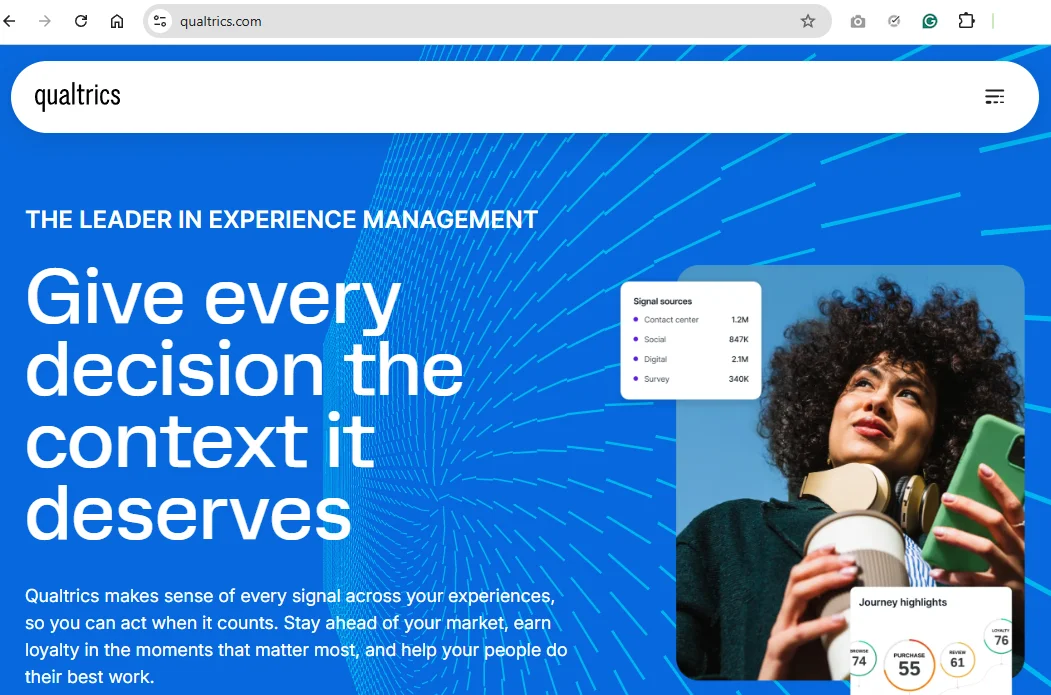
Best for advanced survey design and comprehensive experience management.
Qualtrics was built for organizations that need complex features, powerful logic, and granular data insights. If you’re looking to get serious feedback from a large pool of users, this tool can help.
Notable features:
- Advanced logic allows you to customize paths and questions for deep insights
- Experience management goes beyond surveys to support the whole user experience
- Drag-and-drop software interface makes survey creation and analysis intuitive
3. Typeform
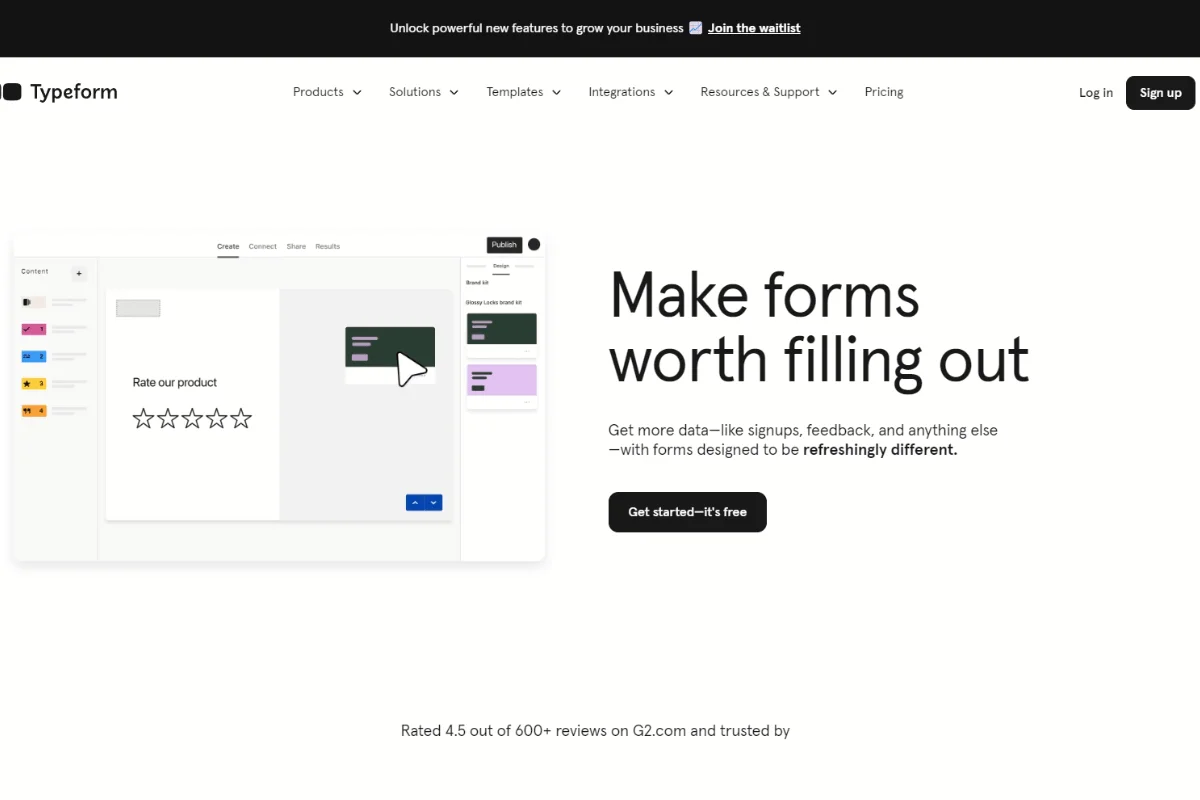
Best for engaging, user-friendly surveys.
With Typeform’s surveys, feedback feels like a conversation. Its beautifully designed, interactive questionnaires keep users interested, leading to thoughtful responses. Plus, you can send it anywhere — email, social media, or embed it on your site.
Notable features:
- Customizable templates allow you to create beautiful and easy-to-personalize surveys
- Conversational style and engaging design get users talking
- Easy distribution lets you share questions wherever your audience is
4. SurveyMonkey
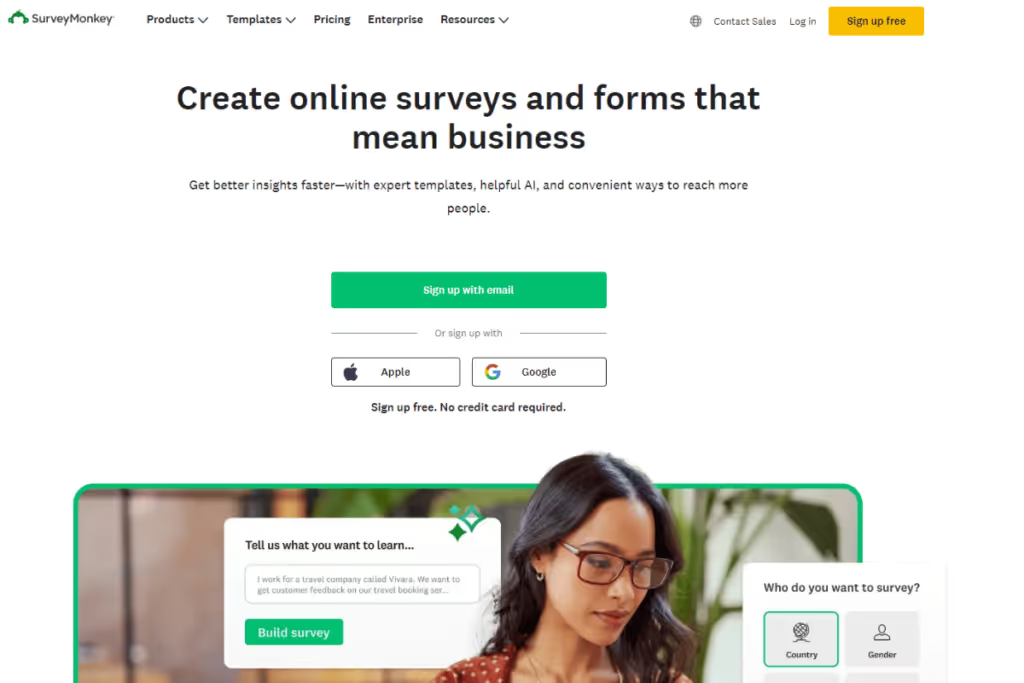
Best for mid-level surveys with advanced logic and analytics.
Try SurveyMonkey if you’re looking for more advanced survey tools without overwhelming bells and whistles. It has smart survey logic, helpful analytics, and many integrations to fit into any workflow.
Notable features:
- Customizable paths for more focused responses
- AI-powered survey generation from simple prompts
- Survey Score evaluation with improvement suggestions before sending
How do you increase survey response rates and feedback quality?
Getting users to respond and give thoughtful feedback takes some finesse.
Follow these strategies to obtain better responses from your feedback survey questions (without begging or harassing people):
- Keep it short: Ask only what you need, and they’re more likely to respond fully.
- Personalize your request: Mentioning their recent activity or addressing a specific feature they’ve used — makes users feel valued and motivates them to engage.
- Offer an incentive: Small rewards, such as discounts or free trials, can go a long way in boosting response rates.
- Time it right: Send surveys after a key experience (for example, after completing a purchase) so it’s fresh in their minds.
- Follow up gently: A friendly reminder, not a pushy one, can nudge users to respond without annoying them.

Frequently asked questions (FAQs)
Want to avoid product feedback questions that only get you a shrug or a “meh”? Here’s what else you should know:
How often should you collect product feedback?
Consistency matters, but don’t overwhelm users. Collect feedback every few months, especially after major updates or new feature launches.
This keeps insights fresh and shows users that their input shapes your product’s growth.
How do you analyze product feedback effectively?
To make the most of the data you’re gathering, aim for the following:
- Centralize all feedback in one place.
- Group it by themes, such as usability or feature requests.
- Look for patterns across responses.
- Prioritize recurring issues that align with product goals.
- Use these insights to make specific, user-focused improvements.
What are common mistakes to avoid when asking for feedback?
Here are the biggest don’ts of product feedback questions:
- Asking vague questions
- Overwhelming respondents with long surveys
- Sending surveys too often
- Ignoring their responses and not building on feedback
What types of incentives can be offered for feedback?
Small incentives work best because they feel thoughtful without being excessive. Try offering discounts, early access to features, or entry into a prize draw.
This way, you’ll show users you appreciate their time and input but keep things low-key enough to avoid being pushy.
How many questions should a product feedback survey include?
A good product feedback survey usually includes 5 to 15 questions, depending on your goal. Too many questions lead to survey fatigue, which lowers completion rates and often reduces the quality of the answers. Therefore, you should:
- Keep it closer to 5–10 questions if you're asking users to respond immediately after using your product.
- Save longer surveys for highly engaged participants or in-depth research.
Conclusion
With the right approach and a few strategic questions, collecting product feedback doesn’t have to be complicated.
To uncover insights that shape a product users love, focus on the following essentials:
- Ask the right questions.
- Use tools that support various survey analysis methods.
Our AI research assistant can make survey response management and analysis significantly easier. Join HeyMarvin for free to bring all your survey data in one place and reduce your time to insights by days.

See Marvin AI in action
Want to spend less time on logistics and more on strategy? Book a free, personalized demo now!