.png)
.svg)


10 Product Feedback Tools That Help You Build What Users Want
Discover top tools for collecting, analyzing, and acting on product feedback effectively.



What do Google Glass and Segway have in common?
They were both promising products that failed because their teams lost touch with what people wanted. They didn’t spend enough time understanding their customers.
The sooner you hear what users think, the easier it becomes to fix friction, improve features, and avoid expensive wrong turns. And with the right product feedback tools, you can gather this data and integrate it into your everyday workflow.
In this guide, you'll learn which tools are worth considering and how to choose the right fit for your team.

TL;DR - Best product feedback tools
User feedback helps UX professionals create experiences that customers love. In this article, we’ll closely examine the best tools for customer feedback:
- HeyMarvin
- Canny
- Hotjar
- Pendo
- Qualaroo
- Typeform
- Userpilot
- Productboard
- Sprig
- UserTesting
HeyMarvin stands out because it helps you distill honest feedback into accurate insights about what makes your customers tick. And it supports your entire research workflow.
What are product feedback tools?
Product feedback tools are applications or software that help product teams collect, organize, and analyze user feedback. This type of feedback is essential for understanding customer needs and pain points.
By measuring customer satisfaction, teams make informed decisions about a product’s direction.
The best customer feedback tool should allow you to gain a deeper understanding of different customers.
Here are some benefits of implementing tools for feedback into the research process:
- Improved Product Features. Target user needs with feature updates and launches. Informed decisions help dictate the next steps. For example, if users keep asking for a dark mode, you can prioritize it over other features that generate less interest.
- Bug Detection. Catch bugs or glitches before they escalate. Get instant testing feedback about prototypes. Some beta testers might discover that the app crashes every time they try a new export function. Your team can fix the issue before releasing the feature to everyone.
- Measure Customer Satisfaction. Garner insights from customers. Understand how you stack up against the competition. If onboarding scores drop after a redesign, you can improve that experience before more new users leave.
Customer feedback tools enhance the overall user experience so teams can create products that users love.
Who uses product feedback tools?
Anyone who builds, designs, or improves products needs to use product feedback tools. Within a product team:
- Designers use them to learn what frustrates users about the flow, the layout, or the copy.
- Developers use them to catch bugs or understand feature requests in their user's own words.
- Product managers use them to prioritize what goes on the roadmap.
- CX and UX professionals use them to track patterns in complaints, questions, or praise.
- Support specialists use them to flag recurring problems and even adapt their support ticket answers to show more empathy and dedication.
As long as you care about what users think, you’ll need a way to collect, sort, and act on their feedback. That’s where using a product feedback tool becomes a must, so let’s review your options.

What types of product feedback tools are available?
Different tools serve the various stages in product development, often focusing on specific goals or team needs. Below are the most popular product feedback tools you’ll run into:
1. In-product feedback widgets
A widget is a self-contained, interactive element embedded inside a larger interface like an app or a website. It performs a specific function without requiring you to leave the page or app you’re on. And a feedback widget, in particular, is often programmed to ask for a quick rating or a comment.
You can use them to test a new feature, ask why someone’s bouncing, or find friction in a flow. These in-app feedback tools are great for capturing feedback in context, while the user is performing the specific action you want them to comment on.
2. Surveys, manual or triggered
Survey tools help you ask questions at the right moment. They can blast surveys by email or trigger a survey inside your product after specific actions. Plus, the best ones offer automated survey analysis.
They’re handy for measuring satisfaction (CSAT), loyalty (NPS), or getting input on specific features.
3. User interview and research repositories
These platforms collect and store interview notes, transcripts, and recordings. They often include tagging and highlighting features so you can spot patterns across sessions.
They’re essential when you conduct deep qualitative research. And if they include search and filtering, they become an invaluable repository of past insights for future decisions.
If your tech stack includes some customer feedback survey tools, you’ll want to plug the data they collect into your repository.
4. Feedback boards and roadmap voting tools
Public portals, changelogs with comments, and suggestion boards are just a few examples of such tools. The common trait is that they let users post requests and vote on others’ ideas.
Boards and voting tools help you crowdsource ideas and see what matters most to your user base.
5. Analytics and session replay tools with feedback layers
Some tools, including product feedback apps, mix behavior data with user comments. You might watch a screen recording to see where someone got stuck and read their comments about it.
This combo helps you connect the what with the why.

What to look for in a product feedback tool
Choosing the right tool for customer feedback isn’t a straightforward task. Each business has different requirements and use cases.
Look through these essential features to prioritize needs for your product feedback tool:
The best product feedback tools for user insights
Confused about where to begin your search?
We’ve got you covered.
Here’s a look at the best tools for feedback. Included are some of their most nifty features and uses for each tool:
1. HeyMarvin

An all-in-one research platform. HeyMarvin houses both qualitative and quantitative data, so your customer feedback lives under one roof. Use its powerful AI features to conduct thematic, sentiment, or trend analyses on your data.
Trace user insights back to exactly what users said. Visualize user feedback and create insightful and interactive reports to communicate value easily and effectively.
If your team needs one place to collect, analyze, and revisit customer research, HeyMarvin stands out. Unlike point-solution tools, it supports your entire research workflow (from feedback collection to insight sharing).
Features
- Centralized repository. Surveys, audio, video, PDFs, and more — add any file format at HeyMarvin. All your research artifacts are in one place. Search your entire history of user feedback across projects. Searchability supercharged.
- Survey tool. End-to-end survey management. Manage your user interview panel and recruit participants. Analyze thousands of survey responses in minutes. Import surveys and use HeyMarvin’s automated NPS analysis to get insights faster.
- Advanced AI. Automated tagging and analysis capabilities conduct a preliminary round before you begin your own analysis. Ask AI allows you to ChatGPT user feedback data. Interrogate and ask questions about your feedback data. Use HeyMarvin’s AI to unearth patterns that you might miss.
- AI Interviewer and live intercept. Launch AI-powered interviews on your website or inside your product. HeyMarvin talks to users while the experience is still fresh. It asks follow-up questions, captures screen sharing, and stores every conversation in your research repository automatically.
- Shareability. Stitch together clips and highlight reels into interactive reports. Share these with stakeholders via Slack or your tool of choice.
- Secure data. HeyMarvin is SOC2, GDPR, and HIPAA compliant. Use privacy filters to scramble your user data. Sensitive user data is safe and secure within HeyMarvin.
- Integrations. HeyMarvin integrates seamlessly with apps that designers love. Into your existing workflow, it fits like a glove. We couldn’t resist the rhyme.
You can speed up the user research for your whole team with HeyMarvin. Book a demo here to learn how!
2. Canny
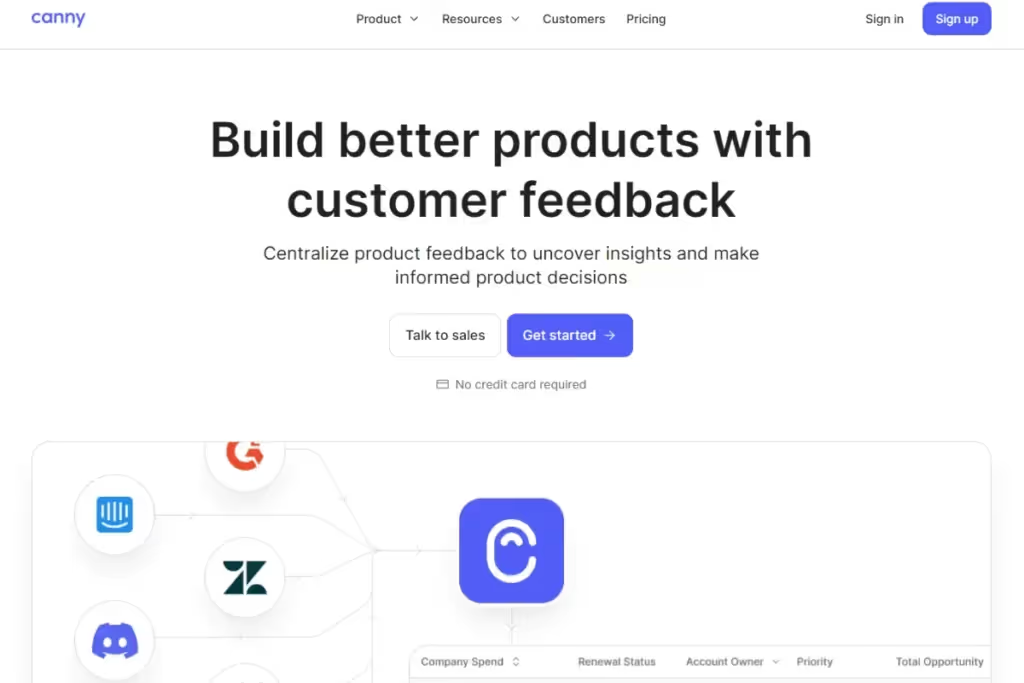
An interactive user feedback management platform that’s built for B2B companies. Canny helps companies track and house customer and teammate feedback in a centralized location. Facilitates robust, informed decision-making based on analytical data about product features.
Features
- Prioritize. The tool helps companies collect, track, and prioritize customer feedback. Researchers can identify which customers want certain features.
- Community. Customers can view other people’s suggestions. They can help each other before customer support’s assistance is required.
- Voting. Users can submit feedback, vote on it, and comment. Think of this as a transparent suggestion box or open forum.
- Product roadmaps are made public. This feature ensures companies engage with customers, increasing trust and loyalty.
- Integrations. Canny works with several popular platforms.
- AI Autopilot. Automatically collect feedback from support tools. It identifies duplicate requests, summarizes long discussions, and generates follow-up questions to gather more context from customers.
3. Hotjar

An analytics platform that captures user behavior data. A visual feedback tool, Hotjar is best used for behavioral visualization and tracking.
Companies collect product experience insights in real-time. A user’s behavior is monitored while they’re immersed in a website or application.
Track customer journeys to improve user experience and engagement. A simple, uncluttered UI makes Hotjar easy to navigate.
Features
- Heatmaps. Identify areas on a web page that users gravitate towards and which ones they don’t.
- User Session Recordings. These reveal exactly how people navigate through a website. It can surface rage clicking or visible frustration which helps designers identify bugs or glitches in the UI.
- Feedback Widget. Users provide in-app feedback in real-time, sharing their thoughts or reporting bugs. They can even upload screenshots (should they have any grievances).
- Surveys & Polls. Create tailor-made feedback forms. Hotjar combines analysis and feedback into one tool. Find out how users feel about using a product. Then, analyze how they interact with web pages and applications.
4. Pendo
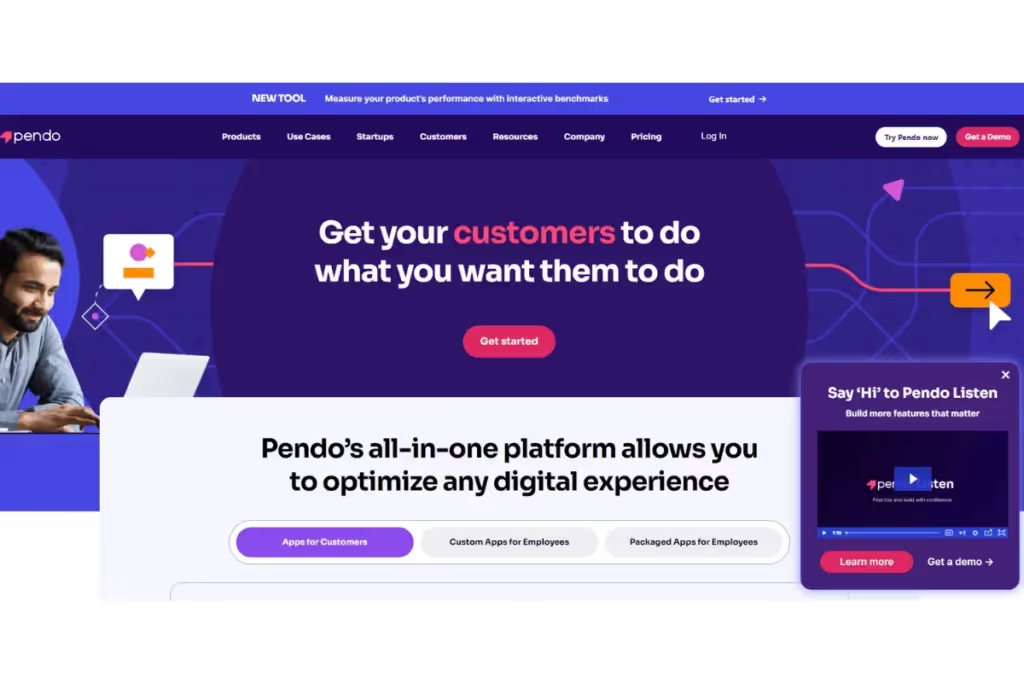
An end-to-end product experience platform. Pendo is a product analytics tool that tracks user activity and simplifies feedback aggregation. Capture and prioritize in-app feature requests. Look for revenue-generating opportunities with Pendo. Its mobile capabilities also make it a strong product feedback app for teams that collect insights across web and mobile experiences.
Features
- Roadmap Integration. Pedo integrates user feedback with your product roadmap. Track planned features and their success. Make sure user input drives product development.
- Analytics. Easily track KPIs and people’s usage across any platform. Put users into different groups based on their activity. This helps designers separate feedback into a view to cater to specific product features.
- User Segmentation. Go as granular as you need. Segment users based on activity — get feedback on specific product features. Other advanced filters include customer demographics, sentiment, and features. Target specific user segments or interactions with custom surveys.
- In-App Feedback Tool. Helps collect customer requests directly in-app without interrupting the user experience. In-app guides help increase awareness of new or lesser-known product features.
- Mobile App Feedback. Collect feedback from mobile apps to cater to users who interact more with mobile devices.
5. Qualaroo
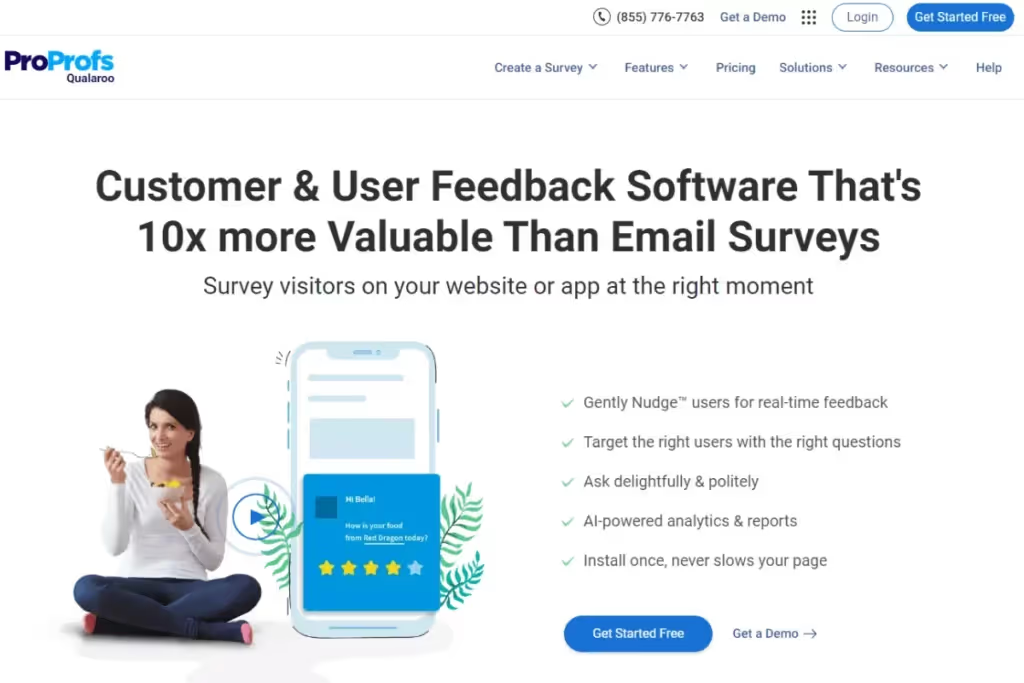
An advanced product feedback platform that works best for UX feedback & surveys. Qualaroo is a beast at collecting input from product prototype testing.
Add surveys directly in design templates while testing various wireframes to provide contextual insights about user experiences.
Features
- In-Product Surveys. These let you gather feedback from users while they’re immersed in the website or application. With a higher response rate, on-page surveys accurately capture user sentiment. Engage with customers based on their actions on a website.
- Nudge Feature. Send surveys based on user actions (pages visited, how long they stay, and number of visits on a specific page)
- Survey Personalization. Add branching logic to tailor future questions to answered questions. Use skip logic to better structure your surveys. Open-ended questions help you gather free-form feedback.
- Insight Capture Tool. Ask the right questions at the right time. Segment customers based on pricing tier, customer tenure, and trial period. Send the right questions to the right audience.
- Sentiment Analysis. AI-based analysis can gauge sentiment behind textual data.
6. Typeform
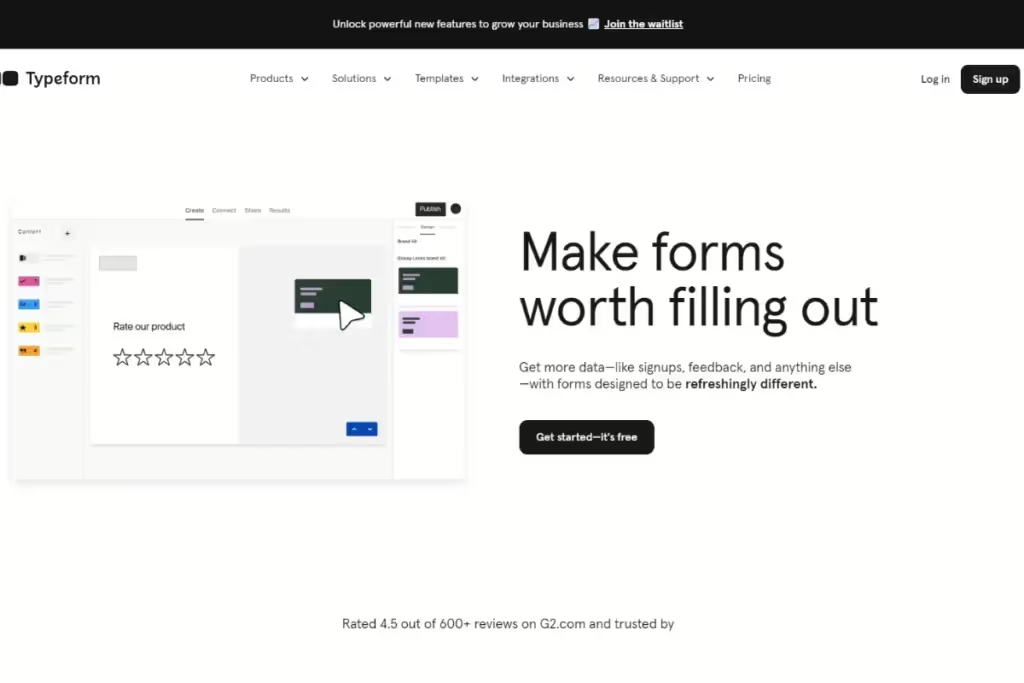
A popular platform that allows researchers to create and share surveys, forms, polls, or questionnaires. It works best for teams that need an intuitive survey builder rather than a complete product feedback platform.
Publish surveys or product feedback forms within software or apps. Gather feedback from any stage of the user journey.
Typeform shows one question at a time to enhance the survey experience for users.
Features
- Interactive interface. A user-friendly interface and form editor that lends itself to the design process.
- Conditional logic. Direct questionnaires based on previous answers. Ideal for narrowing down insights.
- Extensive library. Numerous pre-built templates with a library of photos and videos can be embedded into surveys. Create surveys with unlimited questions and answers.
- Chatbot builder. This no-code chatbot builder helps guide users. Once programmed, the chatbot responds automatically.
- Integrations. Generate and share reports easily with team members via project management software. Embed surveys directly on websites or share via social media or email. Typeform integrates with a variety of business tools.
7. Userpilot
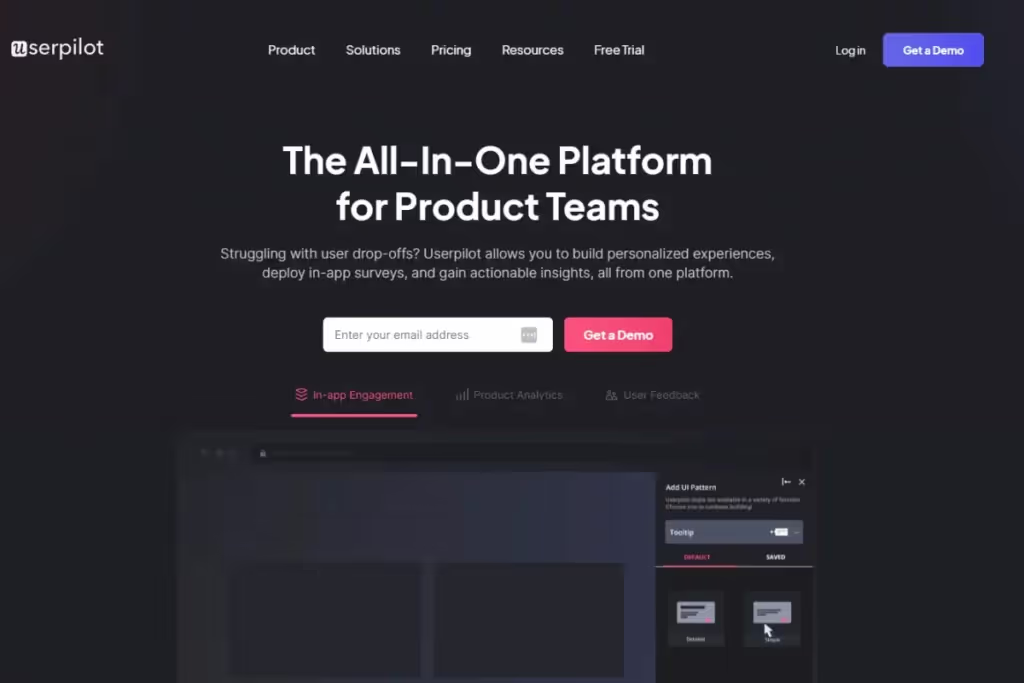
A product growth feedback and UX tool. The application has a wide array of survey options. Researchers can collect in-app feedback (in real-time) to look at product metrics at each stage of the user journey and understand usability issues.
- Survey creation. Create surveys from scratch or browse their library of templates. These include product-market fit, customer effort score and customer satisfaction score.
- Event Triggers & Automations. Follow interactions with surveys to capture real-time user insights.
- NPS Processing. Capture customer satisfaction metrics. Use data to drive product improvements. An NPS dashboard helps you identify recurring patterns and themes.
- Survey Localization. Translate survey content based on a user’s location. This improves their overall experience and brings accurate insights.
- Survey analytics. Userpilot monitors the page a customer is on. Track & analyze customer data from the end-to-end user experience. Visualize and analyze user feedback data. It even boasts sentiment analysis.
8. Productboard
Productboard compiles customer conversations from support tickets, sales calls, emails, or Slack messages. But instead of collecting feedback for its own sake, it connects customer insights to product planning.
The AI-powered analysis surfaces recurring themes, while prioritization features help you decide what belongs on the roadmap.
Features:
- AI-powered automation. Automatically group similar feedback, identify trending topics, and summarize customer needs to speed up analysis.
- Feature prioritization. Link customer feedback to feature ideas and rank opportunities according to customer importance and business impact.
- Roadmap management. Build and share product roadmaps that stay connected to customer feedback and product priorities.
- Customer segmentation. Filter insights by customer type, account, or product area to understand what matters most to different audiences.
9. Sprig
Sprig helps you run continuous research and turn surveys into insights. AI agents design studies, collect responses, and synthesize findings into actionable insights.
The platform works across websites, mobile apps, email, and customer panels. As responses come in, Sprig groups similar feedback and highlights recurring themes for you.
Features:
- AI study design. Describe your research goal, and Sprig generates survey logic, branching, and question flow. It also checks for biased wording and confusing questions.
- Adaptive surveys. AI follows up on participant responses with relevant questions to collect deeper insights without sacrificing research quality.
- Multi-channel distribution. Launch surveys through email, websites, web apps, mobile apps, or participant panels from one platform.
- Continuous experience measurement. Instead of relying on occasional NPS or CSAT surveys, you can track the user experience across key product journeys.
10. UserTesting

UserTesting is a human insight platform that gathers user ideas and helps validate product updates through prototype testing and real user feedback. Forget making assumptions; start watching your customers as they complete tasks, hear their thoughts, and uncover friction before launch.
The platform combines moderated and unmoderated testing with AI-powered analysis.
Features:
- Participant recruitment. Access a global panel of verified participants or recruit people from your own customer base for usability studies and product research.
- Prototype and usability testing. Validate concepts, prototypes, and live products by observing how real users complete tasks and interact with your experience.
- AI-powered insights. Automatically identify recurring themes, summarize findings, and surface key takeaways from session recordings.
- Live interviews. Conduct moderated interviews with your target audience to explore user behavior and gather deeper qualitative insights.
How to choose the right product feedback tools
Product feedback tools come in different forms. Not all of them will fit your workflow, team size, or goals, which is why you need to pick them carefully.
Here’s how to choose the right tool step by step:
1. Clarify what you need to learn
Start with your main goal.
Do you want to track feature requests? Understand why users churn? Improve onboarding?
Your focus will guide the type of tool you need.
For example, to improve onboarding, use a product analytics tool that shows where users abandon the process. Then pair it with a feedback widget to ask why they stopped at that step.
2. Match the tool to your goal
If you need open-ended insights, go for semi-structured interview tools.
If you want trends or votes, use feedback boards or support integrations.
The point is to avoid chasing tools that do “everything,” especially when you only need one thing done well.
3. Check if it fits your current stack
The learning curve aside, introducing a new tool brings some uncertainties.
Will it integrate with what you already use? Will it duplicate features you already have or replace them?
The new tool should create real extra value without extra noise.
4. How easy is it for users to give feedback?
The easier you make it for the user, the more likely they are to give you feedback.
If they can’t find the feedback form or it’s annoying to fill out, they won’t bother.
Look for tools with clean interfaces, clear prompts, and minimal steps.
5. How easy is it for your team to act on the data?
To make the most of the feedback you’re getting, you have to use it.
Who will use the feedback collection tool to read the data, tag it, and share it with devs?
If the tool doesn’t fit into your team’s weekly rhythm, feedback will pile up unused.
Tip: Run a quick pilot with five teammates. If no one touches it after a week, you can tell how much they’re going to use that tool.
6. Watch for hidden costs
Some tools charge by seat, by project, or by feature. Others seem cheap but lack the things you need most, such as filtering or exports.
It’s tempting to focus on how much you’ll pay. But try to also account for how much time and headaches it can save you.

Common challenges with product feedback tools and how to solve them
Once feedback starts coming in, things can get messy fast. Here are the major challenges you’ll face and how to overcome each one:
Feedback overwhelm
You ask for feedback, and it floods in. Sounds like a good challenge to have, but without a system, your feedback storage can become a black hole.
To avoid this, make it easier to see patterns. Set up categories or tags from the start and group feedback by theme, journey stage, or feature. A tool like HeyMarvin is excellent for this purpose.
Unbalanced feedback from different user categories
Power users, edge cases, or superfans may skew the data. While their feedback is important, it’s not always all that matters.
To avoid this, try to balance sources, mixing qualitative interviews with surveys. Track passive users too. And compare your most active users’ feedback with data from churned users (exit surveys or usage patterns before they left).
Failure to act on feedback
Sometimes, feedback gets lost in the flood, buried under more urgent priorities, or trapped in a tool no one checks. Other times, teams collect feedback without a clear process for deciding what to act on.
The solution is to build an action pipeline. Assign ownership for regularly reviewing feedback, link it to product goals, and track its status from “new” to “done.” Then close the loop by telling users what happened as a result of their input. Do it even if the answer is “not now,” to build trust and keep the feedback flowing.

Frequently asked questions (FAQs)
Find answers to common questions about product feedback tools, costs, compliance, and how to choose the right one.
Can product feedback tools help with product development?
You bet they can!
Gathering feedback continuously helps product teams better understand customer needs. Users share their expectations and experiences while using a product.
Feedback reveals what users love and don’t love about a product with actionable data.
Testing can uncover bugs or glitches. Users share product feature requests to indicate what they’d like to see.
Using customer feedback, designers can prioritize changes based on different levels of urgency. A shorter feedback loop allows for faster turnaround and further product innovation.
Overall, tools for feedback help drive continuous discovery and improvement in a product. Make more customer-centric decisions.
How do product feedback tools handle user privacy and data security?
Protecting a user’s Personal Identifiable Information (PII) is critical.
Product feedback tools incorporate several measures to safeguard user privacy and data security:
- Encryption protocols. Encryption scrambles sensitive data and makes it unintelligible during data transmission and storage.
- Compliance. Ensure that the tool adheres to industry standards and regulations for data protection.
- Security audits. Tools periodically perform audits and updates to remain compliant with evolving data regulations.
- Access controls. Restrict unauthorized access to user data.
When auditing a tool, ensure it has robust data security protocols. User privacy features help establish customer trust.
HeyMarvin is HIPAA, SOC2, and GDPR compliant. Your user data always stays protected.
What are the latest trends in product feedback tools?
Product feedback tools have evolved dramatically over the last couple of decades.
Look out for these innovative features when selecting a tool:
- AI insights. Jump on the AI UX research train. Tools offer advanced AI and machine learning to help researchers identify patterns and trends in data. This offers insight into customer preferences and behavior. Let AI give your data the ‘once over’ before beginning analysis.
- Analytics and visualization. Examine your data closely with advanced analytics and visualization tools. Product feedback tools facilitate trend analysis and data visualization with charts and graphs. Generate reports and share your findings to act on customer insights.
- Powerful integrations. Don’t uproot your entire workflow to accommodate a feedback tool. Tools seamlessly integrate with your existing workflows and toolstacks. Worry about what to do with the data, not how the data will get there in the first place.
- Real-time feedback. Tools now offer real-time integration with platforms to collect data instantly. View what your customers are doing and how they are responding, LIVE. Facilitates agile development and shorter product iteration cycles.
- Mobile-app compatibility. Nowadays, people prefer using their mobile devices and apps. Is the tool or survey accessible on a phone? Collect feedback on the go with this handy feature.
- Automated insight surfacing. Some platforms monitor incoming feedback and alert you when something changes. They might flag a sudden spike in complaints or a new theme becoming visible across your most recent interviews.
- Contextual feedback collection. More tools now collect feedback while users are actively using a product instead of asking them to remember the experience later. AI-powered interviewers can ask follow-up questions, adapt the conversation, and capture richer context while the experience is still fresh.
Which trends add value to your research practice?
What is the average cost of a product feedback tool?
Prices vary a lot. You’ll find basic tools for $20–$50/month, while more advanced product feedback platforms run $100–$500/month or more. Enterprise solutions usually provide custom pricing for different team sizes and requirements. Some charge per user, per response, or by feature. Always check what’s included before picking, and start with a free trial if you can.
Are product feedback tools GDPR and CCPA compliant?
The best product feedback tools follow GDPR and CCPA rules, but compliance may not be automatic with all of them. You still need to set up permissions, anonymize data if needed, and give users access or deletion rights. Before you commit, check the vendor’s privacy policy and security settings.
Which product feedback tools work best for in-app feedback?
If your priority is collecting feedback inside your product, HeyMarvin, Pendo, and Hotjar stand out.
HeyMarvin uses AI-powered Live Intercept to launch real conversations with users while they're still in the experience. Therefore, it gives teams richer context than a traditional survey.
Pendo combines in-app surveys with product analytics, and Hotjar pairs on-page feedback widgets with heatmaps and session recordings.
How are product feedback tools different from general survey tools?
General survey tools focus on collecting responses through forms and questionnaires.
Product feedback tools organize feedback into a searchable repository, tag recurring themes, and help teams analyze customer insights over time. Many also connect feedback with product roadmaps, feature requests, or user behavior. They make it easier to prioritize what to build next.
Want to turn customer feedback into ongoing product decisions? A dedicated product feedback tool will offer you much more than a survey platform alone.
Conclusion
Choosing a product feedback tool becomes much easier once you know what each tool specializes in. Some excel at collecting in-app feedback, while others help you organize research, analyze customer insights, or prioritize feature requests. The right choice depends on how your team collects feedback and what you want to do with it afterward.
HeyMarvin brings customer interviews, surveys, and feedback analysis together in one place, making it easier to turn research into product decisions.
If you're looking for a platform that supports your entire feedback process, we'd love to show you how HeyMarvin can help. Book a free demo today.

See Marvin AI in action
Want to spend less time on logistics and more on strategy? Book a free, personalized demo now!