.png)
.svg)


What Is Automated Survey Analysis? Benefits, Tools, and More
Understand automated survey analysis with key benefits, top tools, and how it streamlines data interpretation.



Without the time or tools to process survey responses, many teams hit an analysis bottleneck.
Manually reviewing and tagging open-ended responses can take ages. And you don’t need us to tell you how much it costs.
However, you may need us to demonstrate what automated survey analysis (and tools like Marvin) can do for you.
In this guide, we’ll walk you through:
- How survey automation works
- What tools are worth exploring
- How to go from feedback overwhelm to clear, strategic insight fast
Speaking of fast… Create a free Marvin account today and upload your survey data. Within minutes, you’ll start getting AI-powered themes, sentiment breakdowns, and clear summaries of what your users are saying.
It’s about time you put those spreadsheets away.

What Is Automated Survey Analysis?
Automated survey data analysis is when software reads and processes survey answers for you.
You take all your answers and feed them to a specialized tool. That tool performs sorting, labeling, and summarization, providing organized outputs, such as tags, sentiment, and themes.
This automation is especially useful for open-text answers, where it’s difficult to spot patterns using a spreadsheet.

Key Benefits of Automated Survey Analysis
Surveys are such a handy instrument in product research, and participants typically find it easy to respond.
The data analysis of survey results, however, can be a slow and inconsistent process. Unless you use automation to enjoy all the benefits that come with it:
- Gives you a clear starting point: It shows the big picture before you dive into more profound insights.
- Saves hours of manual work: You don’t have to read or tag every answer yourself.
- Finds patterns you might miss: Algorithms spot repeated ideas across hundreds of open responses.
- Keeps insights consistent: No more content tagging chaos from involving different team members in the process.
- Handles big data sets easily: You can analyze thousands of responses without breaking a sweat.
- Works fast enough for agile teams: You don’t need to slow down your sprint to run a survey.
- Reduces bias in analysis: Machines won’t favor one comment just because it sounds better.
- Helps surface outliers: You can spot rare but essential feedback that could shift your roadmap.

How Automated Survey Analysis Works
Once you’ve collected the responses, analysis automation comes in:
For Closed Questions…
The system can chart responses instantly with simple data parsing and visualization rules. It’s fast, accurate, and fully automated because the data is already formatted.
Each of the options you provided as answers is a predefined value. For example, “Strongly agree” might be stored as a 5, and “Disagree” as a 2.
The tool will count the number of people who chose each option and generate charts, such as bar graphs or pie charts. All without requiring any additional setup.
For Open-Ended Questions…
Automation can be rule-based or AI-powered.
(Side note: All AI is automated, but not all automation is AI.)
If It’s Rule-Based…
The tool will match each answer against a set of pre-determined conditions, such as: “When a response contains the word ‘expensive,’ tag it as ‘pricing issue.’”
This process follows strict instructions; it’s fast and simple, but can only catch what you expect.
Did someone say, “Can’t afford it” or “Not worth the spend”? Unless you’ve added those exact terms to your rule list, you might miss their answer.
If It’s AI-Powered…
AI-powered automation takes the process beyond simple keywords with natural language processing (NLP) and machine learning (ML).
AI survey analysis methods learn how users express ideas, but they don’t just look for words. They look for meaning; therefore, they can group similar answers even when the words are different.
AI can detect tone, interpret slang, and even spot sarcasm (at least some of the time).

Best Automated Survey Analysis Software
Not all survey analysis tools are equally effective, especially when it comes to open-text responses.
The options below can help you cut through clutter, spot patterns, and save a significant amount of time:
1. Marvin
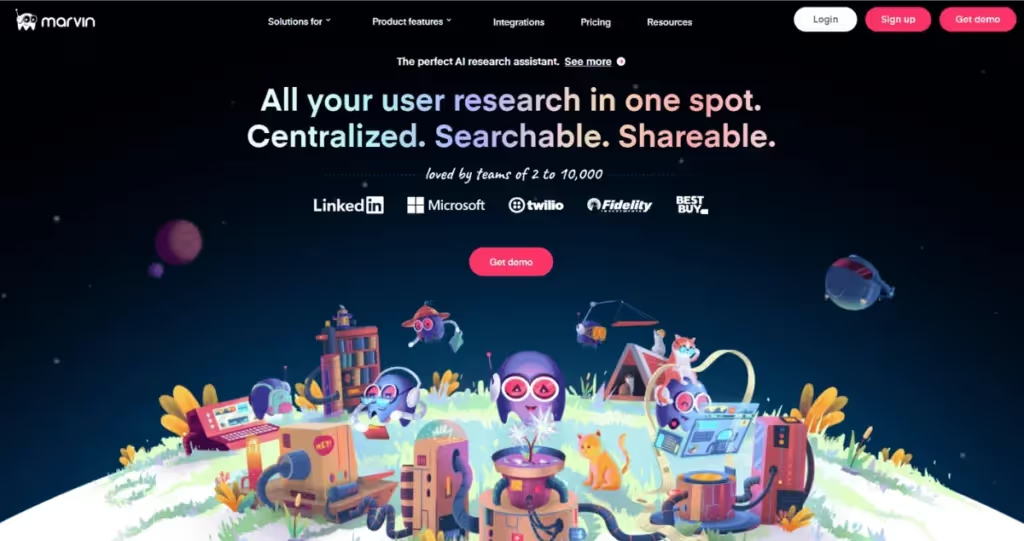
Marvin is an AI-powered customer feedback platform that also enables fast and smart survey analysis. It automatically tags, clusters, and visualizes thousands of open-text survey responses in minutes, saving you days of manual work and thousands you'd spend on outsourced analysis.
You can import surveys from tools like Pendo, Qualtrics, and Google Forms. Or drop in spreadsheets with NPS data, customer feedback, and long-form responses.
The built-in AI agents analyze the feedback, identify themes, find sentiment, and answer questions that you ask AI.
Unlike traditional survey tools, Marvin doesn’t silo data. It draws in research, allowing you to see survey answers alongside customer feedback from other sources.
Book a free demo to see Marvin in action and all the ways it can benefit your research.
2. SurveySparrow
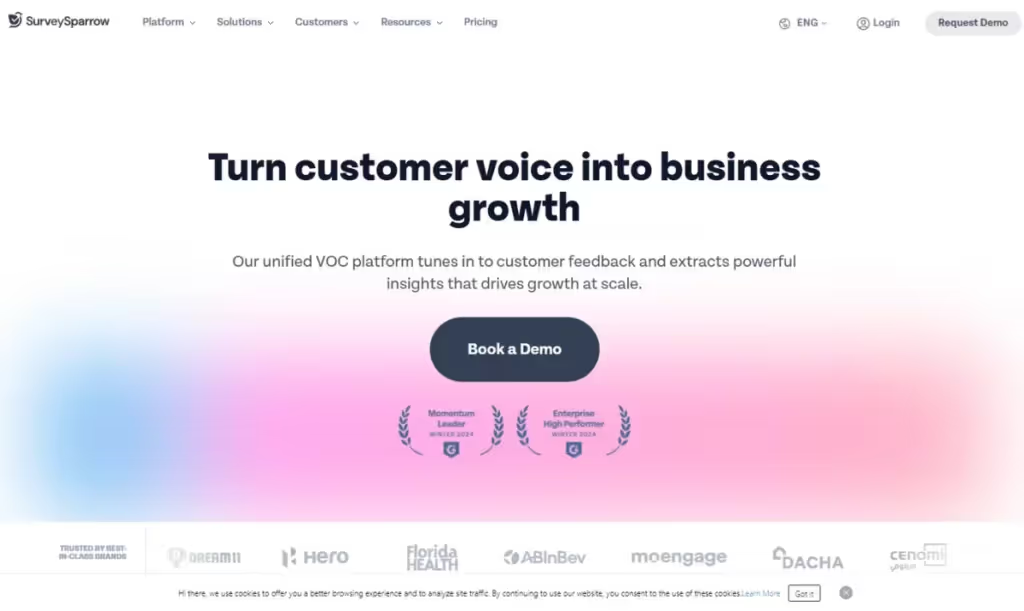
SurveySparrow offers survey creation and analysis in one place.
Its survey automation comes with a clean UI and handy analytics. Additionally, the auto-tagging and sentiment analysis make it easier to extract insights without extensive manual review.
SurveySparrow also offers a real-time reporting module. From the degree of completeness to the survey share method, there are multiple data filters you can apply.
3. Qualtrics Text iQ
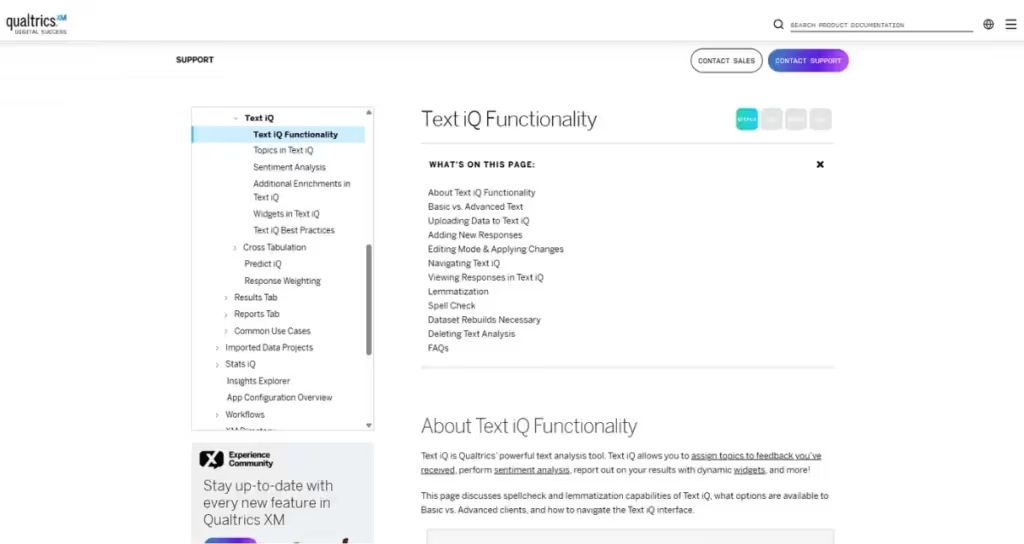
If you're already in the Qualtrics ecosystem, Text iQ adds auto-tagging and sentiment analysis to your surveys.
This is Qualtrics’ primary tool for open-text auto-analysis. It applies NLP features, such as lemmatization and spell-checking, to standardize terms. Additionally, it automatically generates topics and assigns sentiment scores.
More enterprise-friendly than product-focused, Text iQ offers decent automation, but it’s pricey and not as intuitive as you’d expect.
4. Thematic
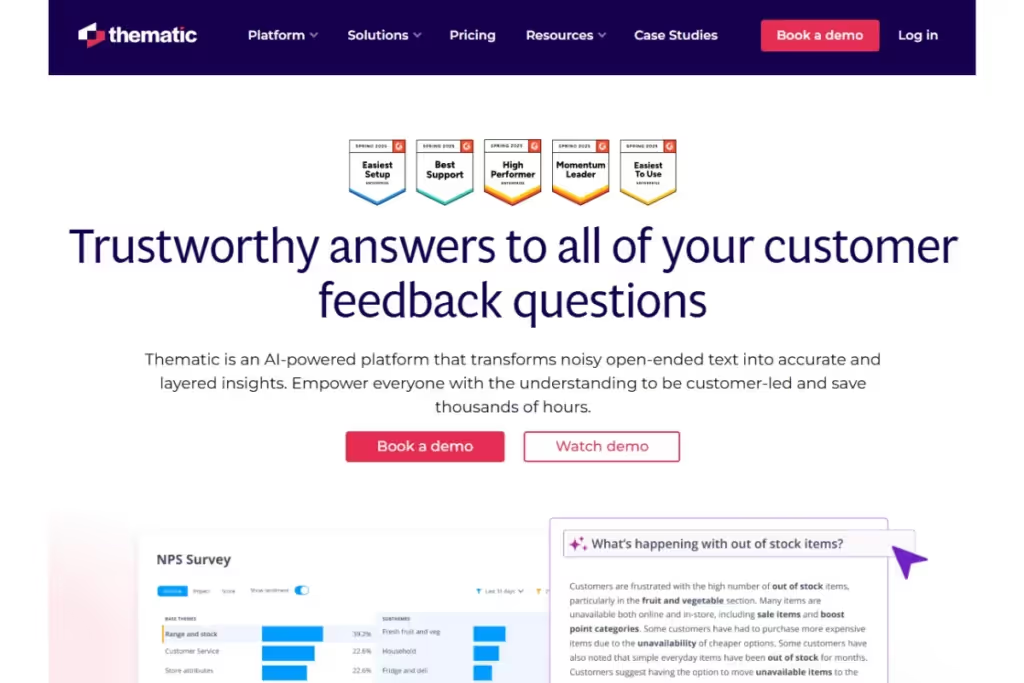
Thematic is a platform for large-scale text analysis. AI-powered, it uses NLP to cluster responses into themes.
It also surfaces high-level drivers of satisfaction and churn and helps visualize trends over time. This tool works well for customer experience teams that run big NPS or CSAT surveys.
However, it is less flexible than Marvin.
Use Cases of Automated Survey Analysis Across Industries
Automated survey analysis is used far beyond UX teams. From grocers to fintech startups to Hollywood payroll platforms, companies are turning piles of survey feedback into decisions.
Here’s how different industries use automation for product feedback survey analysis:
SaaS and Product Development
Product teams often rely on NPS surveys, churn feedback, and feature requests to shape their roadmap. Thanks to automation, they can turn this constant stream of input into insights without slowing down the release cycle.
At Wave, a single researcher uses AI to extract insights from NPS and exit surveys across the company. What once took them 10 days now takes just 4 hours and supports a structured, insight-driven product planning.
Another example is Criteo, which uses AI to analyze CSAT survey data across five platforms. With Marvin, they moved from a low adoption of research tools to a self-serve insight hub. That hub serves product, sales, and design teams alike.
Healthcare and Patient Experience
In clinics and hospitals, surveys help teams track the quality of care and improve patient communication.
AI-powered tools support these companies and institutions with PII redaction out of the box. They allow researchers to analyze open-ended survey responses safely. And keep them compliant with major regulations such as HIPAA (Health Insurance Portability and Accountability Act) or GDPR (General Data Protection Regulation).

Education and EdTech
Schools, universities, and EdTech platforms regularly survey students to understand where the learning experience breaks down. Automation helps them untangle the hundreds or even thousands of responses they get per course.
AI can flag the repeated complaints and resources that learners request most frequently, as identified through surveys.
E-commerce and Retail
From checkout experiences to product satisfaction, retailers gather customer feedback on a large scale. Automated analysis enables teams to track issues in real-time and optimize the experience across web and mobile platforms.
REWE International uses AI to analyze thousands of survey responses from shoppers on their grocery and drugstore websites. This data, combined with other qualitative insights, uncovers valuable patterns. It helps monitor bugs and improve feature usability across Europe’s largest online supermarket chains.
Financial Services
Banks, fintechs, and credit platforms run surveys after onboarding, support calls, or app interactions.
Instead of hunting through Excel files, teams can use automated survey analysis. It can help them quickly detect trust blockers, usability issues, or feature gaps at scale. They can also identify patterns across regions, customer types, or time periods.

HR and Employee Experience
HR teams rely on surveys to gauge employees' perceptions of work, culture, and processes. From onboarding to exit, open-ended responses hold key signals that you can catch if you act in time.
Automated survey analysis helps surface trends like burnout, management issues, or concerns related to inclusion. This makes it easier to act fast and improve the employee experience before problems grow and people leave.
Media and Entertainment
When you hear “media and entertainment,” you probably think of Netflix. You finish a movie, and a quick survey pops up. With a single click, your feedback helps improve future recommendations. These high-volume, low-friction surveys are simple to analyze, especially with automation.
But behind the camera, production platforms face a much more complex challenge. Their users range from accountants and producers to crew members and studio execs. The questions are more varied, the responses more nuanced, and the stakes often higher.
Automated analysis enables these teams to quickly categorize open-ended feedback by role, theme, or issue. It surfaces what matters most to each user group, without hours of manual review.
Entertainment Partners uses AI to analyze massive NPS datasets from multiple user groups in the film and TV industry. Their team tracks how sentiment shifts year over year and links insights to specific customer segments.

Best Practices for Implementing Automated Survey Analysis
Just because the analysis is automated doesn’t mean you’re out of the loop. Yes, the system performs the sorting and tagging. But the quality of the results depends on the setup before and the review that follows.
Consider the best practices below to get cleaner insights and spend less time fixing mistakes:
- Write clear, focused survey questions: Ask about one thing at a time to avoid vague or messy responses.
- Use consistent formats for closed questions: Stick to the same scales and option order across surveys.
- Predefine tags for simple rule-based systems: Decide on categories and keywords before responses arrive.
- Train AI systems on real user language: If possible, use past feedback to teach your tool how your users speak.
- Clean your data before running the analysis: Remove spam, test entries, and duplicates to avoid bad output.
- Review automated tags with human oversight: Scan early results to identify and correct mislabeling, thereby improving accuracy.
- Use themes, not just keywords: Group similar responses under broader ideas that help you take action.

Frequently Asked Questions (FAQs)
Before you pick an automated survey analysis tool and get to work, here’s what else you should know:
Can Automated Tools Handle Multilingual Survey Responses?
Yes, many tools support multiple languages, but quality varies. Rule-based tools need rules for each language. And AI-powered tools work better across languages, especially when trained on multilingual data.
Beware, though, that slang, cultural context, and idioms can be tricky. That’s why native reviewers should check the output when possible.
What File Formats Are Supported by Most Survey Automation Tools?
Most tools accept CSV, XLSX, or JSON files. These formats store structured data, like questions and responses.
Some tools also connect directly to survey platforms, eliminating the need for file uploads.
How Do You Measure the ROI of Automated Survey Analysis?
Start by comparing the time and cost before and after automation. Track hours saved, insights produced, or product decisions influenced. You can also try to account for output speed, reduced human error, or team workload.
Still, the real ROI comes down to how faster analysis leads to better, faster decisions for design or development.
What Data Privacy Measures Are Needed for Survey Automation?
Privacy is essential for trust, and you must protect user data at every step. Use tools with encryption, access controls, and compliance (like GDPR). Avoid uploading personal data unless it's essential, and anonymize responses when possible.
Your team should be well aware of how the tool stores, processes, and deletes data.
Conclusion
Most teams aren’t short on feedback. They’re short on time to make sense of it.
Luckily, the automated analysis of survey data helps you gain:
- More insights from your feedback
- More time to act on survey analytics
From researching new features to troubleshooting broken workflows, automation transforms raw responses into clear, actionable insights. Fast.
However, not all tools are built for teams that move fast and work cross-functionally.
If you need your survey insights analysis to plug right into strategy, create a free Marvin account. You’ll start turning open-text survey data into strategic decisions in hours instead of days.

See Marvin AI in action
Want to spend less time on logistics and more on strategy? Book a free, personalized demo now!