.png)
.svg)


11 Research Tools Explained: UX, Interviews, Surveys, Case Studies, and More
Master top research tools for UX, interviews, surveys, case studies, and more with practical insights.



Companies across the globe spent over $1.3 billion (collectively) on research and development in 2023. Their weapon(s) of choice?
Research tools.
Businesses use market research to learn about the industry they operate in. However, conducting traditional research is a complex procedure. Not to mention manual, time-consuming, and exhausting. Researchers have way too much on their plates already.
Market research tools bring automation to the process.
They help companies discover more about their customers, competitors, and industry. Learnings from research studies inform business decisions. It paves the way for new innovation. Use market research to identify risks, opportunities, and underserved needs in the marketplace.
Learn how market research tools drive business growth.
Dive right into a market research platform that streamlines your entire workflow. Try HeyMarvin for free!

TL;DR - Research tools for businesses
Most research tools fall into a few core categories. Some help you plan what to study, others help you collect user feedback, and others help you analyze behavior and share insights.
In this guide, we cover the following tools:
- HeyMarvin
- Qualtrics
- Think with Google
- Google Analytics
- Tableau
- Power BI
- SurveyMonkey
- Typeform
- Notion AI
- Hotjar
- User Interviews
Read on to discover each of these tools in detail and how to combine them into a tech stack that will best suit your needs.
What are research tools?
Research tools include any resources, applications, or techniques that augment the research process. Researchers use them to plan, collect, organize, analyze, and disseminate information. Tools vary in function — they help during different stages of the process, from lit review through to analysis.
So, what’s the benefit of adding research tools to your workflow?
Efficiency and effectiveness.
No longer do researchers have to undertake every aspect of the research process. Tools for market research facilitate cumbersome tasks, so researchers don’t have to. Automating data collection and processing increases the productivity and scale of a research practice.
In turn, researchers spend more time analyzing their data, looking out for insights. Collaborate with key stakeholders to make strategic and informed decisions. For instance, research findings help designers create more intuitive and user-friendly designs. This boosts customer satisfaction and, hopefully, revenue.
Research tools help turn data into actionable insights. They promote the use of accurate, vetted data to inform decision-making. Identify new channels to reach customers. Monitor the entire process and organize your research studies with tools for research.
Widely available and accessible, research tools have changed the way businesses handle data.

Types of research tools
Golfers don’t use one club during a round. Depending on the distance to the hole and the surface they’re hitting from, they use specialist clubs.
Conducting research is much like playing golf — frustrating! (Poor joke…). You need a host of tools for various tasks associated with effective research. This list of research tools identifies applications that augment every stage of the research process:
Qualitative research tool
Qualitative information helps unearth an individual’s perspective. Researchers explore emotions, attitudes, motivations, and frustrations to understand the context around user behavior. Analyzing non-numerical qualitative data isn’t straightforward — it’s convoluted and complex.
Luckily, there’s a research tool that brings automation and efficiency to the entire process.
HeyMarvin
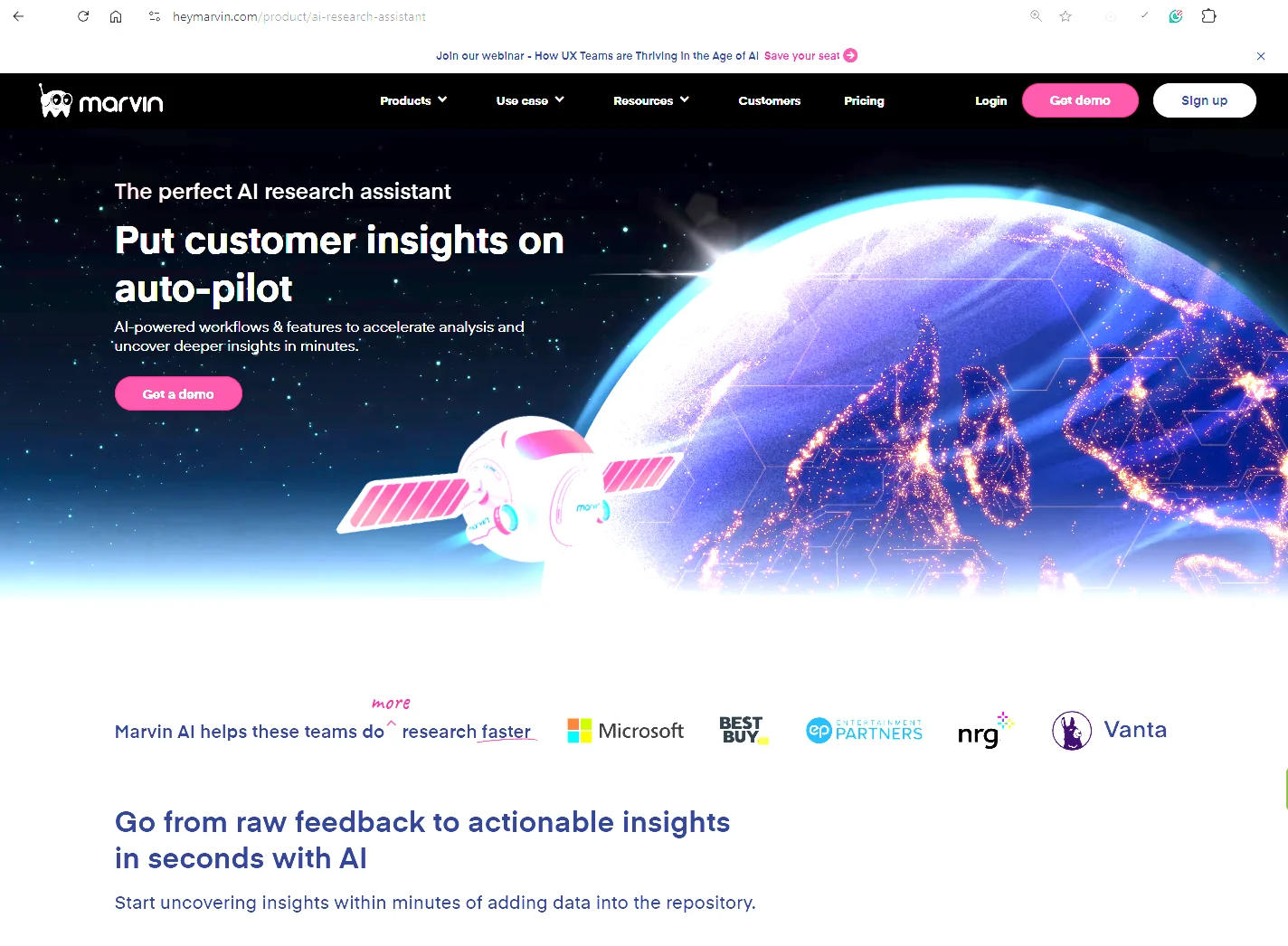
HeyMarvin is home to all user data — a centralized research repository for your qualitative data. And it’s packed with features that augment research:
- Supercharged interviews: Invite HeyMarvin to Zoom, Google Meet, or Microsoft Teams meetings for accurate transcripts in over 40 languages and for time-stamped insights.
- Survey management: Create and distribute surveys using the research panel. HeyMarvin automatically analyzes responses and produces rich insights with charts and graphs.
- Intuitive AI: Ask AI is the ChatGPT for your research data. Ask questions about your data across projects. A shiny new feature — HeyMarvin’s AI even extracts insights from images and graphs.
- Powerful analysis: Qualitative data involves categorizing data into themes. Use the analyze feature to effortlessly tag and visualize data. Learn how to tag data and reach insights faster using Marvin.
- Collaboration station: Cut files together to create highlight reels. Share snippets easily with peers across the organization. Elevate the user's voice.
- Ironclad security: We don’t sleep on protecting confidential user data. HeyMarvin is GDPR, SOC2, and HIPAA compliant. Safety first, and always.
Use HeyMarvin from ideation to execution. Sign up for a free demo today.
Market research tools
The best market research tools help businesses learn about their environment. Researchers gain a deep understanding of customers, competitors, and the broader industry. Learn more about the user experience and competitive landscape with these tools for research:
Qualtrics
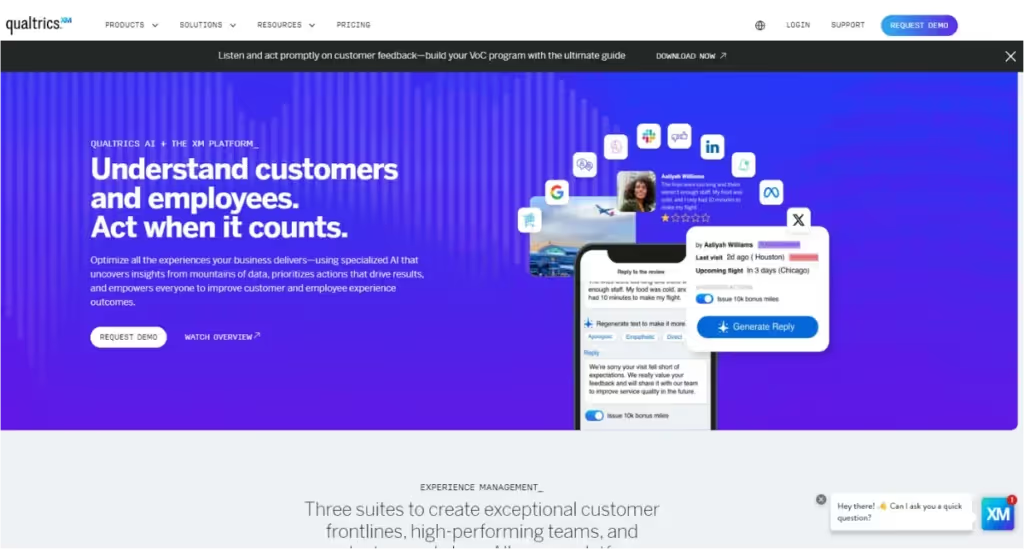
As a customer and employee experience management platform, Qualtrics helps you collect stakeholder feedback across multiple touchpoints.
It offers advanced, AI-powered analysis, including sentiment, visual, and predictive insights for a comprehensive view of the customer journey. And thanks to its real-time data collection, you can move faster and make more agile research decisions.
Qualtrics also integrates seamlessly with HeyMarvin, making it easier to centralize insights, run deeper analysis, and turn feedback into informed, strategic action.
Think with Google
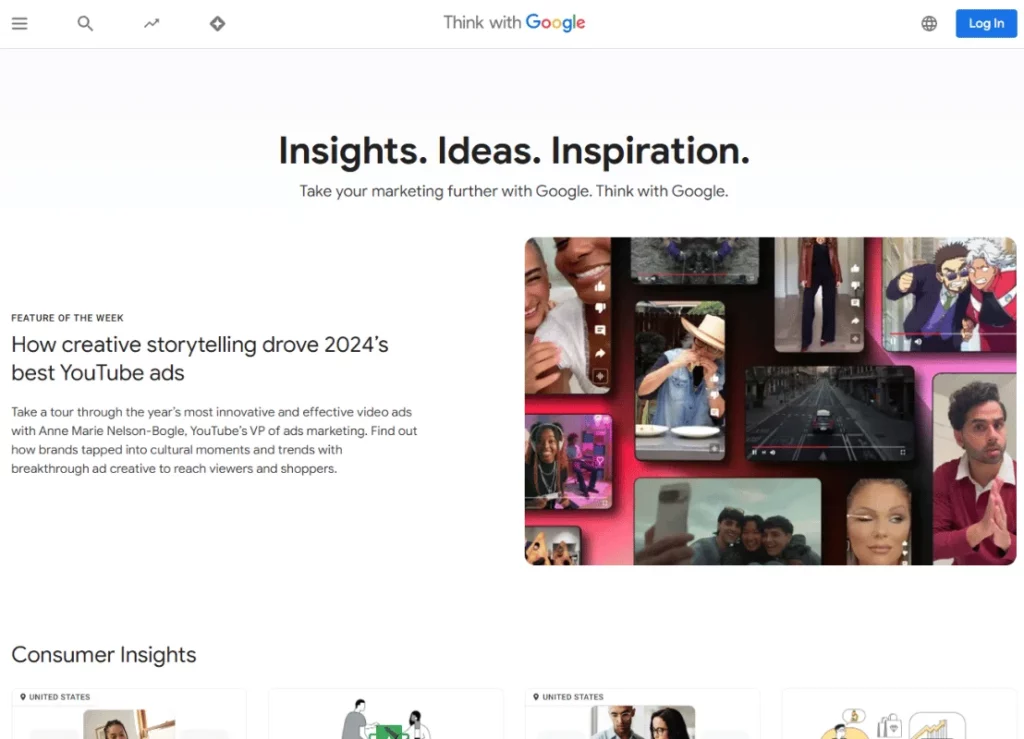
If you want to take advantage of Google’s free market research tools, consider Think with Google. It can be particularly helpful when you need to explore new markets, access industry insights, or discover high-performing ad creatives.
Inside, you’ll find tools like Insights Finder to plan and measure campaigns. Or Google Trends to track global search patterns and stay ahead of shifting consumer behavior.
Use these insights to adapt your messaging and stay relevant.
Data analysis tools
Data analysis tools have a wide range of applications. They can uncover market trends from raw data, gather user sentiment through social listening, or leverage surveys and historical data to explain and predict user behavior.
Give these a spin:
Google Analytics
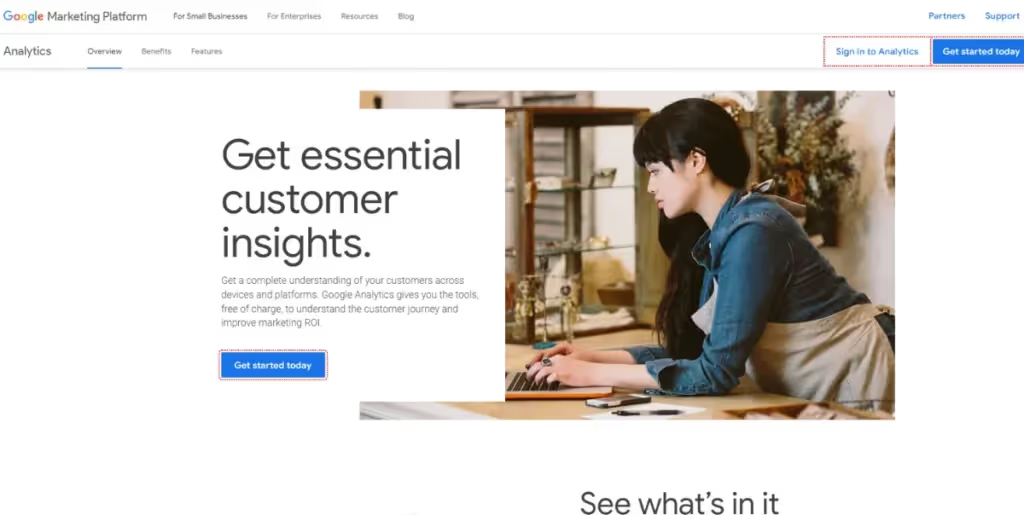
Google sits on one of the largest datasets of user behavior in the world, which is why its analytics tools are so powerful. Aside from being free, Google Analytics is particularly effective at tracking clicks, key engagement signals like scroll depth, and user interactions.
Use it to understand behavior across devices and see which channels drive results. Spot where users drop off and gain insights on how to fix friction points and improve performance.
That said, GA helps you visualize user data, but it’s not built for long-term storage. You’ll need to download data and store it elsewhere (HeyMarvin, perhaps?).
Tableau or Power BI
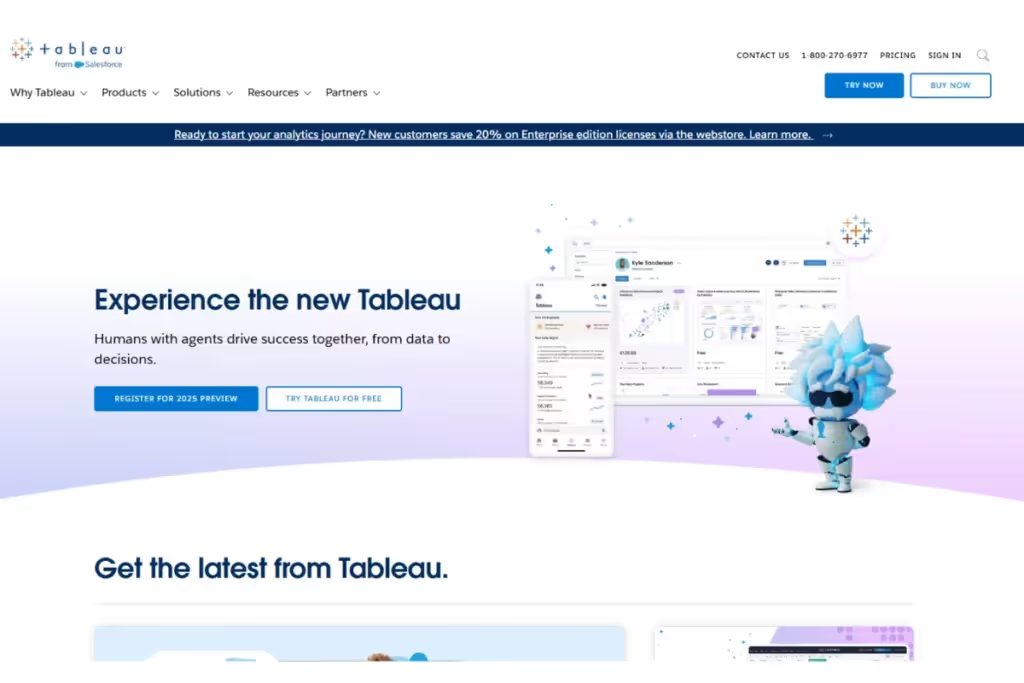
Turn boring rows and columns into interactive graphs, charts, and dashboards with either Tableau or Power BI. Both tools help you clean, prepare, and visualize data without coding.
Use drag-and-drop features to explore data, build charts, and share insights with decision-makers. Connect multiple data sources to analyze everything in one place.
Power BI integrates seamlessly with Microsoft Office but is limited to Windows, while Tableau offers more flexibility across platforms.
Surveys and feedback tools
Survey tools help you gather primary data at scale and inexpensively. Use these applications to collect qualitative and quantitative feedback from a wide demographic:
SurveyMonkey
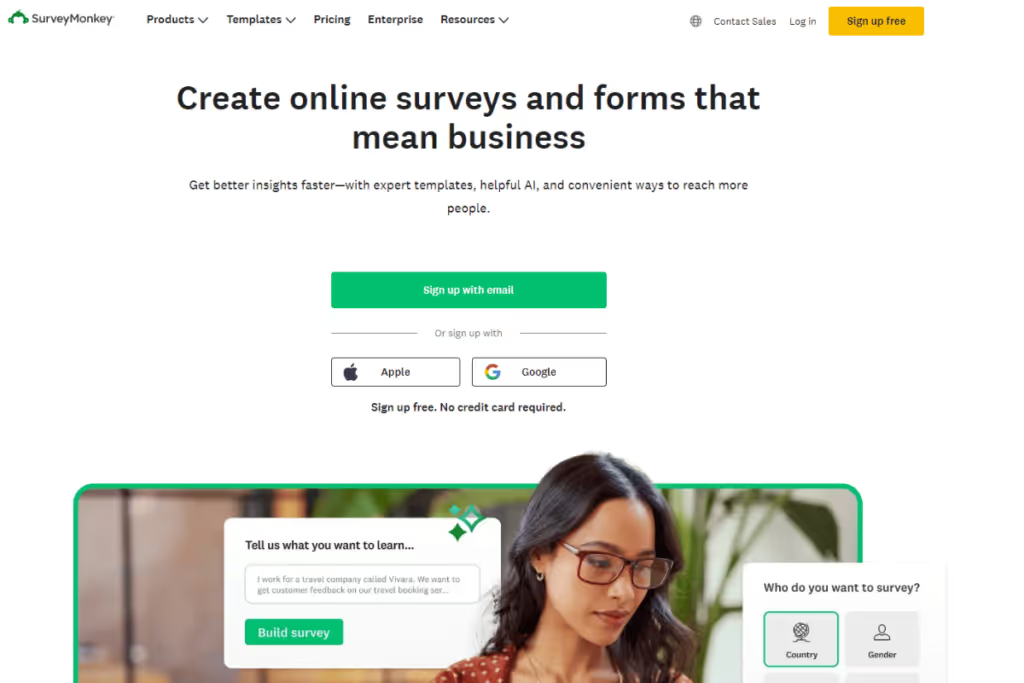
This tool will help you design more effective surveys from the start. Use branching logic, varied question types, and a built-in question bank to structure your surveys properly. Or generate them with AI and analyze open-ended responses with sentiment analysis.
Once your survey is ready, distribution and data collection are just as seamless. Recruit participants directly on the platform, capture feedback from websites or chatbots, and share surveys across email, text, WhatsApp, or social media.
When you’re ready to go deeper, connect SurveyMonkey to HeyMarvin to centralize and analyze your data alongside other research sources.
Typeform
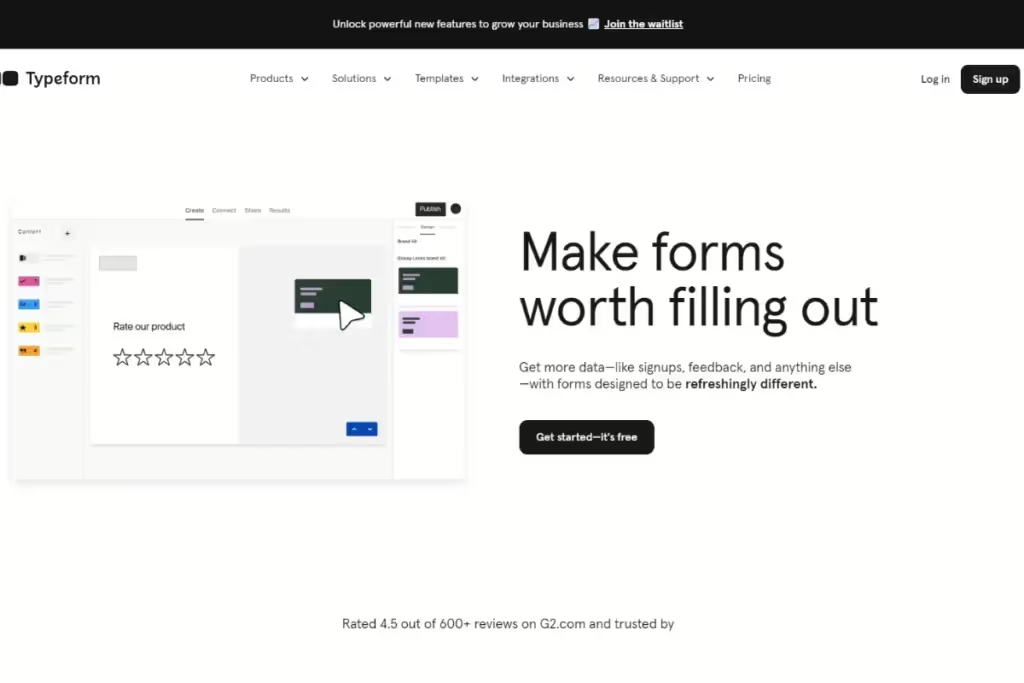
Typeform is great for creating visually engaging, interactive surveys that are more similar to user conversations than rigid forms. Add video and other elements to keep participants engaged, and use branching logic to guide them through longer surveys. You can even visualize these flows as a chart to review and refine your logic.
The platform is intuitive and easy to use, whether you’re a beginner or more experienced. Once your survey is ready, you can embed it directly into your website, with mobile-friendly designs that work across devices.
AI research tools
AI is a layer that can enhance your research workflows. Whether you use individual tools with AI functionalities or an AI-native platform, it can significantly speed up processes. Consider using AI research tools to transcribe interviews, scan for patterns, group themes, or even gain suggestions for what to explore next.
HeyMarvin
We’ve already explored HeyMarvin as a qualitative research tool. However, this is, in fact, a robust AI-native platform that can support your entire research workflow.
When you plan studies, you can use AI-enhanced search to learn what your users have already told you. When you run studies, you can use the AI Interviewer to conduct interviews and the bot to record and store everything in a single searchable repository. With AI analysis, you can surface patterns, generate reports, and identify next steps.
Choose HeyMarvin for AI research to speed up your workflow and deepen your insights. The AI handles time-consuming tasks like organizing data and surfacing patterns, so you can focus on interpreting the analysis and making better decisions (with the insights that matter most to you).
Notion AI

Notion AI works best when your notes, tasks, and product docs already live in Notion. You can pull in product specs, support logs, or meeting notes and ask it to extract themes or suggest next steps. Or use it to generate research briefs, define tasks, and assign work without leaving your workspace.
Notion’s AI features are less about deep research insights and more about speed and structure. They’ll help you organize what you know and turn it into a clear plan you can execute.
Product research tools
Such tools are essential for understanding exactly what your users need in the context of using your product. Consider them whenever you have to decide which flows need attention, what to test, and even who to recruit.
Hotjar
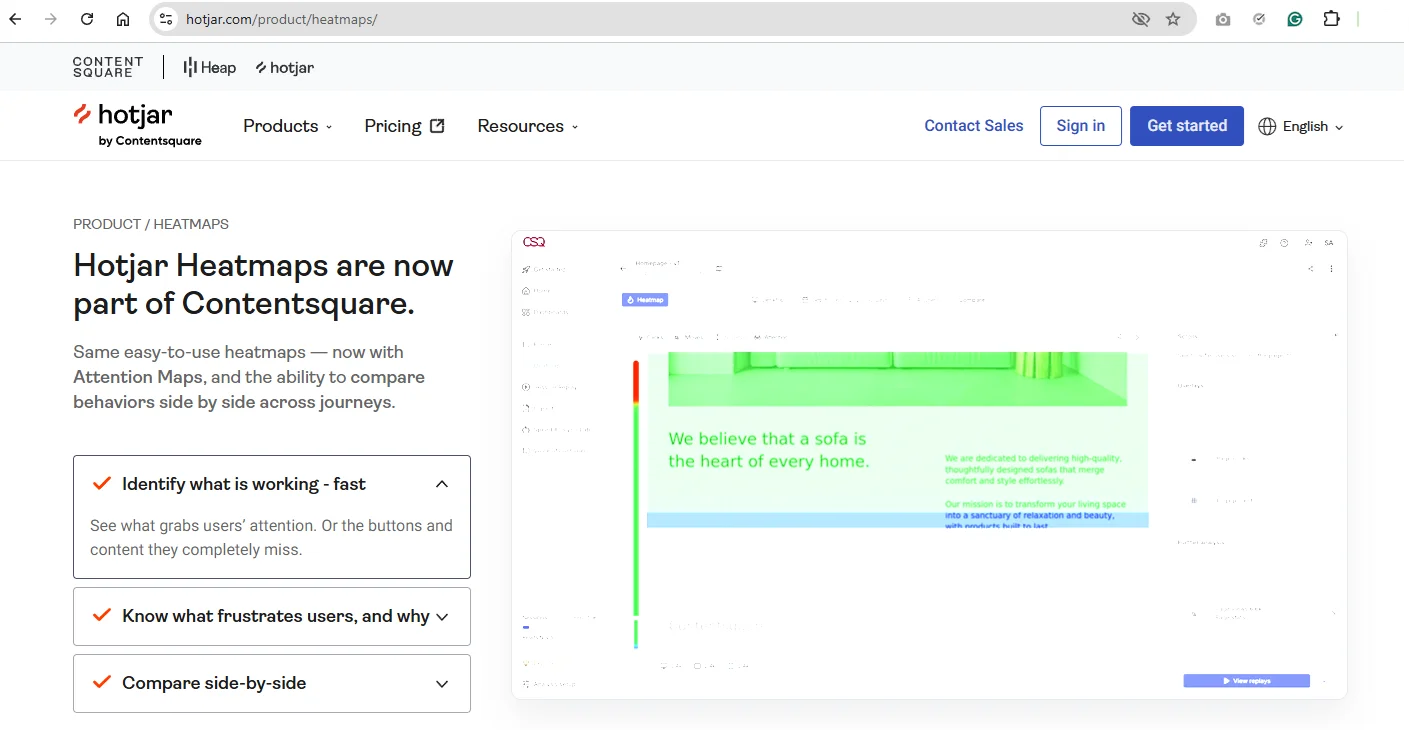
Contentsquare now owns Hotjar, and the platform is evolving into a broader experience platform. But it keeps its core strength: fast, easy-to-use tools that help you move from observation to research planning without heavy setup.
Use Hotjar to see how users interact with your product in a visual and intuitive way. It combines heatmaps, session recordings, surveys, and feedback tools in one place. So you can quickly spot where users click, scroll, or get stuck. These signals help you decide what to test and where to dig deeper.
User Interviews
UserTesting recently acquired User Interviews, which continues to operate as a recruitment platform. It helps you find the right participants for your research. Therefore, instead of defaulting to whoever is available, you can define clear criteria such as specific traits, behaviors, or professional background, and get quick matches.
Using it removes much of the operational friction because you get to handle everything in one place — scheduling, incentives, and participant management. That means you can scale recruitment without slowing down your research process.
How to choose the right research tools for your needs
Several factors determine your choice of research tool. Follow these steps for a thorough analysis of your needs before making your choice.
- Establish research goals. Identify project requirements at the outset. What does the business want to find out? What strategic business goals will the research tool support?
- Identify functionality. Assess all relevant stakeholder needs. What teams will use the platform, and how? This helps determine the type of research tool needed. Do you want to collect and analyze qualitative or quantitative data?
- Evaluate resources. What’s the resource allocation for research software? Consider the budget, time constraints, and technical expertise requirements. How much can you afford to spend on a tool?
Once established, run down the must-have features of any research tool.
Essential research tool features
Although research platforms vary in function, some features are universal to all:
- Scalability. Is the tool future-proof? And flexible enough to handle growing research needs?
- User-friendliness. Is the tool easy to use? How much training effort will you need? Will everyone get up to speed quickly?
- Compatibility. Does the research tool integrate with apps from your existing workflow?
- Customer support. How helpful is customer support? Does the company provide additional resources and documentation to users?
- Shareability. Can the tool easily broadcast research findings to the rest of the organization? What communication tools does it integrate with?
- Data Security. What regional or international data compliance rules must the tool comply with?
Remember to audit several tools before making a choice. Talk to professionals who’ve used the tools you’ve shortlisted. Take advantage of free trials and freemium versions to get a sense of how the research tool works.

Challenges of managing multiple research tools
The more tools you add to your research workflows, the more challenges you may run into. You start receiving inputs from different directions and in different formats, which takes time to analyze, creates gaps, and makes it harder to see the full picture.
The irony? You add more tools to make research easier, but end up struggling to:
- Build a complete view of your users: You store feedback across multiple tools, formats, and teams. To understand a problem, you have to pull data from several sources and stitch it together.
- Reuse prior research: Your team already has research, but finding it takes time. So you start from scratch rather than build on what you already have.
- Plan research based on evidence: When insights live in different tools, you can’t easily spot patterns over time. You end up planning studies based on possibly incomplete data or assumptions.
- Keep teams aligned: Each team works in its own tools and workflows. Product, design, and support look at different data and draw different conclusions, so you spend more time aligning than moving forward.
- Keep your workflow efficient: Every new tool adds setup, training, and maintenance. Instead of speeding things up, your process becomes heavier and harder to manage.
Best practices for integrating various tools into your research workflow
It’s not as easy as purchasing new software. Follow these steps to ensure your research tools seamlessly integrate into your workflow:
- Make a Plan. Talk with relevant stakeholders to assess existing workflows and establish requirements. Identify areas of the research process that need improvement. Set measurable and achievable goals for efficiency, resource expenditure, and business performance.
- Conduct a Trial Run. Narrow down your choice and test tools with a control group. Leverage free trials and pilot each tool with an existing project. Have team members share their thoughts on the benefits and limitations of using each. Then, choose one.
- Document Processes. Draft a master plan of how data will flow between tools. Look to automate tasks to bring efficiency to the workflow. Create comprehensive training materials & documentation to establish best practices. This ensures consistency.
- Actively Monitor. Continuous oversight helps evaluate the performance of a tool. Measure against the metrics set out above. Set up mechanisms to identify errors or delays. Constantly gather feedback from stakeholders on how to improve the workflow integration.
- Repeat. Setting up a new integration is not a one-time exercise. Chances are, you’ll make some mistakes during the first try. Learn and tweak the process as you go along. Optimizing the research workflow is a continuous craft.
Bear in mind that no integration works 100% efficiently straight off the bat. Getting it right is a function of time, thought, and effort that goes into the process.

Frequently asked questions (FAQs)
Still got questions? Below, we answer some of the most popular queries about research tools:
How many research tools do most teams use?
Most teams use several research tools at once, often between 5 and 10 across their workflow. You might use one for recruitment, another for interviews, others for analytics, surveys, and storage. The challenge isn’t the number itself, but how well these tools work together.
Are AI research tools accurate?
AI research tools can be highly accurate when you use them on high-quality data and review their output. They help you spot patterns and structure insights faster, but they don’t replace your judgment. You still need to validate findings and decide what matters.
Do research tools replace traditional research methods?
Research tools don’t replace traditional methods like interviews or usability tests. They help you run them faster, at a larger scale, and with more structure. While you still rely on the same core methods, you can plan and execute them more efficiently.
How often should you conduct market research?
There are two types of research study, each with its own duration:
- Continuous discovery process. Firms engage in regular dialogue with customers, distributing surveys such as CSAT. Longitudinal studies evaluate metrics over time. Track user sentiment and react to behavioral changes.
- Specific projects. Explore a specific research question or test a hypothesis. From design to recruitment, through to conducting the research and analyzing results. These studies can last over 5 weeks.
Conduct project-specific studies as needed. Before or after a product launch. To investigate a change in metrics, e.g., a dropoff in conversions. Continuous dialogue keeps your finger on the user's pulse.
What are the most accurate tools for market research?
Accurate market research insights can be the difference between success and failure.
Inaccurate plagiarism checks and industry statistics land you in trouble down the road. When choosing a market research tool, test its advertised accuracy. Pit automation against manual research - have them carry out the same task. Manual work will be highly accurate every time — that’s the bar.
From our list above, Google tools listed accurately reflect market trends. With all the others, it’s all about the quality of data input.
What are the costs involved in using market research tools?
UX research tools pricing depends on the capabilities you’re looking for.
Our list above includes both free and paid market research tools. Monthly fees per user can go up to $200 per month. Some tools offer more functionality than others and have a higher price tag. Consider the number of licenses needed and your budget carefully.
Almost all apps have limited free versions that let you try before you buy. Leverage these plans when auditing different research tools. Have research team members and key stakeholders test it out. They’ll be interacting with it most, so their preferences matter the most.
Conclusion — Top tools for research
Online market research platforms help businesses understand more about their environment. They assist in data collection, analysis, visualization, and reporting.
Research tools are capable of handling vast amounts of data far beyond what humans can manage. They generate reliable and accurate findings that inform different departments at a company.
Designers delve deep into customer behavior with research tools. They establish demand levels for a product and identify factors influencing user behavior. Valuable user input helps them make improvements to the user experience.
Marketing teams stay informed of current trends. They spot opportunities or threats in external market forces, acting on them instantly. Sales might incorporate changes into their approach to get more conversions.
Research tools promote evidence-based decision-making. No more relying on gut feelings and hunches.
HeyMarvin is the ultimate market research assistant. Want to learn more? Book a demo with our experts today.

See Marvin AI in action
Want to spend less time on logistics and more on strategy? Book a free, personalized demo now!