.png)
.svg)


The Rise of MCP in Modern Research (and how teams are using it)
Discover how teams use MCP to share customer insights while building smarter research guardrails



Modern researchers continually look for ways to improve workflows and put useful insights in stakeholders’ hands. It’s one reason so many research teams are talking about MCP.
Our in-house Research Consultant Ben Wiedmaier sat down with Martin Garcia, Staff UX Researcher at NinjaTrader, and Kaleb Loosbrock, UX Researcher & Strategist at AIxUXR, for an enlightening conversation on how modern research teams are putting MCP to work.
During the discussion, four themes emerged:
- How modern research teams are using MCP today
- What to figure out before you roll it out
- The new skills a modern researcher needs
- Three steps you can take right now
Check out the recording, or keep reading to get all the highlights.
A quick refresher on MCP
We’ve all heard the term MCP (or Model Context Protocol), but Kaleb gave us a new analogy to explain how it works.
He described MCP as connective plumbing. It’s a layer that moves data from where it lives, such as a repository, drive, or CRM, into the AI application where you’re working, without a person manually carrying it there. In research terms, MCP carries your research (the water) to your AI tools (the faucet).
Before that plumbing existed, AI workflows were a little clunky. You’d download a transcript to your desktop, upload it to a chatbot, download the summary, and then upload it somewhere else to share it out.
Besides being time-intensive, each step was a moment when sensitive data sat somewhere it shouldn’t, like on a personal device or outside any access control.
MCP changes that, reducing both security risk and friction.
How modern research teams are using MCP
MCP is a workflow accelerator, but its impact goes well beyond speed. Here are a few ways Ben, Martin, and Kaleb have seen research teams put MCP to work:
- Seamless insight-sharing: MCP connectors can help findings flow directly into reports and to stakeholders. Generate field note summaries by feeding transcripts through MCP without having to add them manually.
- Research gut check: You can check if you’ve covered all your research questions, and make sure you’ve correctly identified moments in a transcript with timestamps.
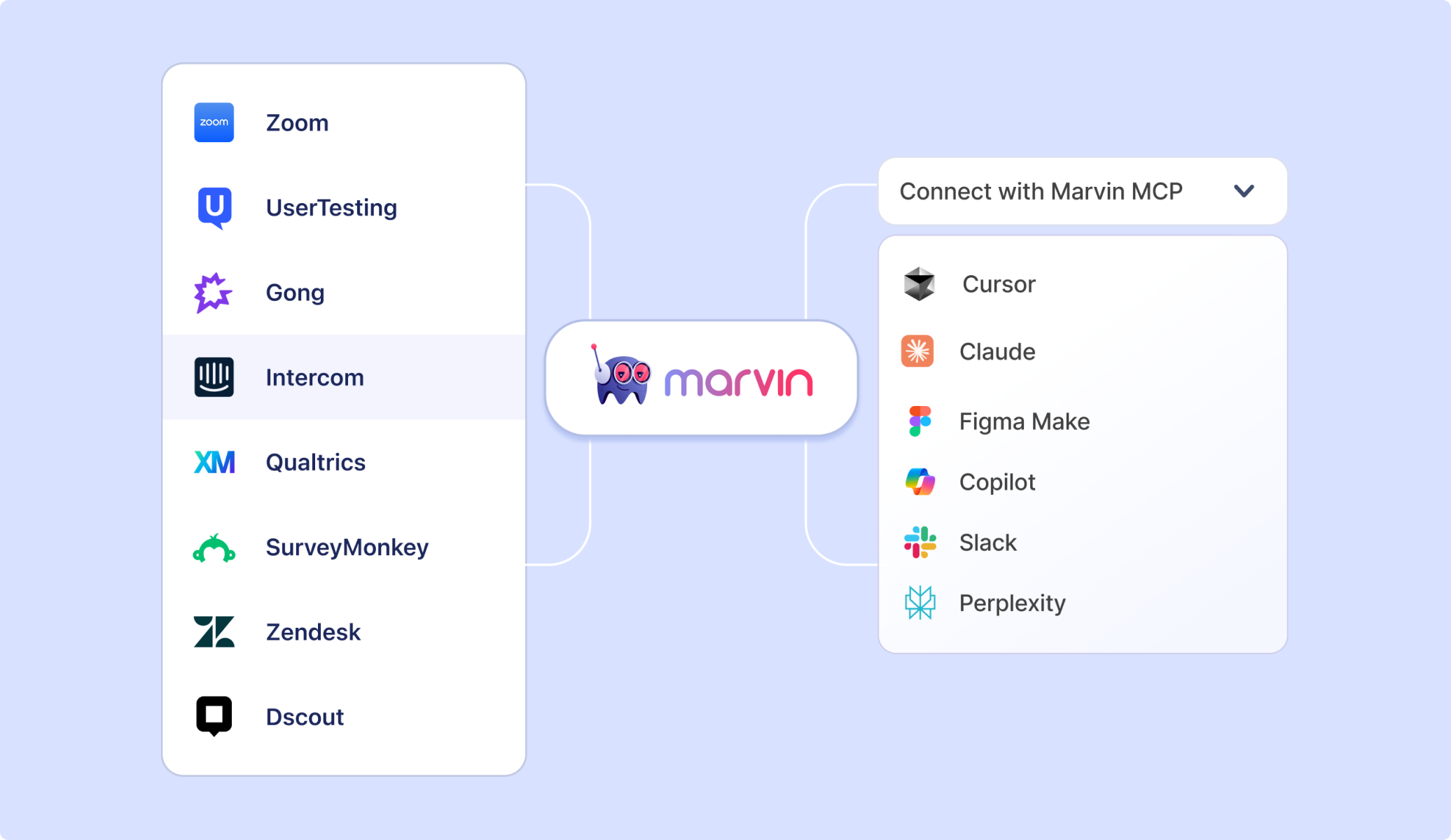
- Pull customer feedback directly into prototypes: Ben gave an example of teams using Marvin MCP to pull analytics, interview quotes, and customer feedback directly into Figma Make, without leaving the tool to find them. For design teams, that means the voice of the customer shows up right where the work happens.
- Protecting PII: With MCP, you don’t have to go through the download, upload, and download again steps, which means personally identifiable information from transcripts and recordings stays securely where it lives.
The same connections that help researchers work efficiently also change what product and marketing teams can access directly. A product manager can pull cited customer evidence into a planning doc to settle a roadmap debate. A marketer can tap into real customer language to sharpen messaging.
MCP extends research-reach into the moments and screens where decisions get made.
What to figure out before rolling out MCP
Most people rely on their IT team or a platform admin to vet and approve which MCP connectors are secure and compliant. So the first step is to make sure your organization allows the connectors you want to add.
To make things easier, we summarized the conversation in a checklist you can use to roll out MCP to your team.
You can also check out our MCP Playbook that dives further into use cases and implementation.
Your MCP checklist
- Is it secure and compliant?
Confirm your organization allows the connection and make sure both platforms maintain the security standards your IT team demands. (Our MCP Security Checklist can help)
- Do you have a real use case or challenge you’re looking to solve?
MCP makes the biggest impact when it fixes a real need. Know what you’re trying to accomplish before adding connections.
- Is your process mapped out?
Diagram your task, such as turning a recording into a stakeholder summary, and note every tool used along the way and MCP connections.
- What data is moving?
Decide intentionally what information is shareable through MCP to limit the scope to only what you need. This will protect the quality of each LLM’s output and the potential risk with each connection.
- What are your platforms’ limits?
Some tools, such as Google Drive, only allow MCP to create new files, not overwrite existing ones. Understand each platform’s constraints and setup so that you can avoid troubleshooting or getting stuck later.
Identify bias and build guardrails
The panel’s sharpest exchange was about what happens when non-researchers can query research directly. Even a properly set up MCP still can’t stop someone from asking a leading question, or reading more into a result than the data supports.
Their answer wasn’t to keep out stakeholders; it was to build checks into the response itself and build relationships that encourage expertise-sharing. Here are a few ideas for limiting bias and inaccuracies.
- Create consistent, repeated discourse internally so everyone starts to understand: What does a good hypothesis structure look like? What does a good question look like? What does a bad question look like? And what does a biased flow look like?
- Structured outputs can tag the researcher, so they’re notified and can flag anything that looks off or provide more context.
- In some cases, you can employ an intermediate agent that reframes a leading question before it ever reaches the data.
- Limit access to pull from reports and summaries instead of raw data. This can help reduce the odds of incorrect analysis or focusing too much on one participant’s responses.
“You can have safeguards that say, if you're going to pull from the data repository to respond to a prompt, focus on pulling from primary themes and not individual quotes,” Martin said.
In other words, there are ways to ensure the incoming data is analyzed and applied correctly. As MCP usage becomes more prevalent, those guardrails will be easier to create.
The new skills a modern researcher needs
When asked which skills will best set a researcher up for success, both panelists landed on a similar answer: “It’s best to sharpen the ones you already have.”
“Part of researching AI products is that you also have to have a certain level of understanding of how they work yourself. So you get to learn about what you can do with them, how you can use them, and what is available to you as a primer for how you would then research your organization's AI products,” Martin explained.
The most important skills to work on, according to Kaleb and Martin, are:
Context and prompt engineering: Being able to clearly state a project’s goals, hypotheses, and constraints is foundational. Kaleb was explicit that this matters more than learning to code, since MCP already handles the connection between systems.
Technical literacy > Technical fluency: The ability to read documentation, double-check a query, and understand roughly how systems talk to each other is important.
Systems thinking: Breaking a process into its individual steps and understanding how information moves between them is essential for anyone designing agentic workflows.
Data and architecture thinking: Clean, structured data is core to facilitating and wrangling AI to get quality outputs.
AI governance and ethics: Consent for AI tool use generally isn’t handled by the platform. Researchers need to obtain that consent themselves, and understand how frameworks like the EU AI Act shape what’s allowed.
Three steps you can take now
- Identify the biggest opportunity and map it out.
Where is your workflow getting held up? Pick a single recurring task and diagram every tool it touches. That is your MCP roadmap. - Define your scope.
Decide what data is shareable through a given connection before you turn it on and then check with your IT or platform admin before adding the MCP connector. - Pilot with your own team first.
Kaleb’s advice for teams just getting started: build it for yourself first. Pilot internally, refine the guardrails under real use, and only open it up more broadly once you trust what it produces.
MCP could never replace the researcher. It can remove the friction between the researcher and the tools they already trust, and extend that same evidence to the product, design, and marketing teams making decisions from it.
Download an MCP Security Checklist →

See Marvin AI in action
Want to spend less time on logistics and more on strategy? Book a free, personalized demo now!