.png)
.svg)


10 Best Customer Experience Tools (Ranked and Reviewed)
Discover the best tools to enhance customer experience with features, pros, and cons of each.


.webp)
Customer expectations are at an all-time high, with 88% of buyers claiming the experience a company provides is as important as the actual products or services. So, good customer service is no longer just about wowing a customer at the point of sale. You’ve got to consider their entire journey and become customer-obsessed if you want to:
- Transform interactions into memorable experiences
- Set yourself miles apart from competitors
- Turn casual buyers into loyal advocates
- Boost your bottom line
While all that might seem like a tall order, the right customer experience tools will help you get there faster than you thought possible. It’s all about leveraging real insights from your audience.
In this blog post, you’ll discover the best 10 tools to fuel your customer obsession and consistently deliver exceptional experiences.

TL;DR: Best customer experience tools
Want to skip the theory and jump straight to the practical solutions?
Here are the top 10 customer experience apps we’ll discuss in detail below:
- HeyMarvin
- Hotjar
- Mixpanel
- Hubspot
- Qualtrics
- Talkwalker
- Productboard
- Outfunnel
- Podium
- Adobe Experience Manager
All these are individual customer experience software or platforms with multiple such tools and functionalities. They’re meant to compile large amounts of customer data, analyze it, and suggest actions to improve customer satisfaction and loyalty.
To choose one, you should:
- Identify what tool features will best support your goals.
- Prioritize ease of use, so your team can adopt it quickly.
- Check that it integrates with your current systems.
- Look for responsive customer support and onboarding.
- Choose software that can scale with your data and business.
Now that we’ve cleared the essentials, let’s move on to the nitty-gritty.

What is customer experience software?
Customer experience tools are software applications that help businesses understand, manage, and improve every interaction customers have with their brand.
The market offers various types of CX tools focusing on qualitative feedback, customer sentiment, or general data management. Before exploring different options, it's important to understand how the right tools support a strong customer experience strategy.
Why is having a good CX tool important?
Good CX software gives you clear insights into what customers truly want.
With built-in customer experience mapping tools, such software helps you make intelligent improvements, keeping customers happy and generating repeated purchases. Think of it as a way of getting inside your audience’s heads to:
- Discover how to tailor your products/services to their values and needs
- Make them feel understood and appreciated
- Build stronger relationships
- Gain their loyalty
Common values lead to loyalty and are particularly important in the bigger CX picture. According to a recent State of Customer Experience Report, 64% of consumers choose one company over another based on which they trust more. But loyalty is also becoming easier to lose. 40% of consumers switched brands at least once in the previous three months after using a competitor for years.
In conclusion, good customer experience software makes a huge difference. It helps you understand what customers value and how to consistently meet those expectations, thereby retaining them.
So, don’t just go with the first CX software you find. Do your best to pick a good one.

How do you choose the right customer experience tools for your team?
Choosing the right customer experience tool can be tricky. No software does it all, which is why there are many options in the market. To help you get the bigger picture, understand your options, and choose accordingly, we’ve broken down the main types of CX software below:
Step 1: Assess your current challenges
The type of challenge you’re trying to solve will tell you what features to look for in the CX tools you’re reviewing. Are customers abandoning your website? Are support teams overwhelmed? Are valuable customer insights sitting in interviews, surveys, or support tickets that nobody has time to analyze?
Step 2: Define your objectives
The objective usually becomes obvious once you've identified the problem. If support teams are overwhelmed, you may need to reduce response times. If customers leave halfway through the buying process, you need to understand where they're getting stuck. Those goals will make it much easier to filter out tools that don't fit.
Step 3: Pick your must-have features
Most features look impressive in theory, but not all of them will significantly impact your day-to-day work. Once you’ve gone through the first two steps, you’ll be surprised how quickly this list of must-have features shrinks.
To make your choice, add the most practical filters. Rule out the tools that don’t fit your budget or require more implementation work than your team can take on.
Top 10 customer experience tools compared
There are quite a few options if you’re looking for the best customer experience tools. Below, we’ve picked the top 10 options based on their popularity and capabilities. Check them out!
1. HeyMarvin
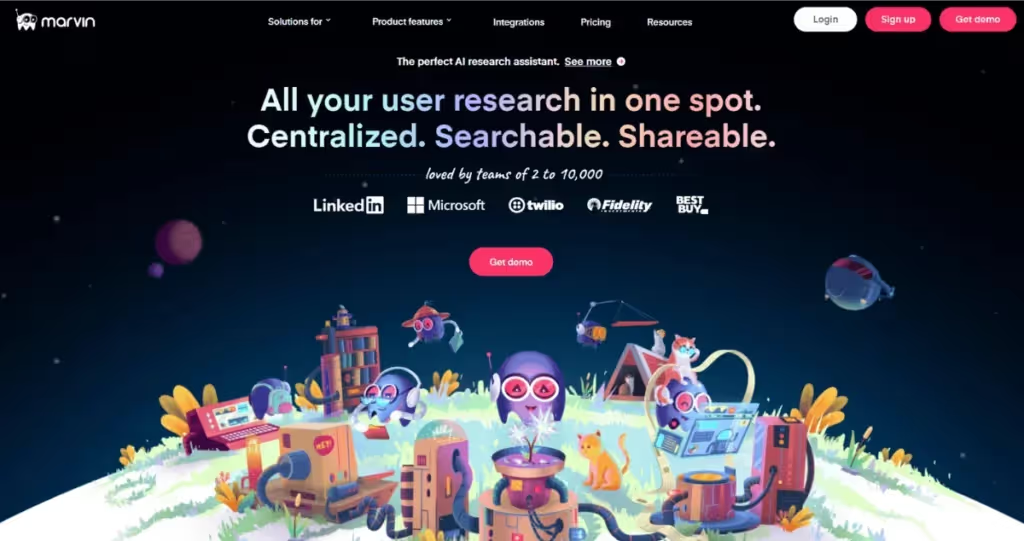
HeyMarvin is the perfect assistant for anyone doing qualitative user experience research. With built-in AI, our tool automates and improves data collection, organization, and analysis.
Here’s what it can do:
- Transcribe customer interviews in real-time in 40+ languages.
- Generate time-stamped notes for easy reference later.
- Summarize research and spot patterns.
- Build searchable repositories of all your research data.
- Create video clips, highlight reels, and detailed reports.
- Ensure HIPAA, GDPR, and SOC2 compliance.
- Apply privacy filters and remove personal data from interviews.
- Easily integrate with other popular tools like Google Docs, Notion, Asana, Miro, Confluence, Figma, and Jira Software.
Wouldn’t you like to never again worry about missing important details during customer interviews? Or having to spend hours transcribing and organizing notes?
HeyMarvin does all the tedious work so you can focus on the actual interactions and better understand your customers. Book a demo today and see what it’s like to streamline your research process for more impactful decisions without effort.
2. Hotjar
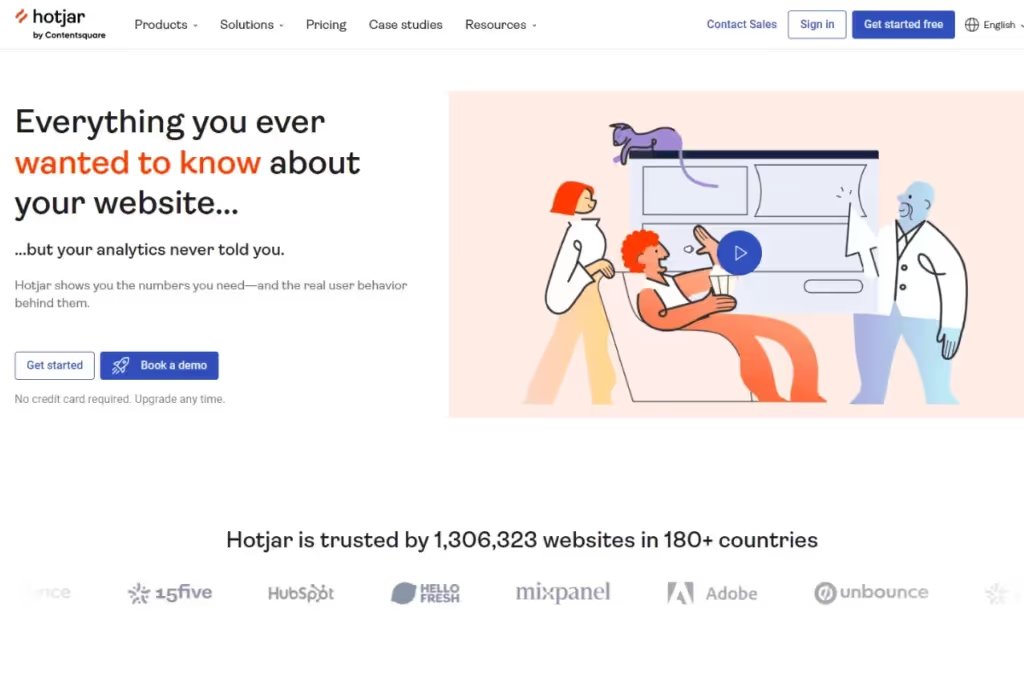
As a platform that specializes in digital experience insights, Hotjar provides sophisticated audience details. You can use it to understand where website visitors get stuck or confused, click repeatedly, or the pages they spend more time on.
By combining behavioral analytics, session recordings, and customer feedback, Hotjar helps teams improve digital customer experiences. As you see how customers interact with your website, you can update it to make their experience smoother and more enjoyable.
Below are some of the most relevant Hotjar features in terms of user experience:
- Visualize user behavior with heatmaps.
- Capture session recordings to spot trends and issues.
- Collect feedback with on-site surveys.
- Analyze conversion flows with funnels.
- Display feedback widgets for real-time user insights.
- Generate surveys with AI and analyze responses faster.
- Integrate seamlessly with tools like Google Analytics and Slack.
3. Mixpanel
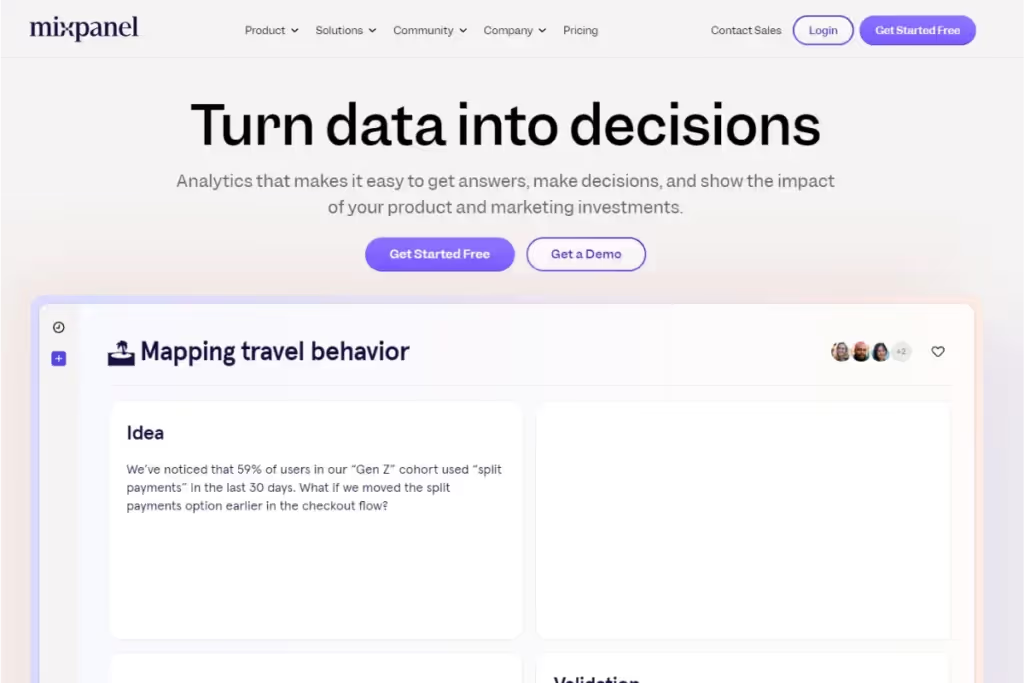
Mixpanel is a powerful tool for analyzing user behavior on web and mobile apps. As a customer analytics tool, it helps teams understand conversion, engagement, and retention.
So, it uses the data it analyzes to identify early signs of customer churn and improve conversion rates by removing friction points.
Here’s what Mixpanel can do:
- Track user paths to conversions and identify friction points.
- Monitor in-app user behavior and engagement stages.
- Analyze retention rates to spot early signs of customer churn.
- Analyze funnels, cohorts, and user segments to uncover behavioral patterns.
- Integrate with analytics tools like Hotjar for deeper insights.
4. HubSpot
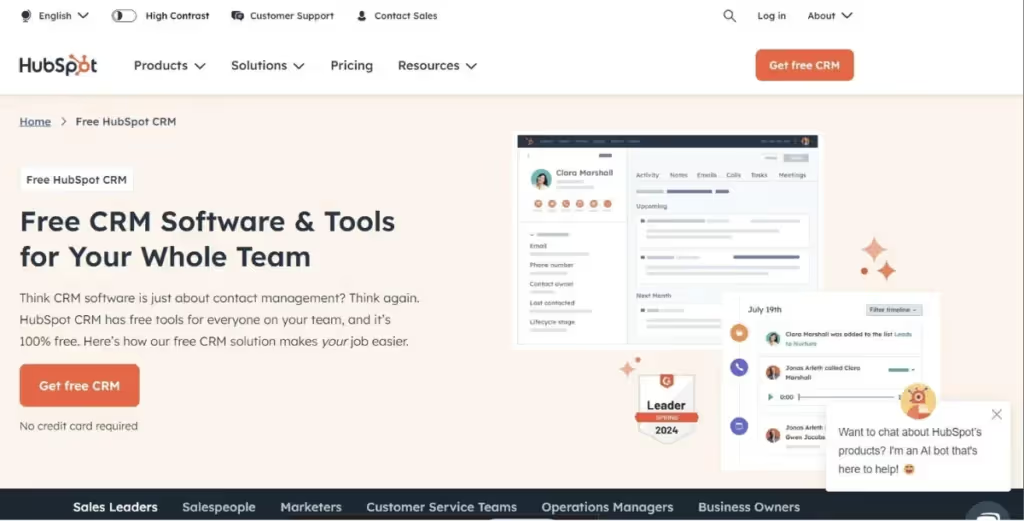
If you’re looking for a platform rather than just one tool, HubSpot offers you a robust solution. This popular AI-powered customer platform is packed with tools for conversation management, customizable feedback surveys, and customer portals. Recently, HubSpot launched Breeze, an AI system that includes autonomous agents for customer-facing teams.
Businesses that use HubSpot become more effective at market research and analyzing feedback. Because it’s an omnichannel customer experience software, it enables you to deliver consistent and high-quality service across multiple customer interaction channels.
With HubSpot, you can:
- Manage conversations via email, live chat, Facebook Messenger, etc.
- Create customizable feedback surveys like NPS, CSAT, and CES.
- Offer secure customer portals for self-service.
- Analyze feedback to understand customer needs.
- Integrate with CRM for deeper insights.
- Use AI tools to summarize conversations, answer questions about customer data, and automate support interactions.
5. Qualtrics
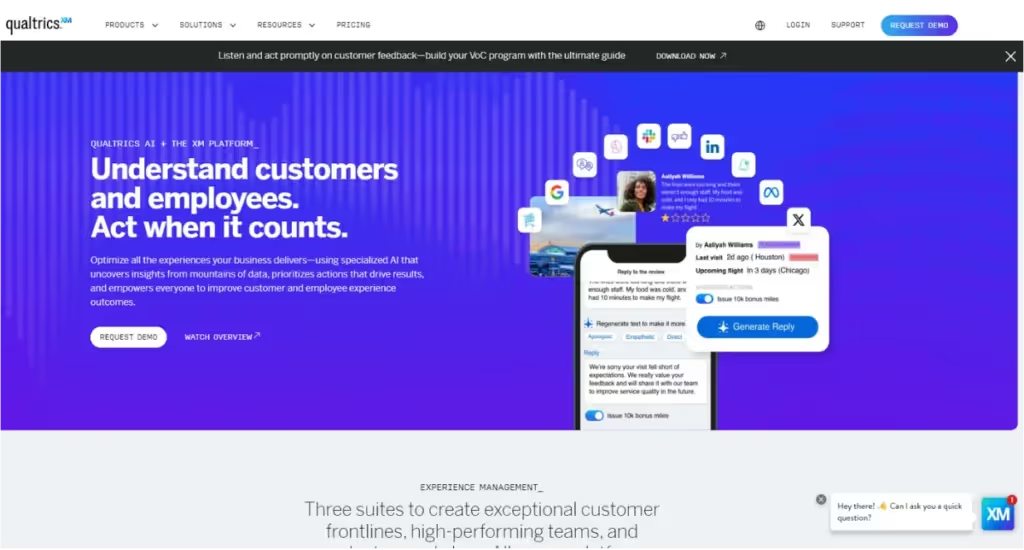
Here’s another CX tool with AI power. Qualtrics uses predictive intelligence, machine learning, and natural language processing to collect feedback and generate actionable insights.
With this survey software, you get proactive recommendations to avoid mistakes and continuously improve your customers’ experiences.
It can do the following:
- Collect feedback via surveys, social media, and customer touchpoints.
- Use AI to predict potential issues before they arise.
- Provide actionable suggestions to improve customer experience.
- Identify patterns and trends in customer behavior.
- Integrate with various platforms for seamless data flow.
6. Talkwalker
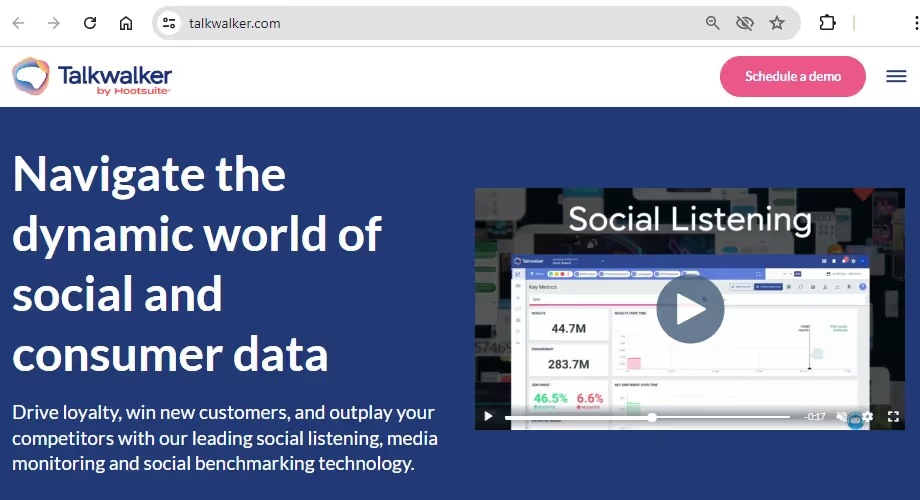
Talkwalker is a social listening CX tool that helps brands understand customer sentiment, monitor conversations, and strengthen customer relationships.
When you work with this consumer intelligence platform that monitors your brand on social media, you get a full picture of what consumers think about you. This AI-powered tool can even detect brand mentions in actual images and videos, not just by looking at their descriptive texts.
Some of its capabilities are:
- Monitor conversations from 30 social networks in 187 languages.
- Measure brand performance and build PR strategies.
- Compare performance against competitors and industry standards.
- Manage reputation and mitigate crises effectively.
7. Productboard
This one stands out from all the other options because it’s a platform for product roadmap planning. Still, the end goal of using Productboard is to gain feedback and insights that will show you which changes will have the biggest impact on user experience.
Here are some of Productboard’s main features that enable you to build the products your customers truly want:
- Centralize feedback from multiple sources.
- Build and manage product roadmaps.
- Prioritize features based on customer needs.
- Align your team around shared goals.
- Integrate with tools like Jira, Trello, and Slack.
8. Outfunnel
Outfunnel is a versatile tool that boosts marketing and sales through real-time visitor tracking and automated lead scoring. It provides valuable data on how customers behave on your website, helping you tailor your engagement strategies.
By connecting customer behavior data with sales and marketing systems, Outfunnel helps teams create more relevant experiences throughout the customer journey.
Here’s how you can use Outfunnel for user research:
- Track visitor activity in real-time.
- Automatically score leads based on behavior.
- Record detailed web visit histories.
- Set up personalized email campaigns triggered by visitor actions.
- Seamlessly integrate with CRM and marketing tools.
9. Podium
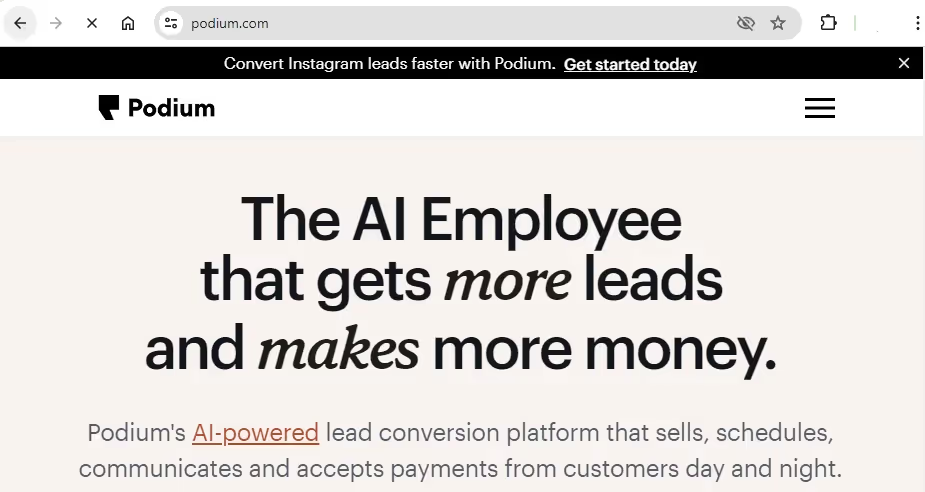
As a solid messaging platform, Podium makes staying in touch with customers and quickly solving their issues simple. It allows you to get feedback through text messages and manage your reviews easily, boosting overall customer satisfaction.
Here’s precisely what you can do with Podium:
- Send and receive text feedback from customers.
- Collect and manage reviews from different sites.
- Keep all communication and purchase history in one place.
- Share customer info with your team for better service.
- Offer support across multiple channels.
10. Adobe Experience Manager
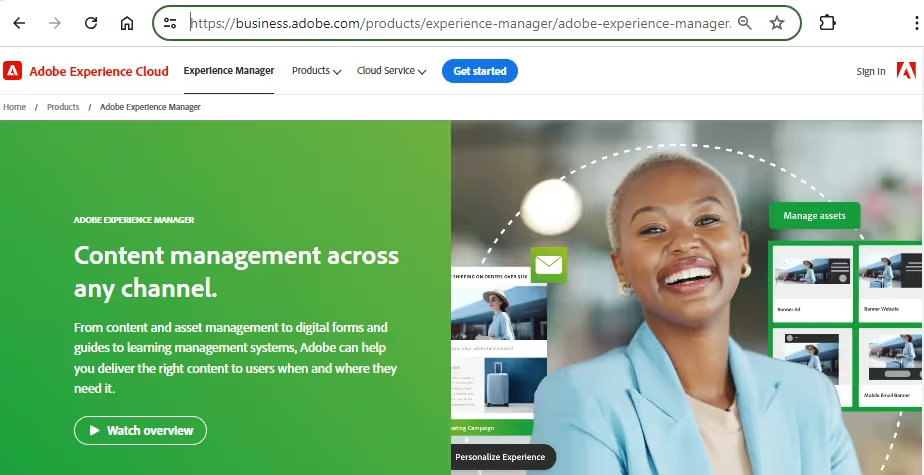
Even though it’s focused on content, Adobe Experience Manager can significantly improve customer experience by guiding you to create the best possible content.
Want to produce the type of content your audience is looking for and excited to read, tailored to their specific needs? This tool will help you do that and make your customers’ interactions with the brand more enjoyable.
Adobe Experience Manager is particularly suitable for enterprise teams managing large websites, multiple brands, or high volumes of content. Use this platform to:
- Create and manage content easily.
- Provide SEO recommendations to improve visibility.
- Personalize content for each customer.
- Enable team collaboration on content projects.
- Integrate with other Adobe Creative Cloud apps.
What companies get wrong when picking customer experience tools
Companies see some exciting features, watch a couple of demos, and choose a tool that seems suitable. But months later, they're still dealing with the same CX problems they faced from the start.
Where did they go wrong? The following questions can help you spot some of the most common mistakes before signing a contract.
1. Should we buy a full customer experience platform?
A common mistake is assuming that a full-service platform automatically delivers better results. In practice, the right choice depends on the problem you're aiming to solve.
Enterprise platforms can be valuable, but not every team needs one. And while you do want to leave room for growth, consider how likely you are to use everything the CX platform offers.
2. Will this tool work with the systems we already have?
Customer experience data can be found in many different channels. And each CX tool comes with certain integrations. But if the one you choose doesn’t match your current tech stack, you’ll end up moving information manually between tools. That adds unnecessary extra work and reduces adoption among your team.
3. Does the team actually want to use it?
This is probably the most overlooked question in the buying process.
Teams often compare platforms based on feature lists. Yet the tool with the most features isn't always the one you can easily adopt.
If workflows are confusing or the learning curve feels steep, people tend to avoid the platform altogether.
How AI is changing customer experience tools
The goal of CX research hasn't changed: teams need to understand customers to make better decisions. AI removes much of the manual work that slows the process down, giving practitioners more time to focus on the findings.
The tools have become faster, but the judgment required to use them hasn't gone away. Even when you use AI customer experience tools, you still need to:
- Ask questions about the AI output
- Flag when something doesn't seem right
- Decide which findings to escalate and what to file away
Here’s how that looks in practice.
Feedback synthesis is no longer someone’s whole job
In traditional research, someone spends days reading responses word-for-word, tagging themes, and generating reports.
With AI synthesis, you get patterns and a structured summary from thousands of data points at the click of a button.
You still have to review those findings for accuracy. But you can spend more time analyzing, prioritizing, and implementing the insights than uncovering them.
Predictive analytics replaces lagging satisfaction scores
Instead of relying exclusively on CSAT and NPS to find out what happened, you can predict what will likely happen.
Modern experience management software flags at-risk accounts before their scores drop. The model looks at behavioral signals, support ticket velocity, and usage patterns, and it tells you: this customer is showing churn behavior. Then your team decides what to do about it.
The wall between CX and product analytics is coming down
Customer experience software used to track sentiment and satisfaction, while product analytics tracked behavior. Therefore, they lived in separate tools, teams, and even in separate budget cycles.
However, teams need both perspectives to understand why customers disengage. AI is making it easier to connect customer feedback with behavioral data and analyze them together. As that separation fades, you gain more context and a clearer view of how product decisions affect the customer experience.

Frequently asked questions (FAQs)
Here are the answers to the most common questions about customer experience tools.
What is a customer experience platform?
A Customer Experience Platform (CXP) is software that integrates multiple tools and functionalities. It offers an all-in-one system for managing various CX activities such as customer data integration, feedback analysis, customer journey mapping, and more.
Platforms provide a holistic approach to managing the entire customer experience lifecycle.
Larger organizations often benefit more from a platform because multiple teams need access to the same customer data. If you only need to solve a specific problem, such as collecting feedback or analyzing interviews, a standalone tool may be enough.
What are the 3 main components of customer experience?
Understanding the following three key components of customer experience will help you deliver exceptional service and foster loyalty:
- Customer journey: Reflects the customers' path and how they move from their first interaction with your brand through purchase, onboarding, and ongoing use.
- Touchpoints: These are the moments when customers interact with your business, whether that's through your website, support team, mobile app, or social media accounts.
- Quality of the experience: This indicator reflects how customers feel about those interactions and whether the experience meets their expectations.
What is the difference between CX and CRM?
Customer Experience (CX) uses customer feedback to guide improvements in the customer experience.
Customer Relationship Management (CRM) covers a business's entire process of interacting with customers across all touchpoints, focusing on data collection and operations that manage relationships efficiently.
Most companies need both. A CRM tells you who the customer is and what interactions they've had with your business. CX tools help explain how those interactions felt from the customer's perspective and where you need to improve.
How much does customer experience software cost?
Customer experience software ranges from free tools (with limited functionality) to enterprise platforms that cost up to $10,000/month or more.
The biggest pricing factors are usually the number of users, the amount of customer data you’ll analyze, and the integrations you need. Some vendors also charge you per survey response, support volume, or how many users you track every month.
Implementation time, training requirements, and additional integrations also impact the final cost.
Can small businesses use customer experience tools?
Yes, small businesses can use CX tools instead of a large customer experience platform. And many such tools offer free plans, entry-level subscriptions, or usage-based pricing that makes them accessible to smaller teams.
For example, HeyMarvin’s pricing plans include a free tier that allows individual researchers to centralize and analyze customer interviews, survey data, and other research materials in one place. Hotjar also offers free access to some core behavior analytics.
Conclusion
The right customer experience tool transforms your business and leads to happier, more loyal customers. But how do you find this tool? You need to account for the problems you're trying to solve, the data you have, and how your teams work.
A smaller team may only need a focused solution, while larger organizations often benefit from a broader customer experience platform.
If your goal is to understand customers more deeply and turn research into decisions, HeyMarvin can help. Our AI-powered research platform centralizes customer interviews, surveys, support conversations, and other CX feedback sources in one searchable repository.
Create a free account with HeyMarvin today. Spend less time organizing research and more time finding the insights that help you build better products and customer experiences.

See Marvin AI in action
Want to spend less time on logistics and more on strategy? Book a free, personalized demo now!