.png)
.svg)


AI UX Design: Workflow, Tools, and What to Expect
Explore AI's role in enhancing UX design with key tools, real-world applications, and balanced pros and cons.



AI is uprooting industries and changing how people work. And UX design is no exception.
Usability guru Jakob Nielsen predicts that AI UX design heralds a period of renaissance for the field.
AI promises to streamline UX workflows by automating dull tasks. Researchers and designers suddenly have the gift of time (this didn't exist before AI!). With newfound time, they can dive deeper into solving real customer problems and refining their product design.
In this article, we examine ways to implement AI into the UX design process. We’ll delve into the benefits and limitations of using AI in design. And yes, we’ll deal with any existential concerns you have — “Will AI replace me?”
The AI UX design revolution is here. Are you ready?

TL;DR - How to use AI in UX design
- AI in UX design means using machine learning, NLP, and predictive analytics to research, design, test, and ship better user experiences faster.
- It handles repeatable work like transcription, tagging, pattern recognition, prototype generation, and survey analysis.
- Teams that use AI run research at a scale previously unattainable and make well-informed product decisions.
- There are five stages where AI plugs in — planning, discovery, ideation, prototyping, and evaluation. Each one has tools built for it.
- Bias, noisy data, and over-reliance are the real risks. AI output always needs a human to verify it before it informs a design decision.
- AI won't replace UX designers. Designers who use it will outpace those who don't.
What is AI UX design?
AI in UX design means using artificial intelligence across a research and design team’s workflow. It helps during design exploration by generating copy and suggesting interface directions.
Different variants of AI technologies, like predictive analytics, machine learning, and NLP, augment the UX process. The applications range from screener drafts before fieldwork to thematic synthesis after the last interview.
It’s not new. Design teams have always run A/B tests and user segmentation through automation for years. What's changed with generative AI is the range of what's possible. Today's AI UX design tools can:
- Create an executive-ready summary for an interview
- Suggest the follow-up questions to ask during a live interview
- Accelerate the process by generating a handful of design and content variations to explore possibilities
There’s more, and we’ll cover everything in the upcoming sections.
So when people talk about AI UX design, they usually mean using AI as a working layer inside the UX process to speed up routine tasks, find patterns sooner, and support more informed design decisions.

Why AI is essential for effective UX design
Here are four reasons why you need to implement AI in your design practice:
1. Optimize UX workflow
The hours UX teams used to spend on transcription, scheduling, and manual note-taking are gone. AI handles all of it. Microsoft saved thousands of dollars and significant man-hours switching to AI transcription alone.
Unmoderated usability testing, which was once a logistical headache, now runs with minimal oversight. Designers get that time back for the strategic work.
2. Large-scale data analysis
AI can process data from surveys, interviews, focus groups, and social media simultaneously, flagging patterns and anomalies a human would likely miss.
For example, HeyMarvin’s AI summarizes lengthy interview transcripts and surfaces insights immediately. This reduces time spent on analysis, making design teams more responsive to changing user preferences.
DISCLAIMER: Use AI output as a starting point and not a final answer. It’s important to always review before acting on it.
3. Machine efficiency
Human output varies with energy levels, mood, and bandwidth. AI doesn't have those problems. Once trained, it applies the same process every time. This reduces errors and helps ML models improve incrementally with each new dataset.
AI can also spot bias in design choices that even experienced designers might overlook.
4. Personalization
AI analyzes user interaction data and adapts interfaces to different user personas automatically. The Netflix and Spotify recommendation engines are the most visible examples, but the same logic applies to any product with enough usage data.
AI also evaluates prototypes for accessibility, which helps teams design for a wider range of users and create curated customer journeys.
How to Use AI in UX Design
AI helps improve the quality and efficiency of design work.
First, it's key to establish your goals. Will AI help you hit your targets and solve user problems? Examine the process and determine where automation and deep analysis create efficiencies.
Here’s a quick rundown of how to implement AI at different stages of the design process:
- Plan: Use generative AI to craft a plan and other project documentation.
- Discovery: Let tools automatically collect data for you. Program AI to scrape market data. Algorithms unearth trends and patterns from large and complex datasets. Chart the user journey with mapping tools.
- Ideation: Develop user personas with AI. Analyze sentiment from various channels. Collate user data to understand customer preferences and desires. Creating text for UI content is a breeze with AI. No more lorem ipsum!
- Prototype: Generate hundreds of wireframes and UI design layouts from prompts or sketches. Use AI to iterate endlessly. Then, tweak elements with color matching and font suggestions. Tools provide recommendations that follow design best practices.
- Evaluate: Automate prototype testing with AI usability tools. They facilitate unmoderated testing and track user behavior accurately. Understand what captures a user’s attention. Where do they experience roadblocks on their journey?
Putting AI to work frees up a designer’s valuable time. That’s newfound time spent on solving user problems. Or dreaming up their latest idea.
Want to supercharge your AI productivity? Marvin’s co-founders share their favorite AI tips and tricks.

5 Best AI tools for UX design
There are over 11,000 AI tools readily available in the market.
Let’s face it, some of them are rubbish. In this design AI experts talk, Figma’s Head of Insights Andrew Hogan warned that we’re currently experiencing ‘AI fatigue.’ Andrew thinks it’ll be a while before tools become powerful. Rome wasn’t built in a day and all that.
Some tools stand out among the crowd. They have nifty AI features that you can implement into your design process today. Here’s a quick roundup of the top UX AI tools in the marketplace.
1. HeyMarvin
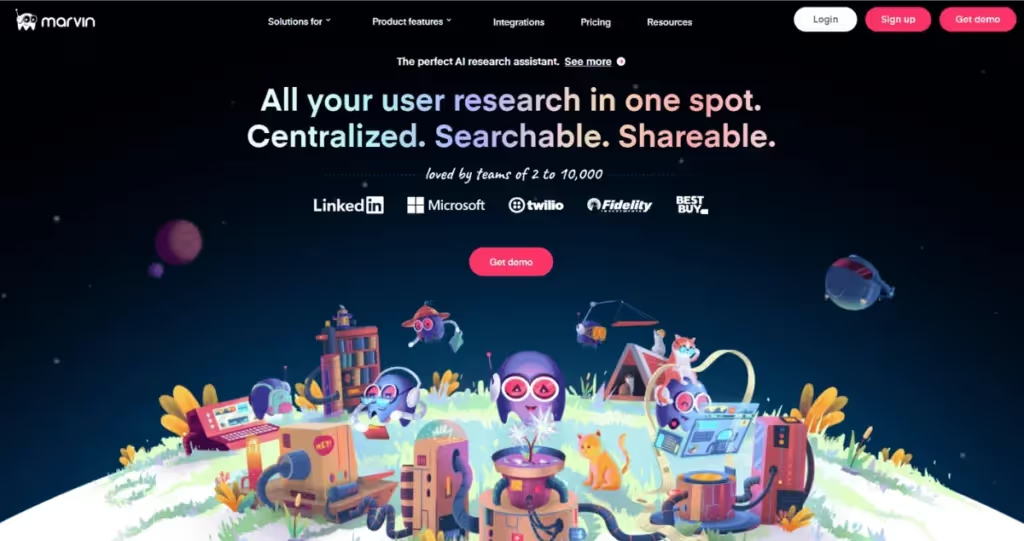
HeyMarvin is your AI-powered design sidekick.
Use it as your central repository for all your customer data. HeyMarvin seamlessly integrates with apps designers love, so importing data is easy and breezy. Elevate your workflow with these handy AI features:
- Ask AI: Think of this as ChatGPT for all your data. Interrogate your database and connect the dots across projects.
- Transcription: Invite HeyMarvin to transcribe your virtual meetings (in 40+ languages, no less!). Focus wholly on conducting interviews.
- AI Notes: HeyMarvin auto-generates notes from transcripts and creates time-stamped insights. Collaborate with your peers in real-time with live note taking.
- Analysis: Upload survey responses into HeyMarvin and let AI pore over the data. It conducts a preliminary analysis and creates visualizations. A great start, even before you get started.
Share insights with stakeholders far and wide. Elevate the user voice across your organization.
Learn more about Marvin’s solutions for product design.
2. QoQo
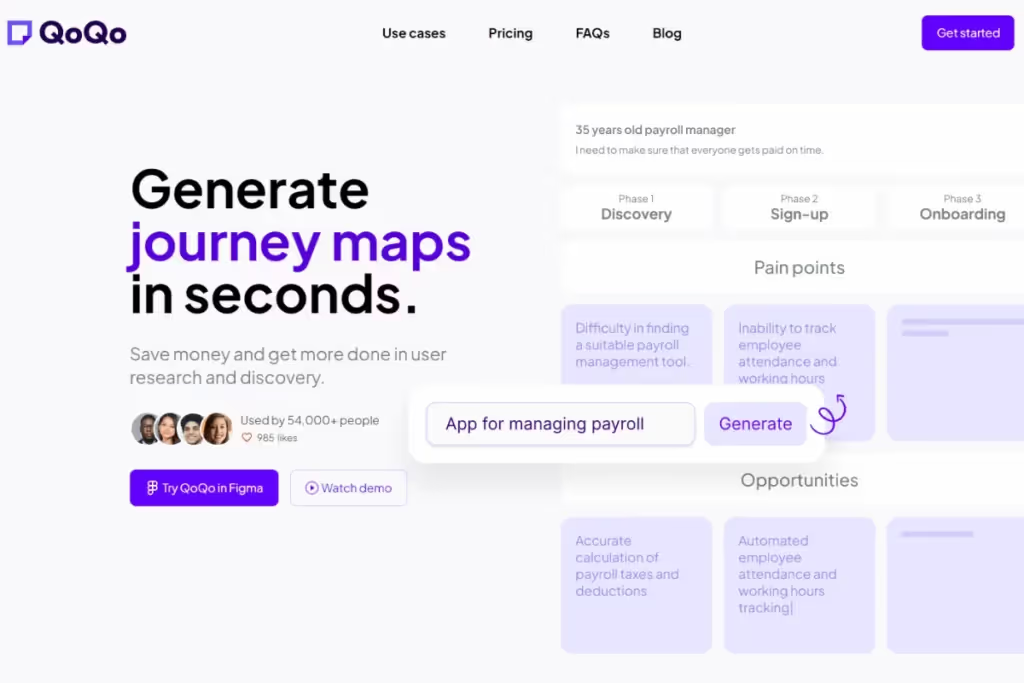
QoQo is especially helpful during the early stages of the design process.
Craft well-rounded user personas with QoQo. Based on user input, it generates separate cards for each persona. Each card details user goals, needs, motivations, tasks, and frustrations. Create user journey maps to visualize how different user types navigate through products.
Visualize customer data with affinity mapping — analyze and sort large datasets. Use its AI to draft a design brief and identify key challenges and risks.
QoQo is available as a direct plugin in Figma, a popular design tool. It’s powered by OpenAI, so be mindful of bias and provide sufficient context when drafting prompts.
3. Uizard
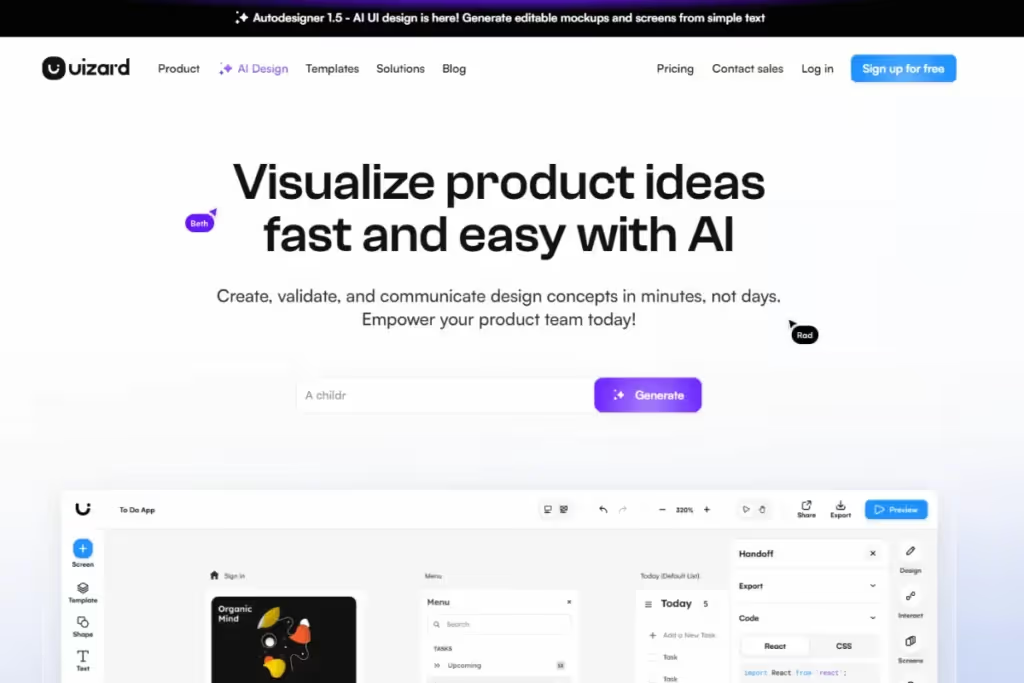
Uizard is the prototyping tool of choice for designers.
The application uses generative AI to create wireframes from written prompts. Uizard converts your hand-drawn sketches or screenshots into editable mockups. It’s brilliant for developers, too, as it creates the underlying code from a sketch.
Work with peers in real-time to create wireframes with the drag and drop builder. Ask Uizard to suggest a UX copy for your product. Attention heatmaps help you predict the user’s focus.
Uizard employs design best practices while building prototypes. Iterate and refine your designs endlessly with this generative AI tool.
4. ChatGPT

Despite the plethora of options, we keep circling back to ChatGPT. It might be because most tools use its GPT-4o engine.
Ideal for the ideation phase (we couldn’t resist), use ChatGPT as your sounding board. Brainstorm project ideas and draft research plans with checklists and guides. Create user personas, generate questionnaires, or conduct a competitor analysis. The world is your oyster.
Use ChatGPT as an endless idea generator. It’s trained on the internet (a biased dataset). Therefore, consider its responses as a skeletal first draft of your work. And don’t settle for the first answer you get. Continue to tweak and refine prompts as you go along till you get the desired output.
Keep your prompt game strong.
5. Attention Insight
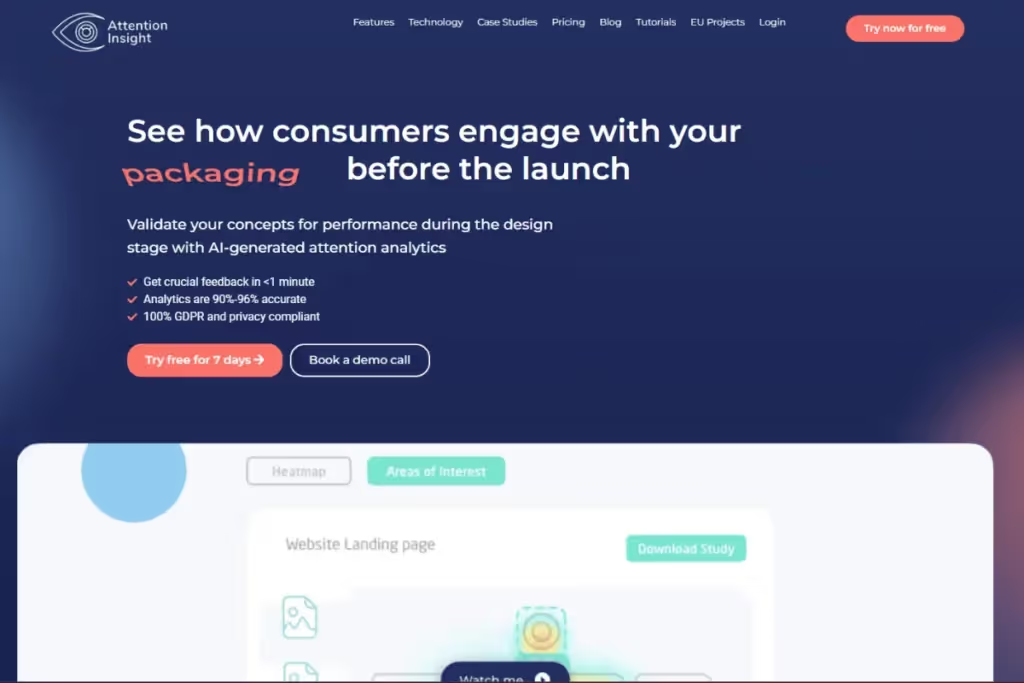
Attention Insight is an AI-powered tool that delivers design analytics. Analyze user attention on a variety of platforms. This includes desktop, mobile, marketing material, packaging and store shelves.
Eye-tracking studies and preference tests generate heat and focus maps. Visual representations reveal elements that capture a user’s attention. They help unearth usability issues and potential obstacles in the user interface.
With powerful predictive capabilities, designers can make informed decisions to enhance usability. They design to optimize product performance and create more user-centric designs.
Additionally, it tracks how product updates impact conversion rates over time. Continuously improve your user engagement with Attention Insight.
What effective AI UX design looks like in practice
The best way to understand AI for UX design is to look at the workflow.
Before: Traditional UX workflow
In a traditional UX process, researchers handle each step one after another. They:
- Build the discussion guide
- Run the study
- Clean up notes
- Review transcripts
- Pull out themes
Then the team turns those findings into a report or presentation, all manually. Only after that do designers and product teams start using the insights.
This workflow produces solid work, no doubt. But each stage is time-consuming.
When someone asks a new question, the team has to reopen past studies and search through old files before they can share the insight. It slows down decision-making and adds repetitive work.
After: AI-assisted UX workflow
With AI support, researchers still lead the work. They still define the questions, guide the study, and judge the findings. You’ll see the difference in the support layer around the work.
AI can draft a discussion guide and organize interview notes by itself. It will then summarize transcripts and surface repeated themes faster.
The team can move into interpretation much earlier because they’ll spend less time sorting through the materials.
Also, when teams revisit older research in an AI-assisted setup, they can search across past interviews, feedback, and notes with far less effort than the traditional workflow. So, existing research becomes easier to reuse in product decisions.
With early insights:
- Designers can test the directions earlier.
- Product managers can cross-verify if a request aligns with what users have already said.
- Researchers won’t have to spend much time repackaging findings for every new question.
So, an effective AI UX design removes drag from the workflow without removing human judgment. The workflow still needs researchers, designers, and product teams to work the way they’ve always been. AI just reduces the labor required to deliver usable insights to the people making product decisions.

Common pitfalls in implementing AI in UX design
Like any technology, AI has its own set of limitations. Be cognizant of these pitfalls when using AI in UX design:
Baked-in bias
In AI, bias is the ‘systematic and unplanned presumptions encoded into datasets and algorithms’.
Large language models (LLMs) use the internet as training data. Since the web is a biased dataset(HL), it doesn’t capture a comprehensive view of the human experience. Developers have biases of their own.
Combine the two, and it’s a recipe for suspect data analysis. By perpetuating stereotypes and reinforcing people’s own prejudices, bias can skew results. The knock-on effects are poor decision making, and resource wastage (the big three).
It’s impossible to eradicate bias completely, but you can take steps to mitigate it:
- Diversify your training data.
- Conduct regular audits of models and people working with them.
- Human judgment must verify AI’s output.
- Raise awareness of high-risk situations for AI to exacerbate bias.
Noisy data
The internet is an ever-increasing knowledge bank. For every bit of information that’s useful, there’s copious amounts of junk on there.
AI algorithms use the internet as training data to incorporate the good and the bad aspects of the web. We used a term ‘GIGO’ which stands for “garbage in, garbage out”. Be mindful of GIGO when reviewing AI’s output.
ChatGPT and other AI tools can suffer from ‘hallucinations’ from time to time. Hallucinations occur when AI models have poor or insufficient training data on a topic. The result is output that appears factual when it’s actually false.
Periodically check the data that AI algorithms are being trained on. Interrogate AI’s responses when they sound a bit fishy. Go back to source.
Tech over reliance
As AI permeates further into design, widespread adoption by companies is inevitable.
What designers don’t want to do is jump headfirst into the tech stack and forget their acquired skills.
Ben Little highlighted how learning the craft has evolved. When he was learning how to tag or code data, he did so by hand. Designers today don’t have to undergo the same training. AI helps expedite the process. A double-edged sword.
If new age designers don’t learn the craft, and rely too heavily on AI systems, their work suffers. They might miss important insights, and fail to apply critical thinking or analytical skills to their craft.
Auditing AI’s work becomes impossible, because designers won’t know what to look for. They aren’t skilled at the traditional methods. A scary thought.
Read more about the potential upsides and downsides of using AI in UX research.
Will AI Replace UX Designers?
In a nutshell…NO.
AI will NOT replace designers. Designers who use AI well will replace those who don’t.
It will, however, have a transformative impact on the profession, forcing companies to start rethinking research roles.
However, AI falls short when performing tasks that require human creativity, empathy, and critical thinking. Without human interpretation, it’s just a pile of data.
Don’t think of AI as the researcher’s replacement. Instead, think of it as a researcher’s companion.
AI has room to grow. And it will need insights from qualitative data to continue to build on the technology. Read how Microsoft’s Mary Gray thinks qualitative research and AI systems can work together for the better.
We view it as a symbiotic relationship. AI needs UX design, just as UX design needs AI.
UX is a human-centric profession. But AI will revolutionize the way designers and researchers work. To avoid becoming obsolete, Jakob Nielsen strongly urged UX professionals to learn how to use AI.
What AI can do vs. what AI can’t do for UX designers
With this in mind, it’s important to understand where AI’s involvement ends and where human involvement begins:
To all humans reading this: recognize that you’re an essential cog in the design machine.
Freshly equipped with this information, find out how HeyMarvin’s robust AI capabilities can help you. Set up a free demo to see how to integrate AI into your designs.

Frequently asked questions (FAQs)
Here, we’ll answer some popular questions about the intersection of AI and UX design:
What are the ethical considerations of AI in UX design?
Consider the wider consequences of the products you’re building. Keep these factors in mind to avoid getting into an ethical pickle:
- Bias: You can’t completely eradicate bias. Take steps to minimize it and acknowledge it in your documentation.
- Transparency: Explain to users what aspects of an AI system are and which ones aren’t. Tell them how you use their data.
- Data Security: Encrypt user data and store it safely. HeyMarvin is HIPAA, GDPR and SOC2 compliant. Just putting that out there.
- User Privacy: Obtain user consent and approval before collection. Anonymize sensitive user data.
- Accessibility: Constantly overlooked by top websites, which average over 50 accessibility errors on their home pages. Ensure websites and applications cater to the differently abled.
What skills are essential for UX designers working with AI?
Sharpening these skills gives you a better understanding of how to work with AI. It’ll also set you apart from other designers:
- Data Competence: A basic understanding of data science and data-driven procedures.
- Research & Analysis: Familiarity with structured quantitative and qualitative research methods.
- Visual UI: A baseline of visual and user interface design skills.
- Wireframing and Prototyping: Ability to create wireframes and prototypes and conduct user testing on them.
- Collaboration: Must connect and understand the needs of various stakeholders.
You want someone who knows how to carry out design manually. That way, they can diagnose any missteps taken along the way. Forgive us for making it sound like a job description.
What are the best practices for applying AI to UX design?
Implement these best practices when using AI tools for UX design:
- Maintainuser-centricity: Prioritize user needs over everything else. Ask yourself three questions throughout the design process:
- Why are we building this?
- What customer problems does it solve?
- What are potential challenges we might encounter?
- Consider stakeholder impact: Examine the impact of AI on different stakeholders of the business. How will AI change their work?
- Define AI’s role: Clearly distinguish between where AI can assist and where it can’t. This helps govern the appropriate use of the technology.
- Work around AI’s limitations: Remember, use AI as a starting point for ideation or analysis. Double check its source information whenever possible.
Conclusion
AI is revolutionizing the way designers work.
Designers have a companion to help unearth deeper insights, and share the workload. They’ll attack problems in new and exciting ways. UX practitioners who embrace and incorporate AI into their workflow are likely to reap the benefits. The rest? Likely left behind.
It’s imperative for designers to begin familiarizing themselves with the technology. They must understand how it can help them and simplify their workflow.
AI automation streamlines data processing by amassing and analyzing data en masse. AI’s preliminary analysis, coupled with a designer’s expertise, unearths deep truths about user preferences. In turn, this creates personalized and stellar user experiences. Everybody wins.
What are you waiting for? Get acquainted with AI design tools. Give Marvin’s AI features a test spin. Book a free demo today!

See Marvin AI in action
Want to spend less time on logistics and more on strategy? Book a free, personalized demo now!


.png)