.png)
.svg)


User Insights: How to Collect, Analyze, and Use Them
A complete guide to user insights, showing how to collect, organize, analyze, and share what users tell you so your team makes smarter product decisions.



You are bombarded with new data from dozens of sources daily, such as interviews, surveys, social media posts, and feedback calls. Extracting accurate user insights and making decisions can feel overwhelming, but it doesn’t have to be.
Our blog will serve as a roadmap, taking you through the specific steps to collect, organize, analyze, and share user insights efficiently. We’ll also discuss some trends that can shape the future of UX research.
Let’s dive in.

What are user insights and why do they matter?
User insights are valuable information you get from studying how users interact with your product or service. They help you understand what users like, need, and prefer, allowing you to meet their expectations.
Here’s how user experience insights support your product and business goals:
- Product or service development: Understanding what your users need will help you develop better products and services that are more likely to succeed.
- Improved customer experience: UX insights help you identify and fix customer pain points, boosting customer satisfaction.
- Increased customer loyalty: With insights, you can spot friction points in the customer journey and work on addressing them to reduce churn rates.
- Informed decision making: Insights precisely tell what your customers prefer and expect, empowering you to make evidence-based decisions that resonate with your target market.
- Tailored marketing campaigns: By understanding what marketing messages resonate with your target audience, user experience insights allow you to craft marketing campaigns with higher conversion rates.

How to gather user insights
So, how do you start gathering data?
Follow these three steps:
1. Define your specific goals
Start by identifying what you want to gain from your research and data insights. Set specific, measurable, achievable, relevant, and time-bound goals (SMART) that align with your business needs.
Your goal might be to improve customer satisfaction, increase engagement, or assess the effectiveness of a marketing campaign.
2. Collect the right data
Identify and scrutinize your data sources to collect relevant data for your goals. You should prioritize sources that can provide quality data.
You can gather reliable information from external sources like surveys, interviews, and social media analytics.
3. Capture real-time feedback
You can refer to internal databases such as sales, customer feedback, and marketing analytics to gather raw and honest data.
With this type of feedback, you can address problems swiftly, showing customers their voices matter.

How to organize research data in one place
Once you create or gather data, it can quickly become disorganized.
To save time and minimize errors later, you should follow these three steps to structure your research data:
1. Capture feedback on a single tool
Gather data from all sources, including your survey forms, customer interviews, social media, support ticket forms, images, PDFs, and sales calls, and put it into one platform.
2. Initial coding and clustering data
Next, you can apply codes to your content, which will help you categorize your findings and organize your research.
If you want to skip the manual work, use an AI software to identify patterns and themes in your qualitative data. You can automatically add tags, codes, and labels to categorize and organize your content.
3. Create a UX research repository
Set your team, including the design, product, sales, and marketing, up for success with a research repository that makes it easy to search for and use research files.
The centralized repository can organize all the filters, labels, and file tags in one place, making it easy to extract specific information anytime.

How to analyze research faster with AI
AI tools are at the forefront of qualitative data analysis with state-of-the-art analytical capabilities.
Let’s now dive into the three steps to follow when using AI research tools for analysis:
1. Transcribe and summarize
Use AI software to automatically transcribe all files in your project, create notes, and generate quick summaries. This gives your team a searchable record of every interview, call, and survey without spending hours on manual note-taking.
2. Identify recurring themes
An AI tool can detect themes and list the relevant topics and information on each theme (together with the sources). Because every theme links back to the original source, you can quickly verify the evidence behind each finding.
3. Analyze user sentiments
Need an emotional analysis of your data? Use AI to detect user sentiments and get all the feelings from your notes (joy, fear, anger, and more). You can click on each segment on the pie chart to view the corresponding notes. Don’t forget to run a trend analysis and detect evolving trends from your data.
HeyMarvin is an AI-native customer insights platform that can conduct qualitative data analysis and help you extract actionable insights. Book a free demo to see how it works.

How to share user insights across teams
Finally, share your insights with your team.
Follow these three steps:
1. Collaborate with your team
It’s time to involve your team to understand the insights collaboratively. Reach out to teams like marketing research, CX, and CRO to make better decisions. Your insights should flow seamlessly through your favorite tools, such as Miro, Google Sheets, and Asana.
2. Make your findings actionable and engaging
Use storytelling techniques and illustrate your findings with real quotes and user examples. To present the data to your stakeholders, you can create graphs, research reports, presentations, and tables. You can also create a playlist from multiple clips of the users' voices, so your stakeholders will be more likely to retain the information.
3. Assess your conclusions
Compare insights across different periods, A/B tests, and user segments to understand the similarities and differences. You can find quotes and verify your findings across all sources in your repository.

What is the best tool for user insights?
One of the biggest challenges when extracting user insights is keeping up with the constant flow of research. The best user insights tools help you organize everything in one place and offer analysis features that make it easier to spot patterns.
That said, some tools lean on interviews and survey collection and analysis, while others focus on participant recruitment and usability testing.
When considering your options, look for a platform that can store data from as many different sources as possible. A platform that lets you organize, analyze, and share insights in one place.
HeyMarvin

HeyMarvin is an AI-native customer insights platform that can:
- Conduct research for you, through AI interviews and an in-app or website live intercept
- Support you in conducting research by recording your interviews and taking live notes
It also includes a UX research repository that stores interviews, surveys, support tickets, sales calls, and other customer research.
The platform then uses AI to transcribe files, summarize conversations, identify recurring themes, analyze user sentiment, and generate reports. Teams can also collaborate with shared notes, reports, and user quote playlists.
HeyMarvin keeps your data safe with enterprise-grade security and gives you flexible access settings. You decide who can view your research, and your team can search through it and reuse past insights.
UXArmy
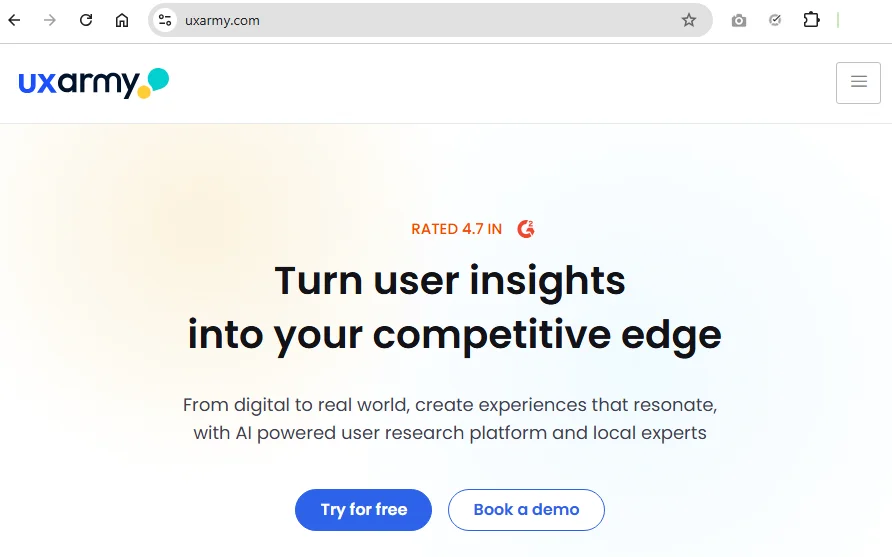
UXArmy supports both UX research and usability testing in one platform. You can use it to test websites, mobile apps, and prototypes through moderated or unmoderated studies.
The platform also supports screen and audio recordings, AI transcription, participant recruitment, and studies in multiple languages. Card sorting and tree testing are available if you need to improve navigation or information architecture.
If you don't have the time or resources to run studies yourself, UXArmy offers research services. Its team can help with study design, moderation, participant recruitment, or analysis. The platform covers several research methods, but usability testing is where it offers the widest range of features.
Sprig
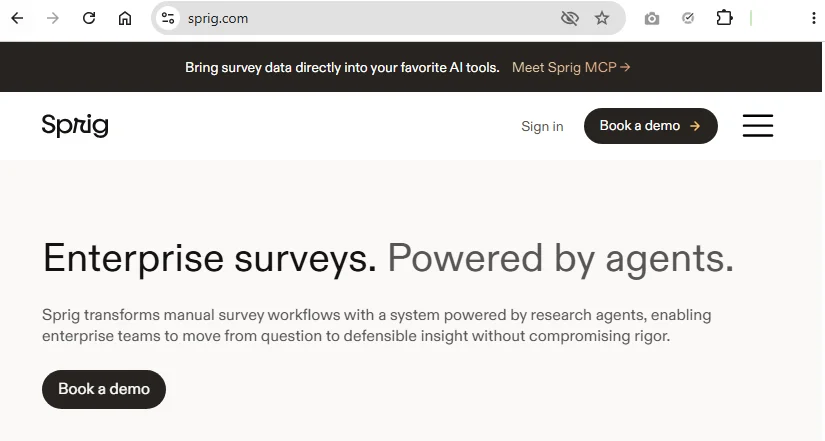
Sprig can be a good choice if you’re looking to run enterprise surveys. You can send them through email, SMS, websites, mobile apps, or research panels without switching between different tools. The survey builder also relies on AI to suggest question flow, spot biased wording, and adjust follow-up questions as participants respond.
Once responses start coming in, Sprig’s built-in AI agents will group them into categories and draft reports you can share with stakeholders.
The platform is especially useful for teams that rely on ongoing survey research. It can help you measure customer experience, validate product ideas, or understand user behavior over time.
What are the future trends in user insights?
So, what is the future of UX research?
Check out some of the future predictions of user experience insights:
- Personalization: Personalizing products and services to match consumer preferences is one of the future trends. By leveraging AI and qualitative data analytics, businesses will gain insights into consumers' wants and needs to inform their business decisions.
- Consistent User Tracking: With users switching across multiple devices, companies will adopt unified user profiles that enable tracking of user behavior across different platforms. Businesses can deliver consistent messaging and track user interactions seamlessly, regardless of the devices they're using.
- Mixing Methods: Combining different research methods, such as user surveys, interviews, and usability testing, will help organizations gain a holistic view of UX insights. AI tools are invaluable for researchers analyzing a wide range of data, from interview transcripts to call recordings.
- Continuous Feedback: User experience research will be a gold standard in every stage of product development. By prioritizing continuous feedback loops, businesses can spot and fix issues early and adjust accordingly before they become full-blown disasters.
- Deeper Research Integration: User insights will no longer be limited to UX teams; service, product, design, and marketing teams will also rely on these insights to guide innovation and improvement in each area.

Frequently asked questions (FAQs)
Let’s explore the top frequently asked questions about user experience insights:
How often should teams collect user insights?
Teams should collect user experience insights regularly, such as weekly or monthly.
Though it might seem tedious, AI can make your research process seamless by helping you identify issues early and staying on top of trends that boost business growth.
Why is it important to share user insights?
Sharing insights is crucial to align your team around understanding your user needs.
Also, sharing fosters innovations that resonate with the audience and allows your team to create more effective marketing campaigns.
How can AI speed up the user insights process?
Here's how AI can help you collect, organize, analyze, and share user insights faster:
- Automated coding: AI can instantly detect patterns and trends in your data.
- Collaboration: Some AI tools have vast collaboration capabilities, such as inviting colleagues to watch interviews live. Your team can also comment, edit, and contribute insights.
- Quick imports: AI software can integrate with platforms like Google Forms, Qualtrics, and SurveyMonkey, making it easy to upload and analyze your surveys quickly.
- Instant reporting: With AI, you can get actionable reports based on your data with the click of a button.
- AI note taker: AI saves you time by jotting down UX insights in real-time.
What is the difference between user insights and customer insights?
Users are the people who interact with your product, while customers are the people or organizations that buy it. In many products, they're the same person, but not always, especially in B2B software. Therefore:
- User insights help you understand how people use your product and where they run into friction.
- Customer insights go beyond product use to cover buying decisions, brand perception, and the overall relationship with your business.
Conclusion
From defining the goals of your UX research to sharing the final results, we’ve seen how every step is crucial. We’ve also seen how structured steps can help you collect reliable data and turn it into clear, actionable conclusions.
Remember, the faster you can analyze data, the quicker you can get insights about your users.
HeyMarvin, our dedicated AI qualitative analysis tool, reduces your time to insights to hours instead of days. It simplifies gaining actionable insights, even for those new to the field.
Try HeyMarvin for free, and see for yourself.

See Marvin AI in action
Want to spend less time on logistics and more on strategy? Book a free, personalized demo now!