.png)
.svg)



Product updates
Stay on top of the latest HeyMarvin features,
product releases, and improvements.

Take thematic analysis further with affinity boards
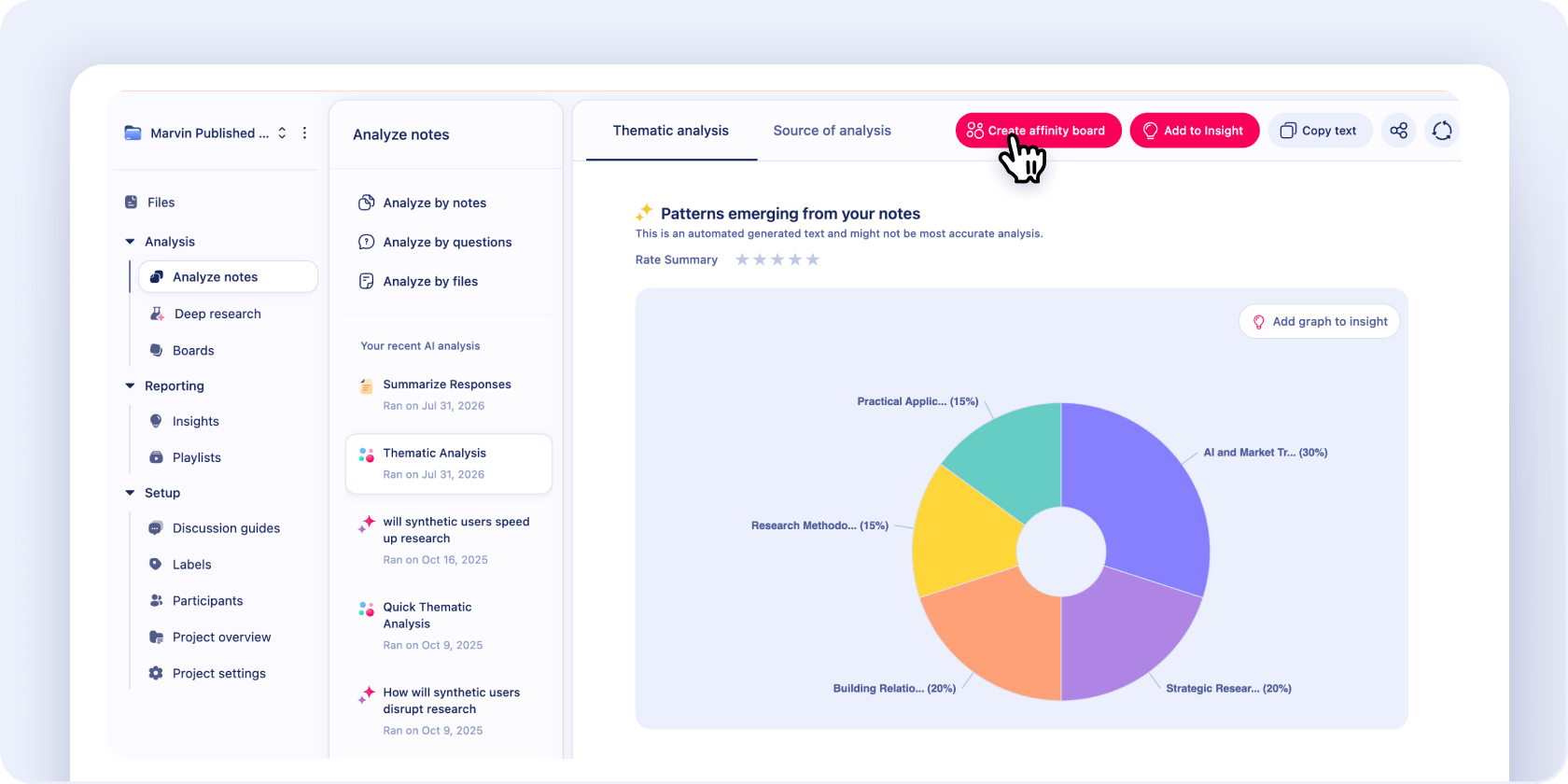
Uncover patterns in your notes with advanced thematic analysis. Then convert the results into an affinity board in one step. Visualize themes, rearrange notes, and collaborate with your team to surface more insights.
Take thematic analysis further with affinity boards
Uncover patterns in your notes with advanced thematic analysis. Then convert the results into an affinity board in one step. Visualize themes, rearrange notes, and collaborate with your team to surface more insights.
Anonymize research participants to safeguard PII across Marvin
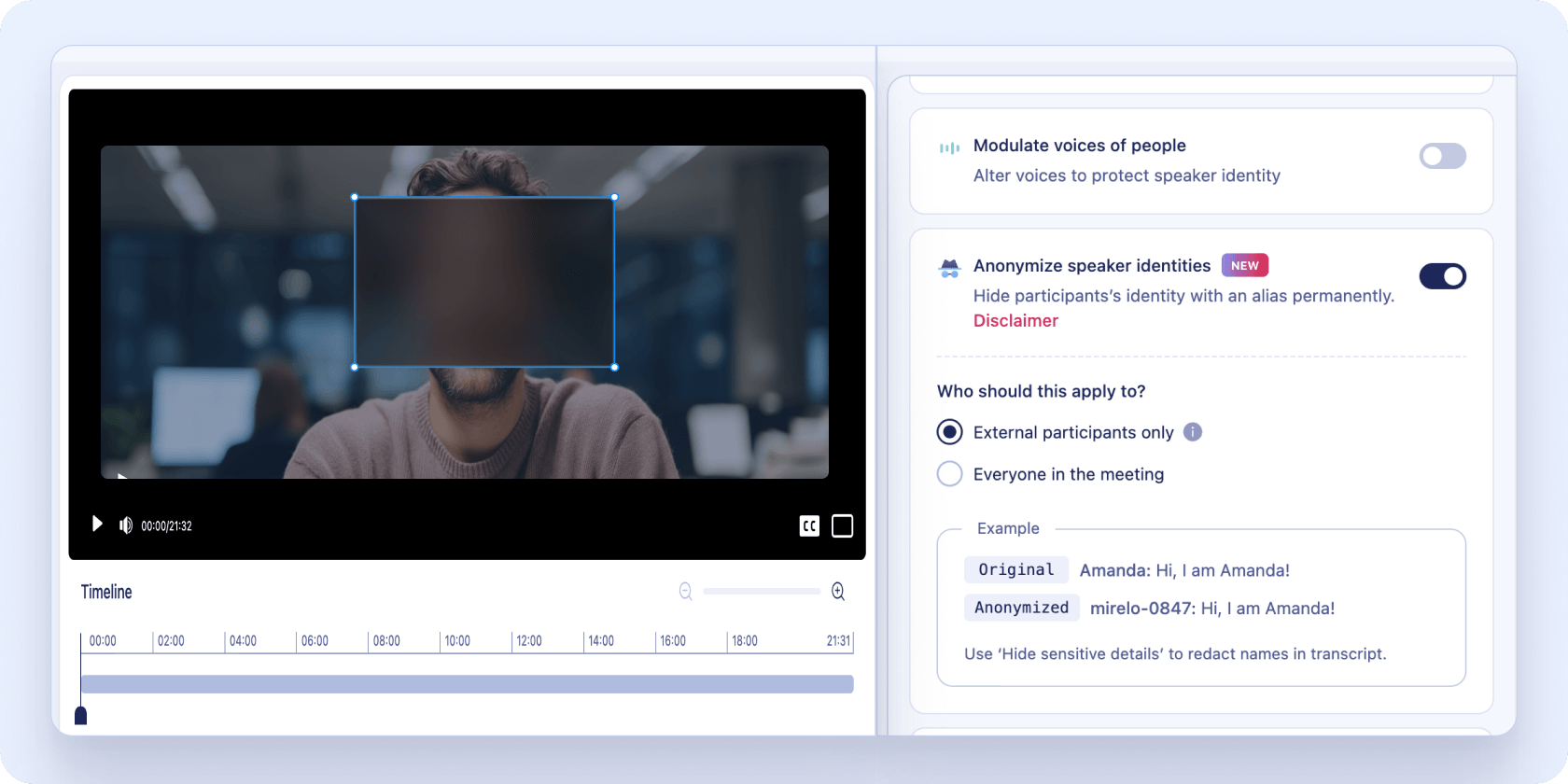
Mask the identities of survey and interview participants with our new PII redaction. Marvin replaces names and emails with aliases across all mentions when you add new data. Automatically protect PII and stay compliant with data privacy guidelines.
Anonymize research participants to safeguard PII across Marvin
Mask the identities of survey and interview participants with our new PII redaction. Marvin replaces names and emails with aliases across all mentions when you add new data. Automatically protect PII and stay compliant with data privacy guidelines.
Introducing Marvin Live Intercept, an AI Interviewer that captures in-the-moment feedback
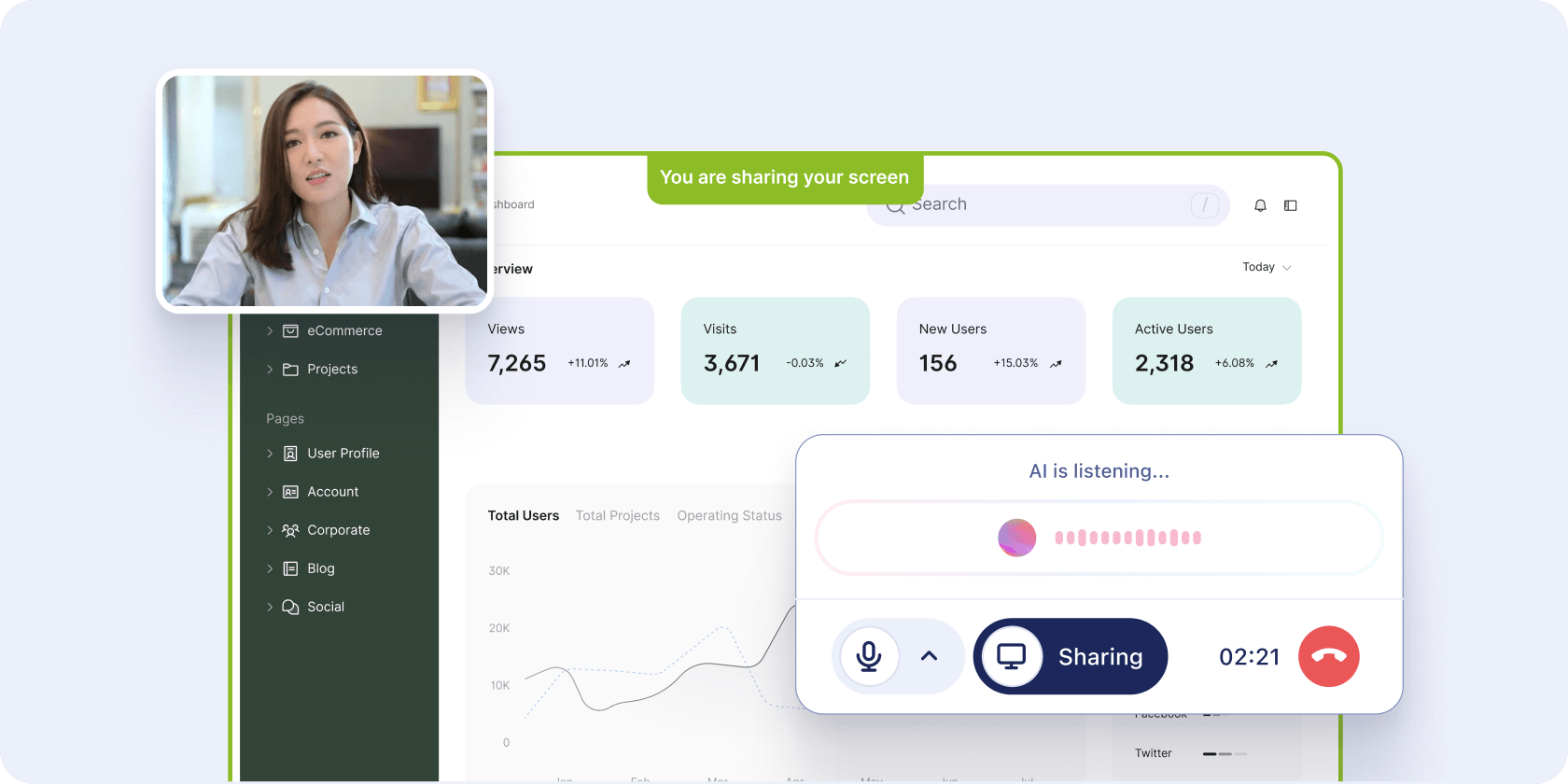
Marvin Live Intercept automatically launches AI-moderated interviews while users are on your website or product, so you can gather feedback in real time. You set the discussion guide, and Marvin runs conversations around the clock, in 40+ languages. Users can share their screen to explain where they got stuck. Every interview flows into Marvin and connects to what you already know about them.
Introducing Marvin Live Intercept, an AI Interviewer that captures in-the-moment feedback
Marvin Live Intercept automatically launches AI-moderated interviews while users are on your website or product, so you can gather feedback in real time. You set the discussion guide, and Marvin runs conversations around the clock, in 40+ languages. Users can share their screen to explain where they got stuck. Every interview flows into Marvin and connects to what you already know about them.
Ask AI now filters out interviewers and focuses on participant insights
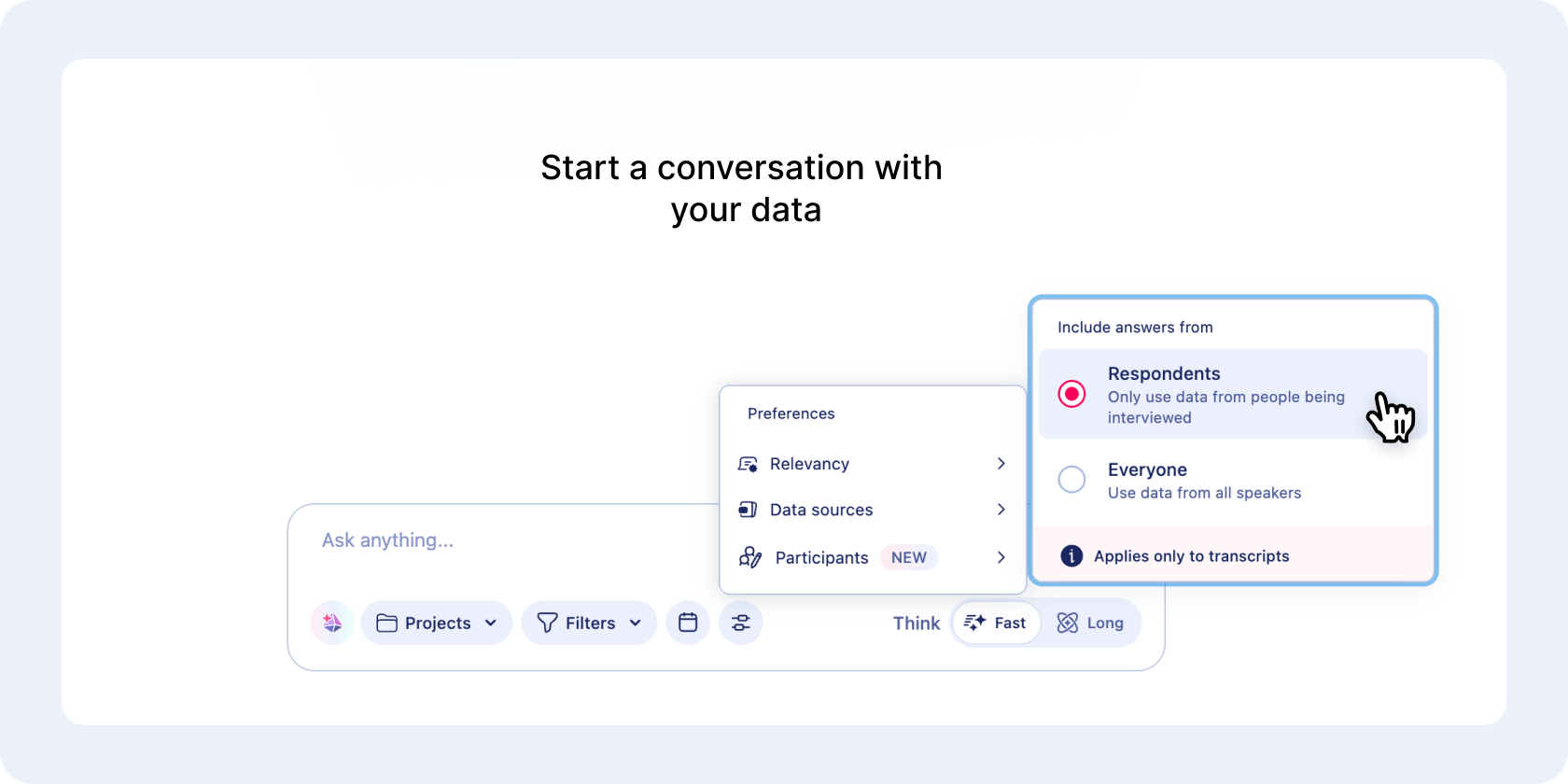
When you run Ask AI, you can surface insights only from participants and filter out responses from interviewers. Marvin still uses interviewer questions for context, but the answers put your users' voices front and center.
Ask AI now filters out interviewers and focuses on participant insights
When you run Ask AI, you can surface insights only from participants and filter out responses from interviewers. Marvin still uses interviewer questions for context, but the answers put your users' voices front and center.
Keep working while your files upload

File uploads now run in the background so you can keep working in Marvin without waiting. Upload multiple files together and track progress, pause, resume, or retry uploads from the new manager. Access new files as soon as they’re processed.
Keep working while your files upload
File uploads now run in the background so you can keep working in Marvin without waiting. Upload multiple files together and track progress, pause, resume, or retry uploads from the new manager. Access new files as soon as they’re processed.

